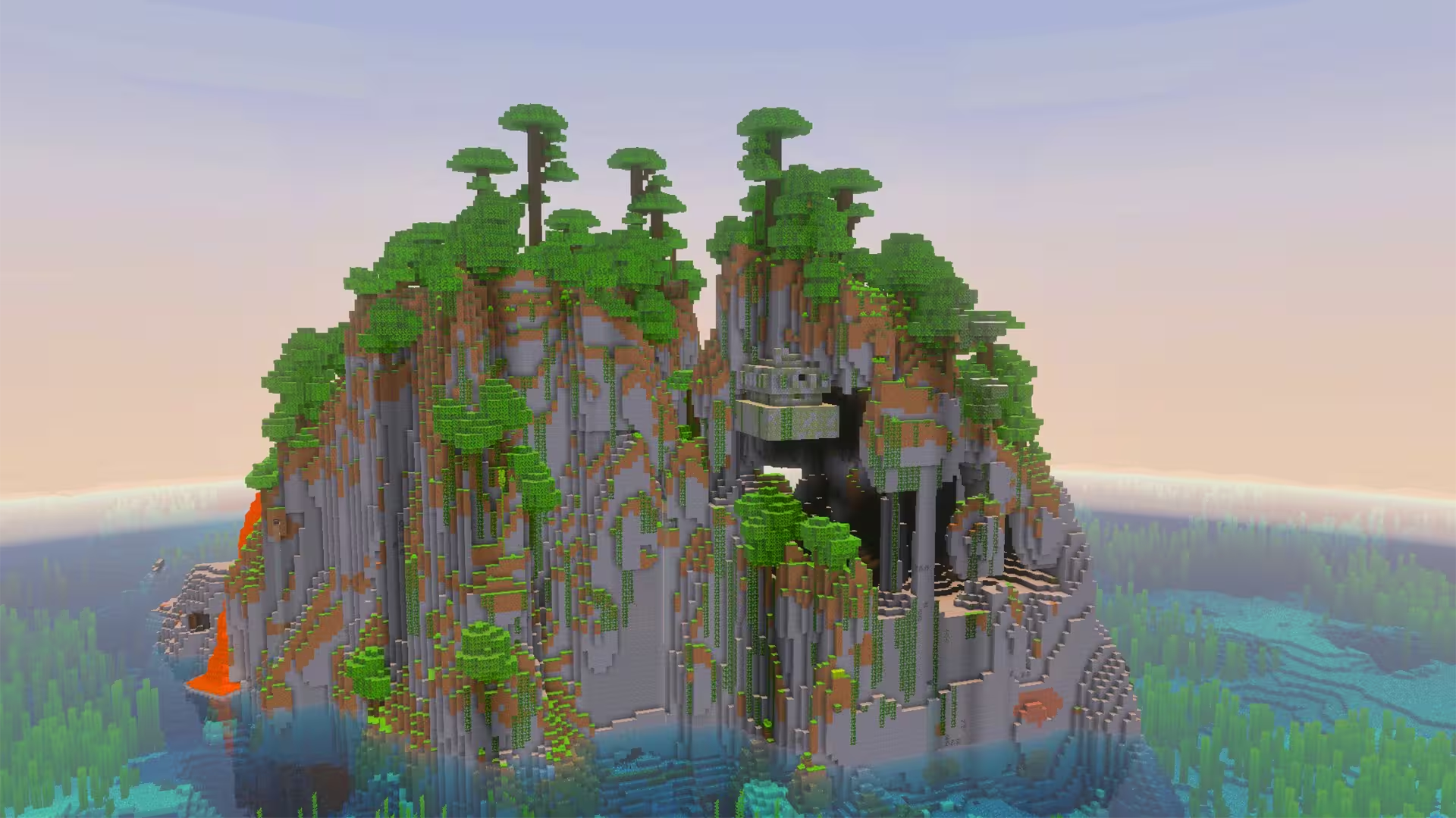
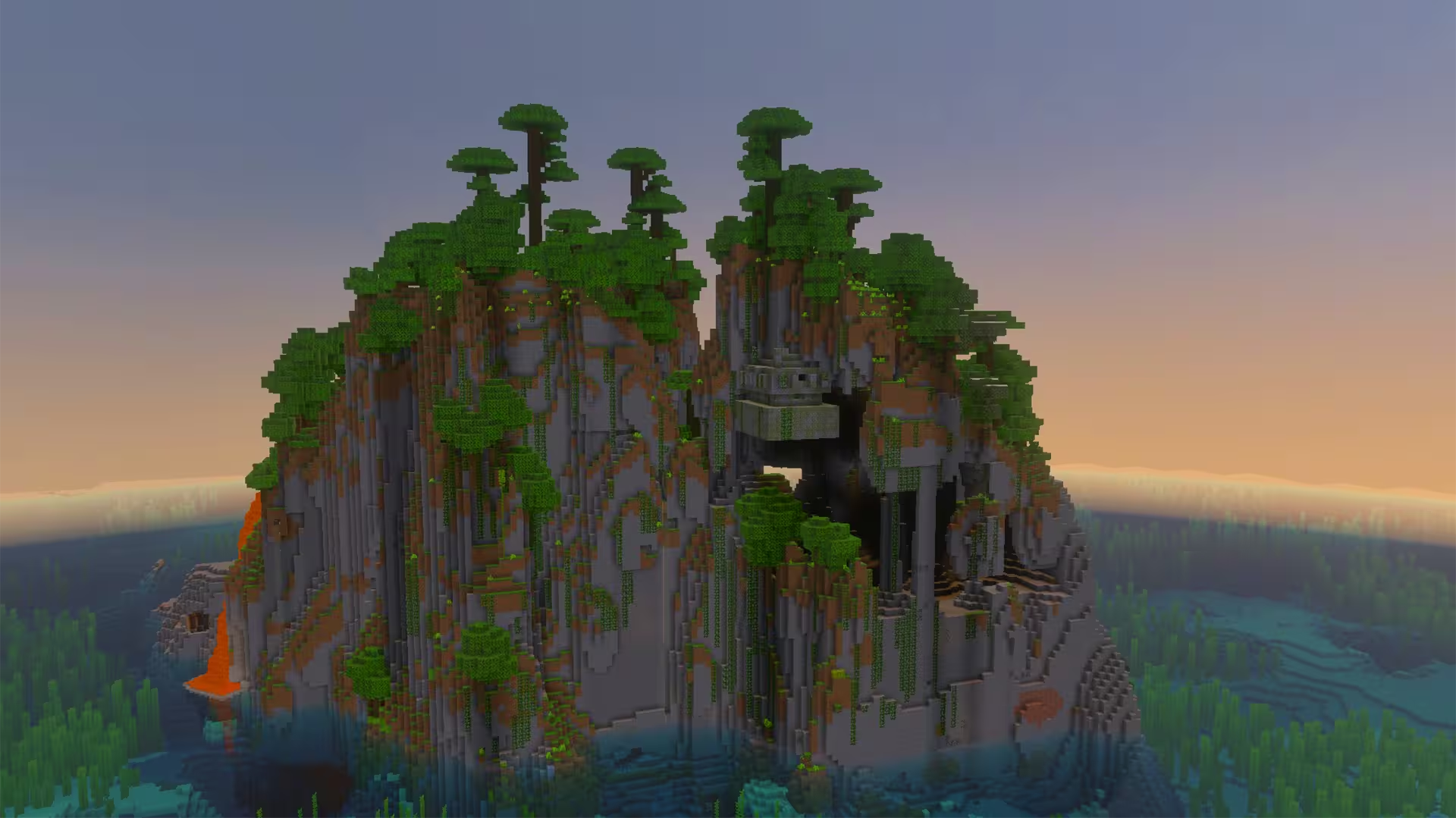
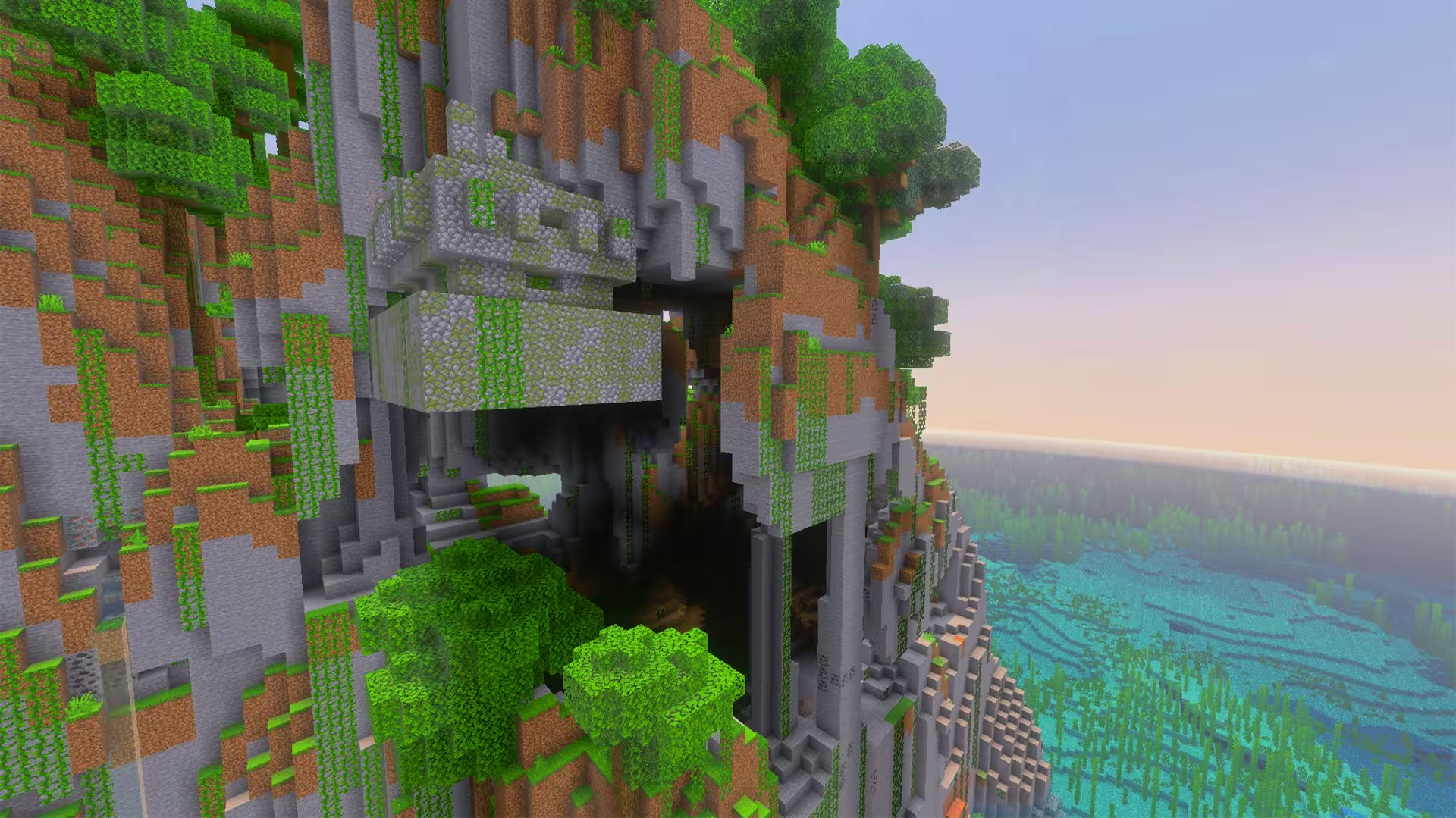
Cracked jungle island with hanging temple
Seed information
- Seed
-
5103174351777246372 - Location
-
-894, 66, 251 - Compatible versions
-
Minecraft Bedrock
•
1.20 - 1.21.11
Works with: 1.20, 1.20.1, 1.20.2, 1.20.3, 1.20.4, 1.20.5, 1.20.6, 1.21, 1.21.1, 1.21.2, 1.21.3, 1.21.4, 1.21.5, 1.21.6, 1.21.7, 1.21.8, 1.21.9, 1.21.10, 1.21.11


Description
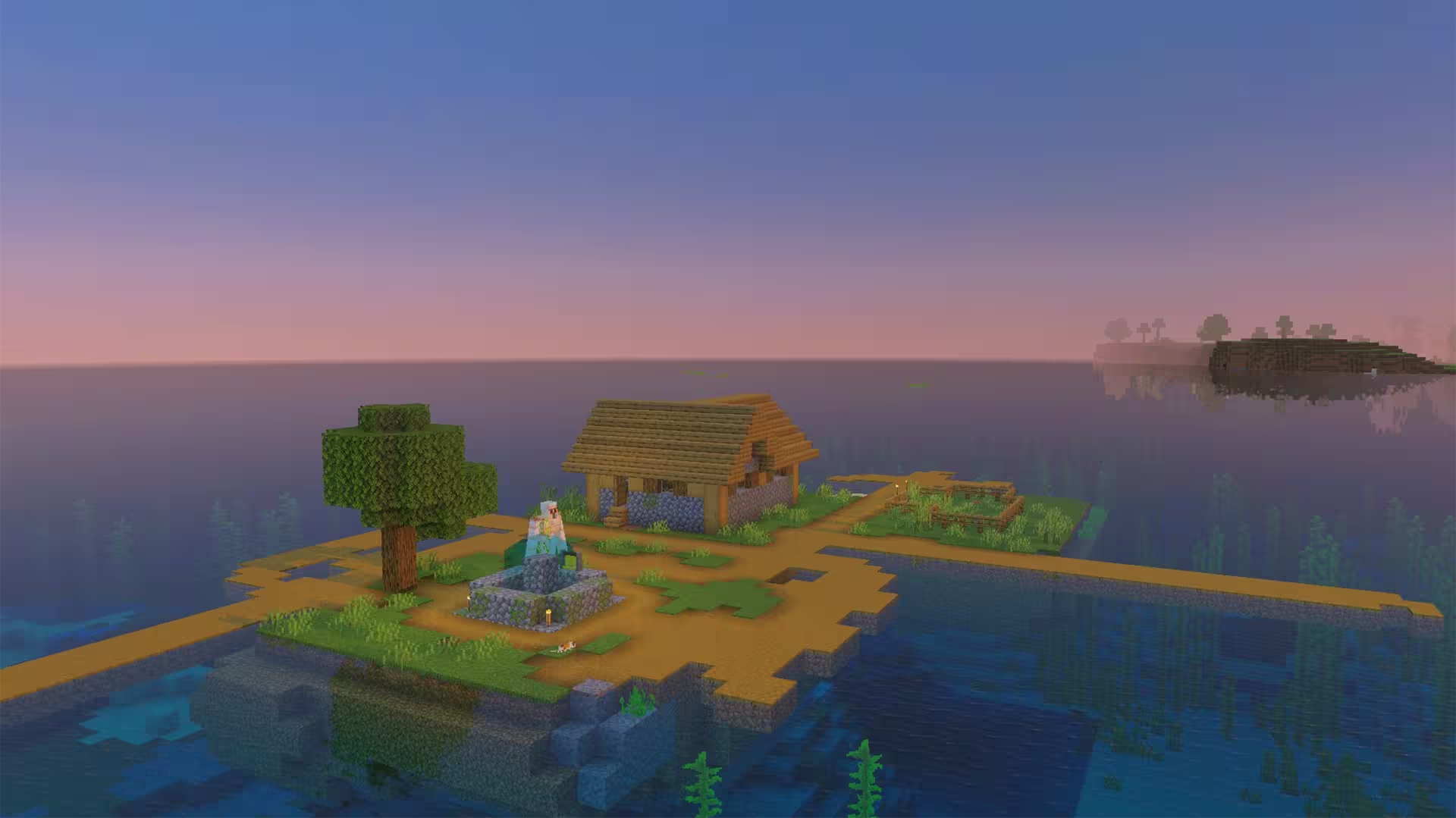
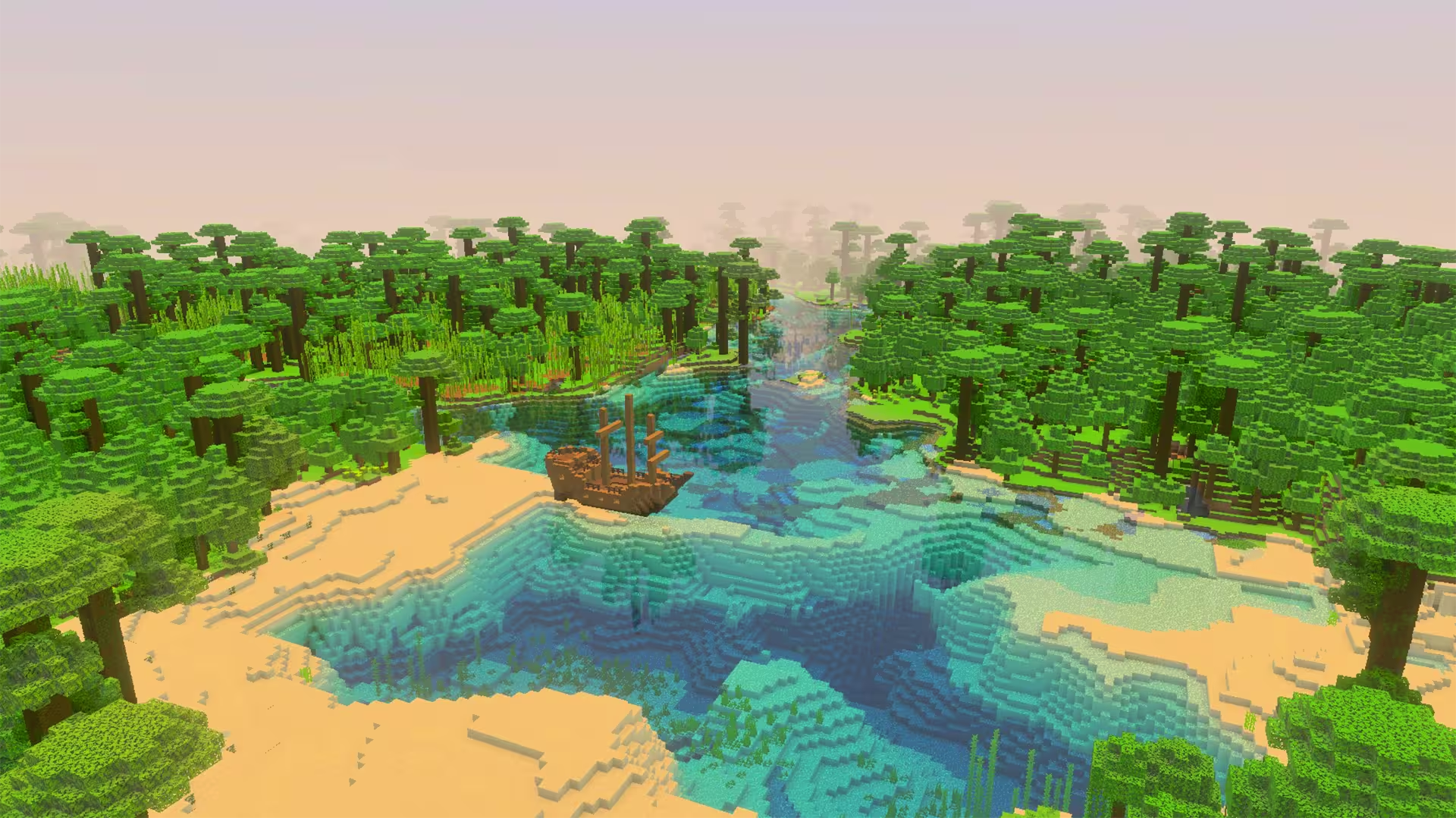
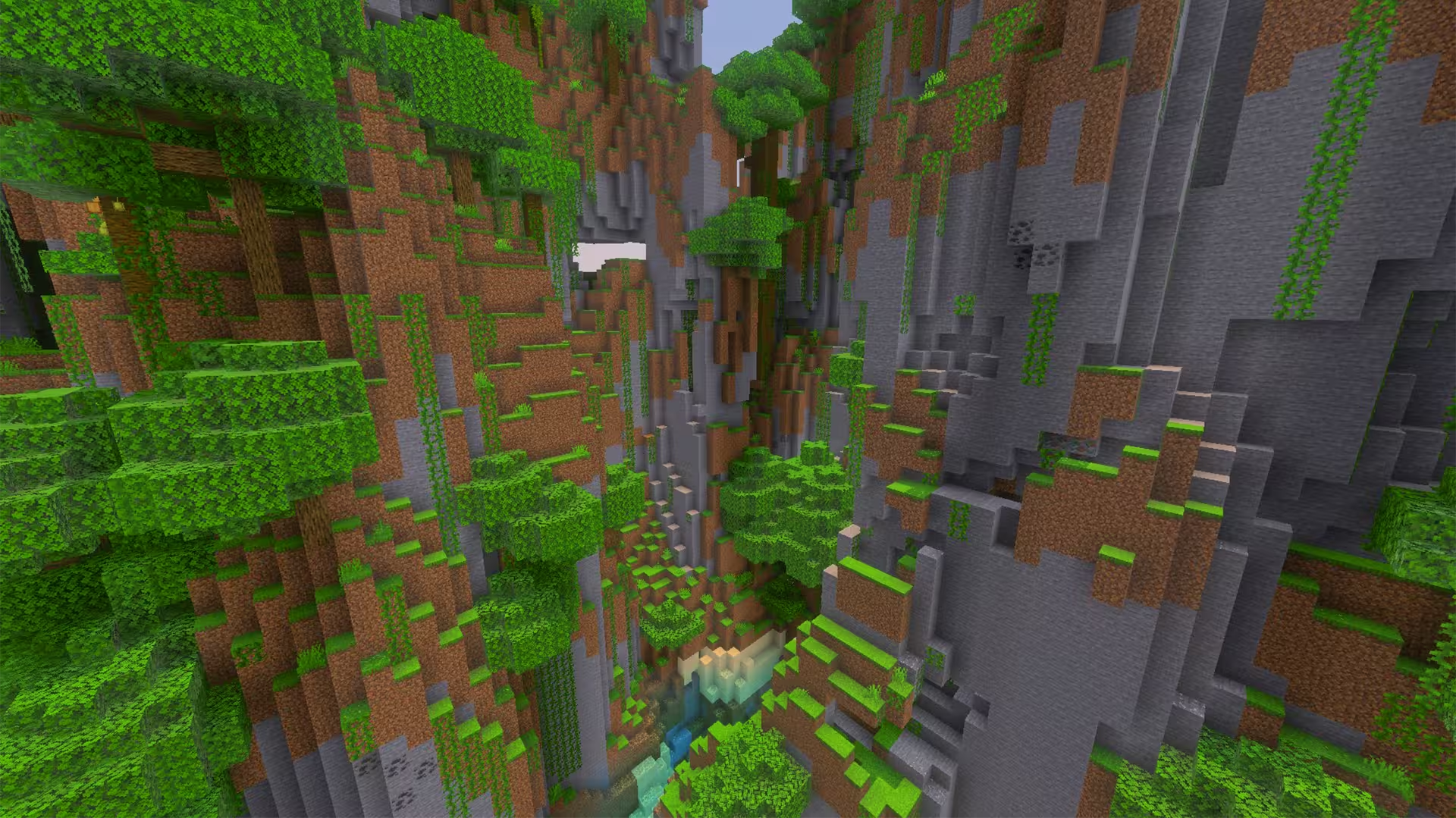
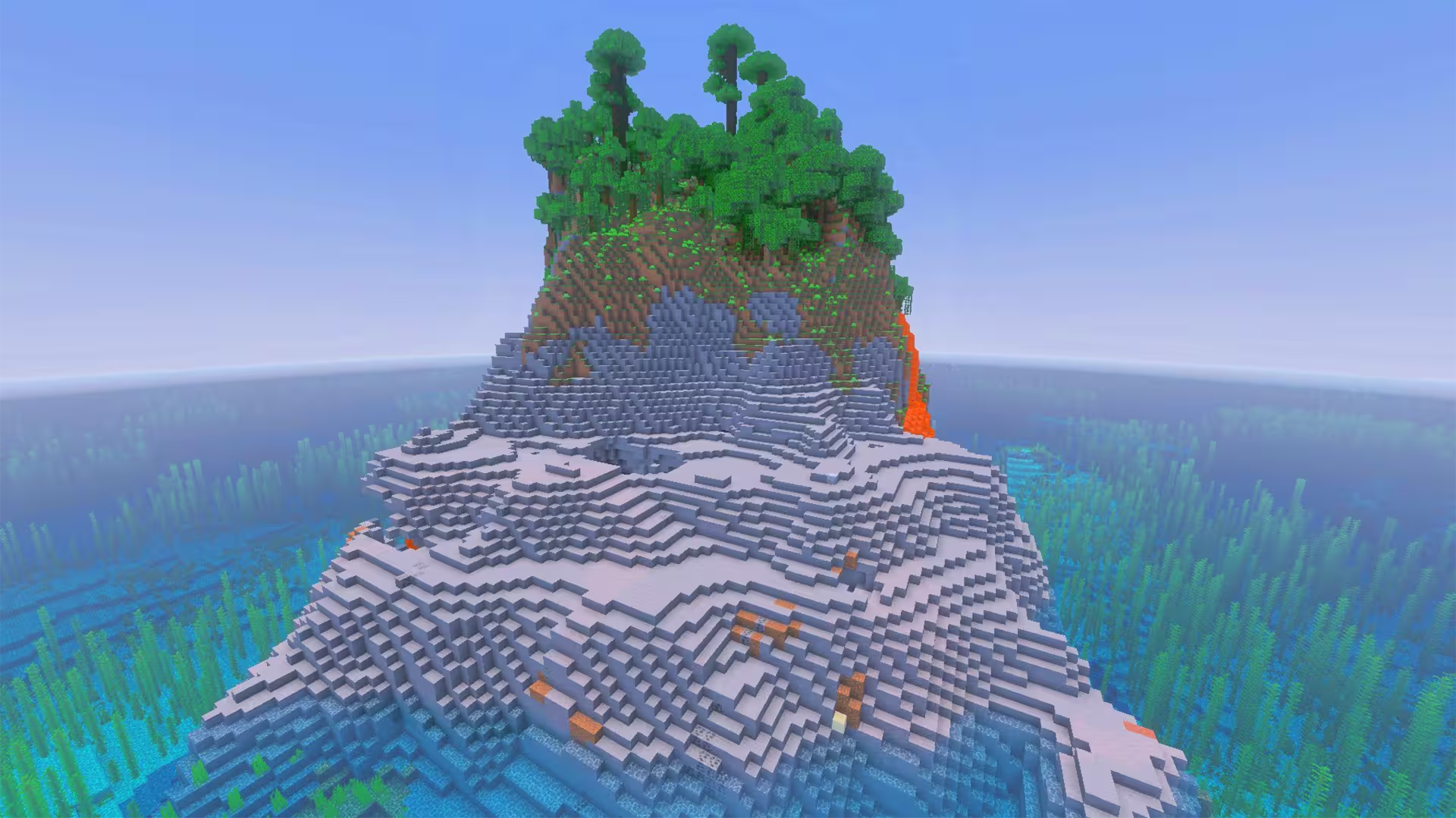
As you enter this world’s Minecraft seed, you’ll spawn right between a Beach and some Plains overlooking the ocean. Your spawn is around a negative 800 blocks from the 0, 0 spawn point. If you head a bit northeast on the ocean, you’ll come across a unique Jungle Island that’s cracked and has a Jungle temple hanging on its side. The island is quite small, and it isn’t exactly one you can build a cliffside base on its side or a flat on its ground. Because of its unique structure, it makes the island quite a picturesque view.
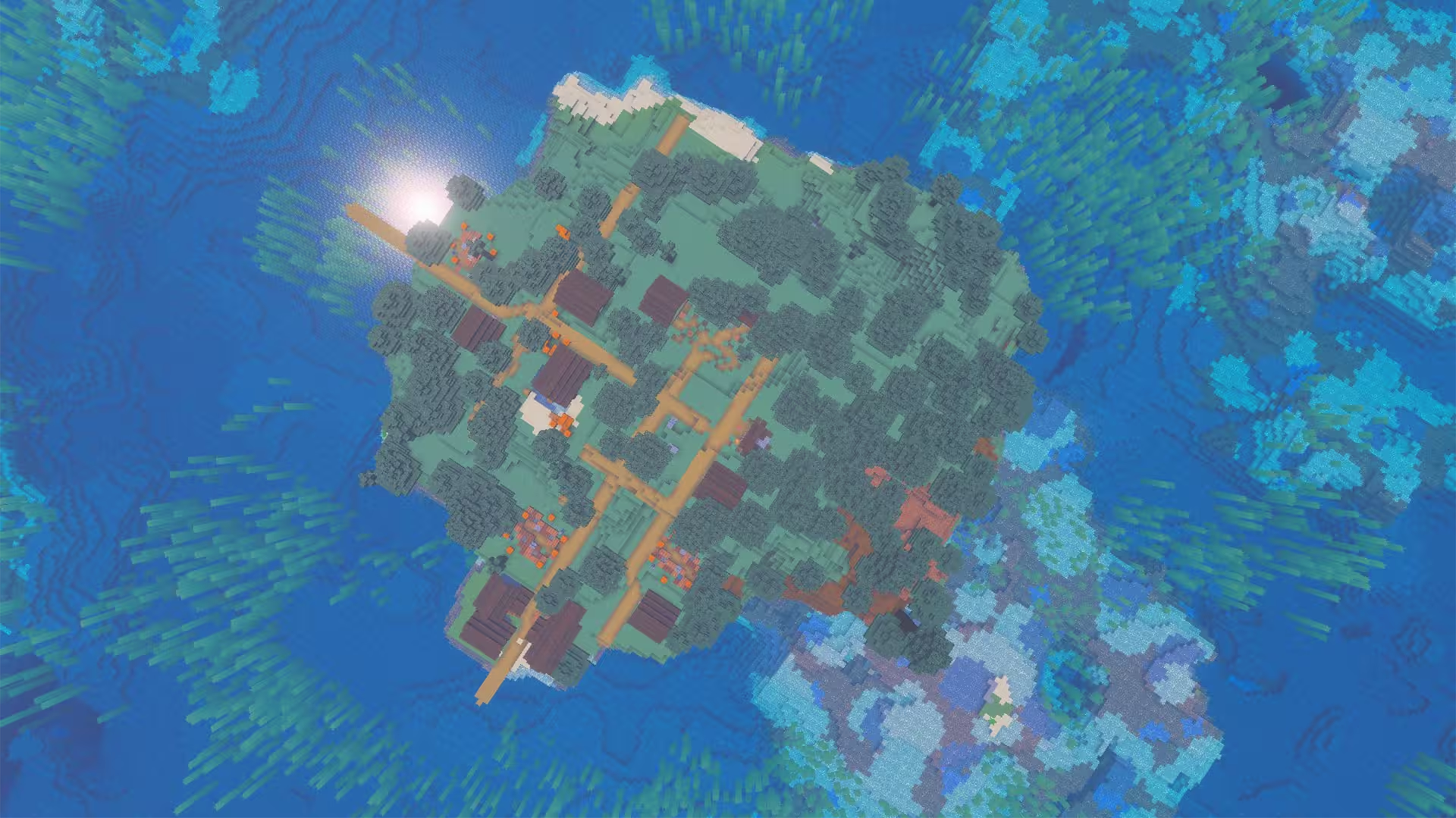
But upon going back to your spawn point on the mainland, there isn’t much to discover. You will mostly encounter Forests, Rivers, more Plains, and a few Beaches. In terms of structures, the variety of structures you’ll encounter is quite limited. There are up to three villages you can encounter on the west side of your spawn. Other structures can’t be found for another 1000 blocks, giving you limitations in terms of adventure. Nonetheless, this seed has a lot of resources, some open land, and a few rolling hills.
Tags
Nearby locations
Cracked Jungle Island with Hanging Temple
                                                        X: 56, Y: 103, Z:
                                                        7
Village #1 (Plains)
Overlooking the ocean.
                                                        X: -1512, Y: 69, Z:
                                                        -215
Village #2 (Plains)
                                                        X: -1480, Y: 64, Z:
                                                        808
Village #3 (Plains)
On a hillside.
                                                        X: -2440, Y: 104, Z:
                                                        856
Frequently asked questions
A seed is just a number or text string that Minecraft uses to generate your world. When you create a world and type something into the “Seed” box (like `12345` or `MyLittleWorld`), the game turns that into a big number. That number is the recipe the game uses to place: biomes, structures (villages, temples, strongholds) and terrain (mountains, oceans, caves). So if you are using the same seed + same version + same edition (Java/Bedrock) = same world layout. Change anything in the seed and you’ll get a different world.
Since 1.18+ Java and Bedrock use more similar terrain generation, so the overall shape of the world can look similar for the same seed: similar mountain ranges, big oceans, etc. but structures and details like villages or ruined portals often don’t line up exactly between Java and Bedrock. Older versions (pre-1.18) are even more different.
No. Seeds are very version-sensitive because Mojang keeps changing world generation. Big updates like 1.13, 1.16, and 1.18 massively changed world gen and 1.20+ keeps tweaking structures and biomes. A 1.16 seed will still load in 1.20, but the world won’t match: biomes can shift, structures move, and if you had a village at spawn that might disappear. The seed number is still valid, but the layout isn’t guaranteed to look the same. As a rule of thumb, always use the same edition and version the seed was shared for if you want your world to look like the screenshots.
A 1.21.1 seed used in 26.1 will generate the same world as long as you’re on the same edition. Mojang usually keeps world generation identical across small patch versions.
You can see your seed by opening the world, press T and type `/seed` in the chat (cheats must be enabled), then press ENTER. On Java, if cheats are off, you can temporarily enable them via “Open to LAN → Allow Cheats → Start LAN World” and then run `/seed` . On **Bedrock**, you can find the seed from the world settings: Advanced page or on the Game page. On multiplayer servers, you’ll only see the seed if the server lets you: some allow `/seed` for all players, some only for admins, and many block it entirely But to find new interesting seeds, people use scripts that check for certain world formations in millions of random seeds, and interesting ones are highlighted and checked.