

modded Minecraft server hosting
Start a modded Minecraft server
in minutes.
Get a high-performance modded Minecraft server with 24/7 support, and one-click access to 15,000+ mods and 15,000+ modpacks.
Get an always-online modded Minecraft server with 24/7 support, lighting-fast performance and access one-click installation for 15,000+ mods and 15,000+ modpacks.
Minecraft-Only Server Hosting Minecraft-only Hosting
24/7 Mod Support
24/7
Mod Support
99.9% Uptime Guaranteed
99.9% Uptime
Guaranteed
Worldwide server locations
Worldwide
Server Locations
Pick the plan that works for your server


Save 50% paying annually










Choose what fits your needs
Choose a custom plan from 2GB up to 48GB RAM.
Billed annually $35.94
Choose what fits your needs
Choose a custom plan from 2GB up to 48GB RAM.
Billed annually $35.94
Choose your RAM
How much RAM do I need?Drag the slider to pick your ideal server size




Play your favorite
mods & modpacks
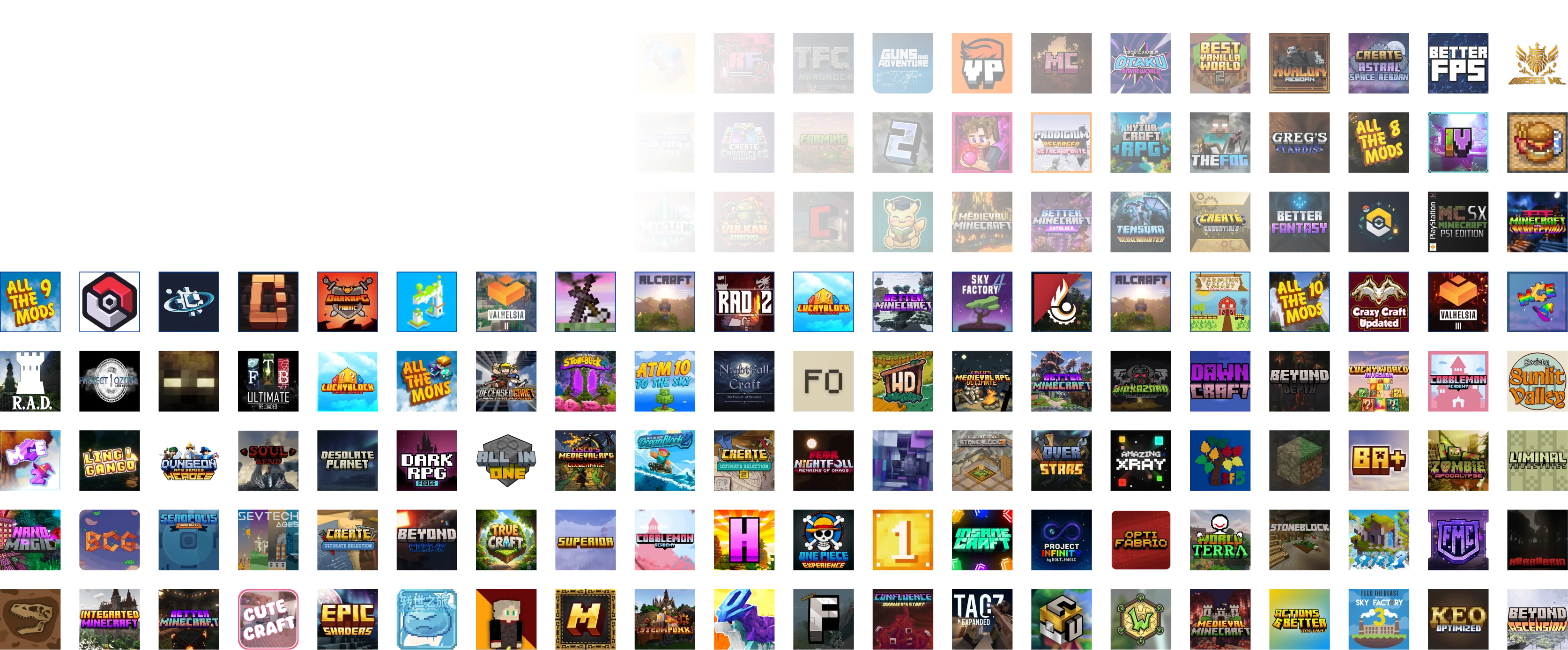
WiseHosting supports 15,000+ modpacks and plugins.Get access to 15,000+ mods and 15,000+ modpacks from
top modding libraries: CurseForge, Modrinth & FTB.


Rock steady, blazing-fast
Experience WiseHosting’s incredible blend of speed, power and reliability, even with heavy modpacks during peak hours.




Get instant mod support 24/7
WiseHosting’s support team is exclusively specialized in Minecraft, available 24/7, 365 days a year.
Make modded server hosting easy
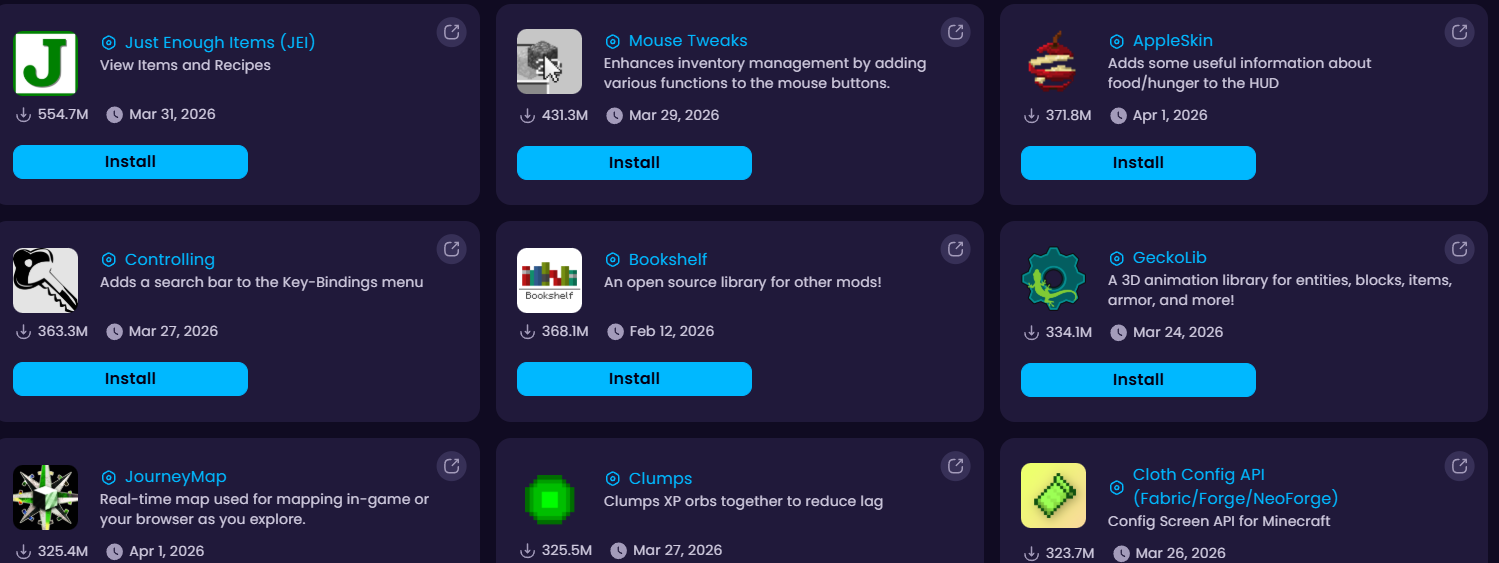
One-click installer
Install any server software or mod with one click. No prior knowledge required.
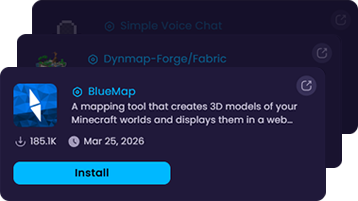
Mod presets
Add Voicechat, Dynmap, or Bluemap with one click, preconfigured and ready.
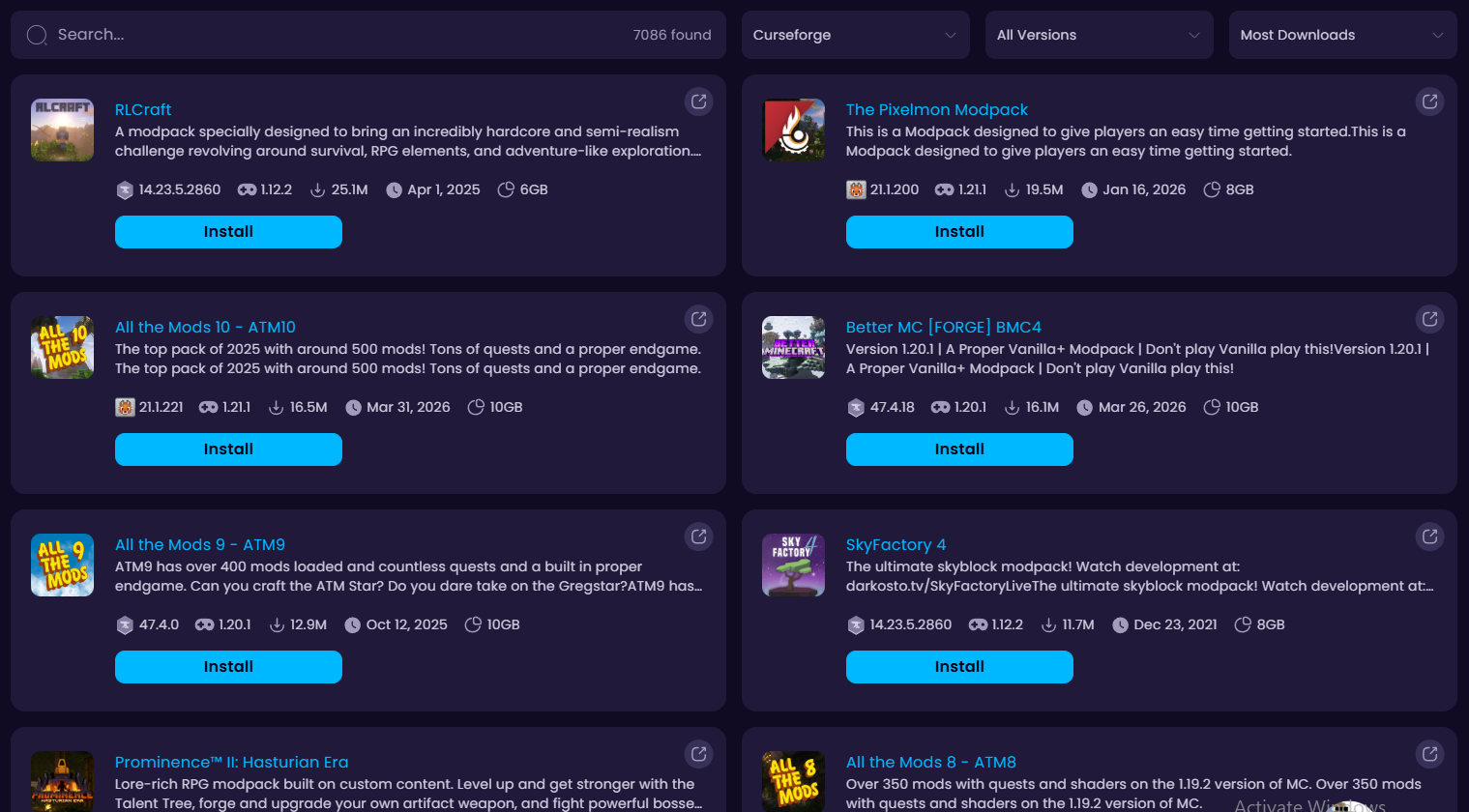
15,000+ modpacks 15,000+ modpacks
Download Modpacks from Curseforge, Modrinth, and FTB with one-click!
Why choose WiseHosting?

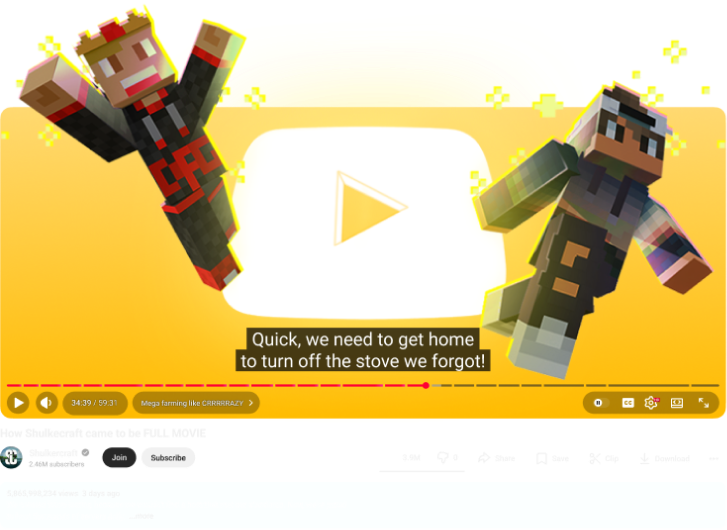
Community-builtBorn from the community
Started by Shulkercraft to fix our own hosting needs, WiseHosting is what we couldn’t find elsewhere. We started Shulkercraft to fix our own hosting needs. WiseHosting is what we couldn’t find anywhere. Read our Story






Minecraft is all we do
We don’t host other games. Every resource is focused on making Minecraft servers run better.We don’t host other games. Every resource is focused solely on making Minecraft servers run as best as they can.


Constantly Evolving
We constantly ship new features, make performance upgrades, and server improvements for Minecraft.

One platform to manage it all
WiseHosting eases server management with an intuitive panel for seamless use.
Install plugins, mods, server softwares or even datapacks with one click.
Get StartedConsole, files, backups, players and settings — all managed from a single clean dashboard.
Get StartedSchedule restarts, backups and custom tasks so your server maintains itself while you sleep.
Get StartedInstall any modpack in one click — no manual files, no version conflicts.
Get StartedSee who's online, manage permissions and moderate your server in real time.
Get StartedModded Minecraft hosting for anyone. Built for every playstyle


A few mods
Enhance vanilla Minecraft with quality-of-life mods like Voicechat or minimaps.


Heavy modpacks
Run full modpacks like RLCraft, ATM10, or Cobblemon.

Faster Vanilla
Play pure vanilla Minecraft with performance mods like Lithium and Sodium.
A few mods
Enhance vanilla Minecraft with quality-of-life mods like Voicechat or minimaps.
Heavy modpacks
Run full modpacks like RLCraft, ATM10, or Cobblemon.
Faster Vanilla
Play pure vanilla Minecraft with performance mods like Lithium and Sodium.



Built-in security for every server.
Your data is protected at the hardware level, managed in tier-3 and tier-4 data centers.
Advanced DDoS protection
Hackers and botnets can’t take down your server. With servers.com powered DDoS protection, every WiseHosting server filters out malicious traffic.





The best place to run a Minecraft server.
Rated 4.9 / 5.0 on Trustpilot

Without a doubt, using their service has been the easiest thing about becoming a Minecraft server administrator.

We're running our own modpack that consists of more than 80 QOL mods, and under that load, the server has remained un-freaking-believably stable.

There is very clearly a lot of care placed into WiseHosting as it is. The response time to a server issue I had is incredible.



Frequently Asked Questions
We’ve got answers for everything you need. If you don’t find your answers here, contact us directly.
Minecraft hosting gives you a private multiplayer server where you and your friends can play together online. Instead of everyone joining a public server, you get your own world, make your own rules and run your own mods or plugins if you want them.
To play Minecraft multiplayer, someone needs to run a server. There are two ways to do that:
- Self-host on your own PC. It’s free but comes with trade-offs: your server is only online when your computer is, you need to handle port forwarding and security yourself, and your home internet and hardware can cause lag and issues if you have no technical experience.
- Rent a server from a hosting provider. You can get a server that runs 24/7 on dedicated hardware, your friends can join anytime whether you’re online or not, and you get things like DDoS protection, automatic backups, and 24/7 support when something goes wrong. For most people, it’s the easier and more reliable option.
Starting a Minecraft server takes a few minutes.
At WiseHosting, here’s what the process looks like: pick a plan based on how much RAM you need, choose a server location close to you and your players (lower ping = smoother gameplay), and complete the purchase. Once done, log into your server dashboard, configure your server, things like game version, server software (Paper, Fabric, Forge), and world options, then share your server IP with friends and start playing.
If you want a detailed walkthrough of the full setup process, we have a step-by-step guide that covers everything to setting up your Minecraft server.
It depends on what you’re running and how many players you expect.
As a general rule: most small vanilla servers with a few friends run great on 4–6 GB. If you’re running heavier modpacks, something like All the Mods or RLCraft you’ll want 8–12 GB depending on the pack and player count. Lightweight modpacks or plugin-based servers usually fall somewhere in between.
If you want a specific number for your setup, use our Minecraft Server RAM calculator, it factors in your server type, mod count, and expected players to give you a tailored recommendation.
Minecraft server hosting prices start from $2.99/month for a 12-month plan for 2GB and includes everything you need to get started. Exact pricing depends on how much RAM you need. A small vanilla server with 4 GB costs less than a heavily modded server with 12 GB+.
For a full breakdown of what Minecraft hosting typically costs (and what to watch out for), check out our Minecraft server cost guide.
If you’re hosting with WiseHosting, no. Our dashboard handles everything: server setup, software installation, mod management and configuration, so you don’t need to touch a command line or understand networking.
Self-hosting is a different story. You’ll need to know your way around port forwarding, firewall rules, Java arguments, and server administration. It’s doable if you’re comfortable with that, but it’s not exactly beginner-friendly.
We built our platform so that someone who’s never hosted a server before can get one running in minutes. And if you do get stuck, our support team will help you 24/7.
WiseHosting servers run on high-performance AMD Ryzen and EPYC processors, mostly AMD Ryzen 9 7950X and AMD EPYC 4564P, with NVMe SSD storage. Hardware varies by location. That means fast chunk loading and a lag-free experience.
How much CPU power you get depends on your plan. For example, a 5 GB plan gives you 400% CPU power (4 threads / 2 cores), while a 16 GB plan gives you 700% CPU power (7 threads / 3.5 cores). The bigger the plan, the more processing headroom you get.
Absolutely. You can upgrade, downgrade, or cancel your plan at any time through the Billing panel.
If your server starts growing you can upgrade without any downtime. And you can downgrade when you’re not using the resources. You are not locked into any of our plans.
Every WiseHosting server comes with built-in DDoS protection. This filters malicious traffic before it reaches your server, so an attack doesn’t knock your server offline.
On top of that, every server includes automatic backups. If something goes wrong whether it’s an attack, a bad plugin update, or an accidental world corruption, you can roll back to a previous state and get back to normal.
You get 24/7 support from a team that specializes in Minecraft servers. Our team can help with server configuration issues, plugin conflicts, performance problems, and even in-game troubleshooting.
90% of issues are resolved within 15 minutes. On top of direct support, you also get access to 100+ knowledgebase articles, guides, and blog posts that cover everything from basic setup to advanced performance optimization. Between the support team and the library, most issues get resolved fast.
Yes. WiseHosting supports modded Minecraft hosting for Forge, Fabric, and NeoForge, with access to 15,000+ modpacks from Modrinth, CurseForge, and FTB.
Installing mods is straightforward: our one-click installer handles the setup so you don’t have to manually upload JAR files or configure mod loaders. Pick a modpack, click install, and you’re ready to play. Read our guide if you want to install mods on a Minecraft server yourself.
WiseHosting supports all Minecraft server versions and types. Available server types:
- Vanilla
- Paper
- Fabric
- Forge
- Spigot
- NeoForge
- Purpur
- Snapshots
- SpongeVanilla
- SpongeForge
- BungeeCord
- Waterfall
- Velocity
- Mohist
- Magma
- CatServer
- Arclight
Yes, and you don’t have to do it manually. Our automated Minecraft server migration tool uses FTP to transfer your files directly from your current hosting provider to WiseHosting. You provide the connection details, and the tool handles the rest: world files, plugins, configurations, all of it.
If you run into any issues during the transfer, our support team can step in and manage the migration for you. Either way, you won’t have to start from scratch or rebuild your world.
We have 10 server locations across 5 continents: Europe, Asia, Australia, North America, and South America. Picking a location close to where you and your players are means lower ping and a smoother experience.
For details on exact locations and which one is right for you, check out our article on WiseHosting’s server locations.