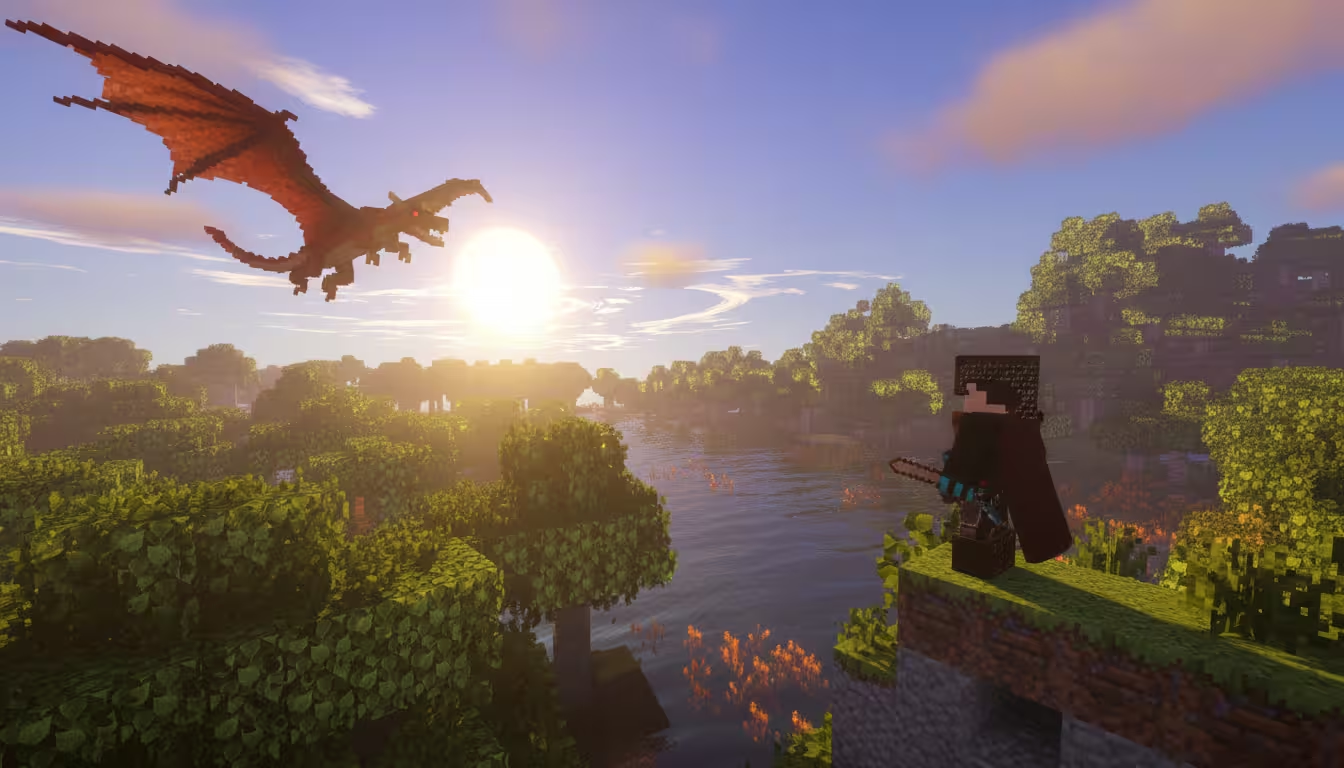

Minecraft RLCraft Server Hosting
Your RLCraft server is ready in 5 minutes. WiseHosting is built for heavy modpacks with 24/7 uptime and support team that specializes exclusively for Minecraft.
Your RLCraft server is ready in 5 minutes. WiseHosting is built for heavy modpacks with 24/7 uptime and support team that specializes exclusively for Minecraft.

Choose your RLCraft server hosting plan


Save 50% paying annually










Choose what fits your needs
Choose a custom plan from 2GB up to 48GB RAM.
Billed annually $35.94
Choose what fits your needs
Choose a custom plan from 2GB up to 48GB RAM.
Billed annually $35.94
Choose your RAM
How much RAM do I need?Drag the slider to pick your ideal server size


Start playing RLCraft in 5 minutesStart playing RLCraft in 5 minutes
Use RAM calculator to select and buy a plan.
Go to Modpacks section. Search "RLCraft," click Install.
Your server generates the world and loads the mods.
Send the IP to your friends.


Server tools that RLCraft uses
Get the same panel, power, tools that we use.
24/7 modpack support
Instant support from specialized Minecraft server experts 24/7, 365 days a year.
1-click setup
Launch RLCraft instantly. No manual setup or complex configuration needed.
Runs 24/7
Your RLCraft server stays online around the clock, even when you’re offline.
Play without lag
RLCraft is designed to run without lag or performance issues.
Minecraft is all we do
We don’t host other games. WiseHosting focus is 100% on Minecraft servers.
Zero effort
Entire hosting management is done for you. You just focus on playing and having fun.
All your favorite mods & plugins.
WiseHosting supports 15,000+ modpacks and plugins.WiseHosting supports 15,000+ modpacks and plugins.
Build your server exactly the way you want.






RLCraft Server Hosting FAQ
We've got answers for everything you need. If you don't find your answers here, contact us directly.
For 2-3 players running the base RLCraft pack, yes. The modpack itself needs around 6GB but 8GB gives you breathing room and is “safer” option.
You have full file access. Add mods to the mods folder, edit configs, remove what you don't want. You can always enable automatic backups, so if something breaks, you can restore in one click.
Our plans for RLCraft servers start at $17.99/month. We offer a variety of plans to suit different needs and budgets. Check out our pricing section to see our current plans and find the one that's right for you.
Yes, you can play any modpack you want. WiseHosting supports over 10,000 modpacks from Curseforge and Modrinth libraries.
Yes. You can upgrade or downgrade your plan at any time. Your server files and world stay untouched.
Yes, we offer 24-hour refund window for new orders if you’re not satisfied.
We use AMD Ryzen 7 3800X or better CPUs, fast NVMe SSD storage and DDR4 RAM to ensure lag-free performance.
Your server is available instantly after you order.
Basic familiarity with Minecraft is enough. Our panel is designed to be beginner-friendly, and our support team can help with initial setup, plugin installation and common configuration questions.
Yes, your server can run 24/7 as long as your subscription is active. You don’t need to be logged in for it to stay online.
Yes. If you already have a single-player RLCraft world, or a server from another host our team can help you migrate your world or you can do it yourself through file manager.
Technically you can, but we strongly recommend at least 8GB for ATM10. Anything lower will almost certainly be laggy and unstable once you progress in the pack.