Ice spikes fortress
Seed information
- Seed
-
6287309151625092082 - Location
-
-5, 73, 4 - Compatible versions
-
Minecraft Java
•
1.20 - 1.21.11
Works with: 1.20, 1.20.1, 1.20.2, 1.20.3, 1.20.4, 1.20.5, 1.20.6, 1.21, 1.21.1, 1.21.2, 1.21.3, 1.21.4, 1.21.5, 1.21.6, 1.21.7, 1.21.8, 1.21.9, 1.21.10, 1.21.11


Description
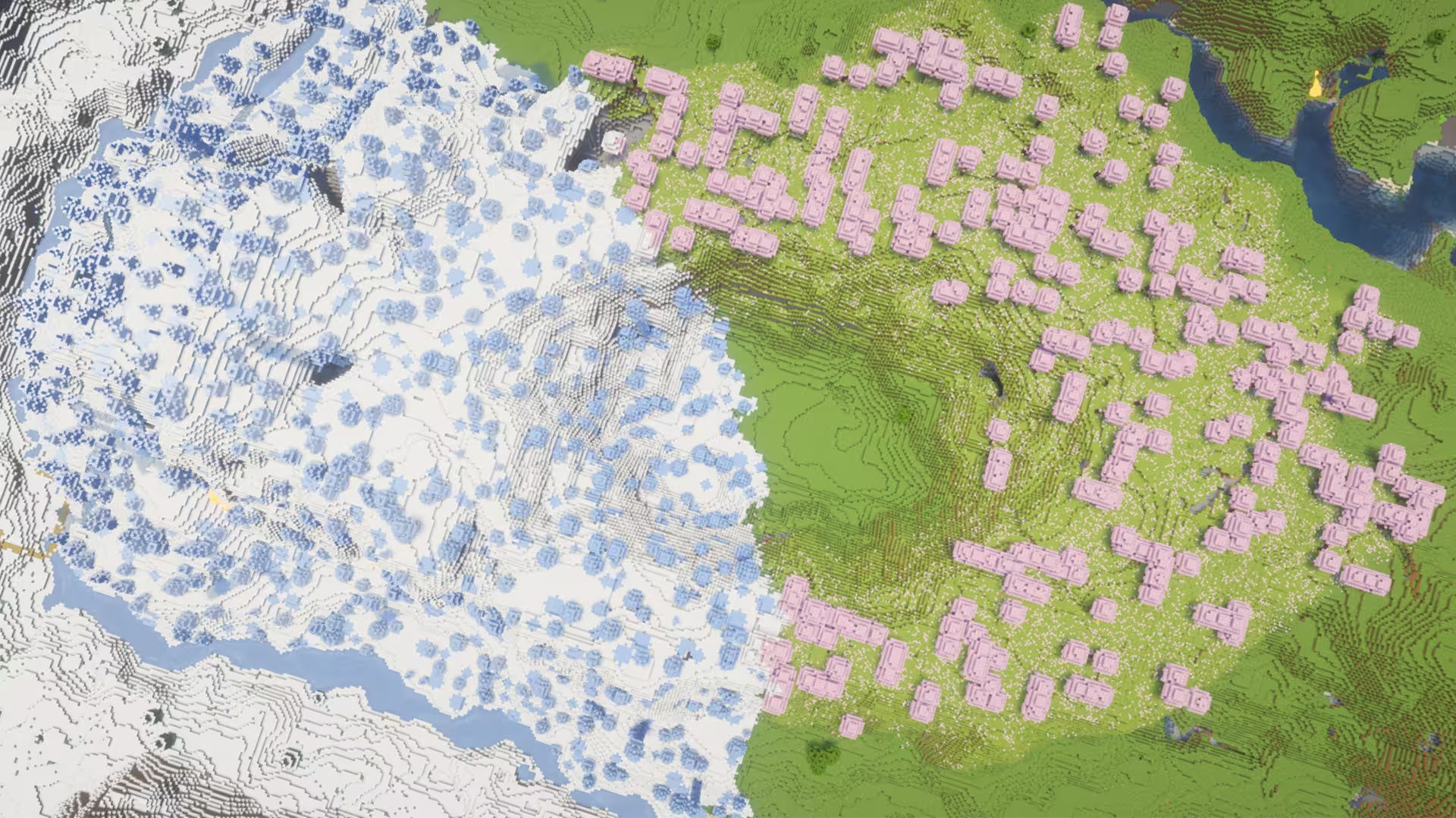
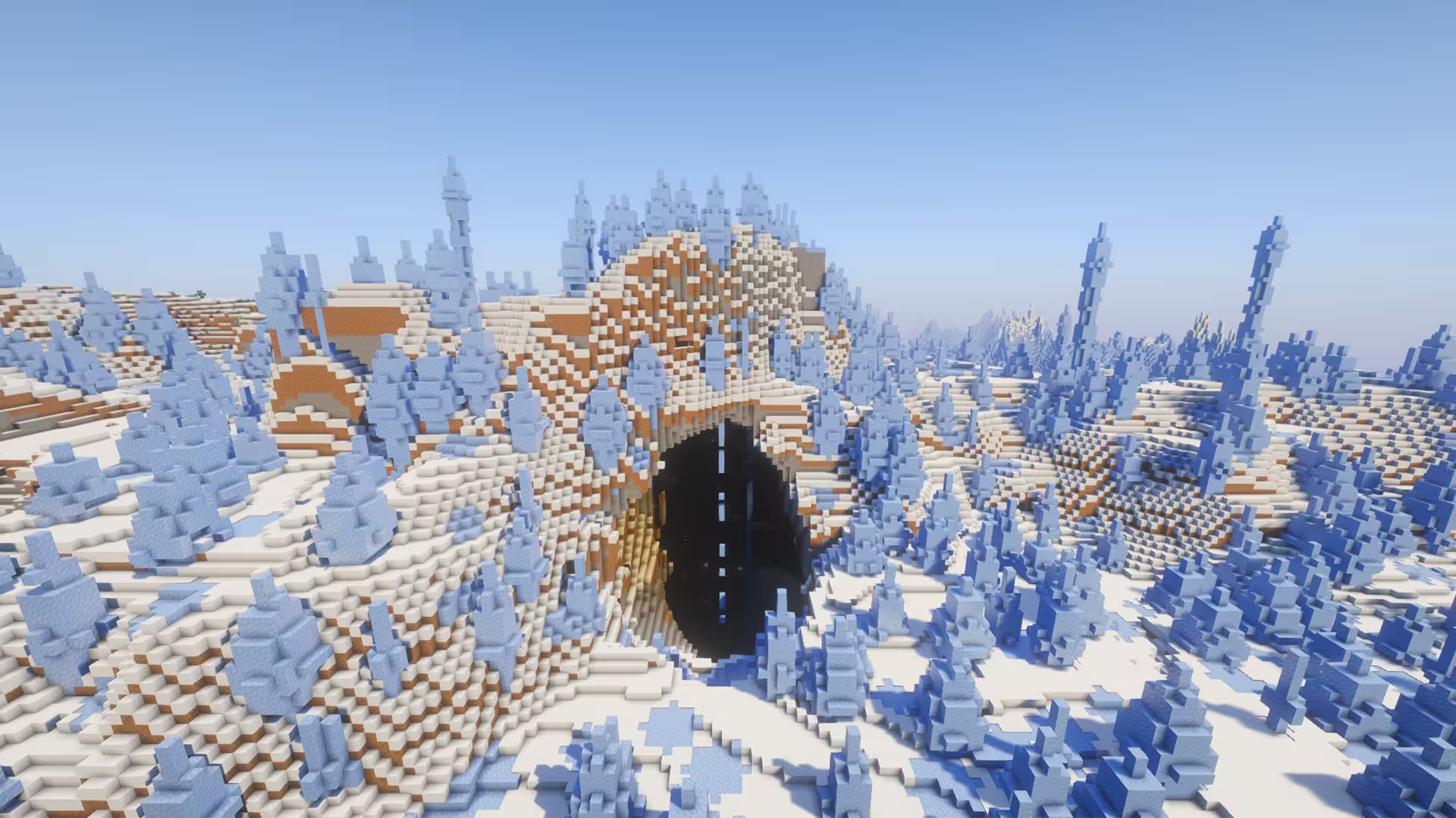
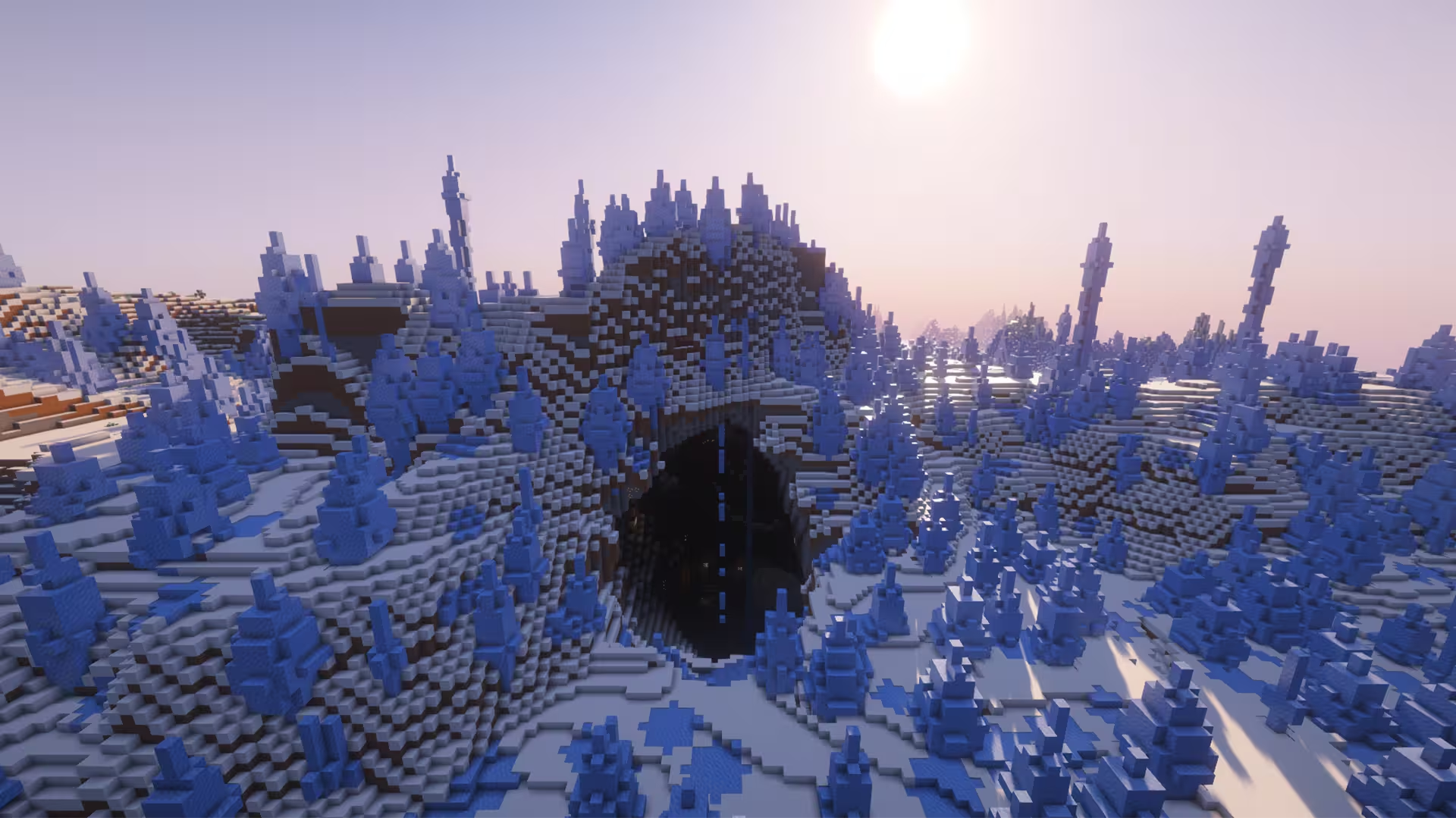
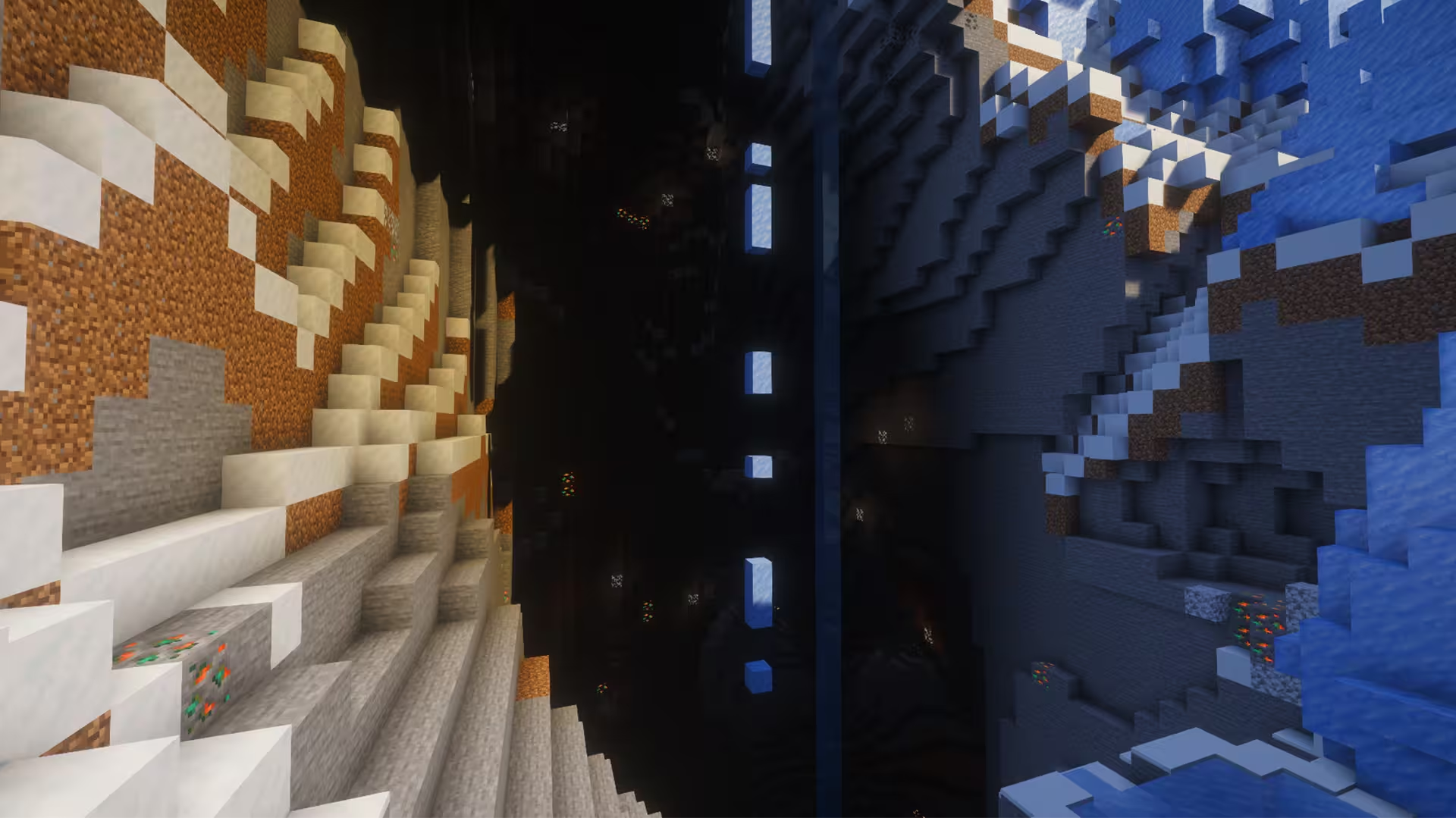
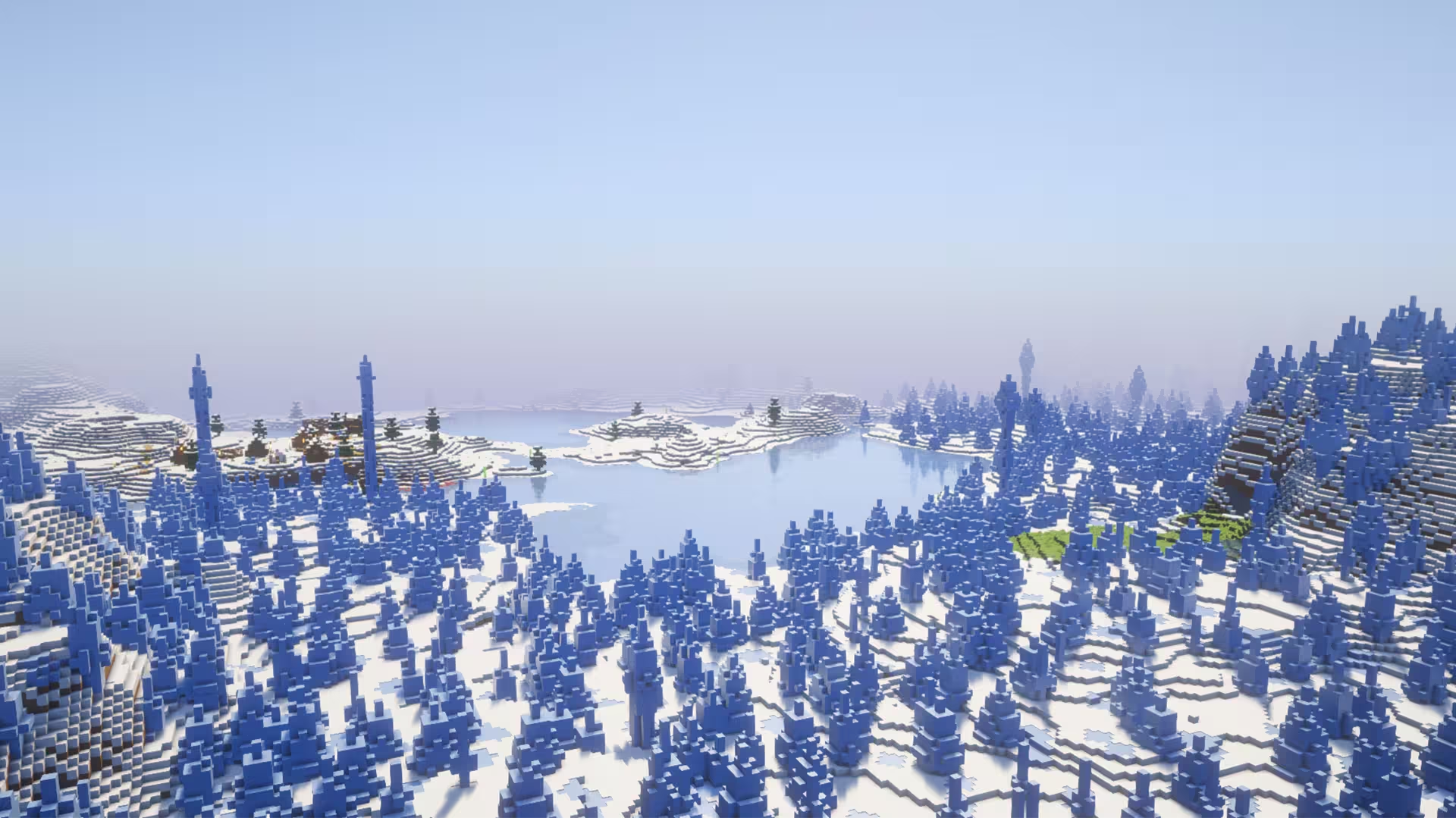
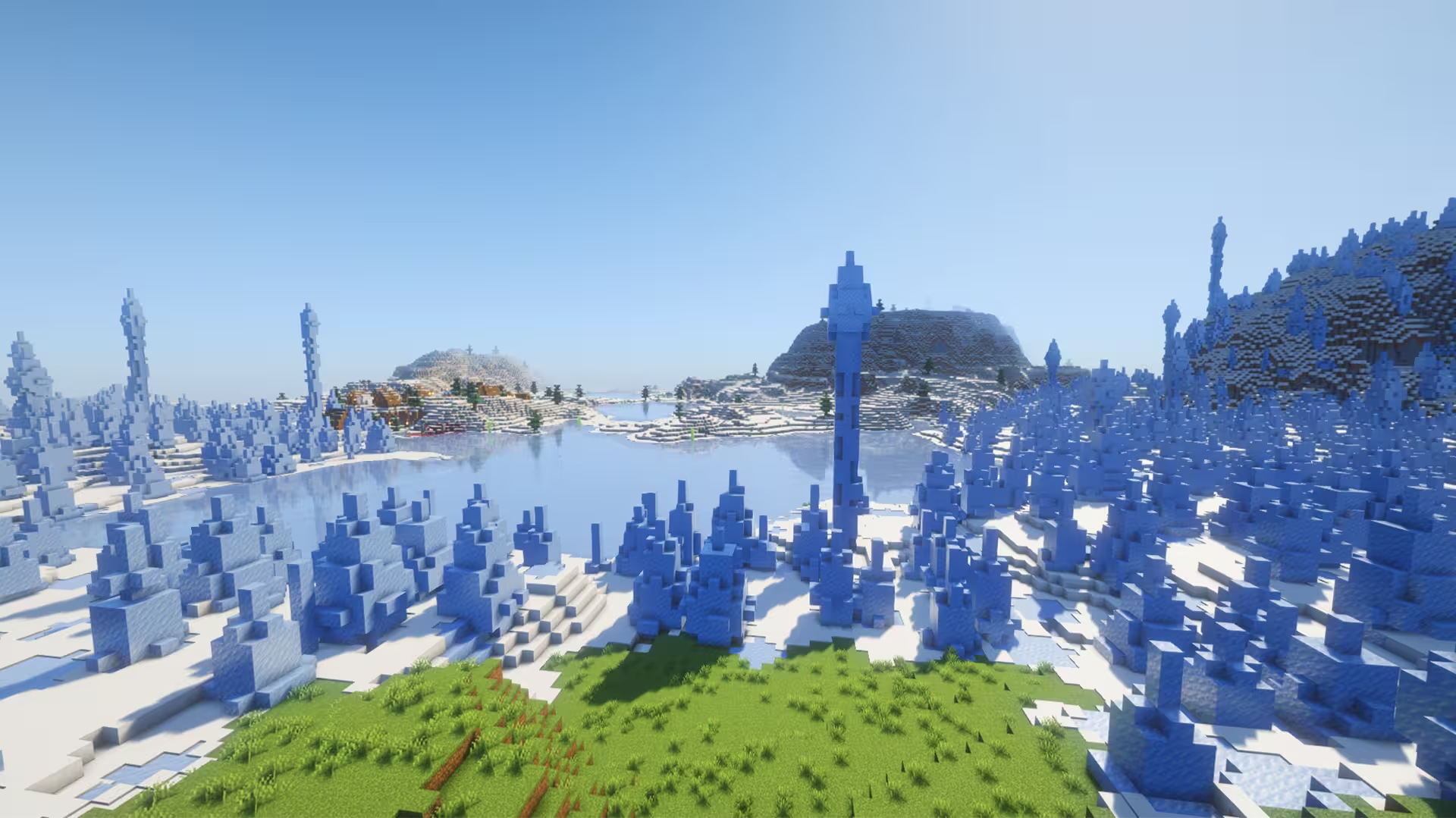
You find yourself on a small patch of greenery in this Minecraft seed. However, overlooking the view, you’re surrounded by Snowy Plains and Ice Spikes. As you continue wandering around this icy wonderland, you find a huge Ice Spikes fortress with a huge entrance that goes deep into an expansive cave system. As if it were a winter fantasy story, it seems like a winter beast can be hiding in this fortress, making the location perfect for roleplaying adventures.
Despite the cold environment around you, conveniently, there’s a village right by the spawn point with a village hut blending into the Ice Spikes area. The next village you can find is already a couple of hundred blocks away in the Plains biome. Similarly, you can find an Ancient City right below a Snowy Taiga biome. However, the neares Pillager Outpost is a little over than 1000 blocks away in the Plains biome. There aren’t much resources in this seed’s world generation. However, you can still find scatter Pine Spruce Trees as you walk around.
Tags
Nearby locations
Village #1 (Snowy Plains and Ice Spikes)
Seen immediately from spawn.
                                                        X: 153, Y: 73, Z:
                                                        195
Village #2 (Plains)
                                                        X: 736, Y: 68, Z:
                                                        672
Ancient City (Snowy Taiga)
                                                        X: -536, Y: -51, Z:
                                                        504
Pillager Outpost (Plains)
                                                        X: 1136, Y: 98, Z:
                                                        528
Frequently asked questions
A seed is just a number or text string that Minecraft uses to generate your world. When you create a world and type something into the “Seed” box (like `12345` or `MyLittleWorld`), the game turns that into a big number. That number is the recipe the game uses to place: biomes, structures (villages, temples, strongholds) and terrain (mountains, oceans, caves). So if you are using the same seed + same version + same edition (Java/Bedrock) = same world layout. Change anything in the seed and you’ll get a different world.
Since 1.18+ Java and Bedrock use more similar terrain generation, so the overall shape of the world can look similar for the same seed: similar mountain ranges, big oceans, etc. but structures and details like villages or ruined portals often don’t line up exactly between Java and Bedrock. Older versions (pre-1.18) are even more different.
No. Seeds are very version-sensitive because Mojang keeps changing world generation. Big updates like 1.13, 1.16, and 1.18 massively changed world gen and 1.20+ keeps tweaking structures and biomes. A 1.16 seed will still load in 1.20, but the world won’t match: biomes can shift, structures move, and if you had a village at spawn that might disappear. The seed number is still valid, but the layout isn’t guaranteed to look the same. As a rule of thumb, always use the same edition and version the seed was shared for if you want your world to look like the screenshots.
A 1.21.1 seed used in 26.1 will generate the same world as long as you’re on the same edition. Mojang usually keeps world generation identical across small patch versions.
You can see your seed by opening the world, press T and type `/seed` in the chat (cheats must be enabled), then press ENTER. On Java, if cheats are off, you can temporarily enable them via “Open to LAN → Allow Cheats → Start LAN World” and then run `/seed` . On **Bedrock**, you can find the seed from the world settings: Advanced page or on the Game page. On multiplayer servers, you’ll only see the seed if the server lets you: some allow `/seed` for all players, some only for admins, and many block it entirely But to find new interesting seeds, people use scripts that check for certain world formations in millions of random seeds, and interesting ones are highlighted and checked.