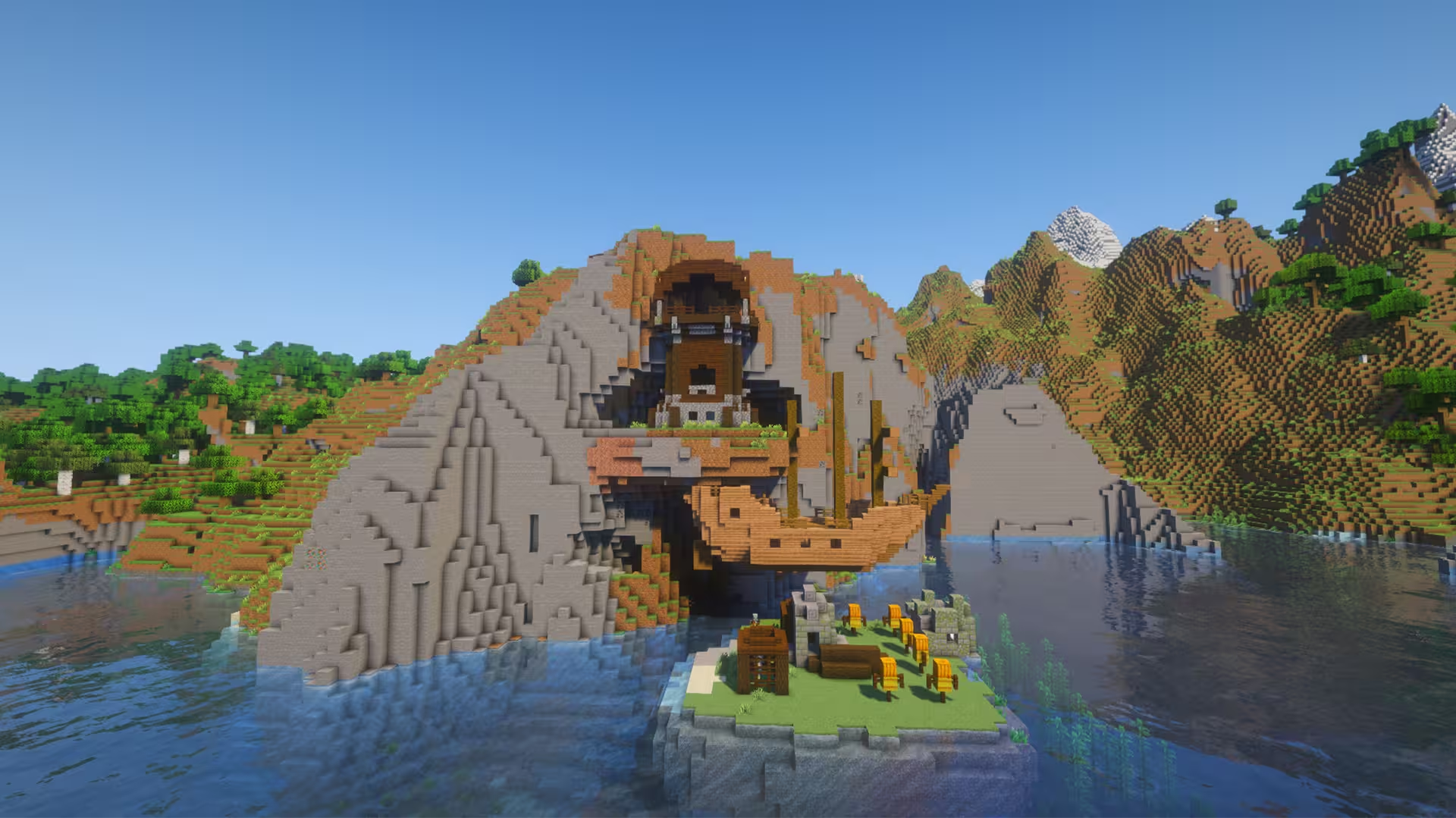
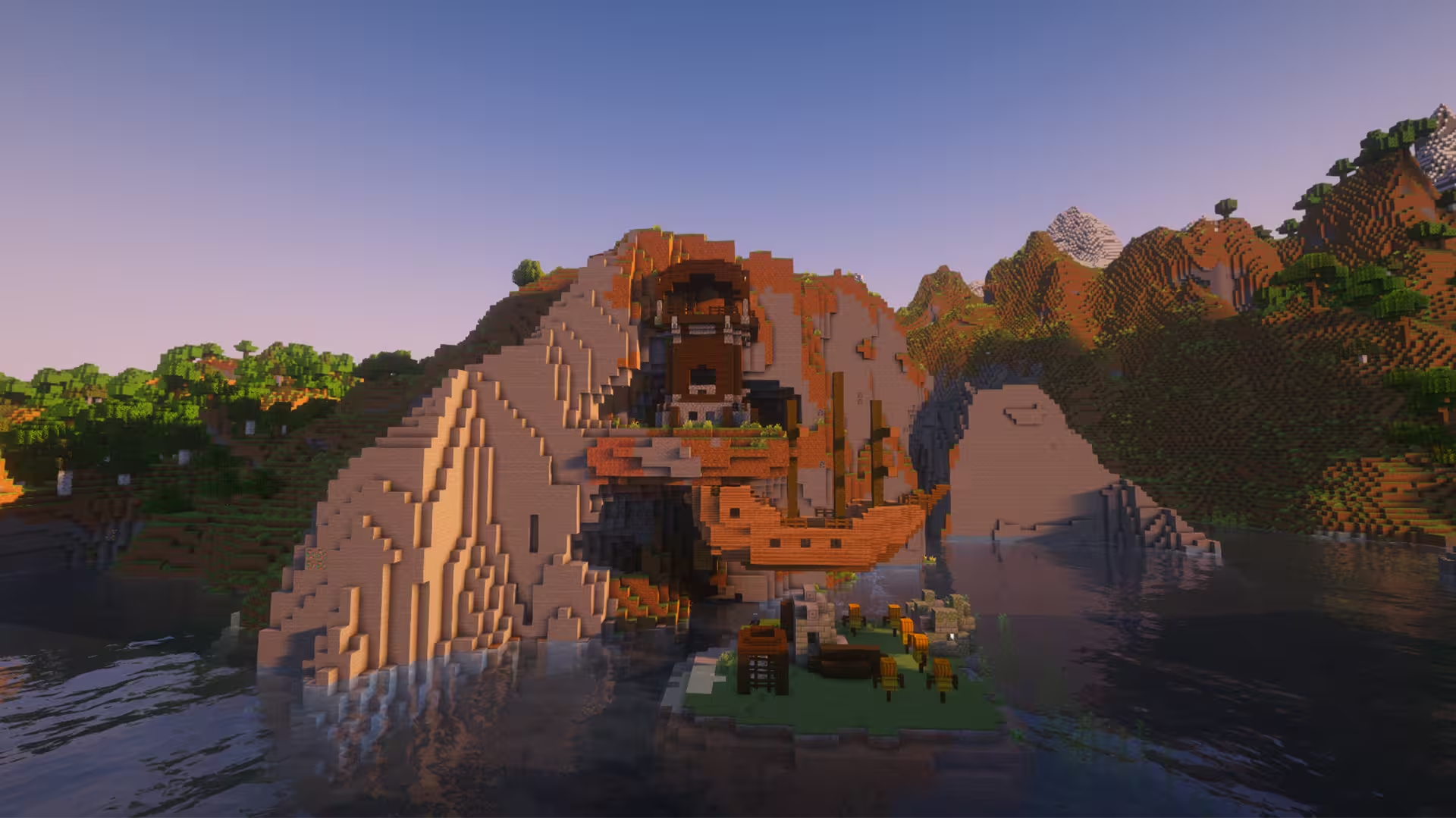
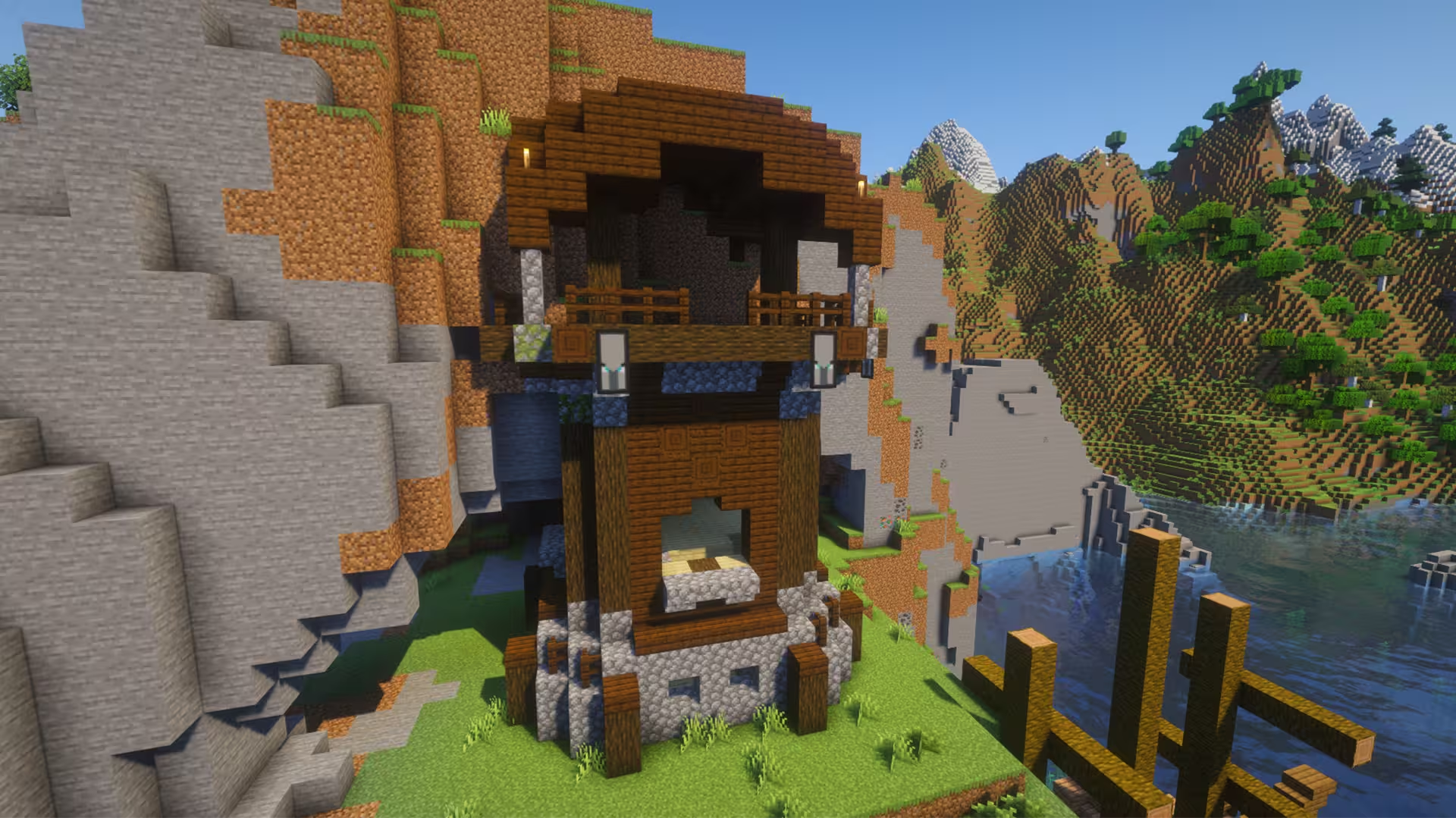
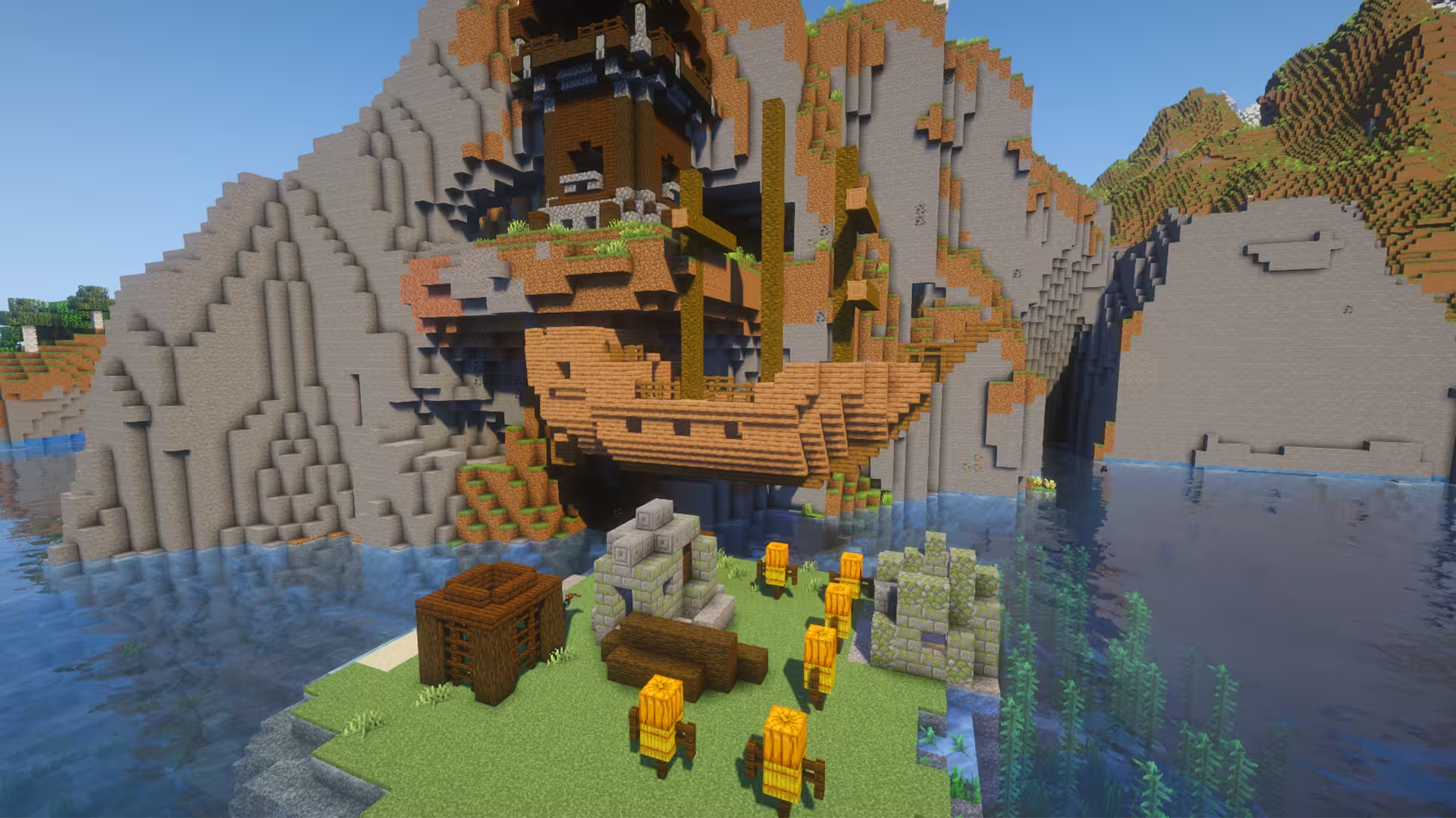
Pillager outpost on the hillside with floating shipwreck
Seed information
- Seed
-
3538932574284 - Location
-
-16, 117, -39 - Compatible versions
-
Minecraft Java
•
1.20 - 1.21.11
Works with: 1.20, 1.20.1, 1.20.2, 1.20.3, 1.20.4, 1.20.5, 1.20.6, 1.21, 1.21.1, 1.21.2, 1.21.3, 1.21.4, 1.21.5, 1.21.6, 1.21.7, 1.21.8, 1.21.9, 1.21.10, 1.21.11


Description
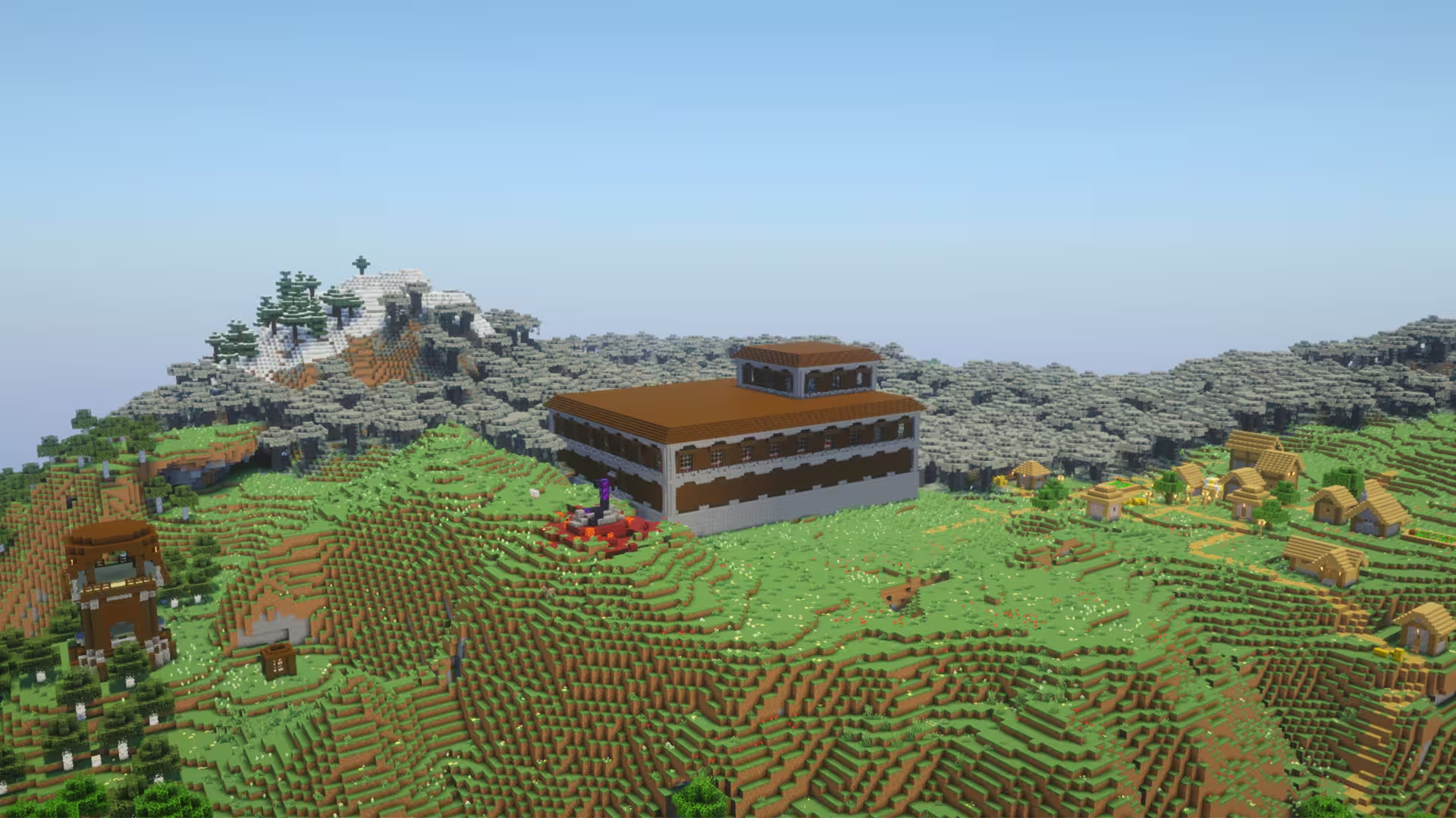
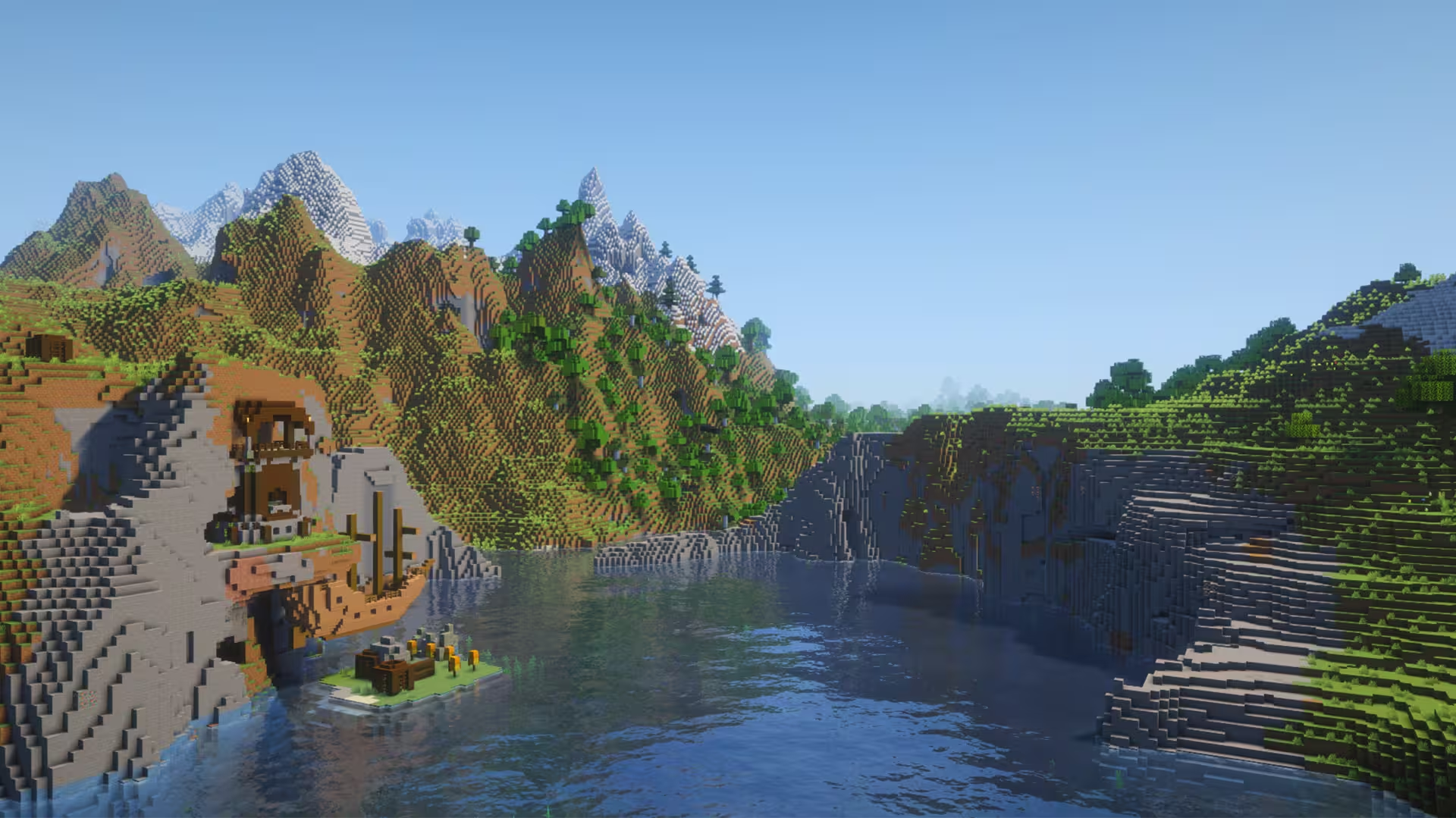
For this Minecraft seed, you start on a hill near a Pillager Outpost. You’d immediately have to make a run for it, as some Pillagers can detect you upon spawning. However, once you’ve gathered enough tools and resources to defeat the Pillagers, you’ll find that their base resides on the hillside with a floating Shipwreck right beneath it. The area is also surrounded by a small Cold Ocean, and there is a mountain range right behind the Pillager Outpost view.
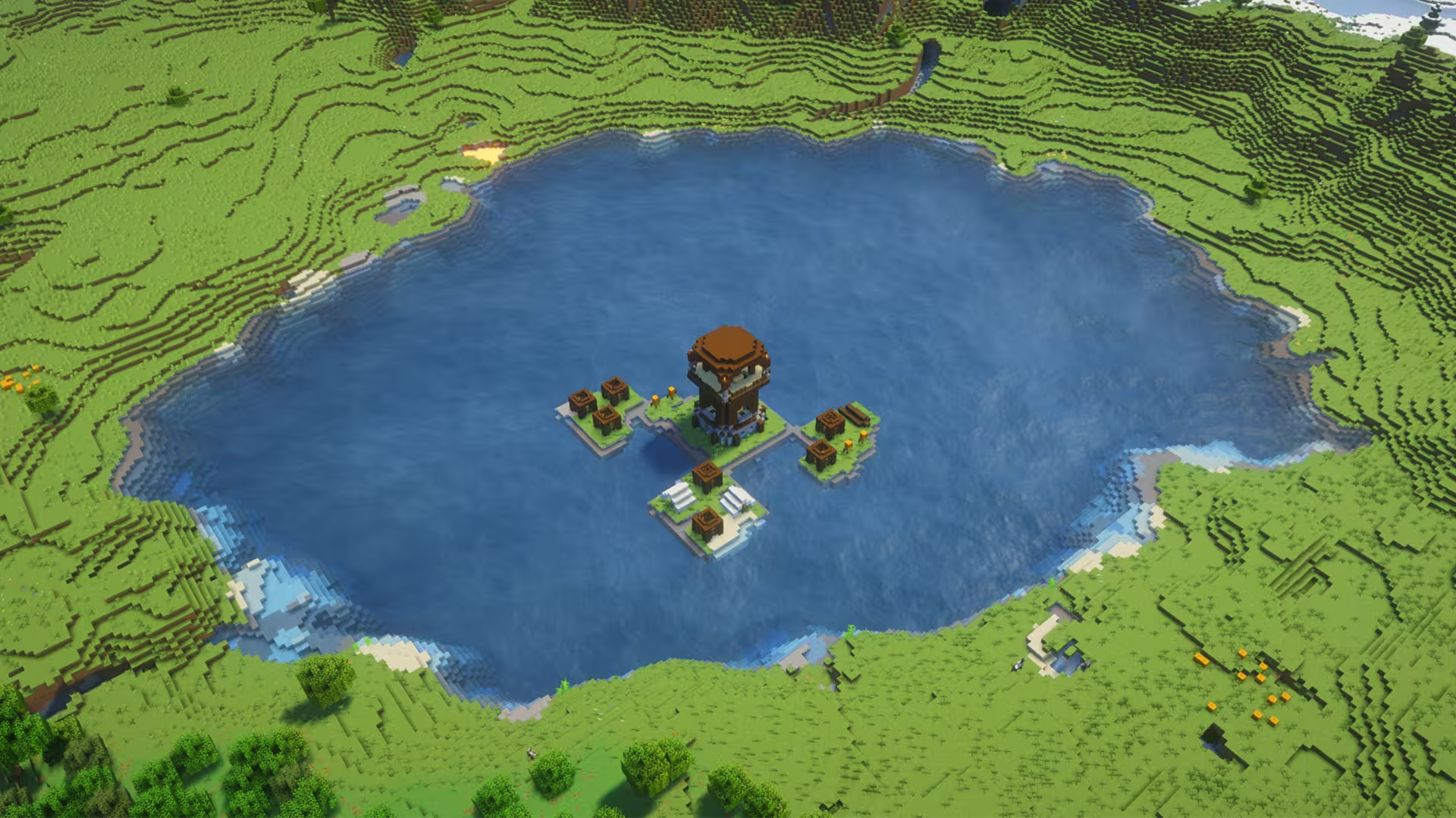
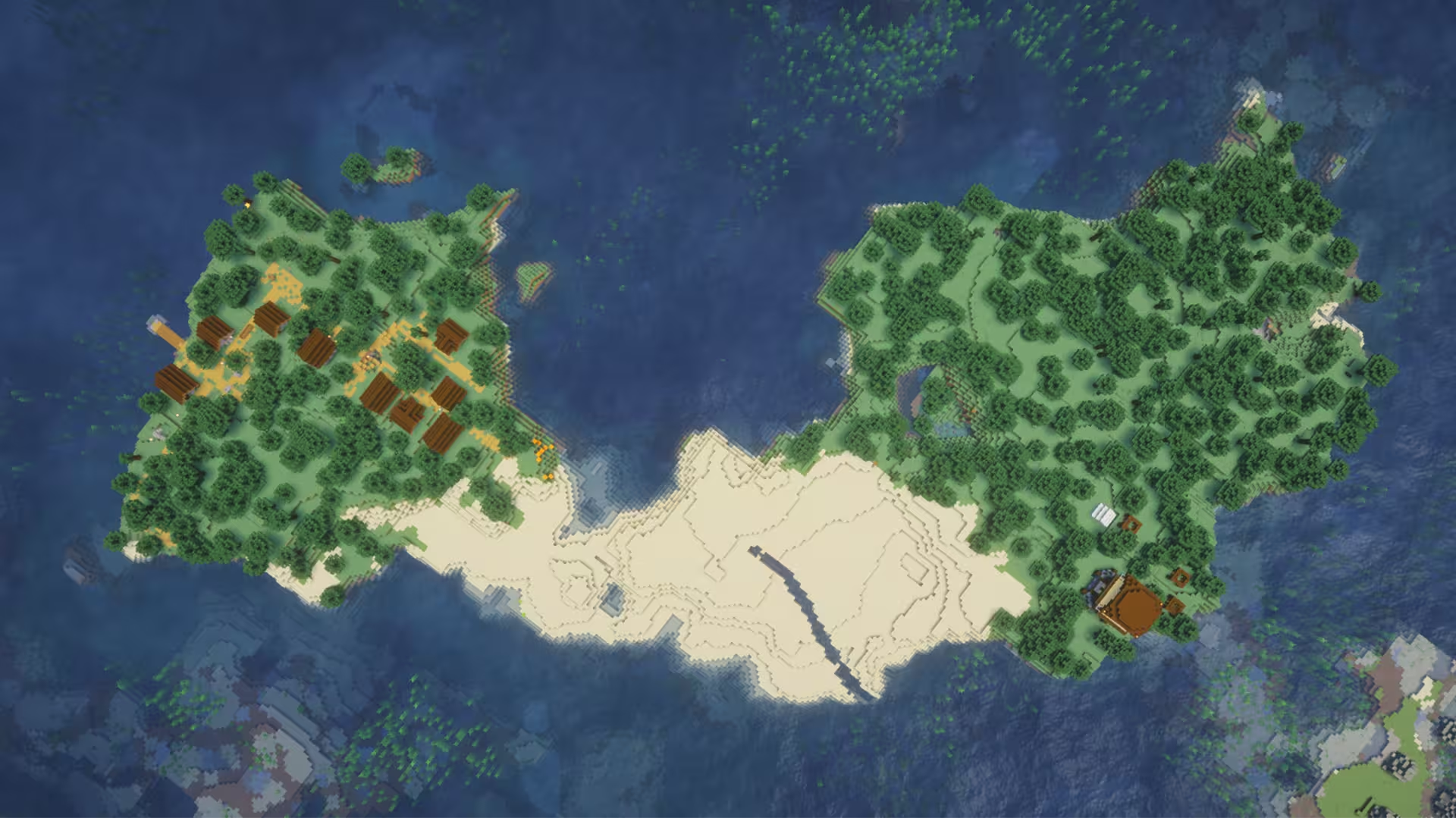
Despite your start in this seed being attacked by Pillagers on sight, you’ll thankfully find a couple of villages south and to the east of your spawn. Additionally, there are some nearby Ancient Cities, and another Pillager Outpost you find down south. Plus, there’s a Stronghold just southwest within 1300 blocks. Overall, this seed’s world generation has a lot of hills, mountain ranges, and biome variety with Cherry Groves, Groves, Pale Gardens, and sprawling Forests.
Tags
Nearby locations
Village #1 (Taiga)
Within a river valley.
                                                        X: 160, Y: 88, Z:
                                                        640
Village #2 (Plains)
West, within a couple of blocks from the previous village.
                                                        X: -157, Y: 95, Z:
                                                        767
Village #3 (Plains)
Overlooking two Cherry Grove biomes and a Pale Garden.
                                                        X: -768, Y: 129, Z:
                                                        192
Village #4 (Plains)
                                                        X: 896, Y: 63, Z:
                                                        -192
Pillager Outpost
Southwest from spawn.
                                                        X: -272, Y: 71, Z:
                                                        1120
Ancient City #1
                                                        X: -616, Y: -51, Z:
                                                        424
Ancient City #2
                                                        X: 488, Y: -51, Z:
                                                        -680
Frequently asked questions
A seed is just a number or text string that Minecraft uses to generate your world. When you create a world and type something into the “Seed” box (like `12345` or `MyLittleWorld`), the game turns that into a big number. That number is the recipe the game uses to place: biomes, structures (villages, temples, strongholds) and terrain (mountains, oceans, caves). So if you are using the same seed + same version + same edition (Java/Bedrock) = same world layout. Change anything in the seed and you’ll get a different world.
Since 1.18+ Java and Bedrock use more similar terrain generation, so the overall shape of the world can look similar for the same seed: similar mountain ranges, big oceans, etc. but structures and details like villages or ruined portals often don’t line up exactly between Java and Bedrock. Older versions (pre-1.18) are even more different.
No. Seeds are very version-sensitive because Mojang keeps changing world generation. Big updates like 1.13, 1.16, and 1.18 massively changed world gen and 1.20+ keeps tweaking structures and biomes. A 1.16 seed will still load in 1.20, but the world won’t match: biomes can shift, structures move, and if you had a village at spawn that might disappear. The seed number is still valid, but the layout isn’t guaranteed to look the same. As a rule of thumb, always use the same edition and version the seed was shared for if you want your world to look like the screenshots.
A 1.21.1 seed used in 26.1 will generate the same world as long as you’re on the same edition. Mojang usually keeps world generation identical across small patch versions.
You can see your seed by opening the world, press T and type `/seed` in the chat (cheats must be enabled), then press ENTER. On Java, if cheats are off, you can temporarily enable them via “Open to LAN → Allow Cheats → Start LAN World” and then run `/seed` . On **Bedrock**, you can find the seed from the world settings: Advanced page or on the Game page. On multiplayer servers, you’ll only see the seed if the server lets you: some allow `/seed` for all players, some only for admins, and many block it entirely But to find new interesting seeds, people use scripts that check for certain world formations in millions of random seeds, and interesting ones are highlighted and checked.