
Multi Village Ring Oasis
Seed information
- Seed
-
-1407625683096375766 - Location
-
21, 154, -56 - Compatible versions
-
Minecraft Java
•
26.1 - 26.4
Works with: 26.1, 26.1.1, 26.1.2, 26.2, 26.3, 26.4
Description
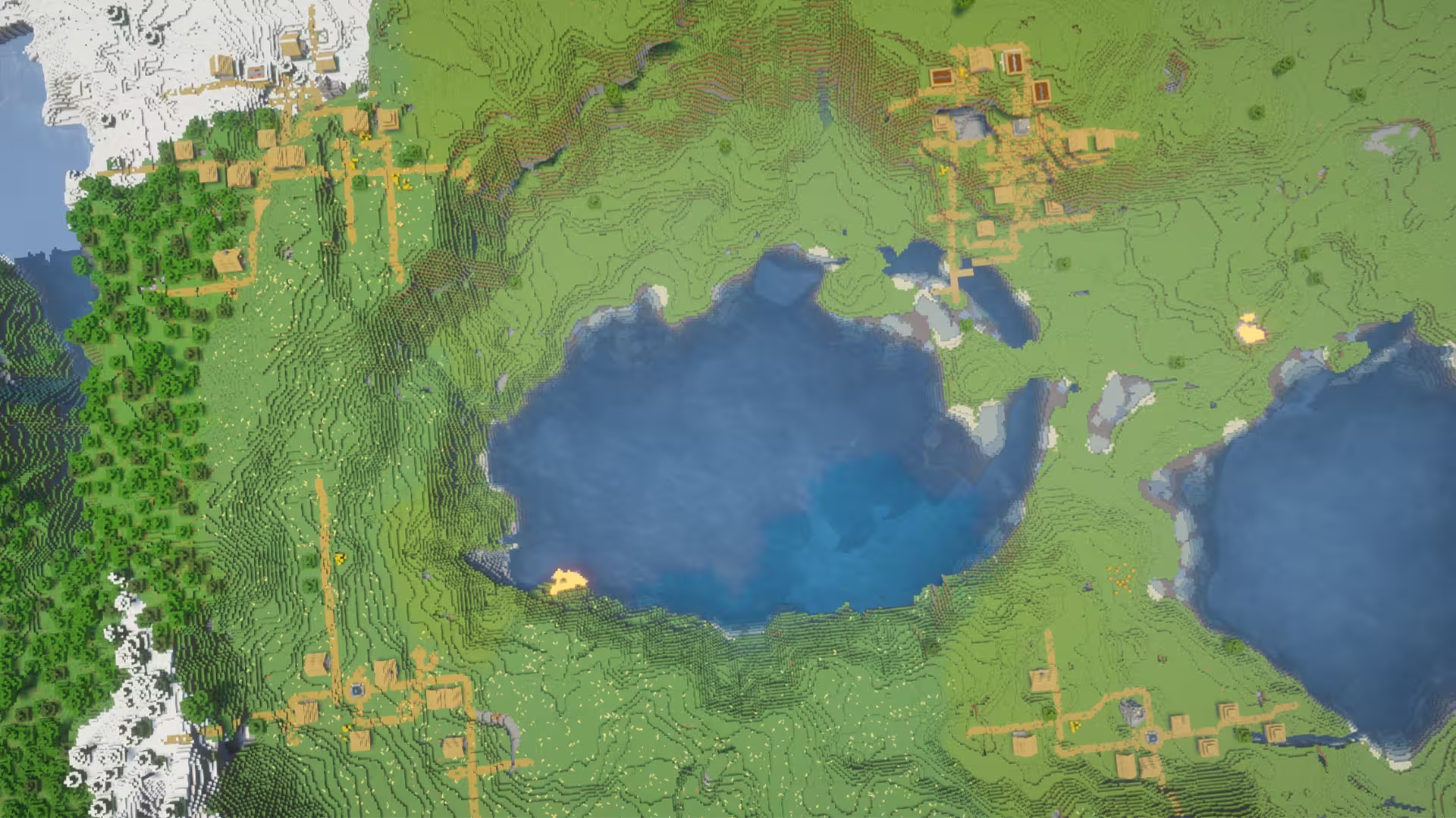
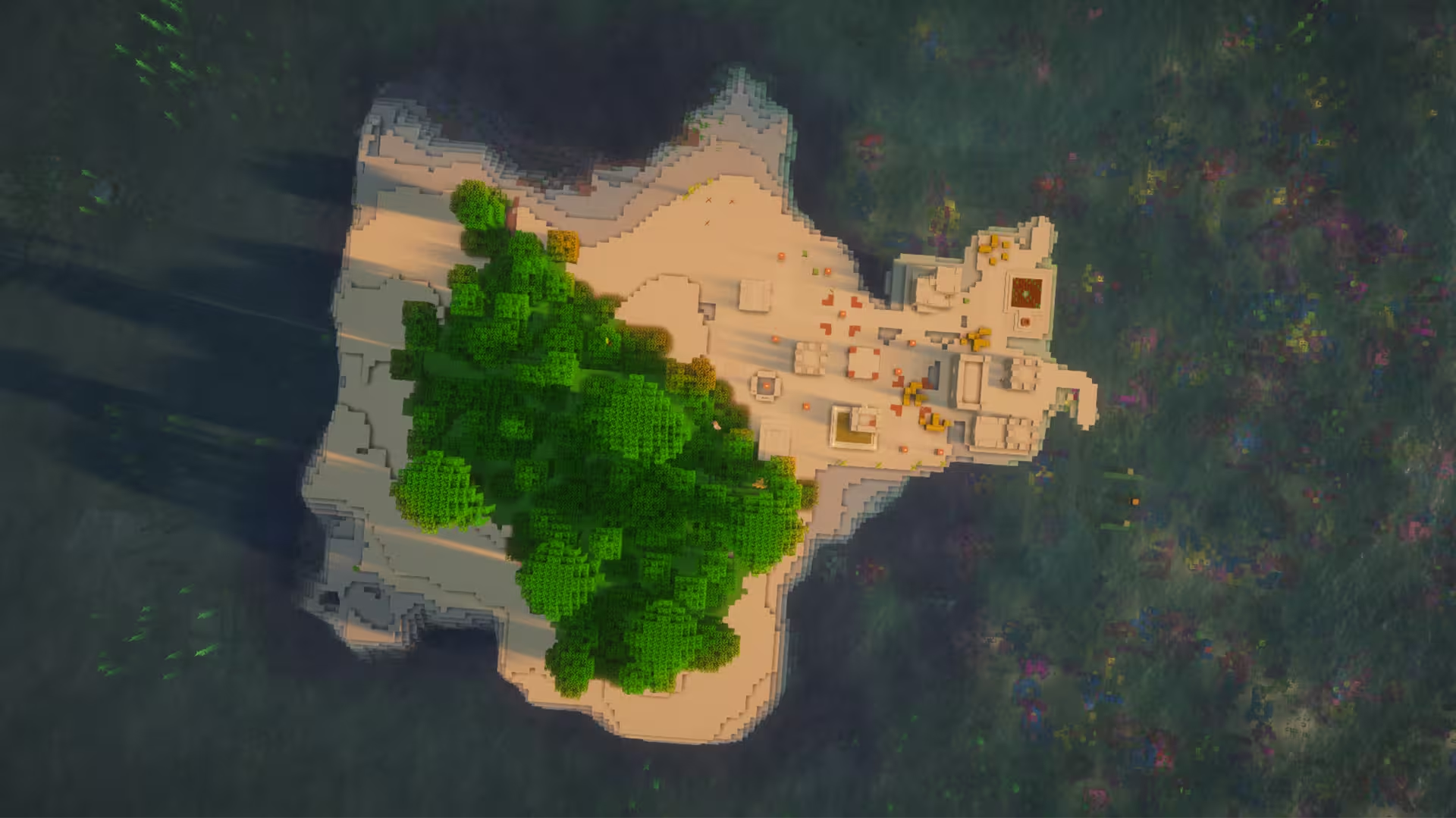
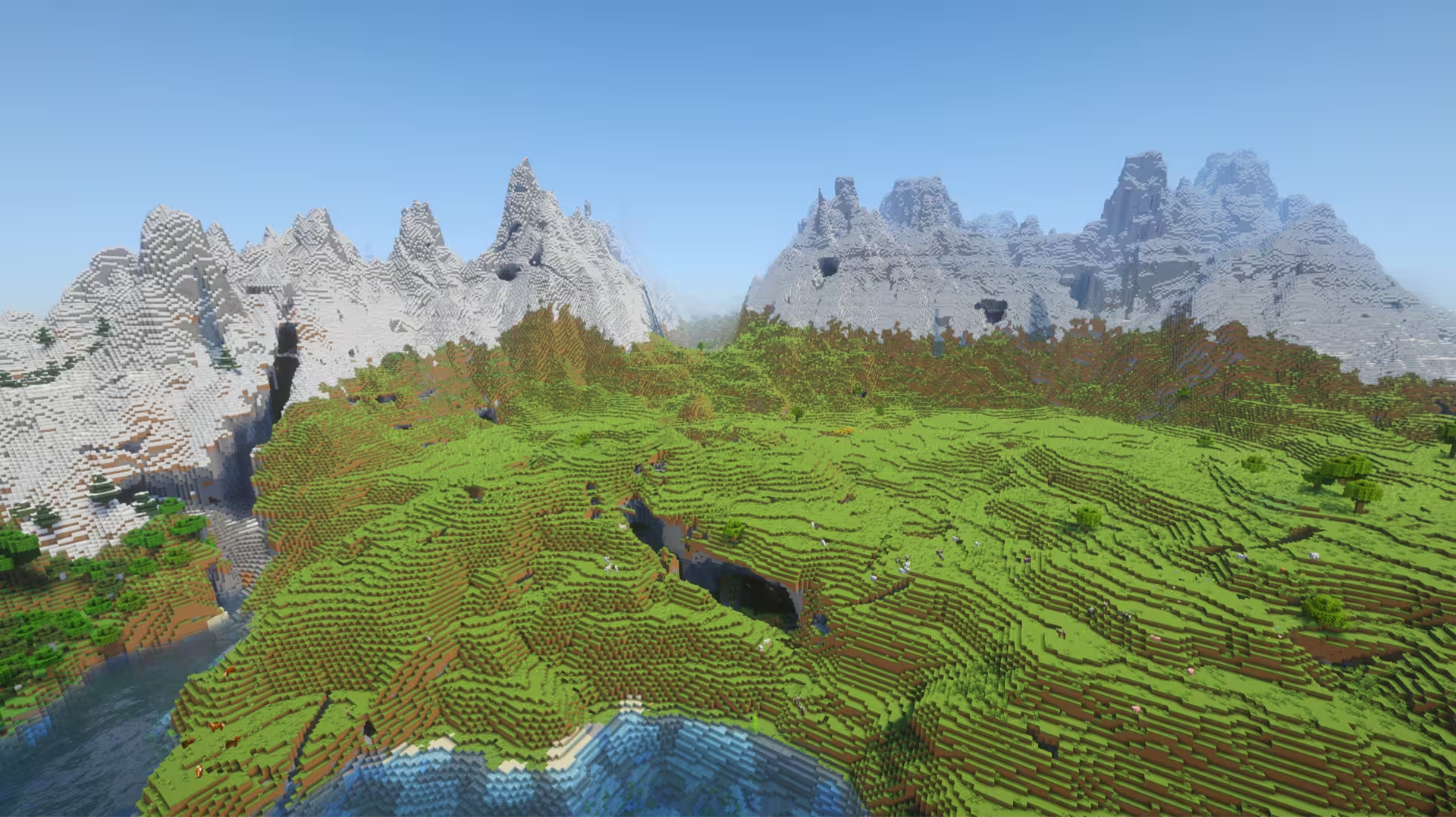
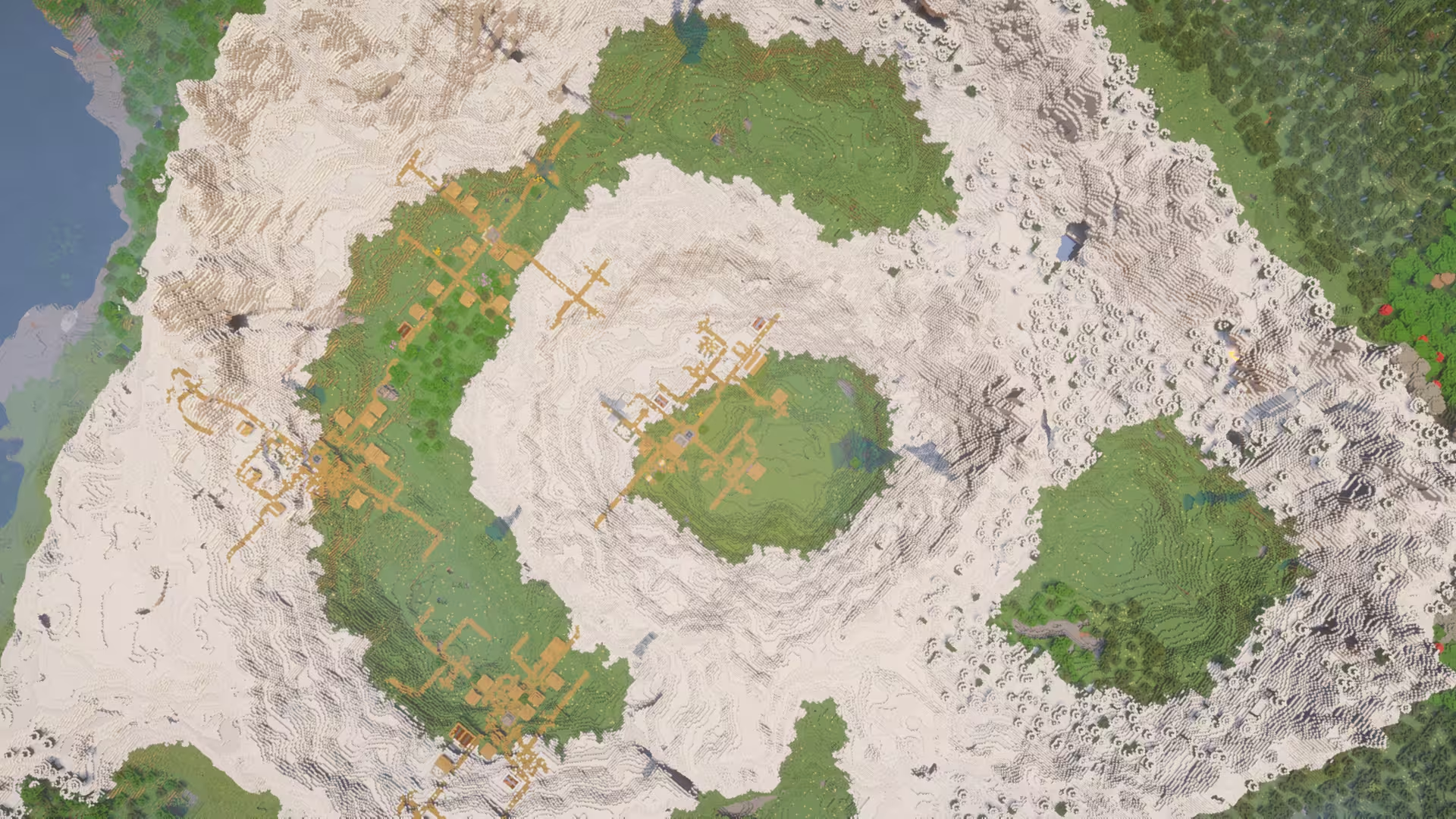
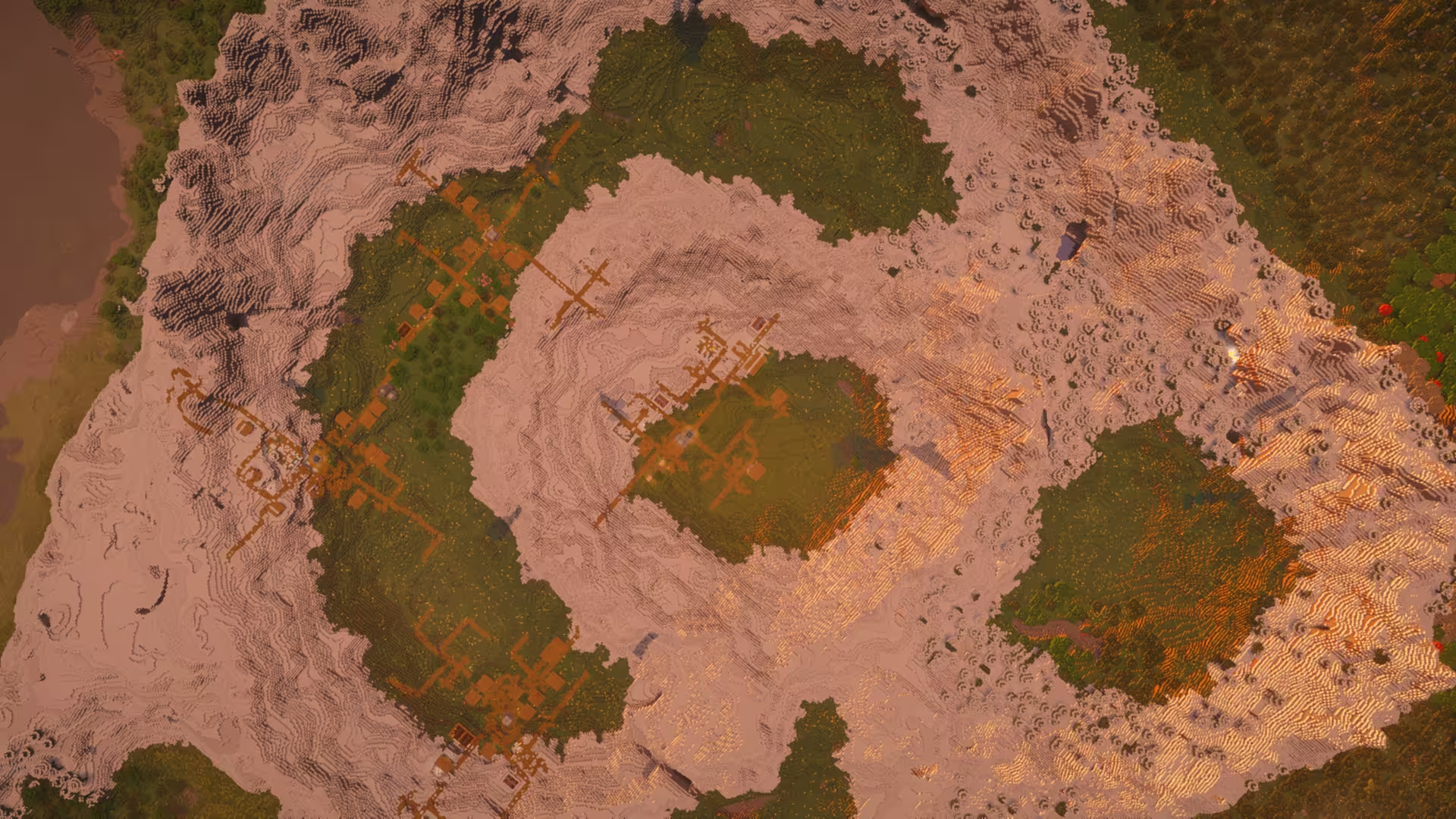
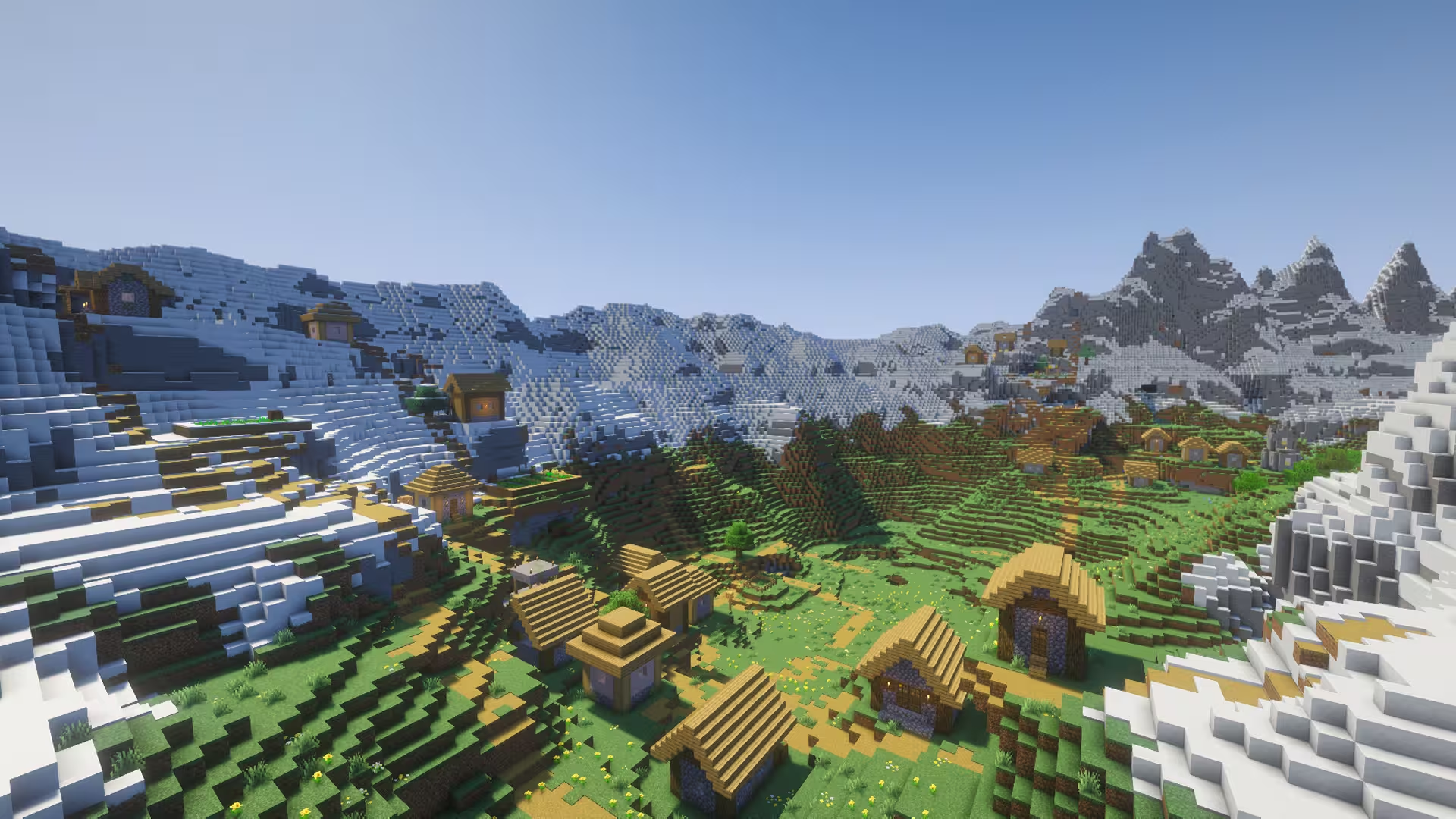
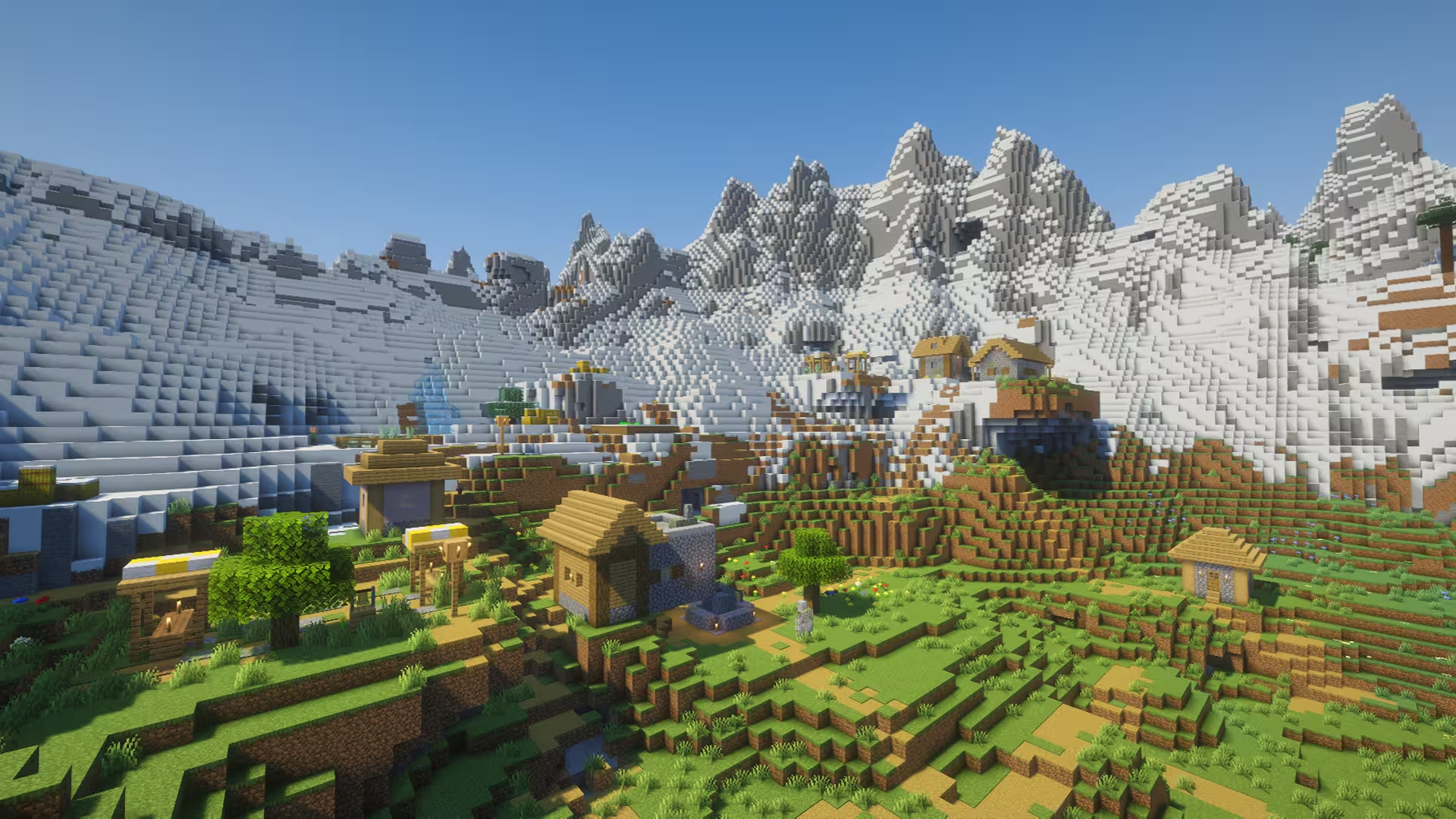
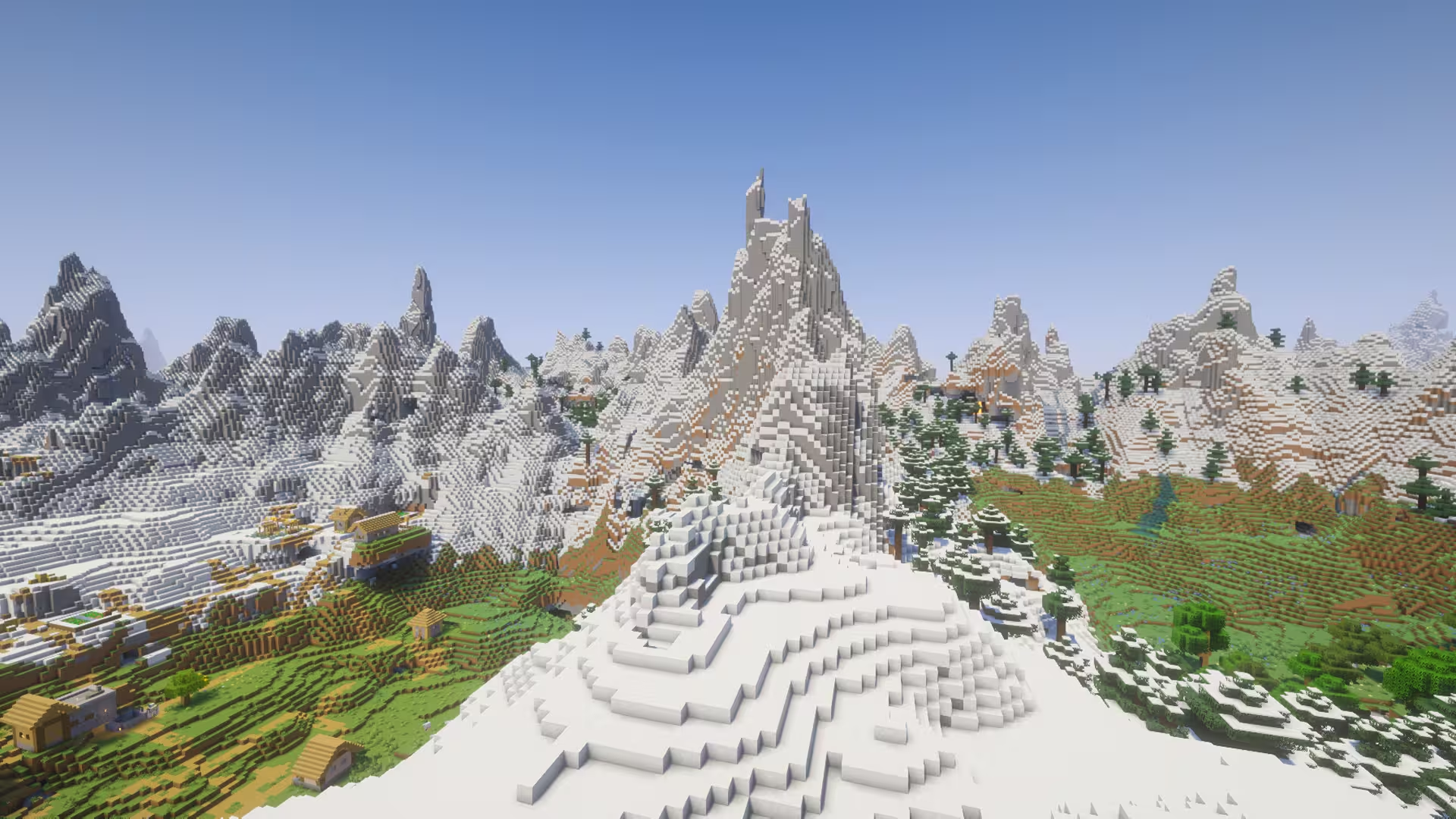
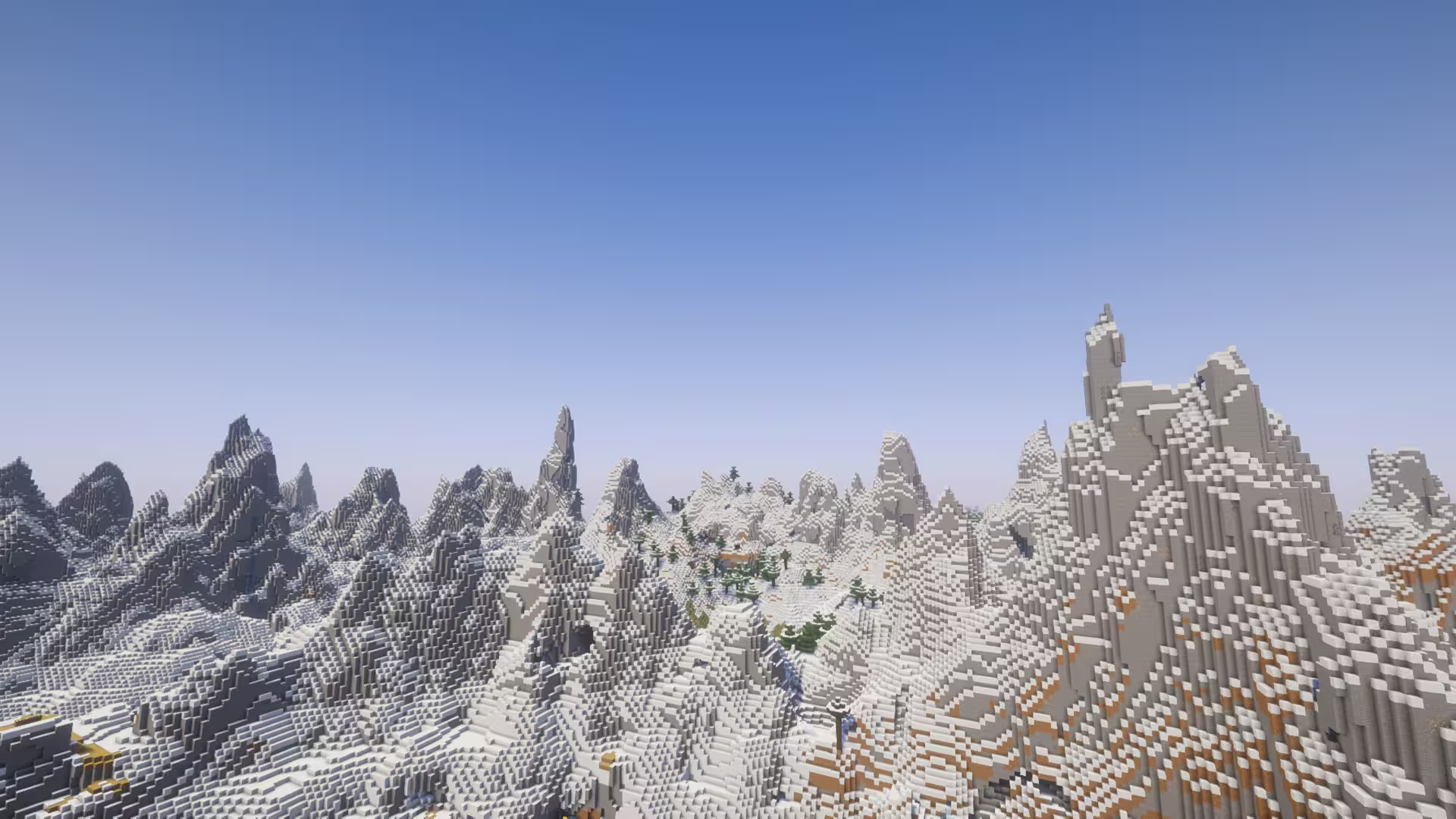
This seed features a fascinating ring-shaped oasis surrounded by multiple villages, creating an unusual natural formation that immediately stands out. The elevated terrain encircles a lush central area, giving the landscape a distinct appearance and plenty of possibilities for creative survival builds. One of the most interesting aspects of this seed is the placement of three villages within the ring-shaped formation. Having multiple settlements clustered around the same area makes it an excellent starting point for players who enjoy developing interconnected communities. You could transform the entire oasis into a sprawling medieval kingdom, connect the villages with winding pathways and bridges, or redesign the surrounding terrain into a fortified settlement. There's also another village within the ring, giving you even more opportunities to expand your growing community.
However, the attractions aren't limited to the surface. Beneath the ring formation, you'll find two Ancient Cities hidden within the Deep Dark biome. One lies underneath the area containing three villages, while another sits beneath the section with a single village. This unusual arrangement makes underground exploration an important part of the seed, especially for players hoping to uncover rare loot and ancient structures without venturing too far from their starting area.Beyond these two locations, four additional Ancient Cities can be discovered throughout the surrounding underground terrain, bringing the total to six. Each presents its own exploration challenge, so make sure to prepare plenty of supplies before venturing into the Deep Dark. Whether you turn the ring into a bustling village network or build an elaborate kingdom above a sprawling collection of Ancient Cities, this seed offers plenty of room for both settlement building and underground adventures.
Tags
Nearby locations
Ancient CIty
                                                        X: 88, Y: -51, Z:
                                                        88
Ancient CIty #2
                                                        X: 104, Y: -51, Z:
                                                        -184
Ancient CIty #3
                                                        X: 392, Y: -51, Z:
                                                        -312
Ancient CIty #4
                                                        X: -600, Y: -51, Z:
                                                        24
Ancient CIty #5
                                                        X: 600, Y: -51, Z:
                                                        24
Ancient CIty #6
                                                        X: 808, Y: -51, Z:
                                                        -296
Plains Village
                                                        X: 896, Y: 91, Z:
                                                        240
Frequently asked questions
A seed is just a number or text string that Minecraft uses to generate your world. When you create a world and type something into the “Seed” box (like `12345` or `MyLittleWorld`), the game turns that into a big number. That number is the recipe the game uses to place: biomes, structures (villages, temples, strongholds) and terrain (mountains, oceans, caves). So if you are using the same seed + same version + same edition (Java/Bedrock) = same world layout. Change anything in the seed and you’ll get a different world.
Since 1.18+ Java and Bedrock use more similar terrain generation, so the overall shape of the world can look similar for the same seed: similar mountain ranges, big oceans, etc. but structures and details like villages or ruined portals often don’t line up exactly between Java and Bedrock. Older versions (pre-1.18) are even more different.
No. Seeds are very version-sensitive because Mojang keeps changing world generation. Big updates like 1.13, 1.16, and 1.18 massively changed world gen and 1.20+ keeps tweaking structures and biomes. A 1.16 seed will still load in 1.20, but the world won’t match: biomes can shift, structures move, and if you had a village at spawn that might disappear. The seed number is still valid, but the layout isn’t guaranteed to look the same. As a rule of thumb, always use the same edition and version the seed was shared for if you want your world to look like the screenshots.
A 1.21.1 seed used in 26.1 will generate the same world as long as you’re on the same edition. Mojang usually keeps world generation identical across small patch versions.
You can see your seed by opening the world, press T and type `/seed` in the chat (cheats must be enabled), then press ENTER. On Java, if cheats are off, you can temporarily enable them via “Open to LAN → Allow Cheats → Start LAN World” and then run `/seed` . On **Bedrock**, you can find the seed from the world settings: Advanced page or on the Game page. On multiplayer servers, you’ll only see the seed if the server lets you: some allow `/seed` for all players, some only for admins, and many block it entirely But to find new interesting seeds, people use scripts that check for certain world formations in millions of random seeds, and interesting ones are highlighted and checked.