Cherry Blossom Crater
Seed information
- Seed
-
-4112046506400928535 - Location
-
3, 106, -5 - Compatible versions
-
Minecraft Java
•
26.1 - 26.4
Works with: 26.1, 26.1.1, 26.1.2, 26.2, 26.3, 26.4
Description
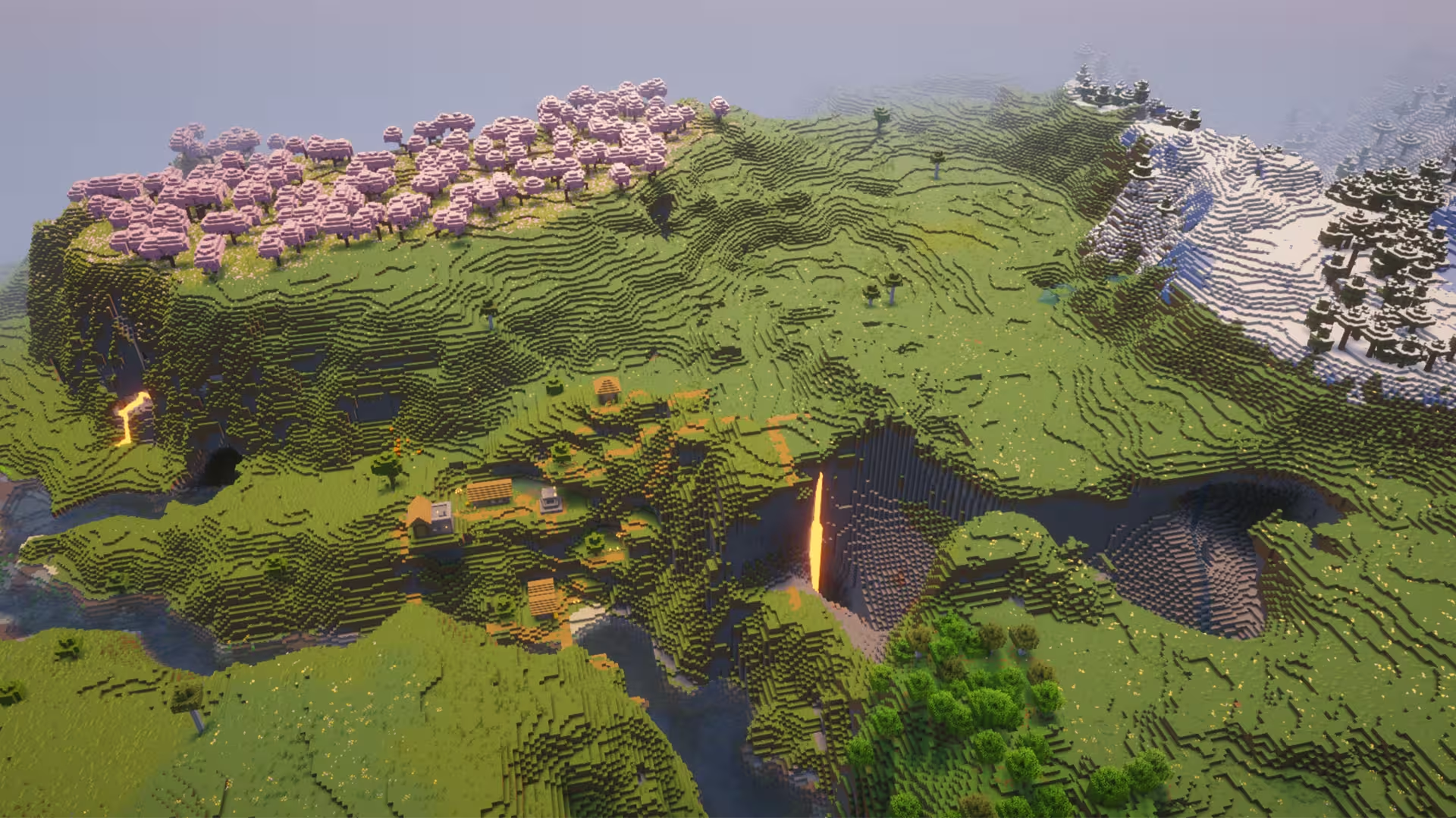
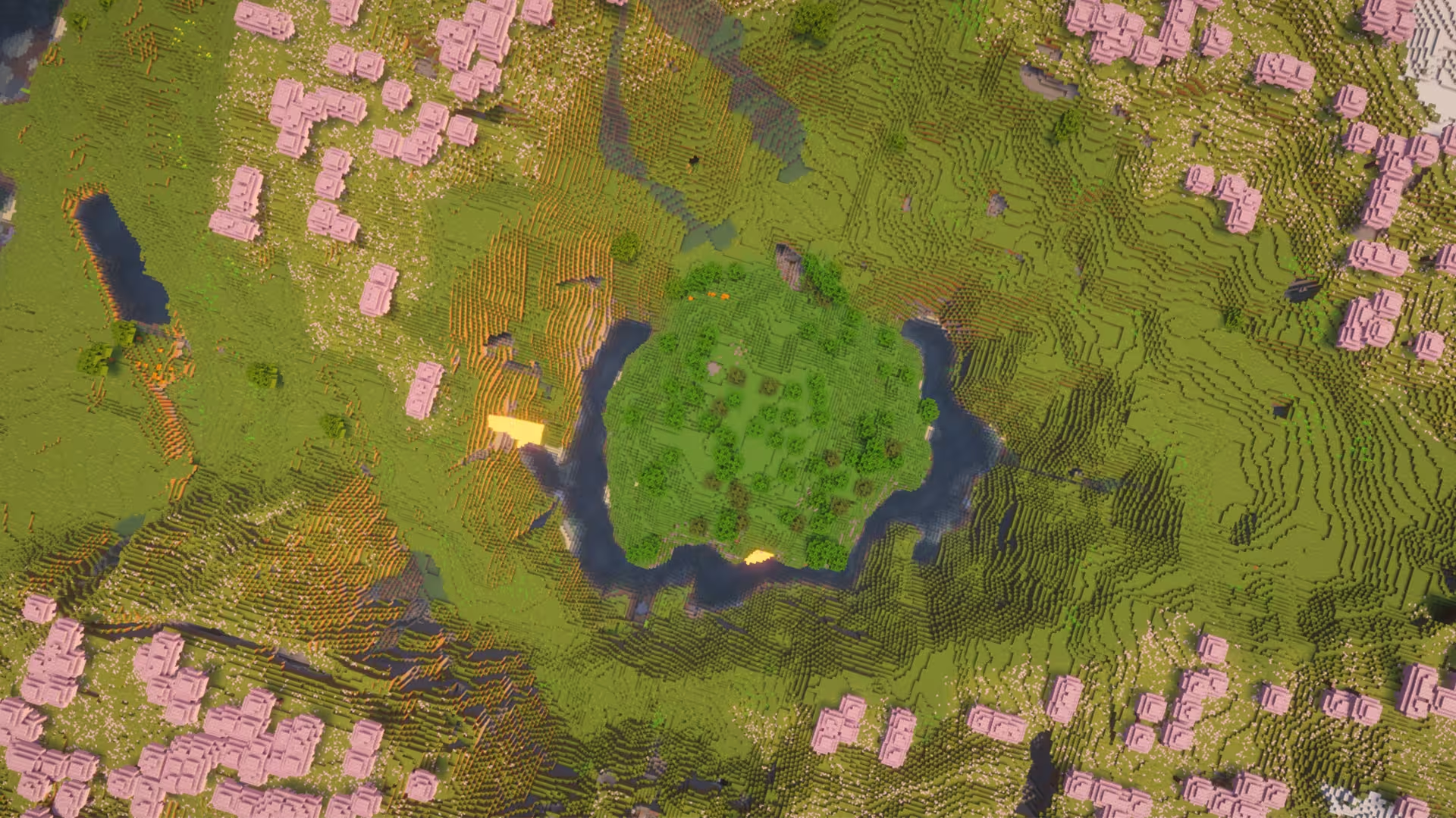
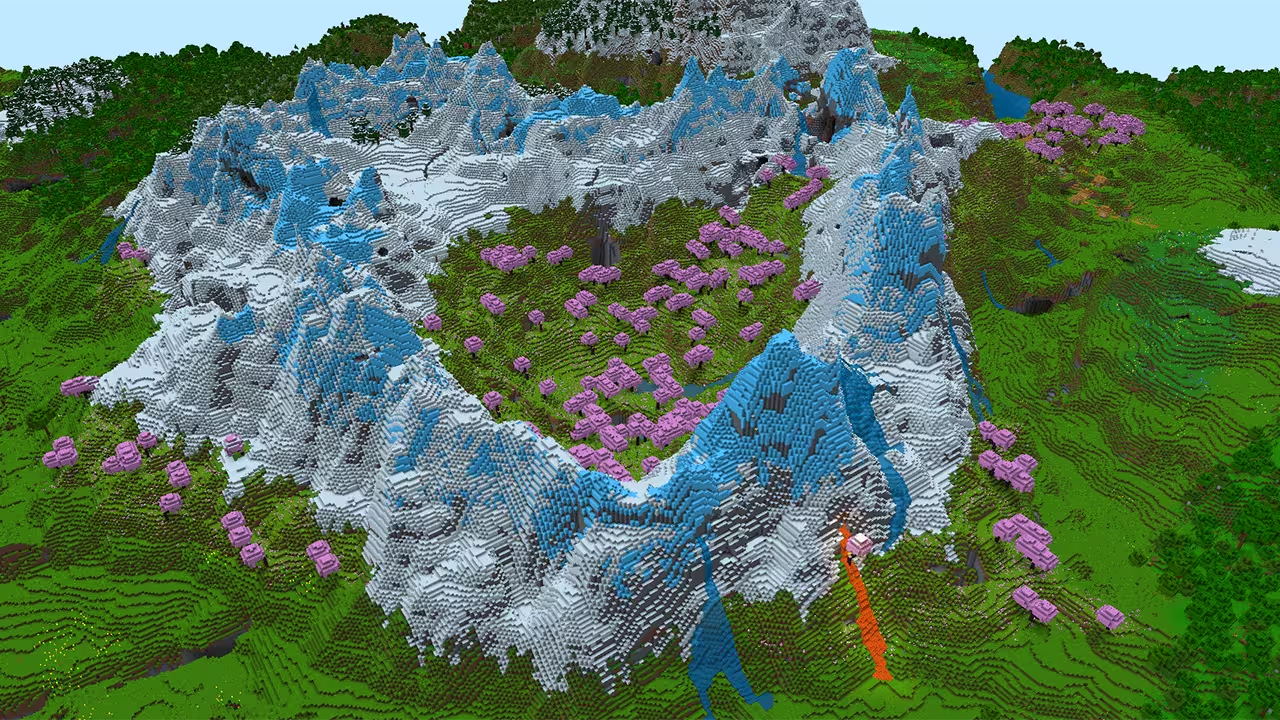
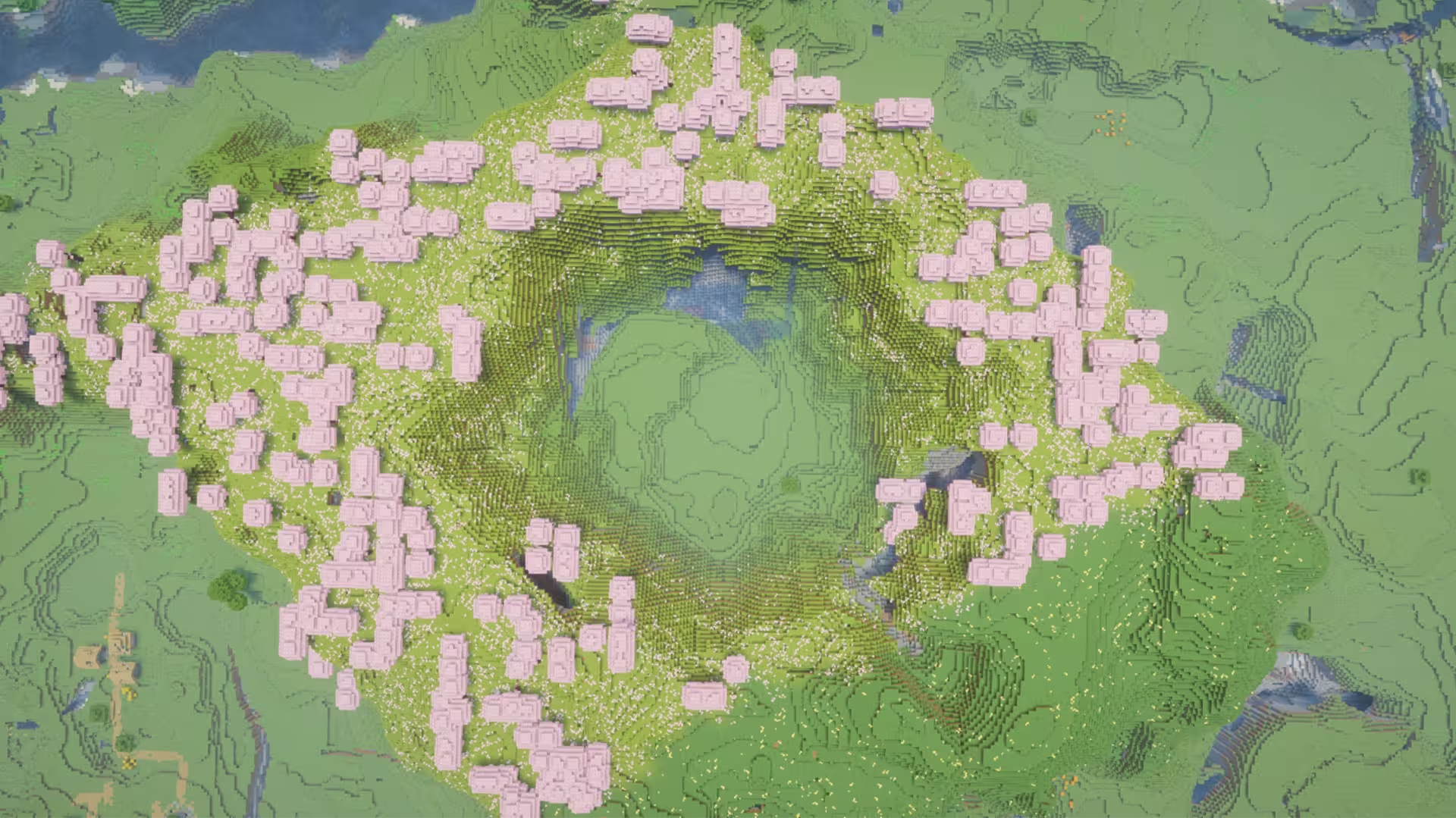
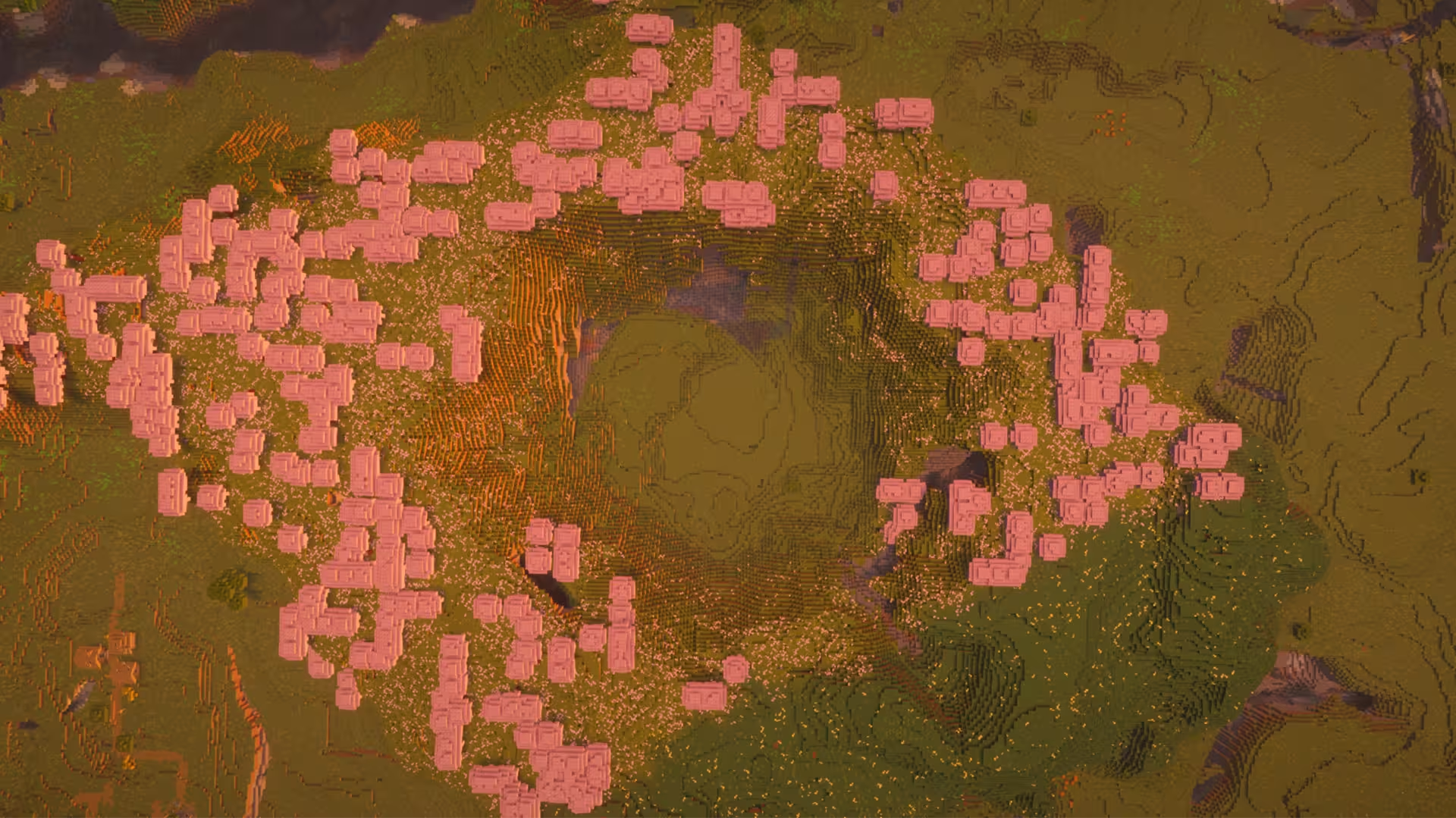
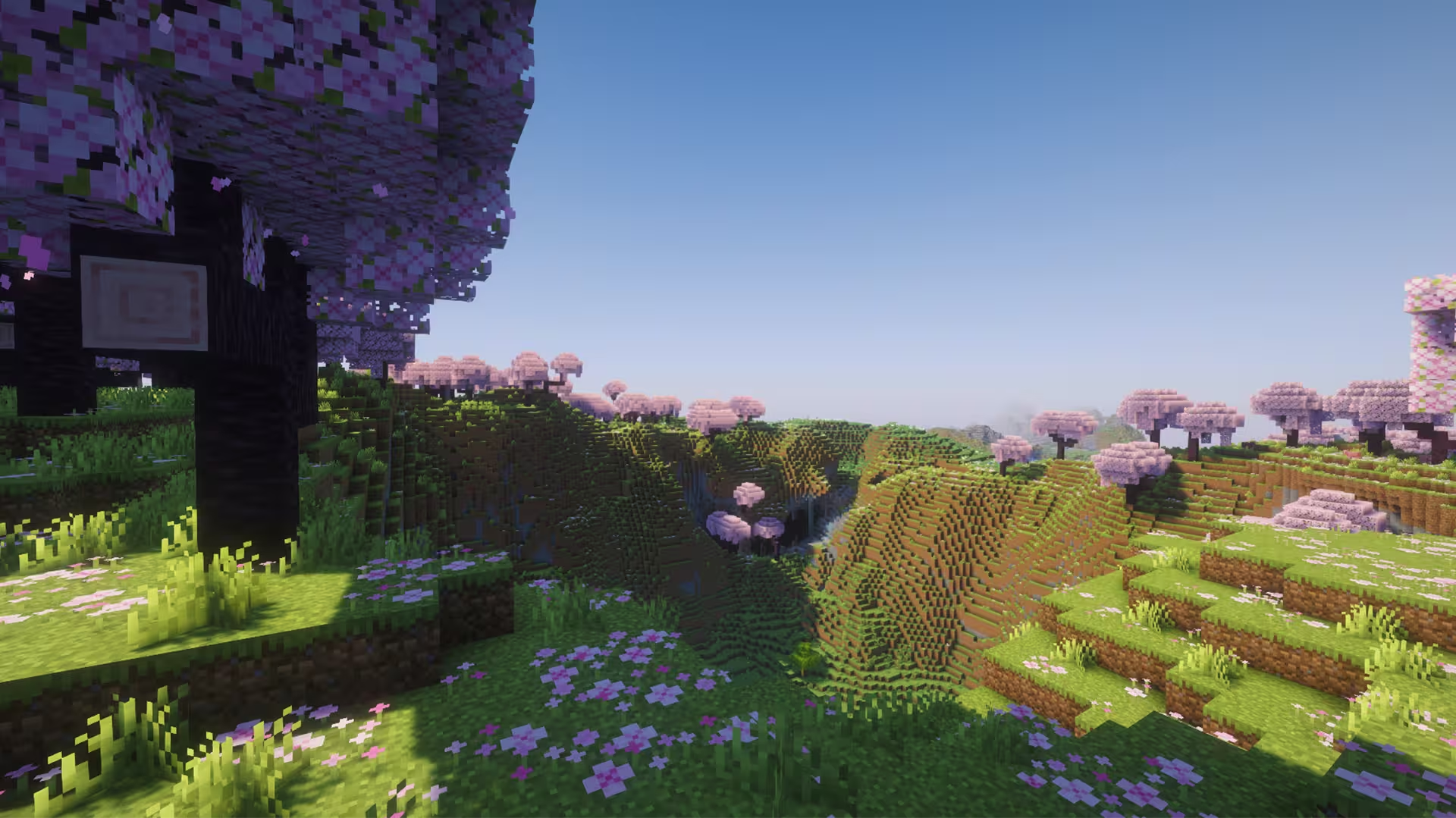
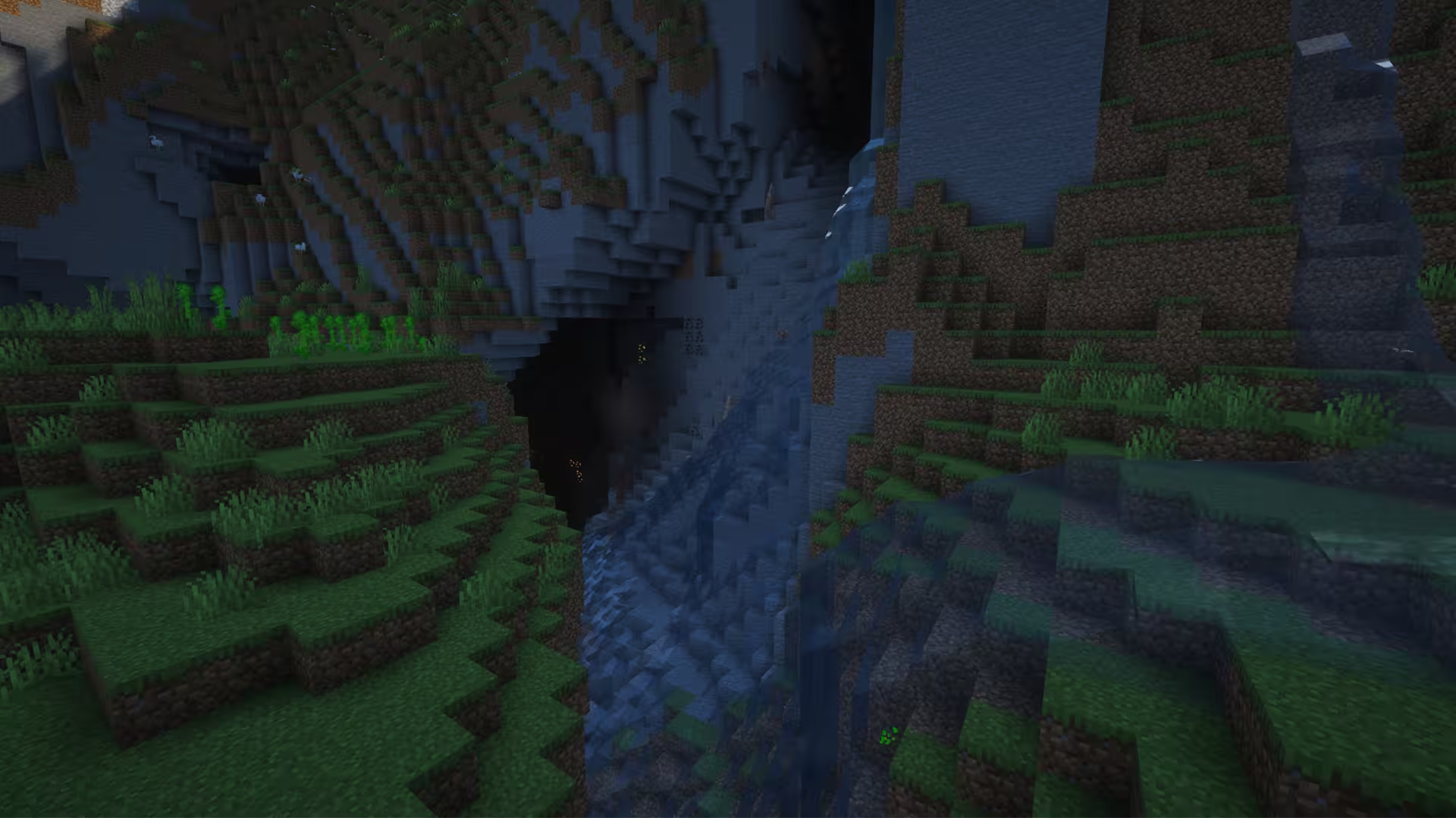
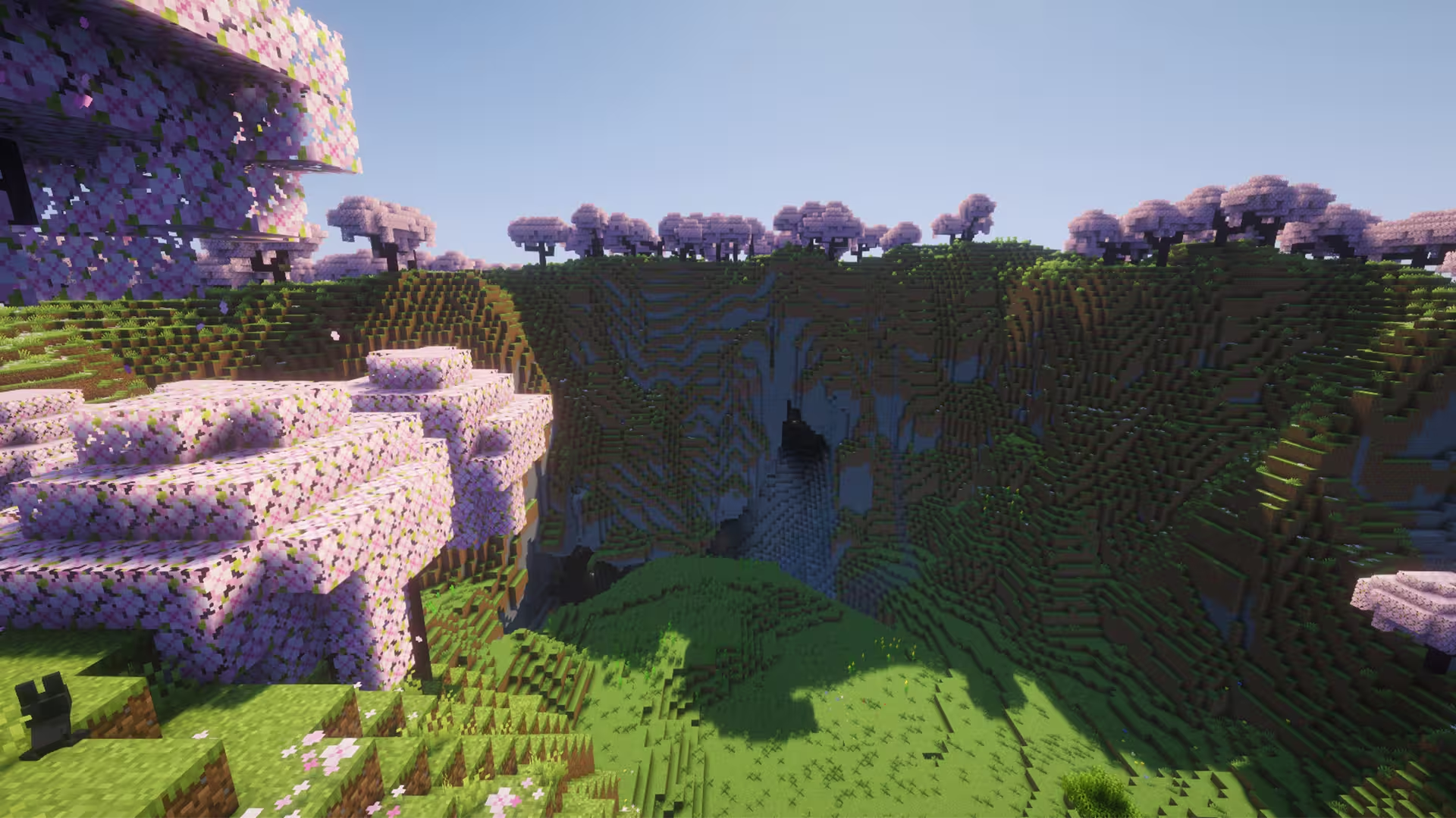
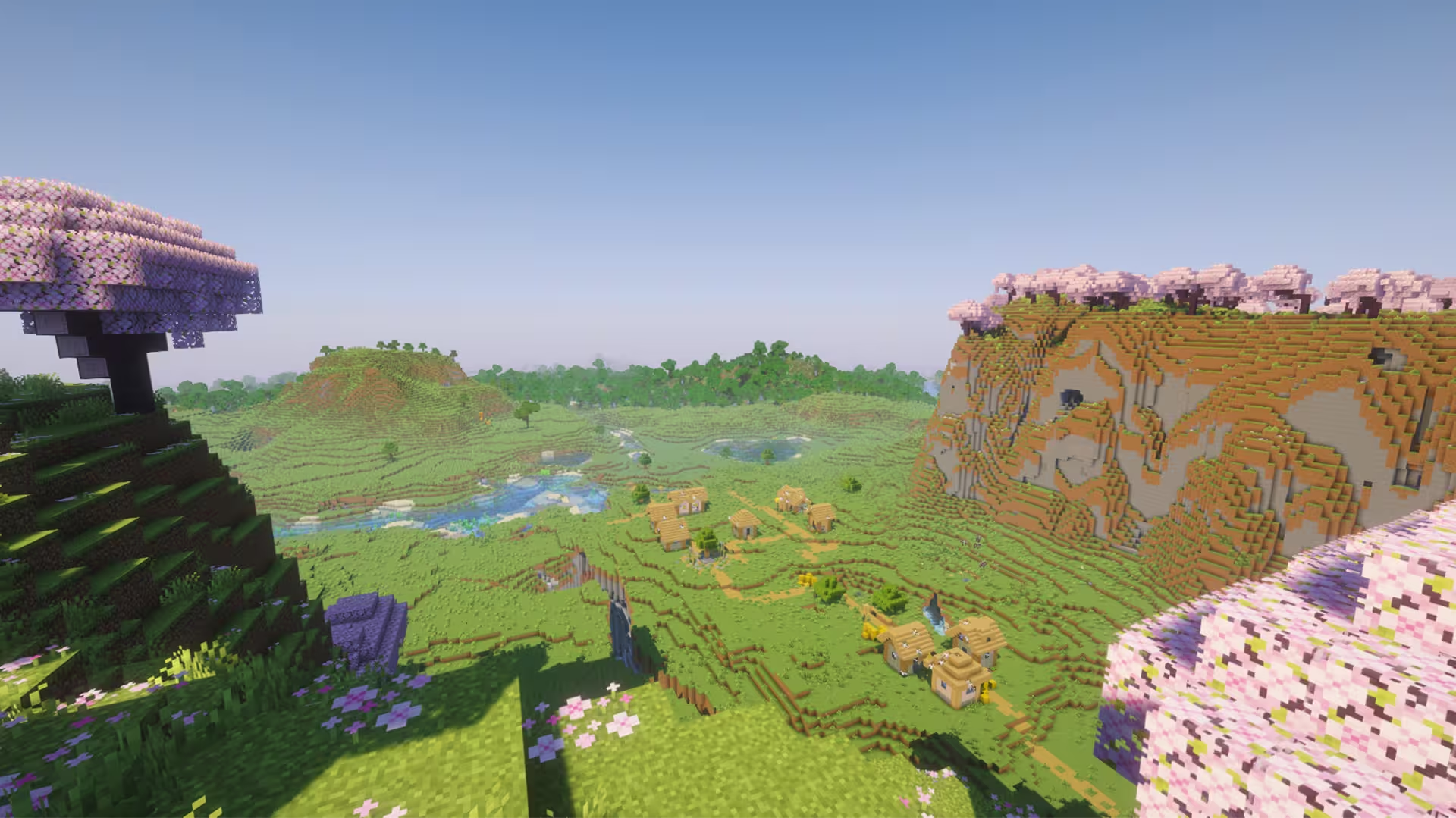
For this Minecraft seed, it features a picturesque crater surrounded by beautiful pink cherry blossom trees. You'll find this locaton to offer a peaceful and enchanting landscape that's perfect for players who enjoy scenic locations and creative building projects.The main attraction of this seed is its impressive crater formation, which creates a natural centerpiece within the surrounding Cherry Grove biome. The contrast between the rugged terrain and the soft pink cherry blossoms gives the landscape a unique appearance, making it an excellent location for a hidden sanctuary or a cozy mountain village. Whether you're admiring the scenery from above or exploring the crater itself, there's plenty of inspiration for your next Minecraft build.
You could construct a traditional Japanese-inspired village along the surrounding slopes, complete with wooden bridges, lantern-lit pathways, and charming houses nestled among the cherry trees. Alternatively, you could turn the crater into a secluded fantasy kingdom, with a grand castle overlooking the landscape. More ambitious players could even create a multi-level base that connects the crater floor to the surrounding cliffs through staircases and suspended walkways.Aside from its aesthetic appeal, the crater also offers an interesting setting for survival gameplay. Its natural terrain provides opportunities to establish a sheltered base while taking advantage of the surrounding landscape for farming, gathering resources, and exploration. Overall, this cherry blossom crater seed is an excellent choice for Minecraft players who appreciate beautiful landscapes and creative freedom. Whether you're planning a peaceful survival retreat, a Japanese-inspired village, or an elaborate fantasy build, this scenic location provides a stunning backdrop for your next adventure.
Tags
Nearby locations
Cherry Blossom Crater
                                                        X: 219, Y: 119, Z:
                                                        -347
Zombie Village
Just outside the crater.
                                                        X: 320, Y: 66, Z:
                                                        -448
Plains Village #1
                                                        X: -192, Y: 92, Z:
                                                        224
Plains Village #2
Near a multi-connected river.
                                                        X: 736, Y: 62, Z:
                                                        -432
Plains Village #3
                                                        X: -176, Y: 79, Z:
                                                        -752
Savanna Village
                                                        X: 896, Y: 73, Z:
                                                        16
Taiga Village
                                                        X: -976, Y: 67, Z:
                                                        -192
Frequently asked questions
A seed is just a number or text string that Minecraft uses to generate your world. When you create a world and type something into the “Seed” box (like `12345` or `MyLittleWorld`), the game turns that into a big number. That number is the recipe the game uses to place: biomes, structures (villages, temples, strongholds) and terrain (mountains, oceans, caves). So if you are using the same seed + same version + same edition (Java/Bedrock) = same world layout. Change anything in the seed and you’ll get a different world.
Since 1.18+ Java and Bedrock use more similar terrain generation, so the overall shape of the world can look similar for the same seed: similar mountain ranges, big oceans, etc. but structures and details like villages or ruined portals often don’t line up exactly between Java and Bedrock. Older versions (pre-1.18) are even more different.
No. Seeds are very version-sensitive because Mojang keeps changing world generation. Big updates like 1.13, 1.16, and 1.18 massively changed world gen and 1.20+ keeps tweaking structures and biomes. A 1.16 seed will still load in 1.20, but the world won’t match: biomes can shift, structures move, and if you had a village at spawn that might disappear. The seed number is still valid, but the layout isn’t guaranteed to look the same. As a rule of thumb, always use the same edition and version the seed was shared for if you want your world to look like the screenshots.
A 1.21.1 seed used in 26.1 will generate the same world as long as you’re on the same edition. Mojang usually keeps world generation identical across small patch versions.
You can see your seed by opening the world, press T and type `/seed` in the chat (cheats must be enabled), then press ENTER. On Java, if cheats are off, you can temporarily enable them via “Open to LAN → Allow Cheats → Start LAN World” and then run `/seed` . On **Bedrock**, you can find the seed from the world settings: Advanced page or on the Game page. On multiplayer servers, you’ll only see the seed if the server lets you: some allow `/seed` for all players, some only for admins, and many block it entirely But to find new interesting seeds, people use scripts that check for certain world formations in millions of random seeds, and interesting ones are highlighted and checked.