
Split Frozen Lake
Seed information
- Seed
-
923372315595880659 - Location
-
-10, 106, 9 - Compatible versions
-
Minecraft Java
•
26.1 - 26.4
Works with: 26.1, 26.1.1, 26.1.2, 26.2, 26.3, 26.4
Description
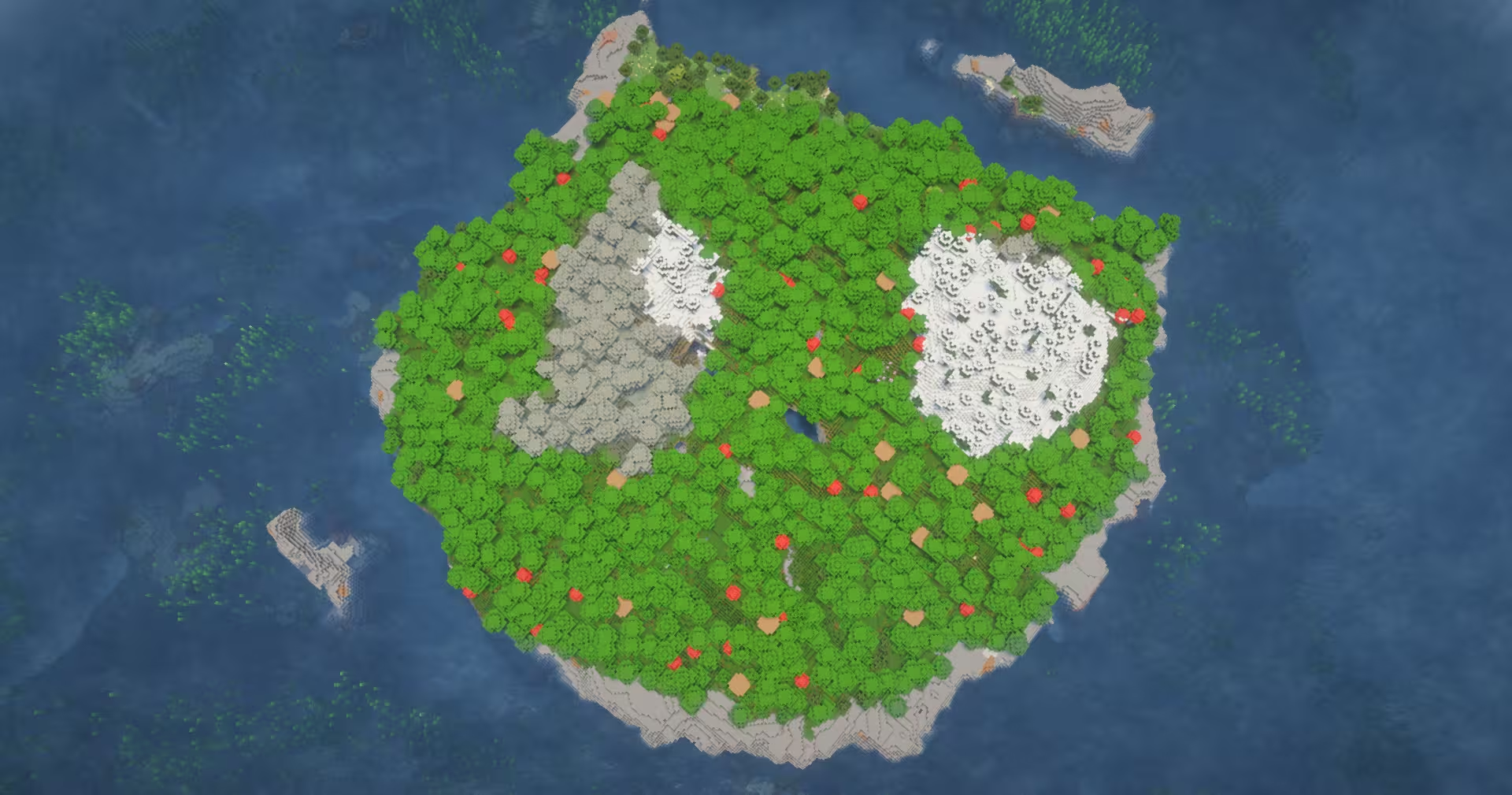
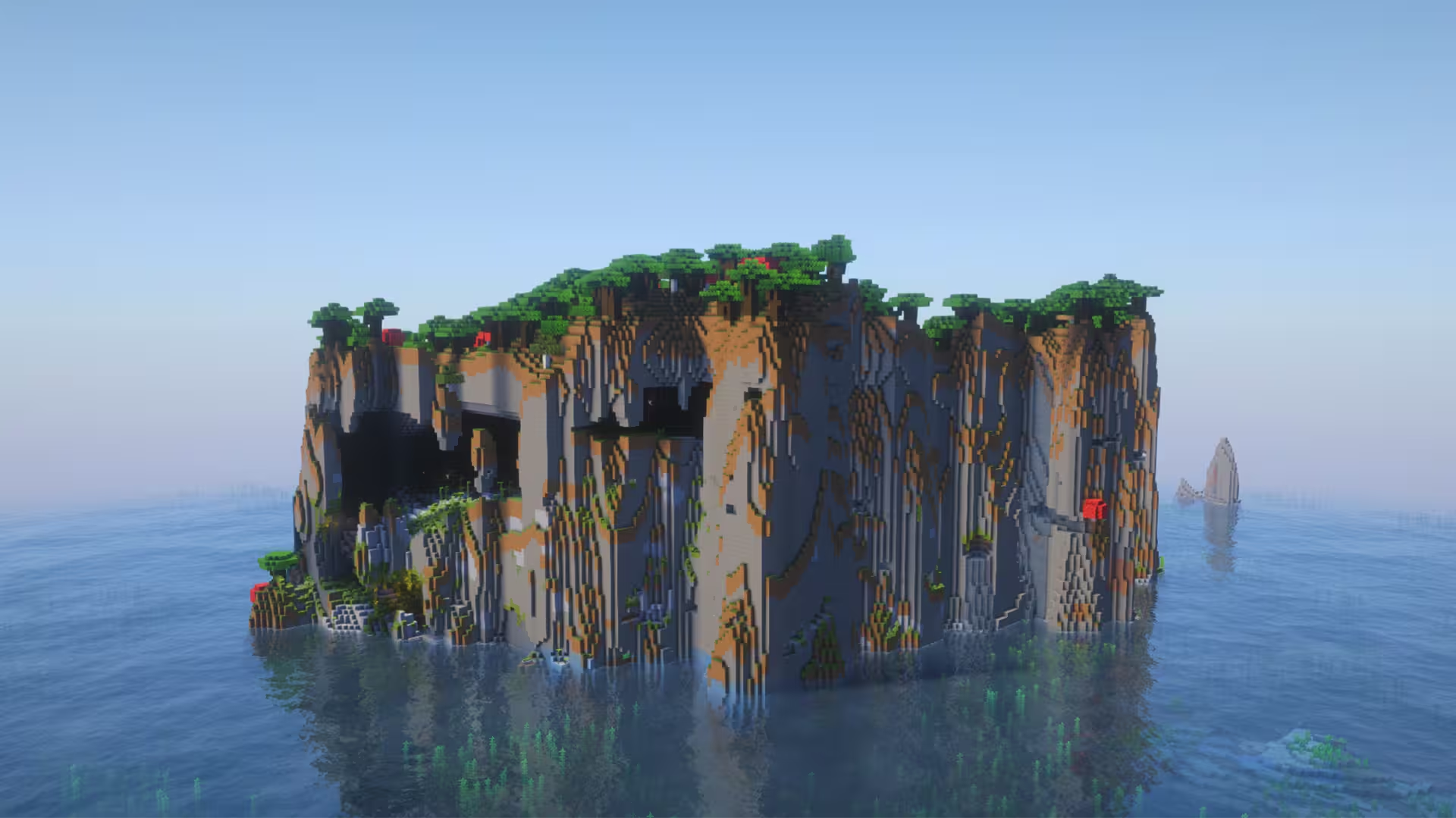
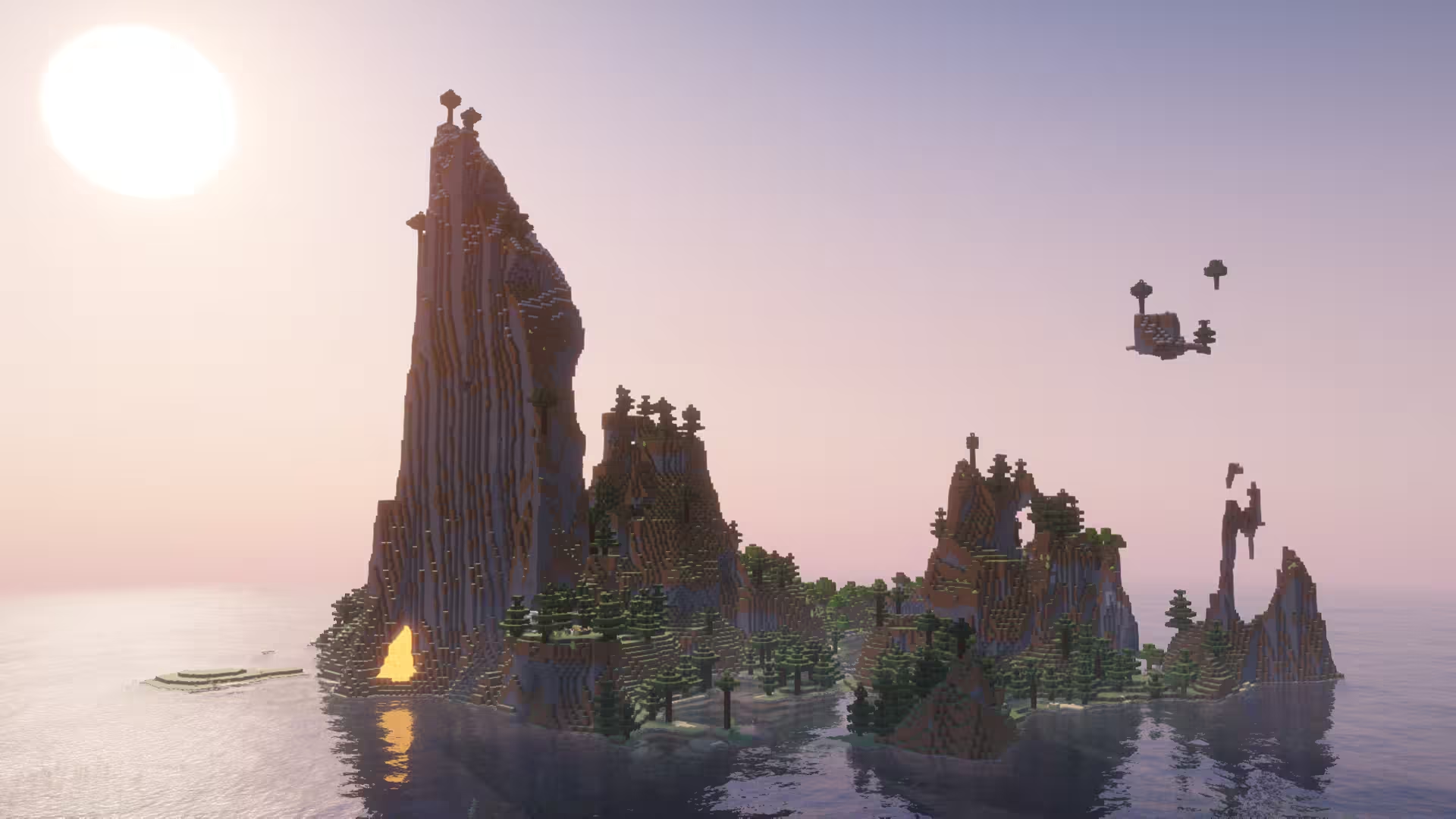
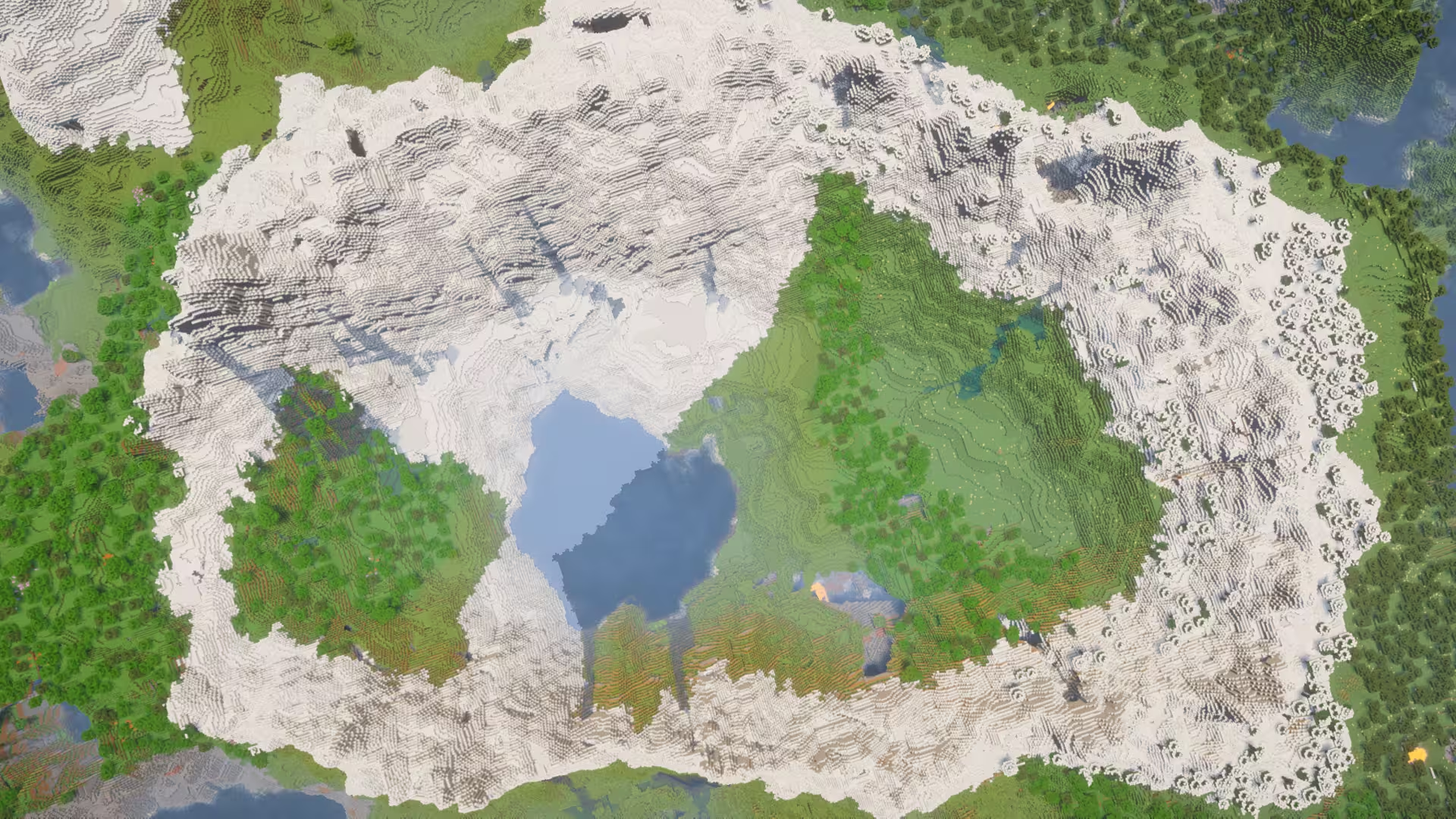
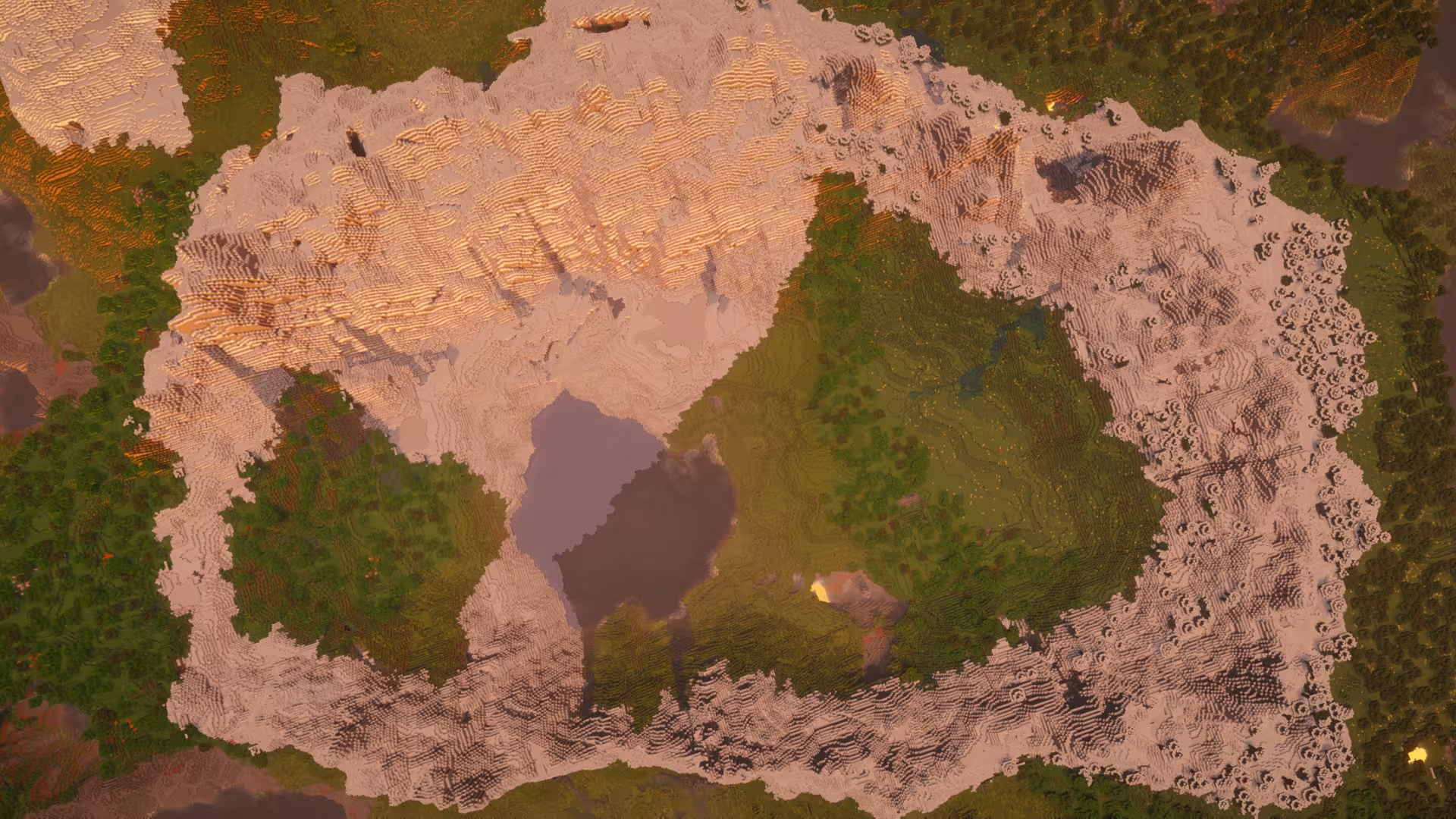
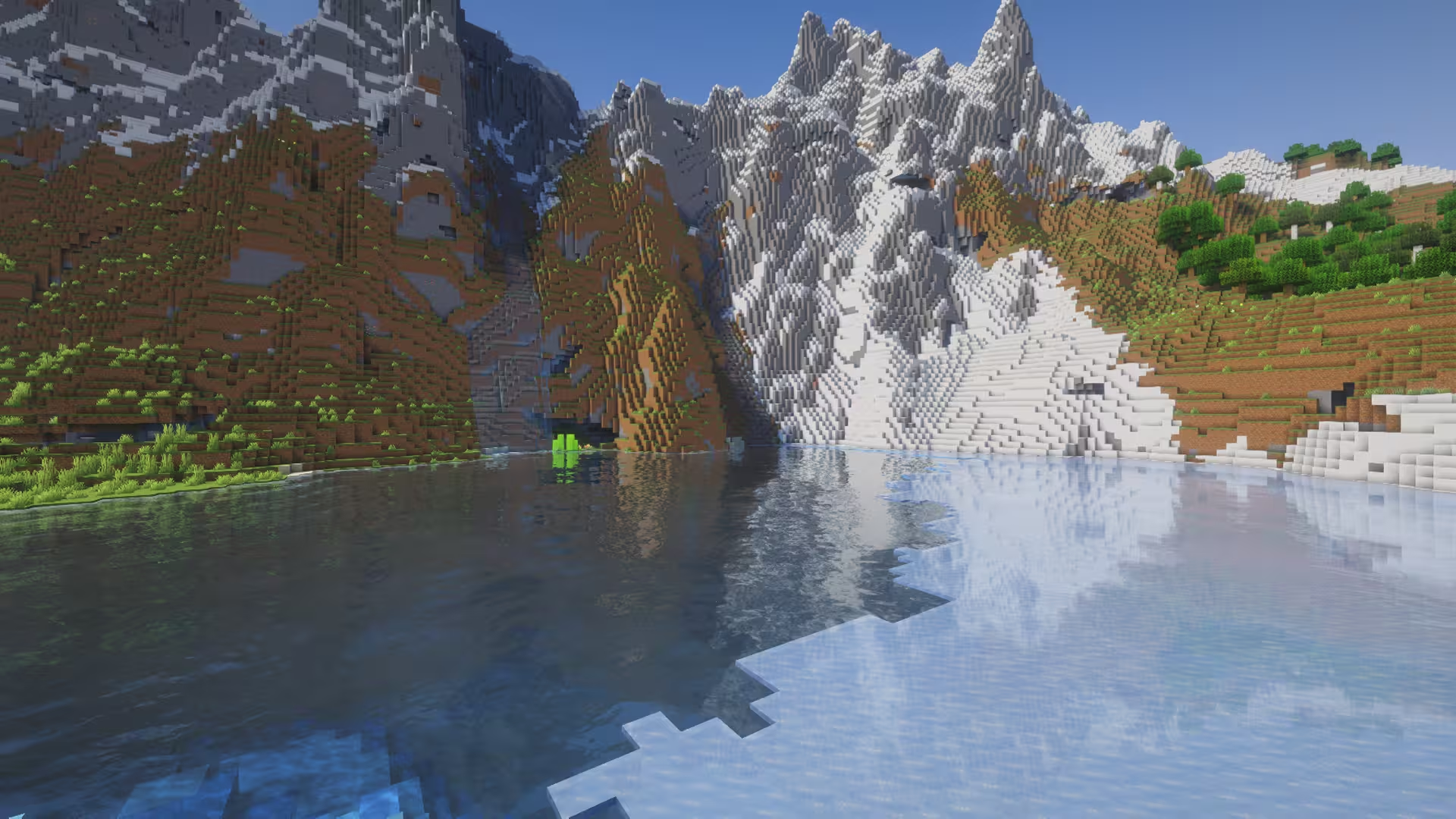
Some of Minecraft's most interesting landscapes emerge when contrasting environments meet, and this seed is a beautiful example of that. Venture northwest from spawn, and you'll eventually discover a remarkable split frozen lake, where icy surfaces meet open waters. The contrast between the two halves creates a picturesque landscape that almost resembles the transition between winter and spring. It's an unusual natural formation worth visiting, especially if you're looking for a scenic location to establish your next survival base. Rather than settling on just one side of the lake, why not incorporate both into your builds? You could construct two settlements with contrasting architectural styles, featuring cozy winter cabins on one side and charming waterfront cottages on the other. A large decorative bridge connecting the two areas could become the centerpiece of your settlement. The frozen portion of the lake could also be used for ice boat racing, while the unfrozen waters provide space for fishing docks and recreational builds.
Interestingly, the underground world is just as eventful as the surface. Four Ancient Cities are scattered beneath the surrounding landscape, including one located east of the second Plains Village. Having multiple Ancient Cities within the wider region makes this seed particularly rewarding for players looking to collect Echo Shards, enchanted books, and rare armor trims. However, make sure to bring plenty of wool and practice navigating quietly to avoid awakening the Warden. Overall, this Minecraft seed offers an enjoyable balance between relaxing construction projects and thrilling underground adventures. Its unusual split frozen lake provides a refreshing alternative to conventional lakeside settlements, while the surrounding villages and Ancient Cities ensure there's always somewhere new to explore.
Tags
Nearby locations
Split Frozen Lake
                                                        X: -905, Y: 145, Z:
                                                        -697
Plains Village #1
On the oceanside.
                                                        X: -256, Y: 74, Z:
                                                        -752
Plains Village #2
                                                        X: -688, Y: 91, Z:
                                                        -960
Ancient City #1
                                                        X: -248, Y: -51, Z:
                                                        -360
Ancient City #2
                                                        X: -728, Y: -51, Z:
                                                        -280
Ancient City #3
                                                        X: -648, Y: -51, Z:
                                                        -648
Ancient City #4
East of Plains Ancient City #2.
                                                        X: -360, Y: -51, Z:
                                                        -1032
Frequently asked questions
A seed is just a number or text string that Minecraft uses to generate your world. When you create a world and type something into the “Seed” box (like `12345` or `MyLittleWorld`), the game turns that into a big number. That number is the recipe the game uses to place: biomes, structures (villages, temples, strongholds) and terrain (mountains, oceans, caves). So if you are using the same seed + same version + same edition (Java/Bedrock) = same world layout. Change anything in the seed and you’ll get a different world.
Since 1.18+ Java and Bedrock use more similar terrain generation, so the overall shape of the world can look similar for the same seed: similar mountain ranges, big oceans, etc. but structures and details like villages or ruined portals often don’t line up exactly between Java and Bedrock. Older versions (pre-1.18) are even more different.
No. Seeds are very version-sensitive because Mojang keeps changing world generation. Big updates like 1.13, 1.16, and 1.18 massively changed world gen and 1.20+ keeps tweaking structures and biomes. A 1.16 seed will still load in 1.20, but the world won’t match: biomes can shift, structures move, and if you had a village at spawn that might disappear. The seed number is still valid, but the layout isn’t guaranteed to look the same. As a rule of thumb, always use the same edition and version the seed was shared for if you want your world to look like the screenshots.
A 1.21.1 seed used in 26.1 will generate the same world as long as you’re on the same edition. Mojang usually keeps world generation identical across small patch versions.
You can see your seed by opening the world, press T and type `/seed` in the chat (cheats must be enabled), then press ENTER. On Java, if cheats are off, you can temporarily enable them via “Open to LAN → Allow Cheats → Start LAN World” and then run `/seed` . On **Bedrock**, you can find the seed from the world settings: Advanced page or on the Game page. On multiplayer servers, you’ll only see the seed if the server lets you: some allow `/seed` for all players, some only for admins, and many block it entirely But to find new interesting seeds, people use scripts that check for certain world formations in millions of random seeds, and interesting ones are highlighted and checked.