
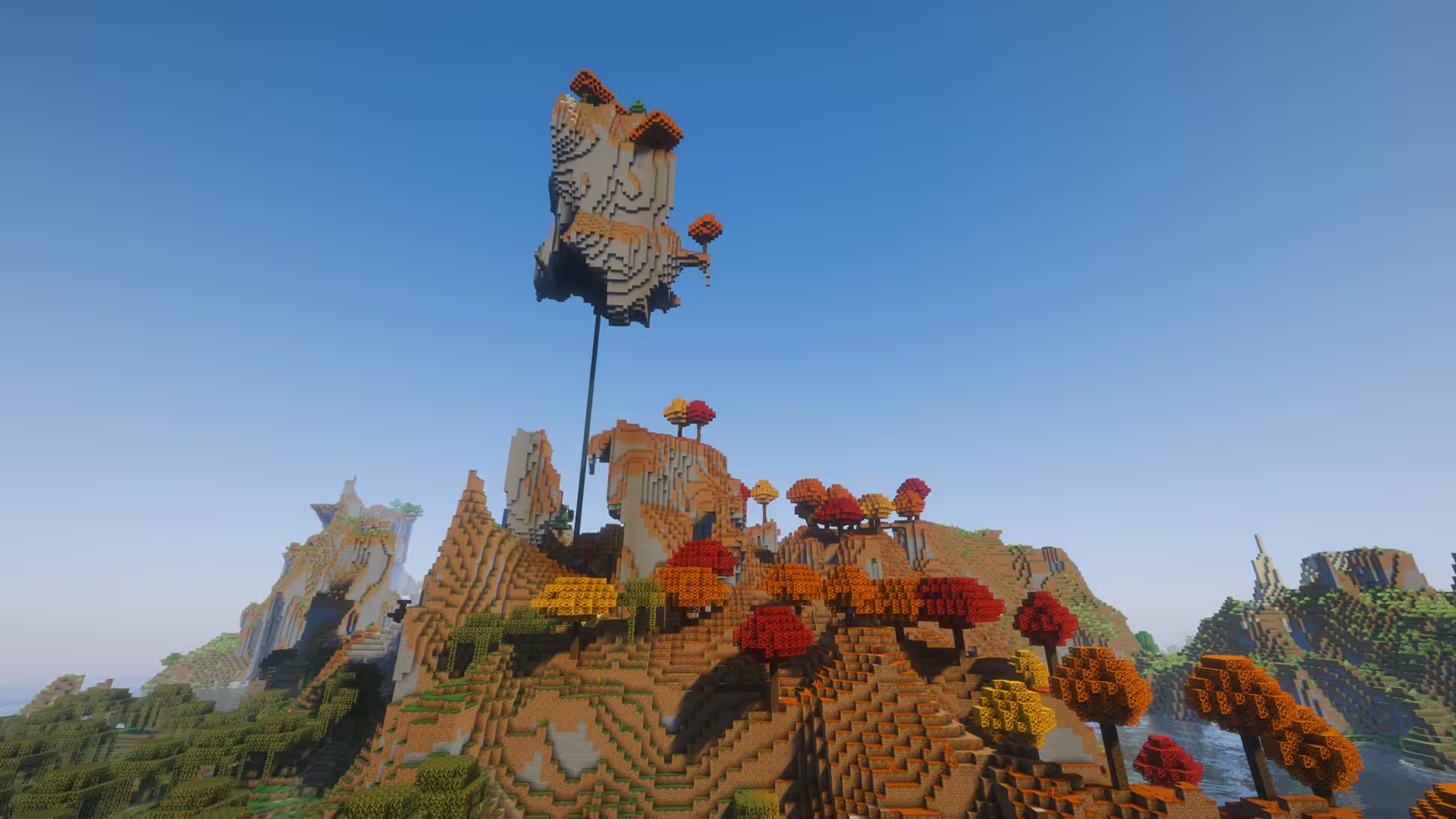
Floating Dappled Forest Island
Seed information
- Seed
-
7313272378517511394 - Location
-
9, 98, 5 - Compatible versions
-
Minecraft Java
•
26.1 - 26.4
Works with: 26.1, 26.1.1, 26.1.2, 26.2, 26.3, 26.4

Description
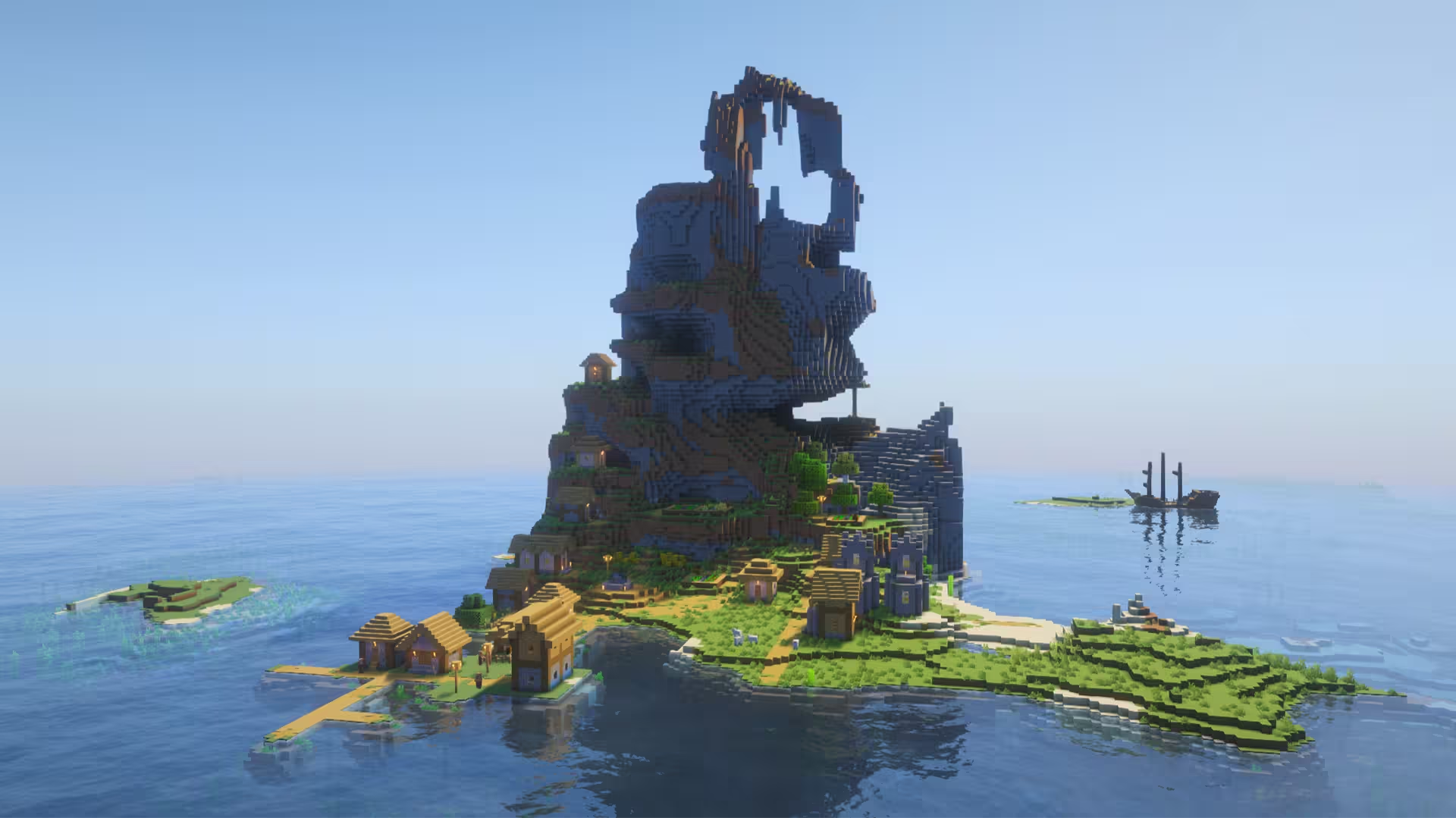
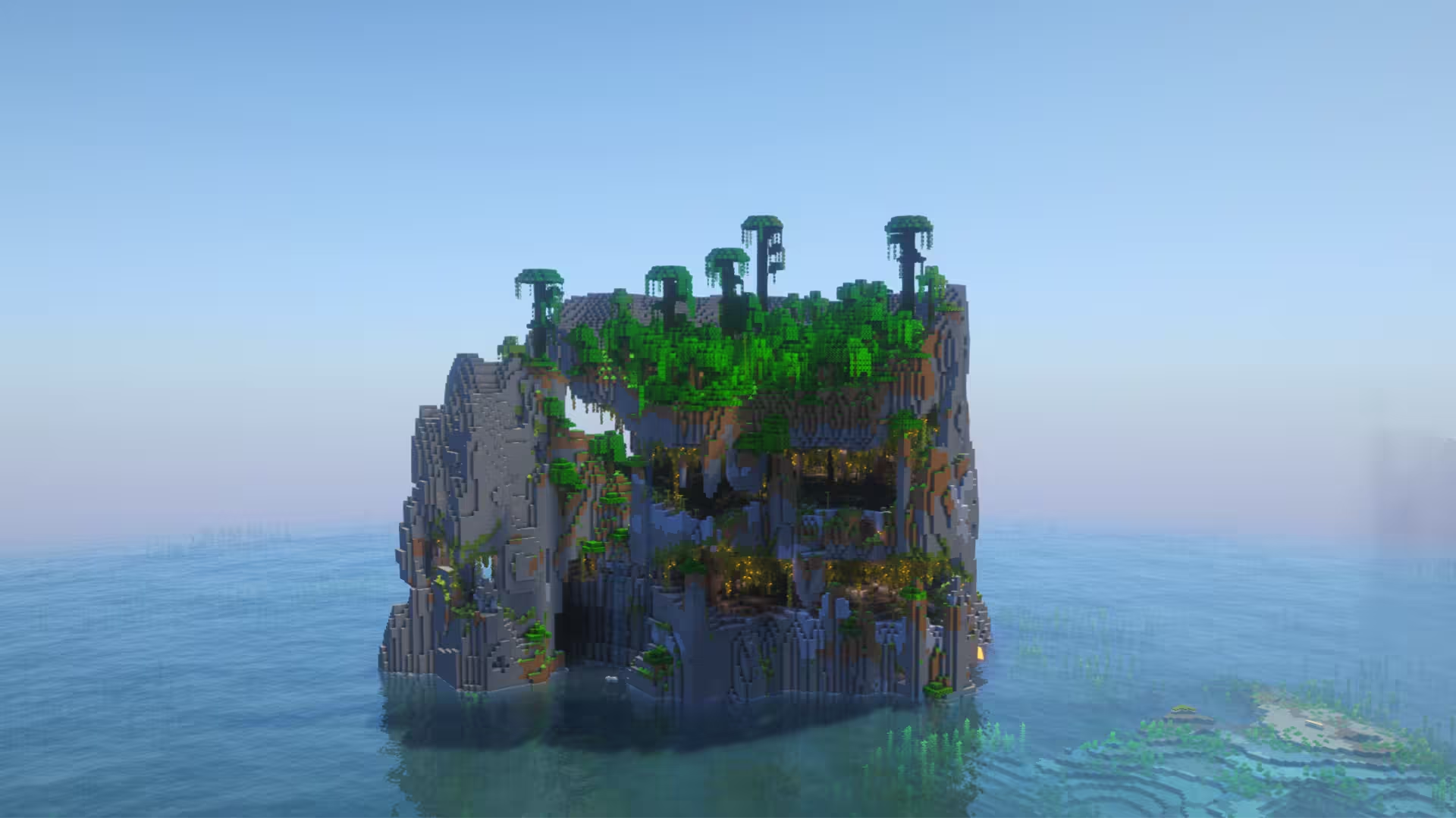
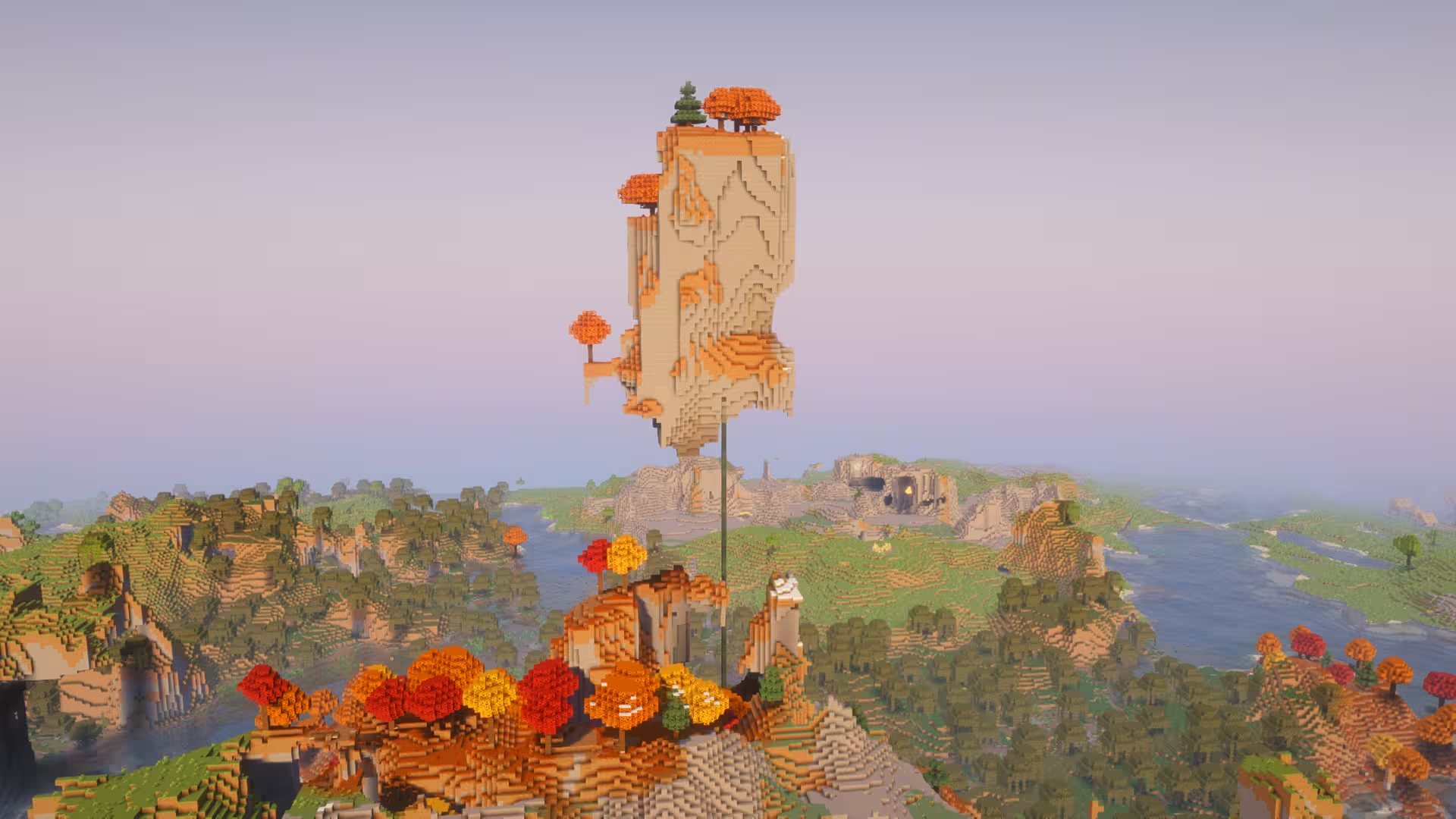
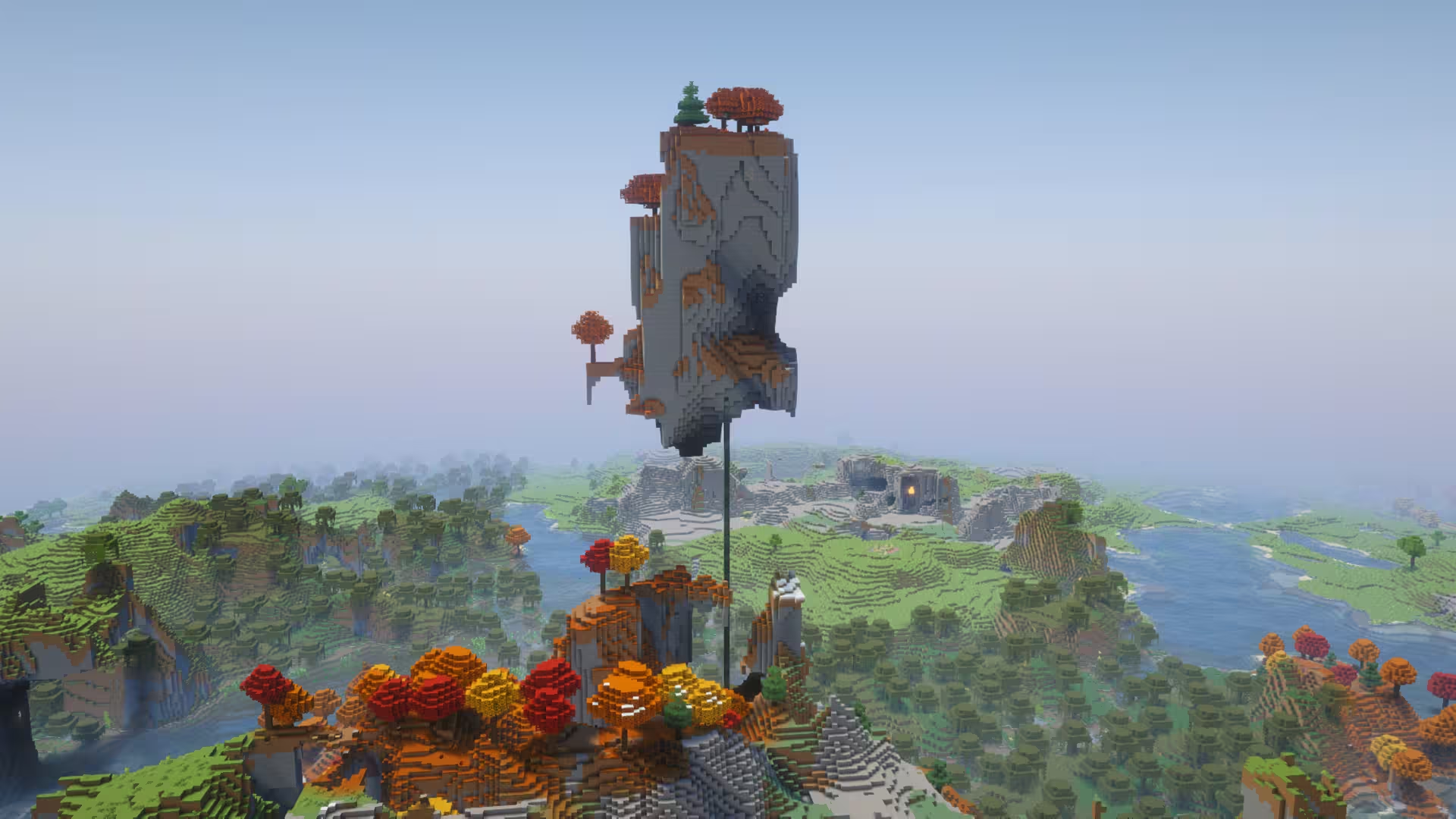
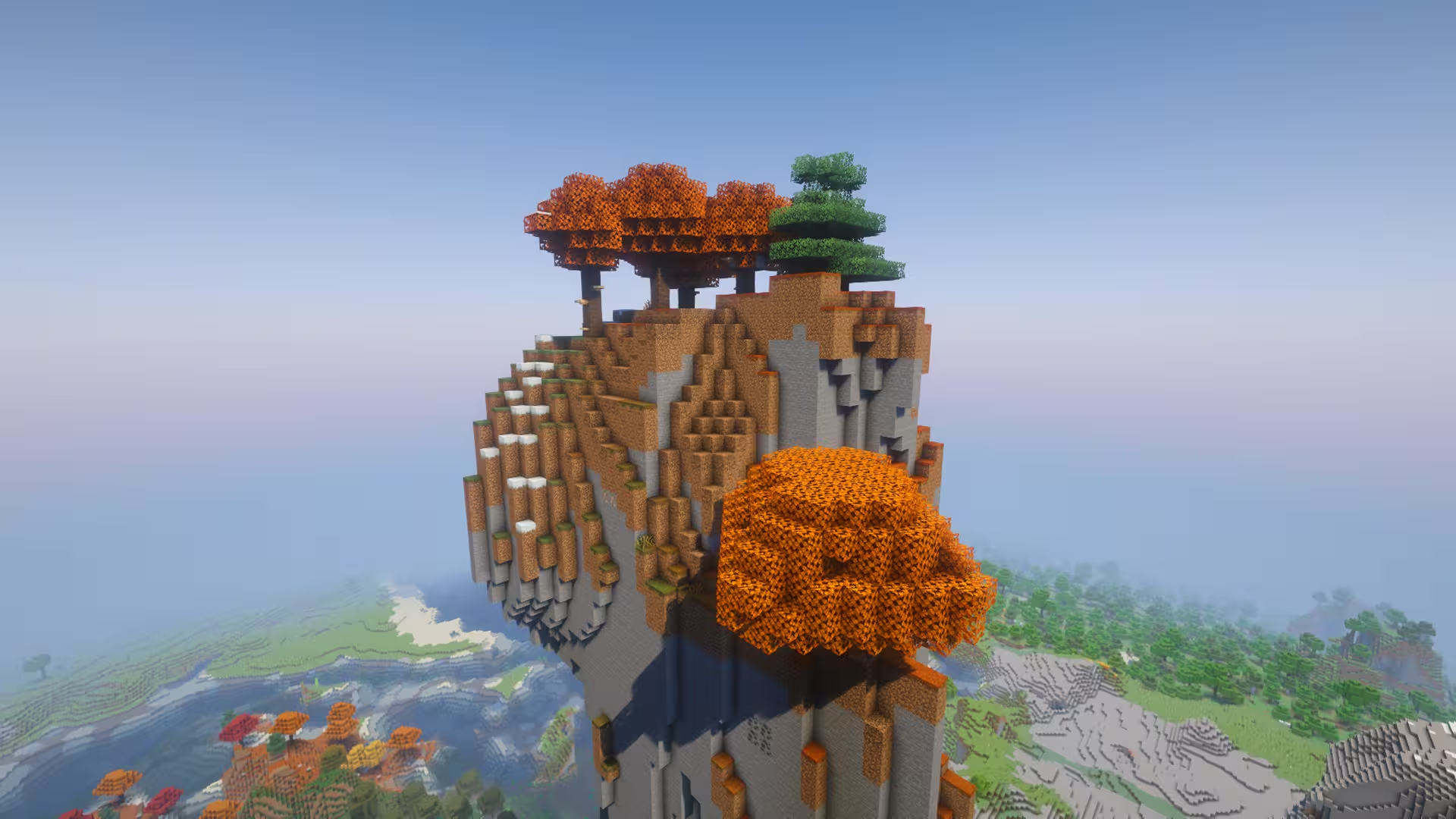
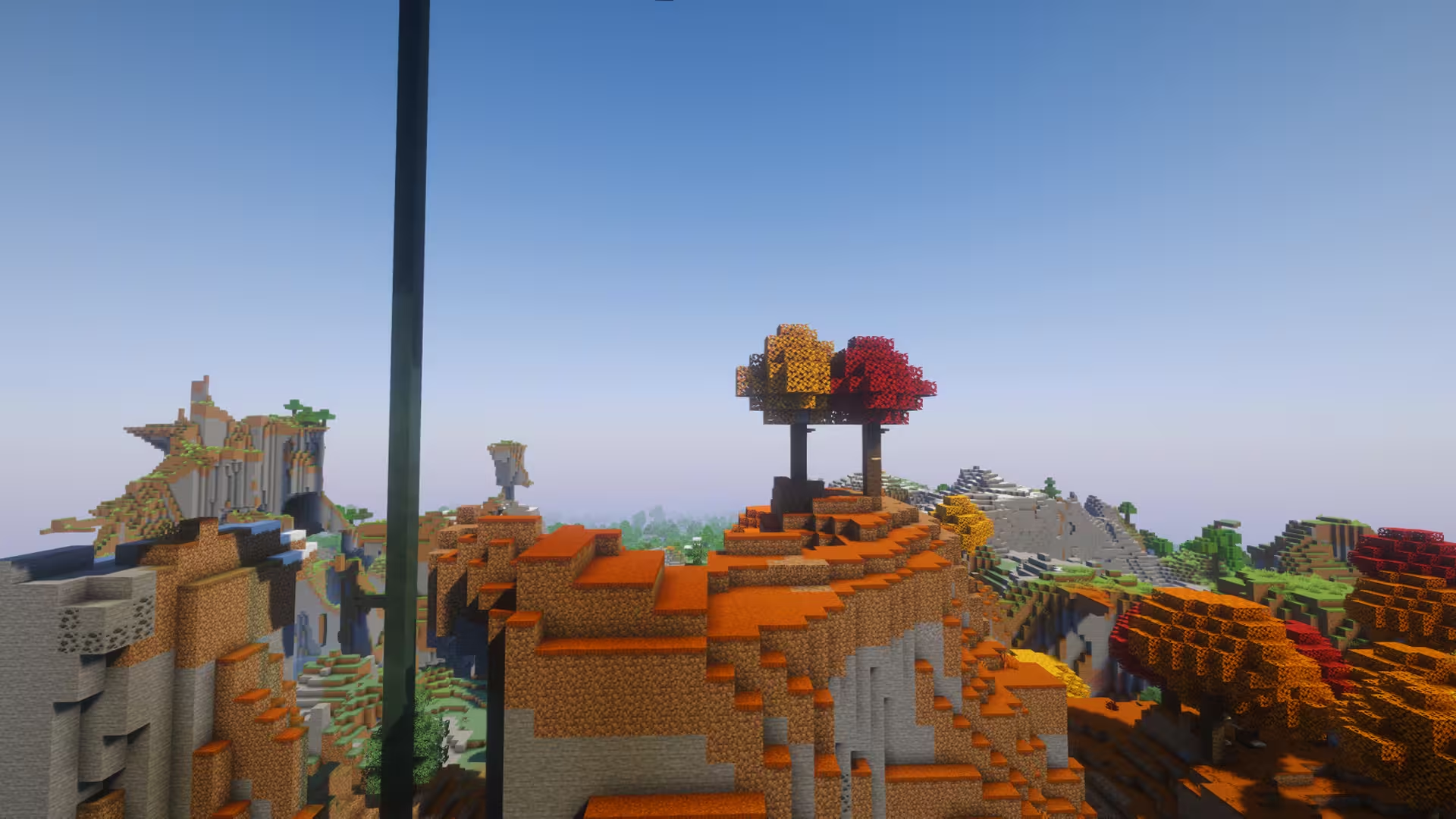
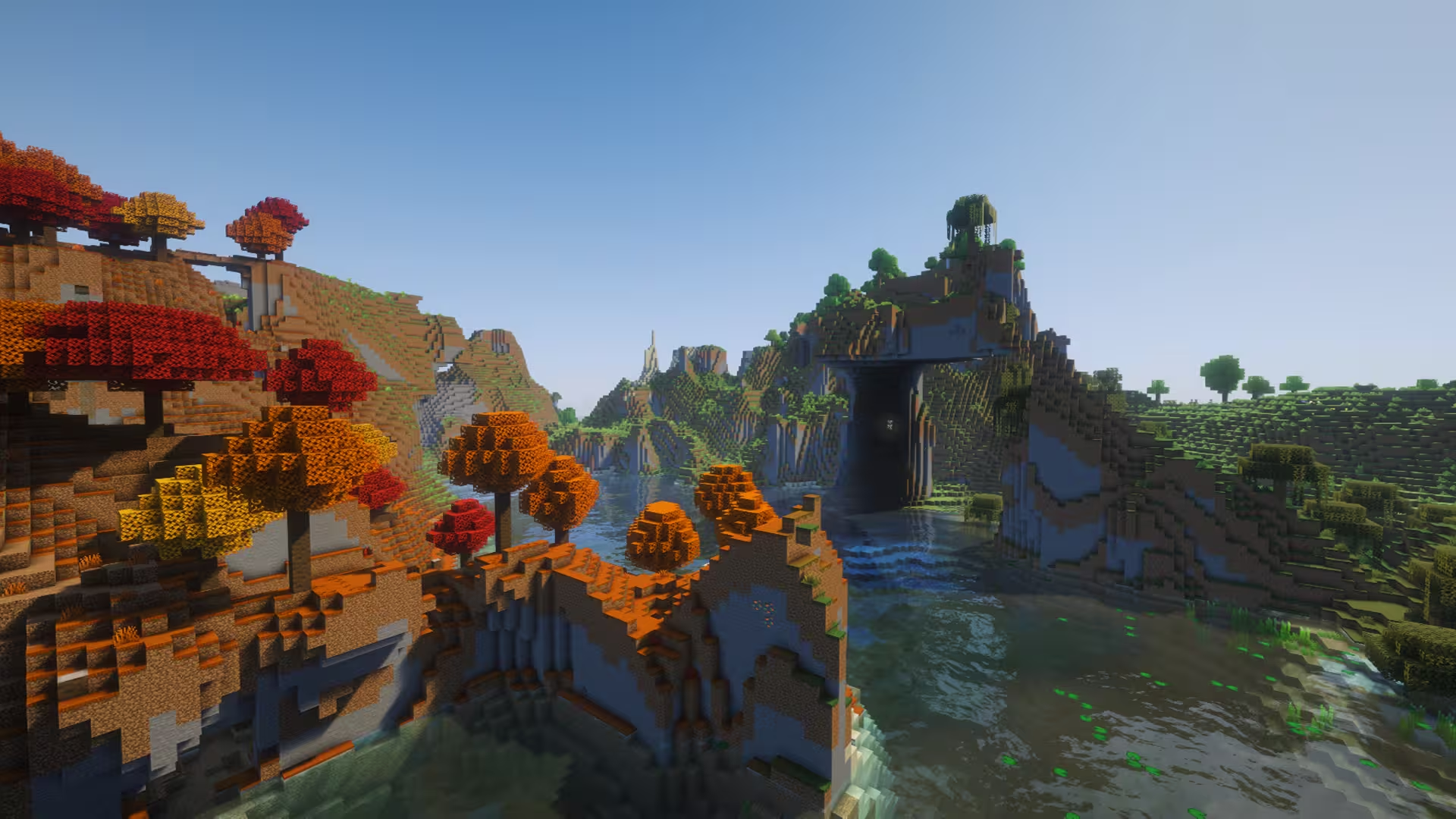
This seed places you near an unusual natural formation featuring a Dappled Forest, where woodland vegetation meets gravity-defying terrain. The floating island creates an almost fantasy-like atmosphere, making it an excellent starting point for players who want to incorporate extraordinary world generation into their builds.The island's elevated position opens up plenty of interesting architectural possibilities. You could construct an enchanted woodland cottage, establish a floating kingdom, or build a series of suspended platforms connected by hanging bridges. Alternatively, you could preserve the island's natural appearance and create a secluded forest sanctuary. However, surviving on a floating island comes with its own challenges, particularly when gathering resources from the ground below. Constructing a safe passage between the island and the surface should be one of your early priorities.
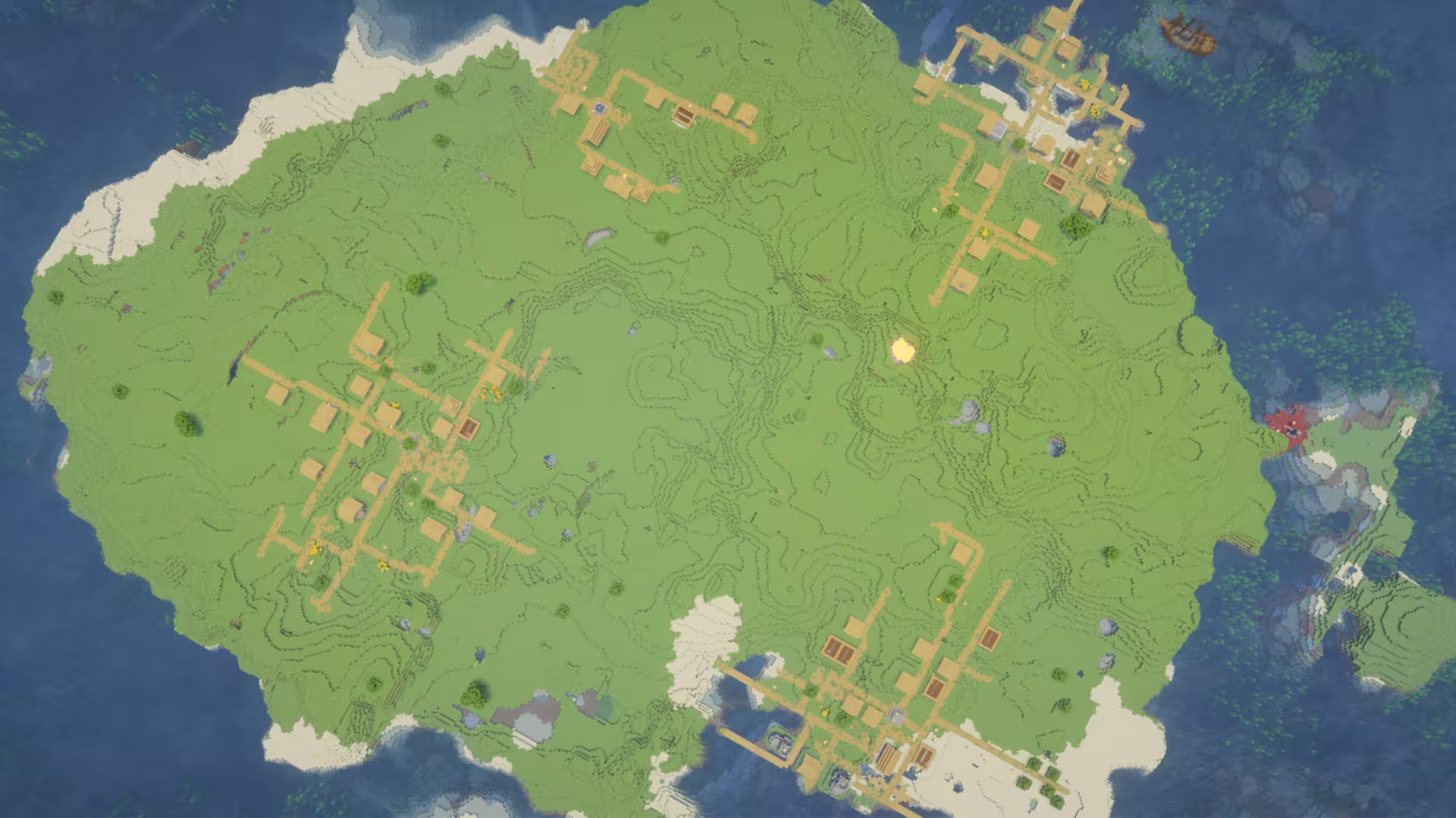
Beyond the floating island, you'll discover a Plains Village situated beside a river. Its scenic riverside location makes it an appealing destination for establishing a secondary base, developing farmland, or constructing a charming waterfront settlement. However, a Pillager Outpost can also be found northwest of this village, adding an element of danger to the otherwise peaceful surroundings. Players could take on the challenge of defending the village or eventually repurpose the outpost into a fortified watchtower. Elsewhere in the region, another Plains Village and a Taiga Village offer additional opportunities for trading, resource gathering, and exploration. These settlements are particularly useful for players who want to develop their floating island without relying solely on the resources available at spawn.
Tags
Nearby locations
Plains Village #1
Sitting by a river.
                                                        X: -208, Y: 63, Z:
                                                        -416
Plains Village #2
                                                        X: -896, Y: 64, Z:
                                                        -320
Taiga Village
                                                        X: 896, Y: 64, Z:
                                                        -224
Pillager Outpost
Northwest by a few blocks from Plains Village #1.
                                                        X: -464, Y: 66, Z:
                                                        -512
Frequently asked questions
A seed is just a number or text string that Minecraft uses to generate your world. When you create a world and type something into the “Seed” box (like `12345` or `MyLittleWorld`), the game turns that into a big number. That number is the recipe the game uses to place: biomes, structures (villages, temples, strongholds) and terrain (mountains, oceans, caves). So if you are using the same seed + same version + same edition (Java/Bedrock) = same world layout. Change anything in the seed and you’ll get a different world.
Since 1.18+ Java and Bedrock use more similar terrain generation, so the overall shape of the world can look similar for the same seed: similar mountain ranges, big oceans, etc. but structures and details like villages or ruined portals often don’t line up exactly between Java and Bedrock. Older versions (pre-1.18) are even more different.
No. Seeds are very version-sensitive because Mojang keeps changing world generation. Big updates like 1.13, 1.16, and 1.18 massively changed world gen and 1.20+ keeps tweaking structures and biomes. A 1.16 seed will still load in 1.20, but the world won’t match: biomes can shift, structures move, and if you had a village at spawn that might disappear. The seed number is still valid, but the layout isn’t guaranteed to look the same. As a rule of thumb, always use the same edition and version the seed was shared for if you want your world to look like the screenshots.
A 1.21.1 seed used in 26.1 will generate the same world as long as you’re on the same edition. Mojang usually keeps world generation identical across small patch versions.
You can see your seed by opening the world, press T and type `/seed` in the chat (cheats must be enabled), then press ENTER. On Java, if cheats are off, you can temporarily enable them via “Open to LAN → Allow Cheats → Start LAN World” and then run `/seed` . On **Bedrock**, you can find the seed from the world settings: Advanced page or on the Game page. On multiplayer servers, you’ll only see the seed if the server lets you: some allow `/seed` for all players, some only for admins, and many block it entirely But to find new interesting seeds, people use scripts that check for certain world formations in millions of random seeds, and interesting ones are highlighted and checked.