

MCASelector lets you safely delete or modify specific chunks in your Minecraft world folder, which is perfect for fixing corruption or reducing lag.
💡
WARNING: Always back up your world files before using MCASelector just in case.
How to Trim Your World?
Before we begin, you can download MCASelector from its official page here. You’ll also want to download the world that you’re going to be editing, so make sure you have all downloaded on your PC.
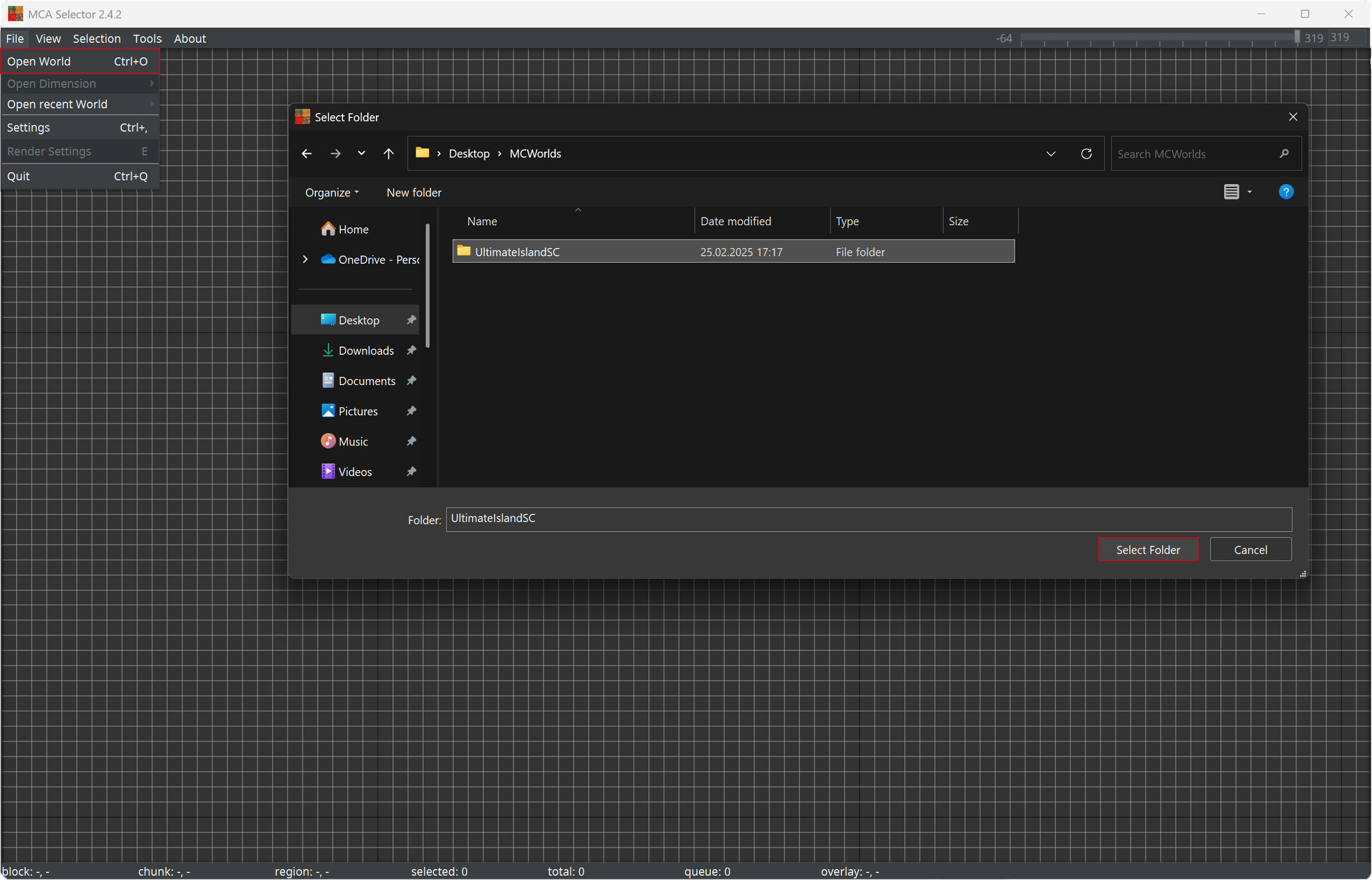
- Open MCASelector and from there, open your world through File → Open World or by pressing Ctrl + O.
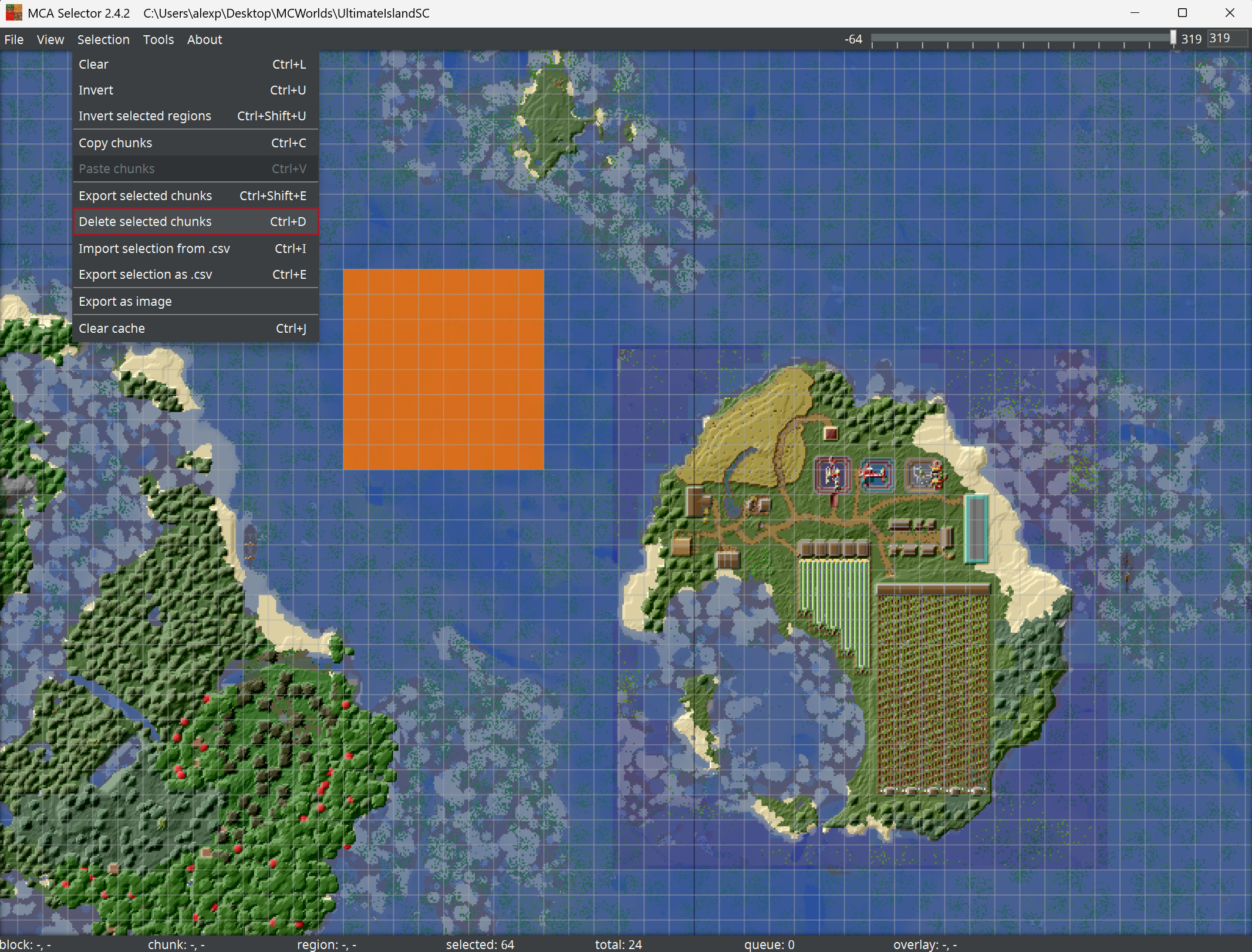
- Select the chunks that you’d like to delete from your world and delete them from Selection → Delete selected chunks or by pressing Ctrl + D.
- After trimming your world, you can upload the world back to your server.
When uploading your world make sure to rename the trimmed world first or delete your unedited world from the server so the world names wouldn’t clash with each other.


