

If you’d like to frequently switch between Java and Bedrock, you’re able to use the Instances feature for that pretty well.
How To Switch Between Java and Bedrock Edition?
- Head over to the Game Panel and close your server. If you’d like to save any data or take a backup, do that now.
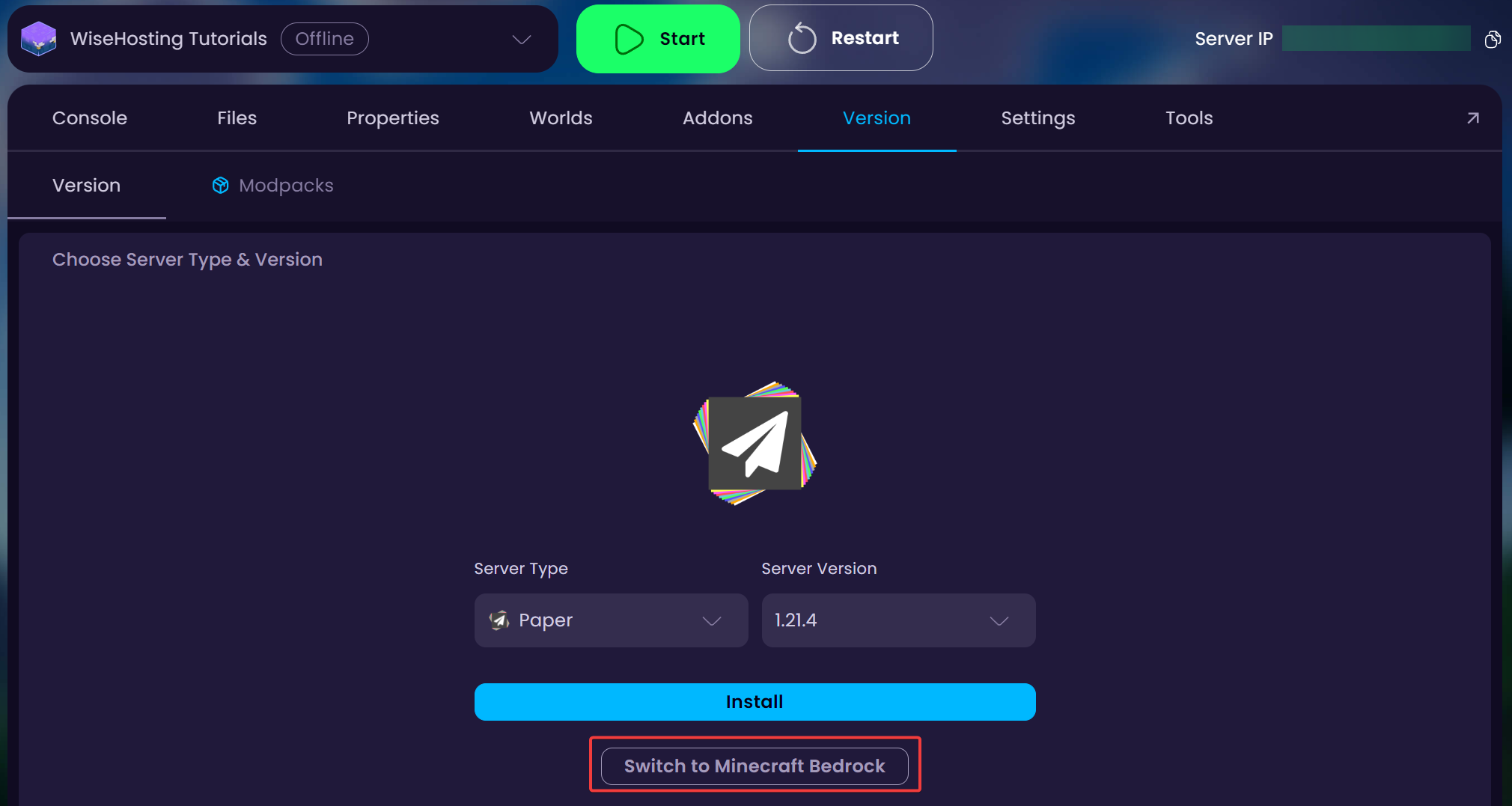
- Navigate to the Version tab and click on the Switch to Minecraft Bedrock button. If you’re on Bedrock, it will be called Switch to Minecraft Java.
- Start your server.


