



Please note that if you reset your world, all the playerdata of that specific world will be deleted as well. If you only reset the Nether and End dimensions, the playerdata will not be affected if you’re in the overworld dimension at the time of the deletion.
How To Reset Your World/Dimension?
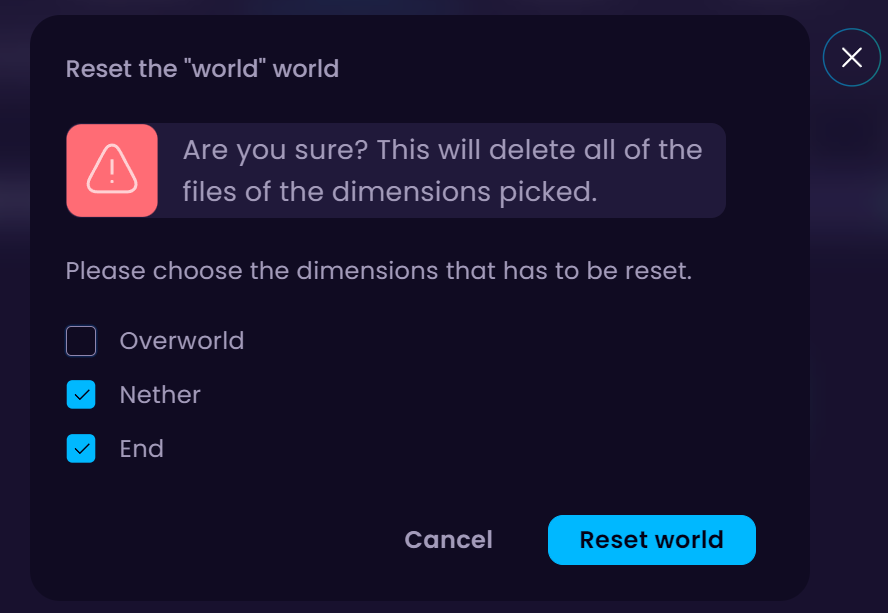
In this tutorial, I want to reset The Nether and End dimensions of my world.
- Head over to the Game Panel and close your server.
- Navigate to the Worlds tab and click on the Reset button of the world you wish to reset.

- From the list, choose the specific dimensions you’re looking to reset. In this tutorial, I’ll be resetting The Nether and End. Once selected, click the Reset world button.
- Start your server.


