

Once you delete playerdata of a specific player, this will reset their inventories and statistics. Next time they join the server, they will be considered a first-time player.
How To Reset/Delete Player Data from Your Server?
- Head over to the Game Panel and close your server.
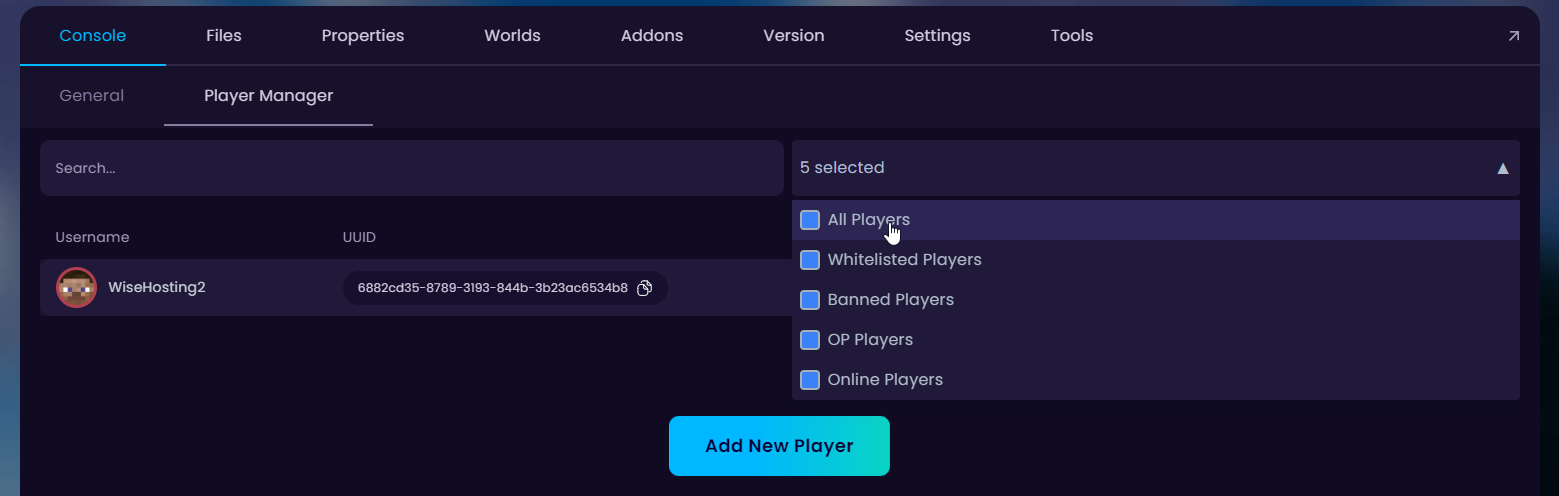
- Navigate to the Player Manager tab and ensure you are viewing all players.
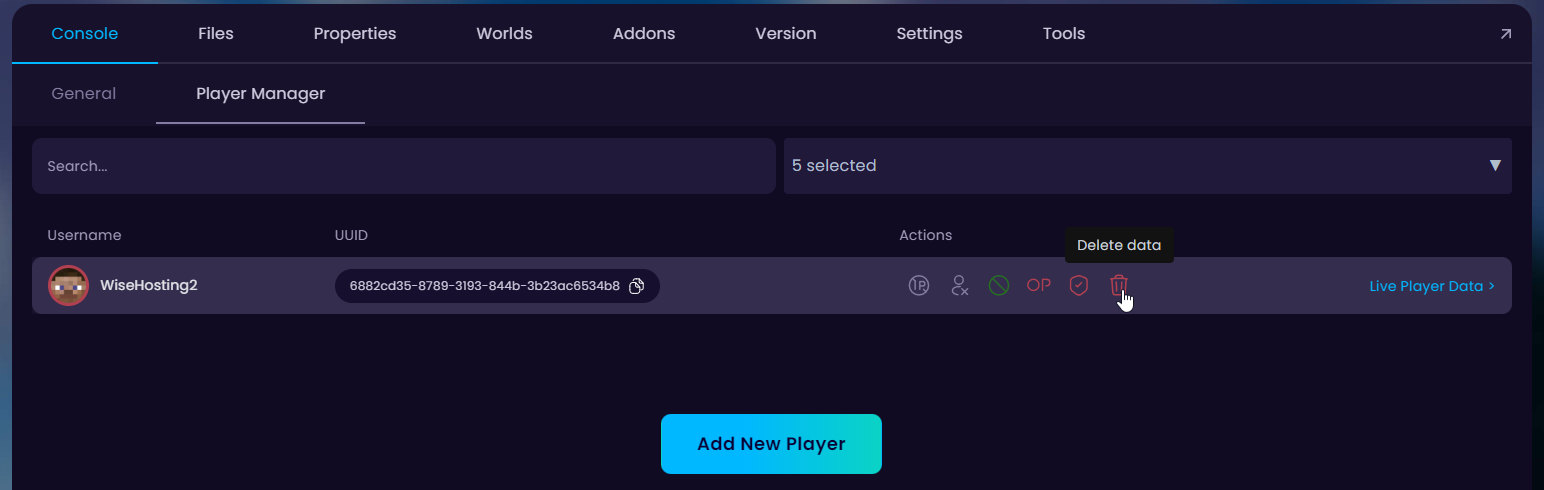
- Find the player whose data you’re looking to delete and click on the Delete data recycle bar icon.
- Start the server for the changes to be applied.


