

On Bedrock versions of the game, the allowlist is called "allowlist" and on Java Edition it's called "whitelist".
Allowlist Commands
There are various commands that allow you to manage the allowlist either through the console or through in-game commands. Here's a list of the commands:
/allowlist add YourUsername- This will add the player called "YourUsername" to the whitelist./allowlist remove YourUsername- This will remove the player called "YourUsername" from whitelist./allowlist list- This will list all the whitelisted players./allowlist reload- Reloads the list of player profiles in allowlist.json
How to Enable Allowlist?
- Head over to the Game Panel and stop your server.
- Navigate to the Properties tab and locate the Allowlist option. Toggle these on to enable/disable whitelist.
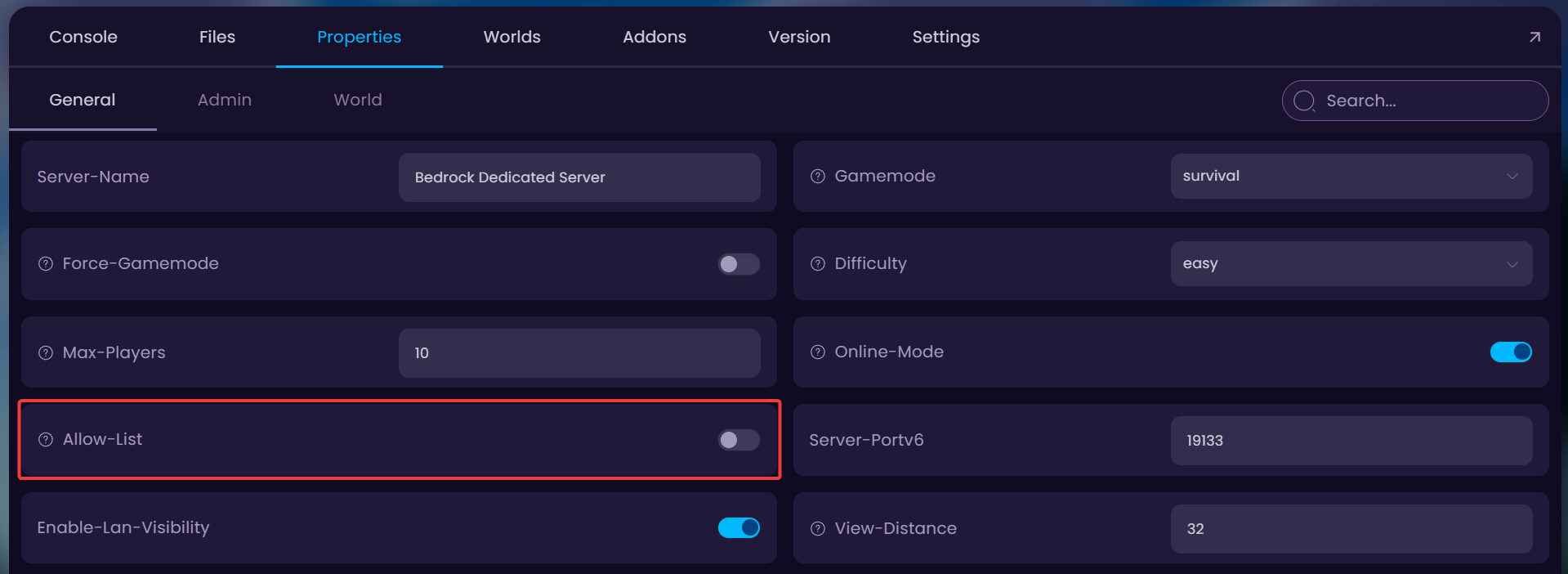
- Done! Your server is now using allowlist. You can now start the server and run the
allowlist add YourUsernamecommand in the console to add yourself to the whitelist.


