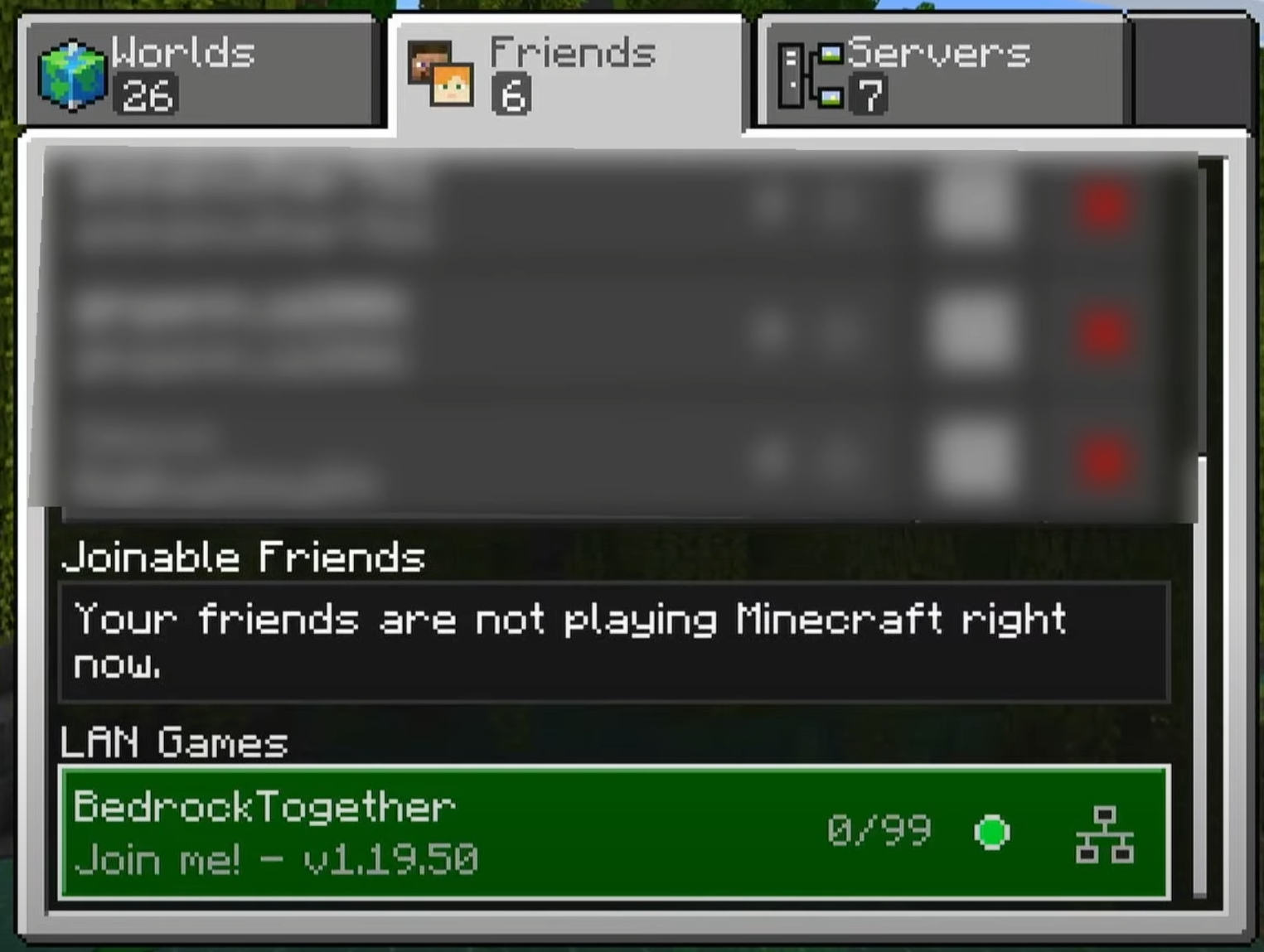
In this guide we'll be using the BedrockTogether app in order to join our Minecraft server. This app can be installed both through the App Store or Play Store.
⚠️
IMPORTANT: In order to join a server through PS/XBOX, your server must support Bedrock players. If you're running a Java server, you can do that by installing the Geyser plugin/mod.
How to Join on Console?
- Install and open the BedrockTogether app on your phone. Make sure the Playstation/XBOX is on the same Wi-Fi network as your phone.
- Insert your server's IP and port. If you're using Geyser on a Java server, the port needs to be the geyser port.
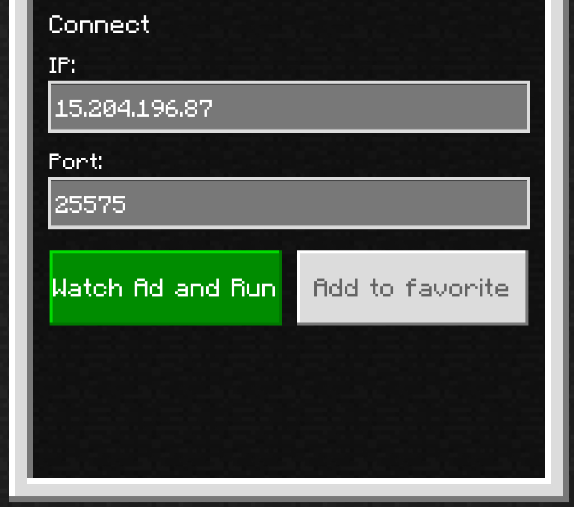
- Click on Watch Ad and Run.
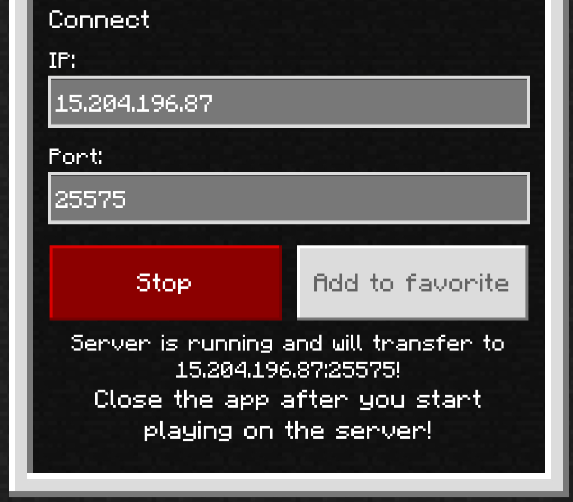
- Once you've watched the ad, head over to your console and open Minecraft and head over to Play → Friends tab. From here, you will be able to join the server under LAN Games.