



Getting connected to your Minecraft server is quick and easy, both on Java Edition and Bedrock Edition. This guide walks you through each step to make sure you can jump in and start playing right away.
How to Join a Server on Java Edition?
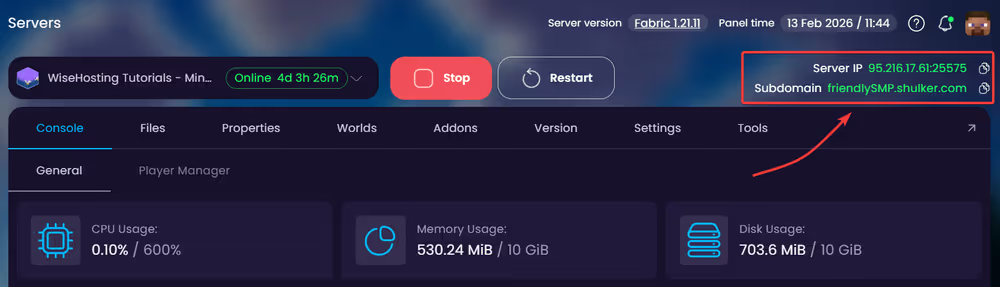
- Head over to the Game Panel and find the server IP at the top right corner. Copy this.
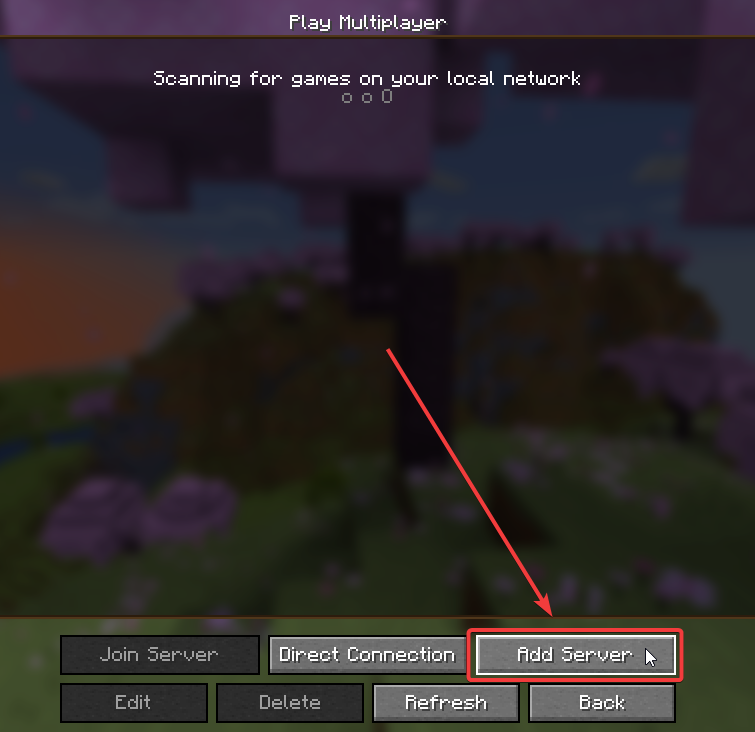
- Open the game and click on "Multiplayer". From there, click on "Add Server" to add the server to the list.
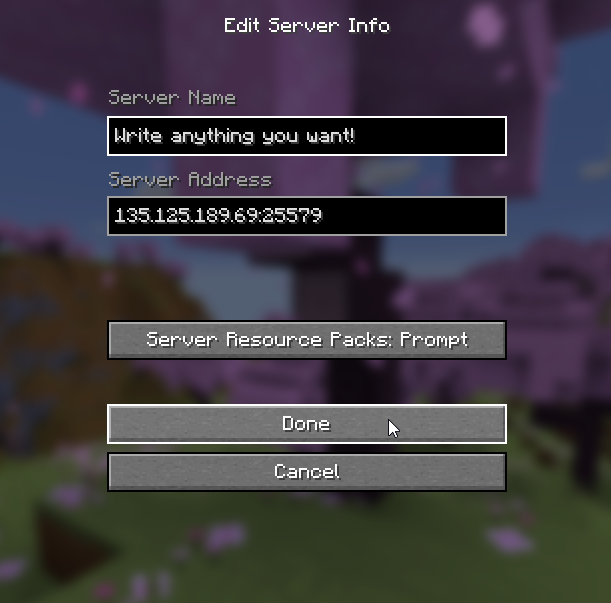
- Done! You've added your server to the list and can now connect to it! Remember to not share the IP with people you do not wish to join..
How to Join a Server on Bedrock Edition?
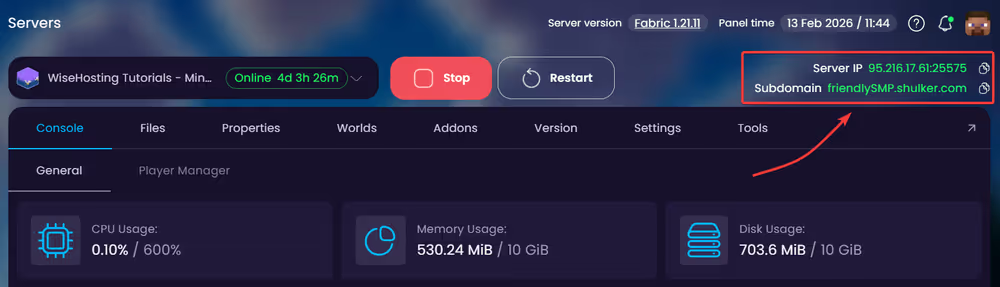
- Head over to the Game Panel and find the server IP at the top right corner. Copy this.
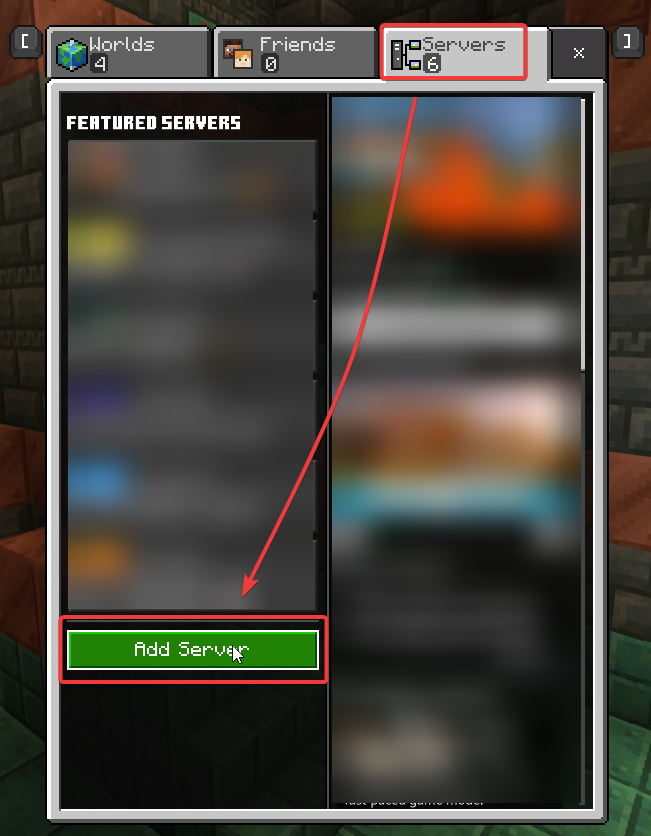
- Open the game and click on "Play". From there, click on "Servers" to add the server to the list.
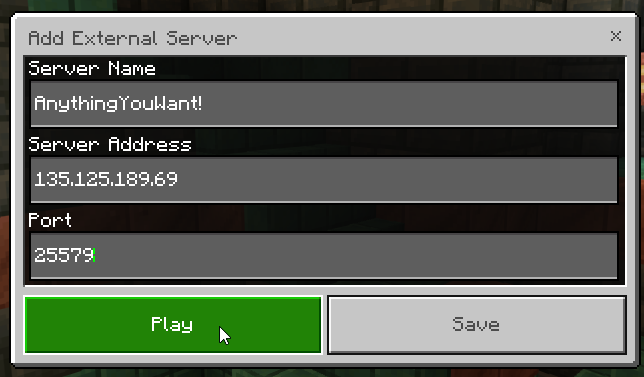
- Done! You can now connect to the server by clicking on "Play".


