There are two possible ways for you to install modpacks on your server. Either through the game panel or uploading the modpack manually. In this tutorial we'll be covering both ways.
If you have created a custom modpack, you can follow this guide to install the custom modpack to your Minecraft server.
👉
NOTE: If a modpack author has not shared a server-pack in their modpack, it is most likely not available to be installed automatically through the Versions → Modpacks tab.
⚠️
IMPORTANT: Installing a modpack will delete all the current data on your server. Please make sure to take a backup if needed.
How To Install a Modpack through the Game Panel?
- Head over to the Game Panel and stop your server.
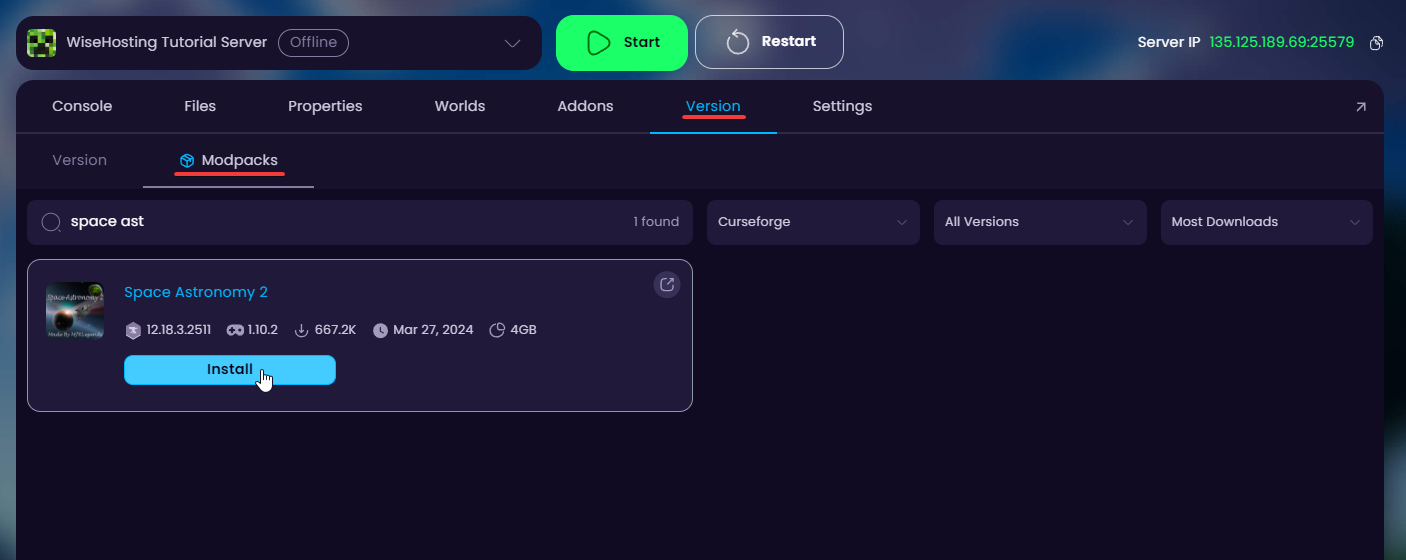
- Navigate to the Version → Modpacks tab in the game panel. Find the modpack you'd like to install and click on the Install button - in this guide I'll be installing the Space Astronomy 2 -modpack.
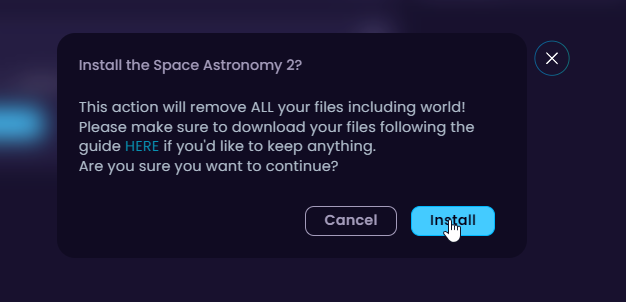
- Wait for the installation to finish (30 - 60 seconds) and start your server.
How To Install a Modpack Manually?
In this guide I will be installing the All of Fabric 5 -modpack manually.
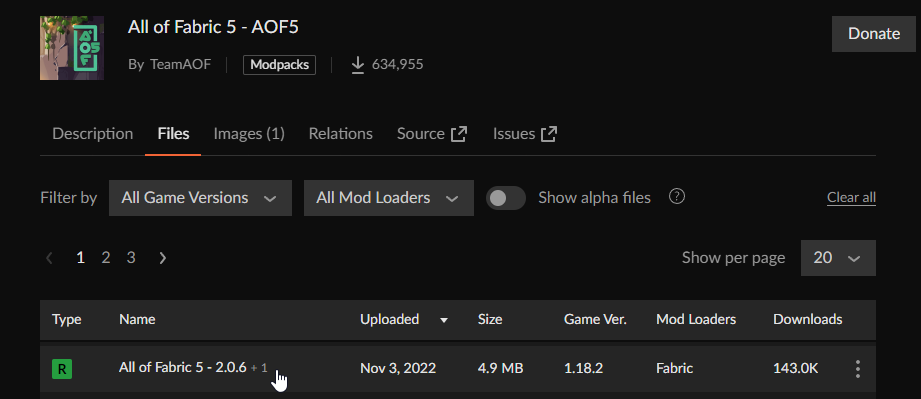
- Navigate to the modpack's page on CurseForge/Modrinth and download it to your computer.
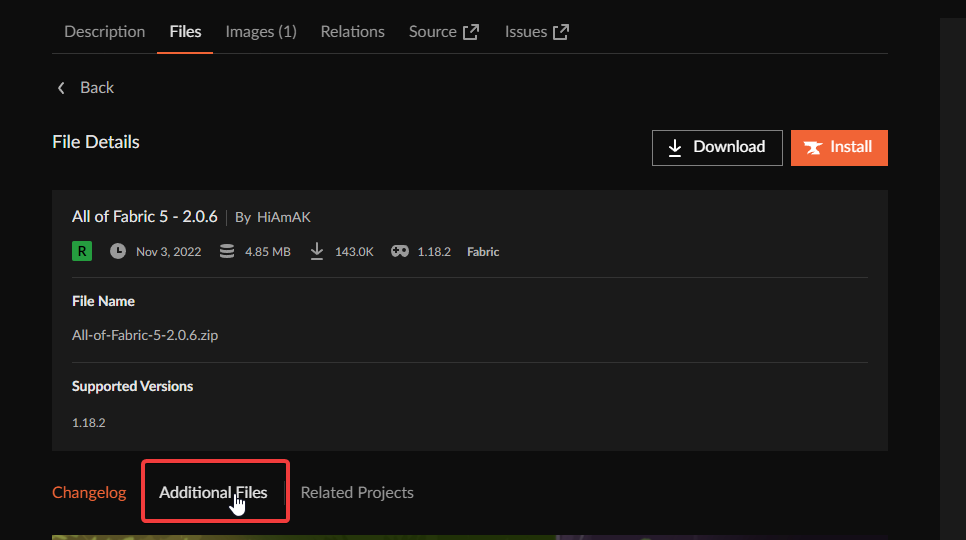
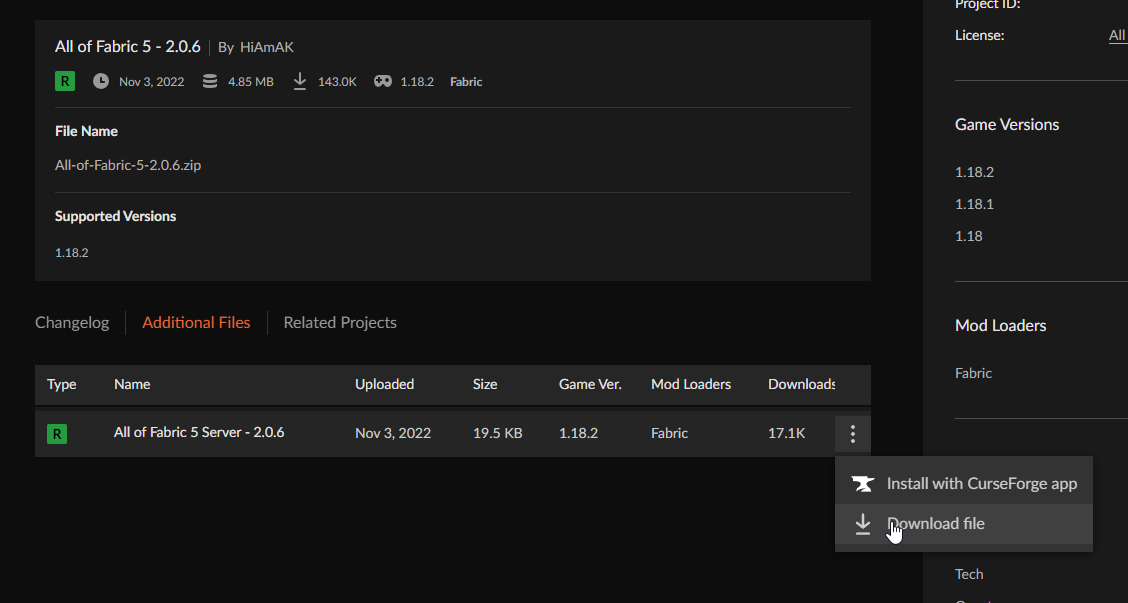
⚠️
WARNING: If the modpack does not have a server pack uploaded under the "Additional Files" tab, please read the modpack's description to see whether it is located somewhere else.
For example, Homestead's server pack is located on their own website (including specific install instructions): https://cozystudios.org/homestead/server-pack/
For example, Homestead's server pack is located on their own website (including specific install instructions): https://cozystudios.org/homestead/server-pack/
- Remember to also remember the version of the server as we need to install this on the server as well.
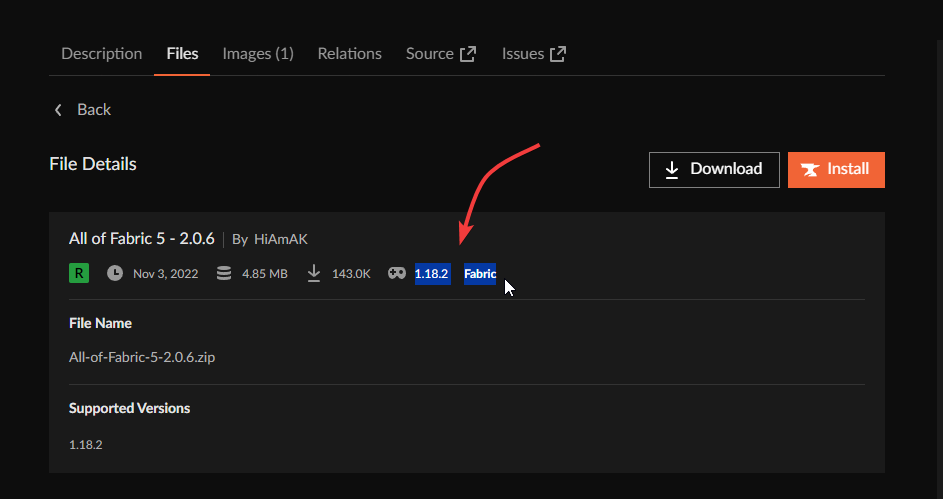
- Once downloaded and extracted, we can move forward. Each modpack works differently. With this modpack, we need to generate the files first.
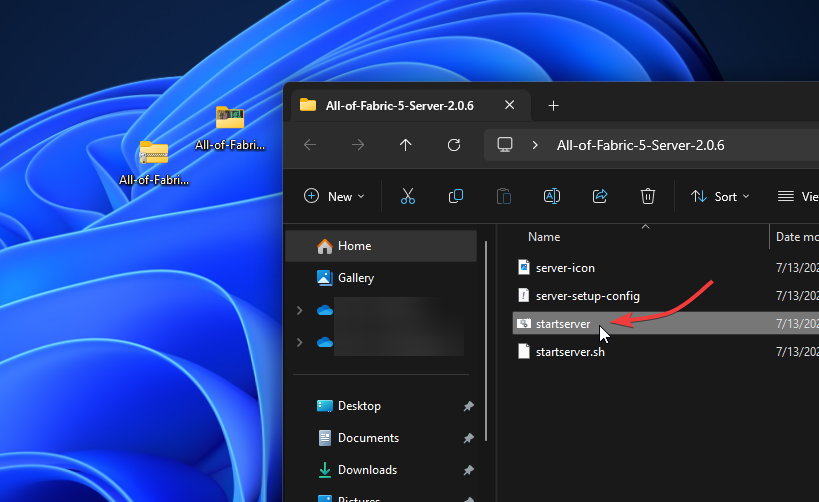
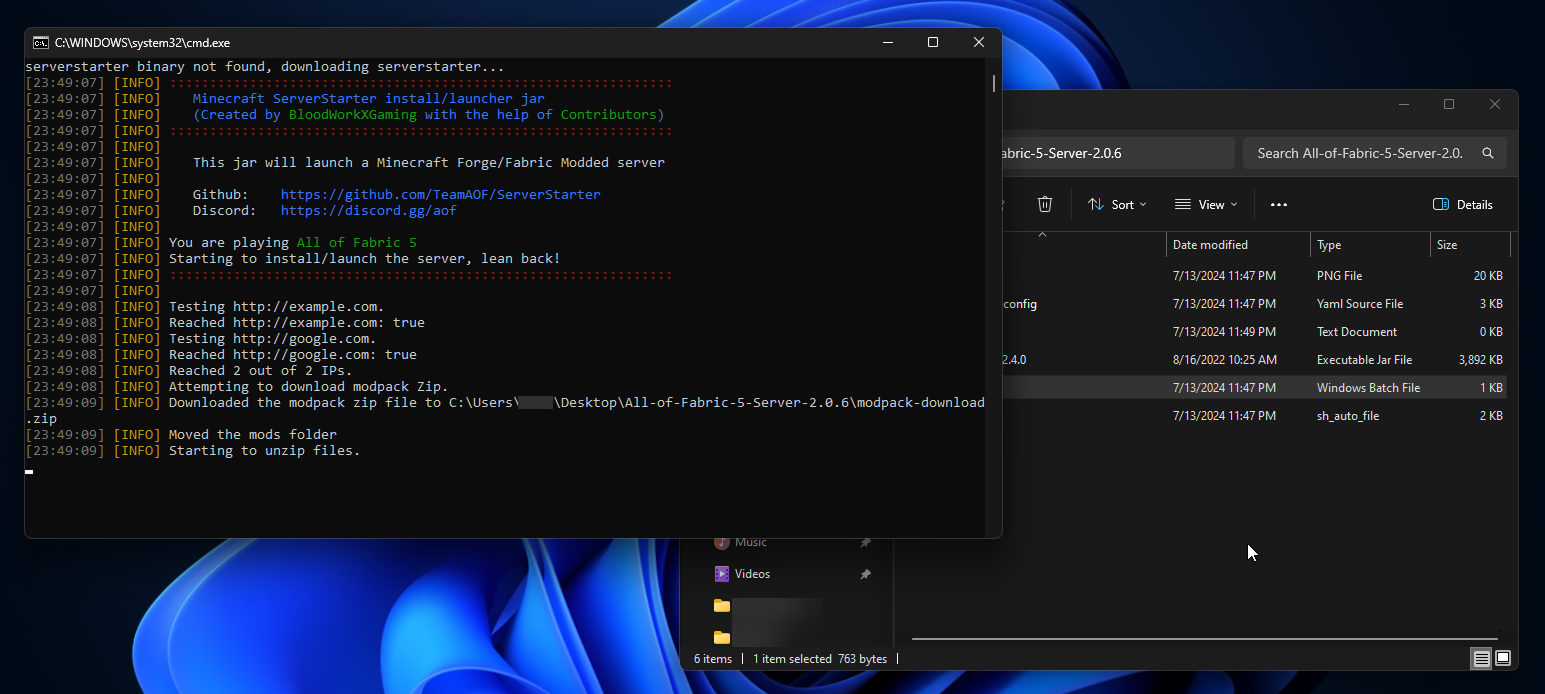
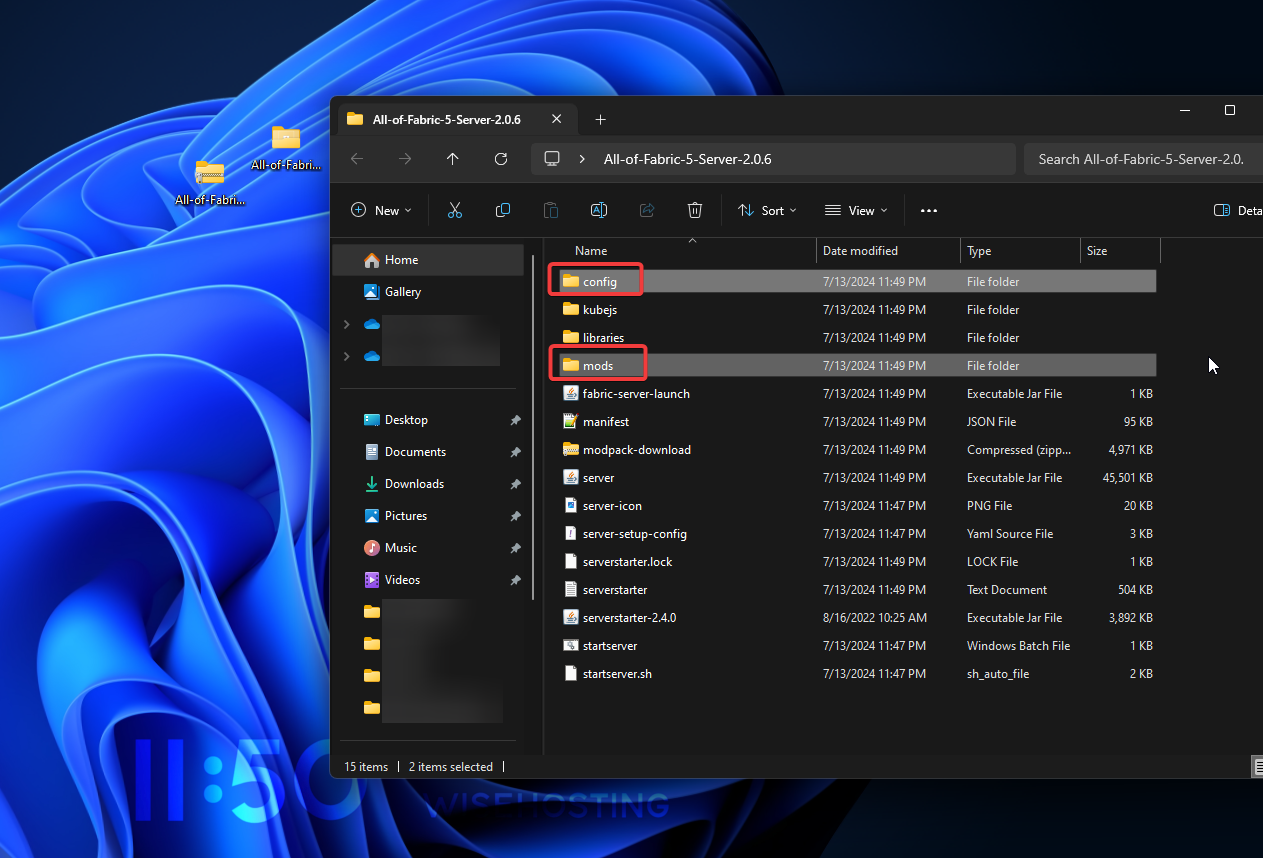
- This generated a bunch of files, however, the mods and config (sometimes also defaultconfigs) folders are the ones we need to move to the server. Remember these!
- Head over to the Game Panel and stop your server.
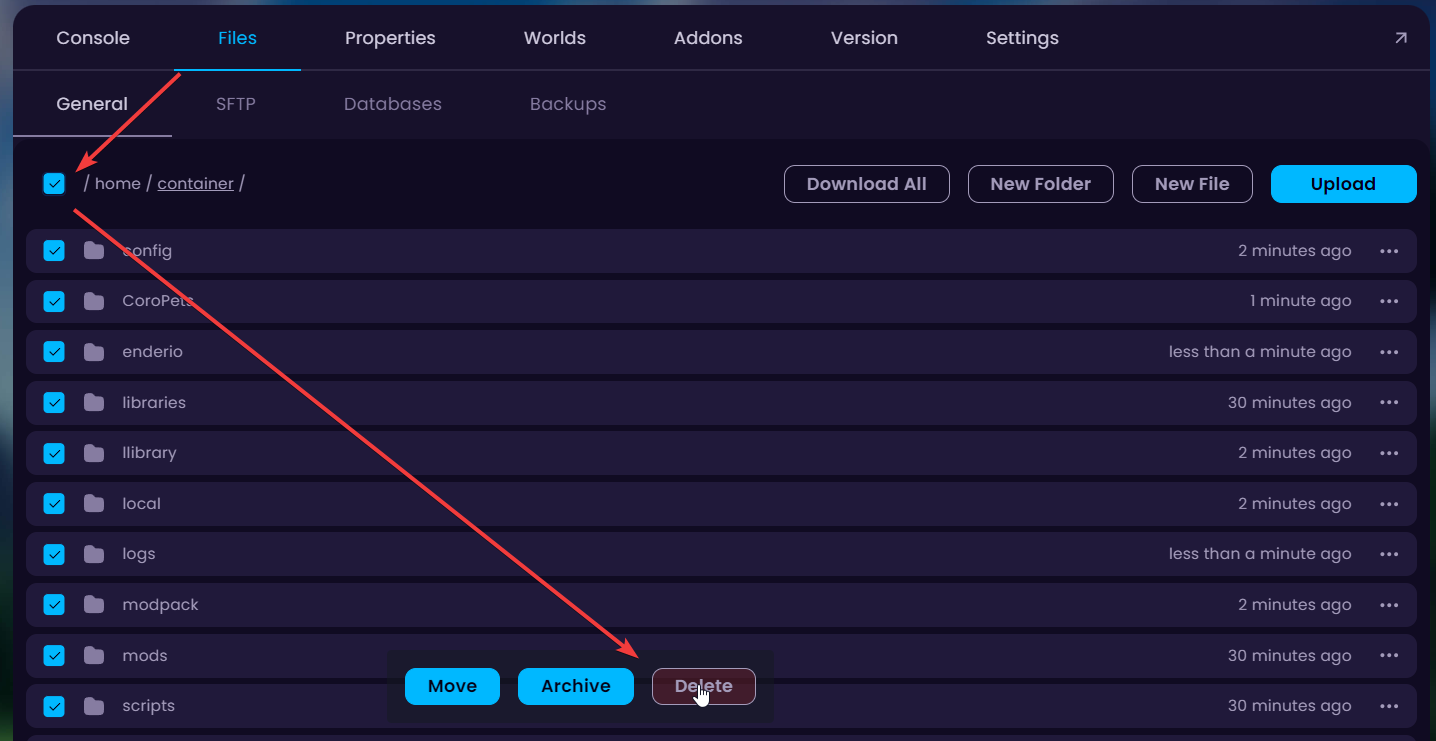
- Navigate to the Files tab and delete all the files in there.
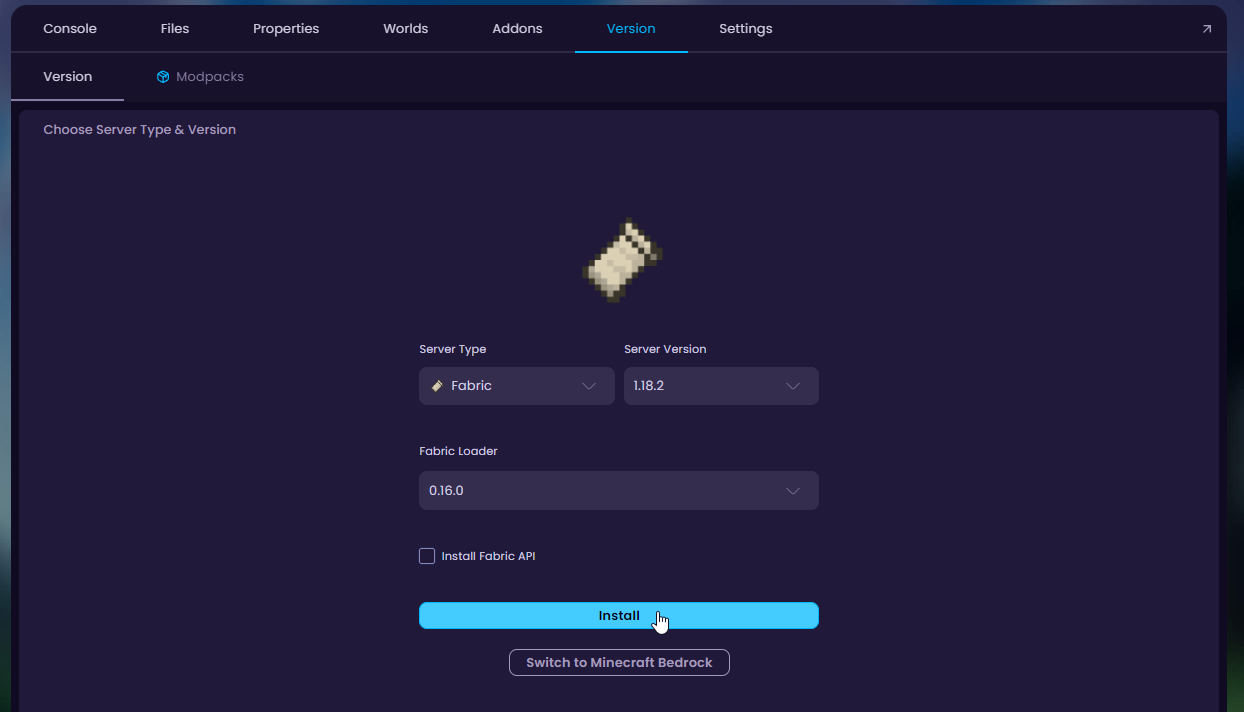
- Navigate to the Version tab and install the modpack's version that we saved from before. This modpack uses Fabric 1.18.2.
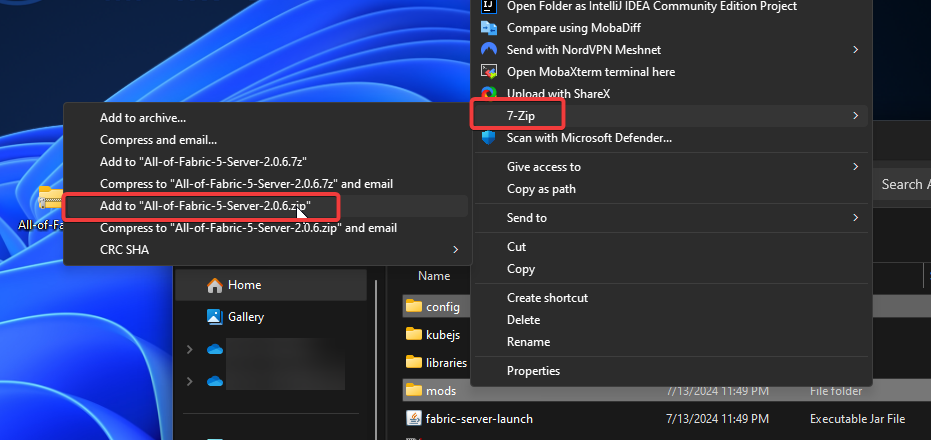
- Now, once the version is successfully installed we'll upload all the modpack files to the server. Return to the modpack's folder on your computer and zip the mods, configs, and defaultconfigs folders (for this you need 7-zip or similar installed) together.
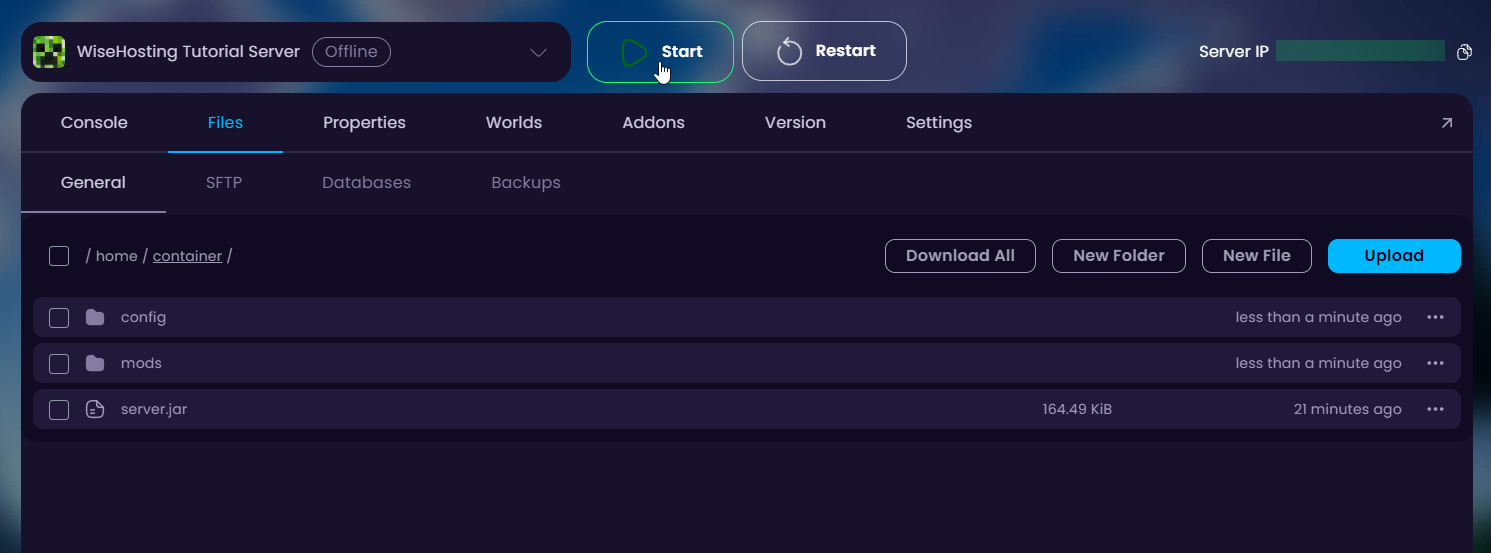
- Upload the zipped folder to the Files tab and unarchive it.
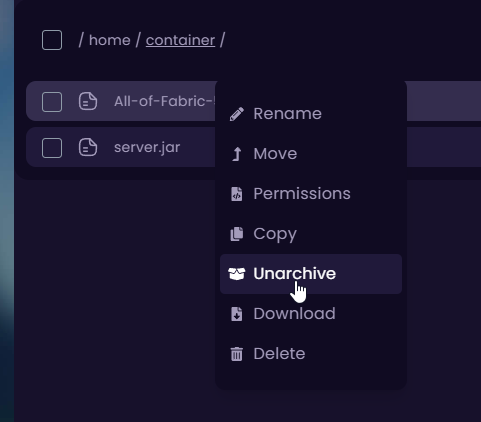
- You can now start the server and delete the zip after you see the mods, configs and defaultconfigs folders generated.