

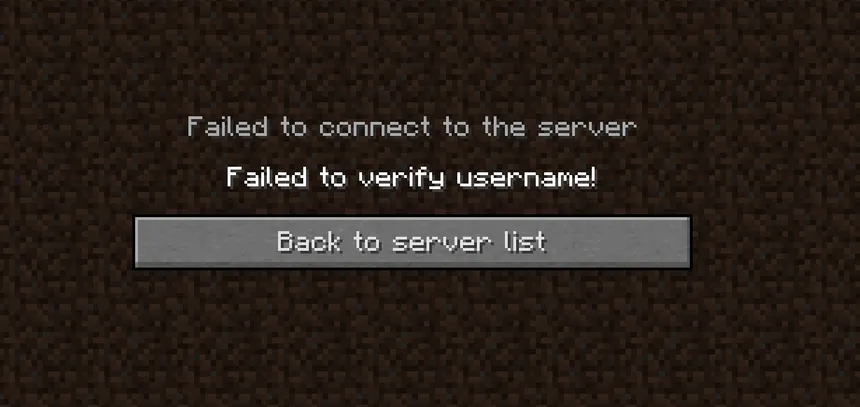
Whenever you try to connect to a server it shows the "Failed to verify username!" or "Invalid Session" text. This article shows you a few possible fixes to this.
Relogging in the Minecraft Launcher
- Open the Minecraft Launcher and log out from your account.
- Log in to the account again in the Minecraft Launcher.
- Start the game like normal and try joining the server again.
This usually works as you simply need to authenticate your account with the Minecraft servers again. This is how to do that.
Allowing Cracked Players
Another option is to enable cracked players to join your server. If you decide to enable this, we also recommend downloading a Login plugin to prevent people from accessing other accounts.
- Head over to the Game Panel.
- Select the server where you want to enable cracked players. Make sure the server is TURNED OFF.
- Head over to the Properties tab and disable the
ONLINE-MODEoption. - Start the server and see if you're still getting the same error message.


