



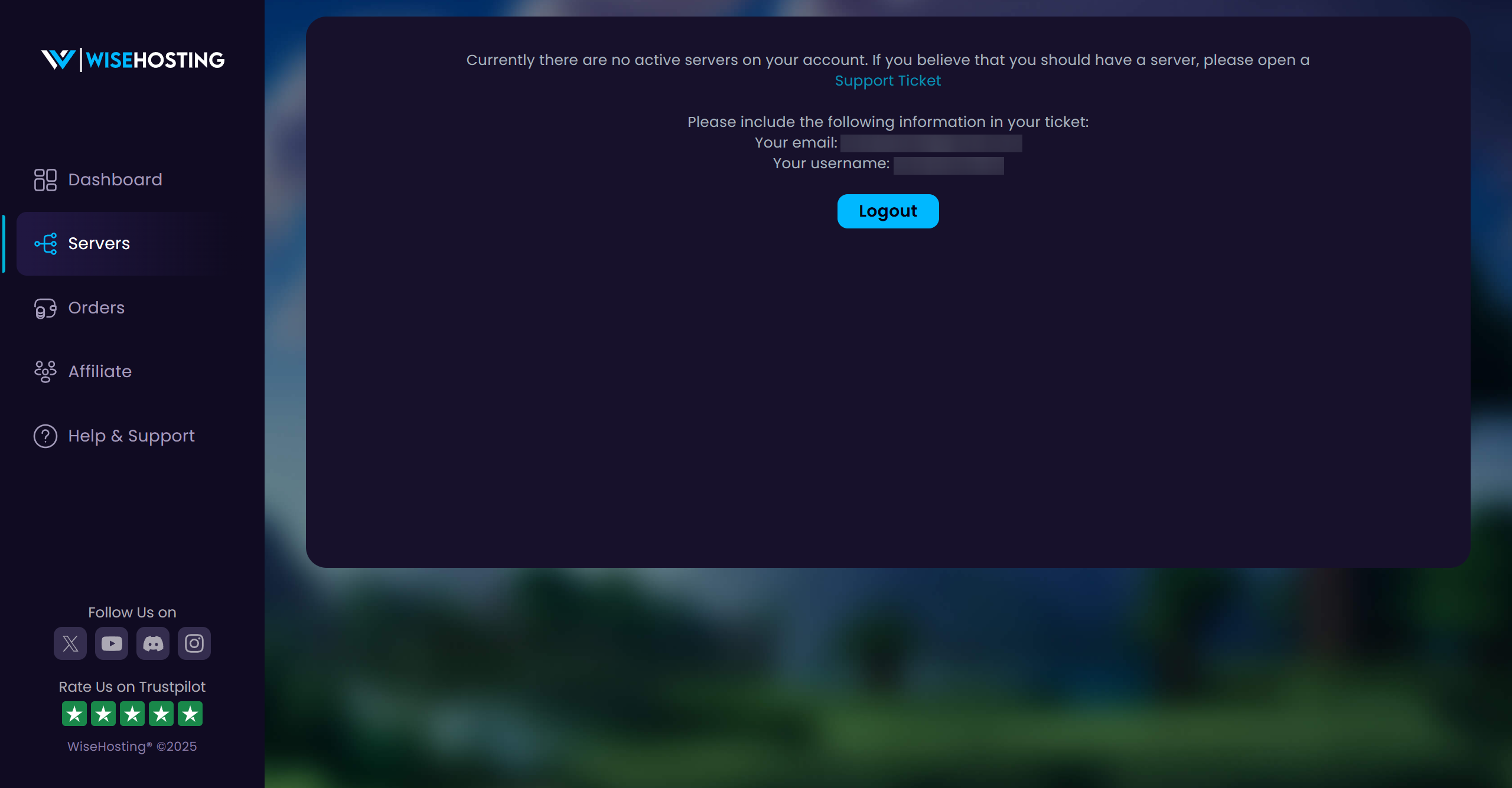
This page appears when you’re visiting the Game Panel with an account that does not have access to any servers. In this guide, we’ll go over the steps on how to solve this.
⚠️
IMPORTANT: If you’ve been added to a server as a subuser, make sure that you’ve been granted the correct permissions to be able to view it in the Game Panel.
How To Fix This Issue?
- Head over to the Servers tab and click on the Logout button.
- Head over to the Game Panel and click on the Login as an Owner button.
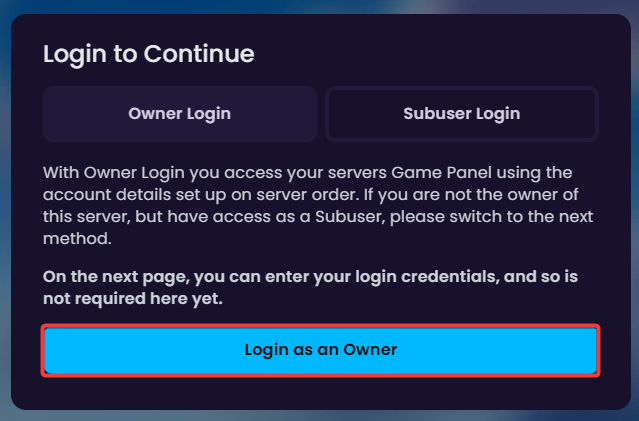
- Log in with your billing area account which you made the server purchase from.


