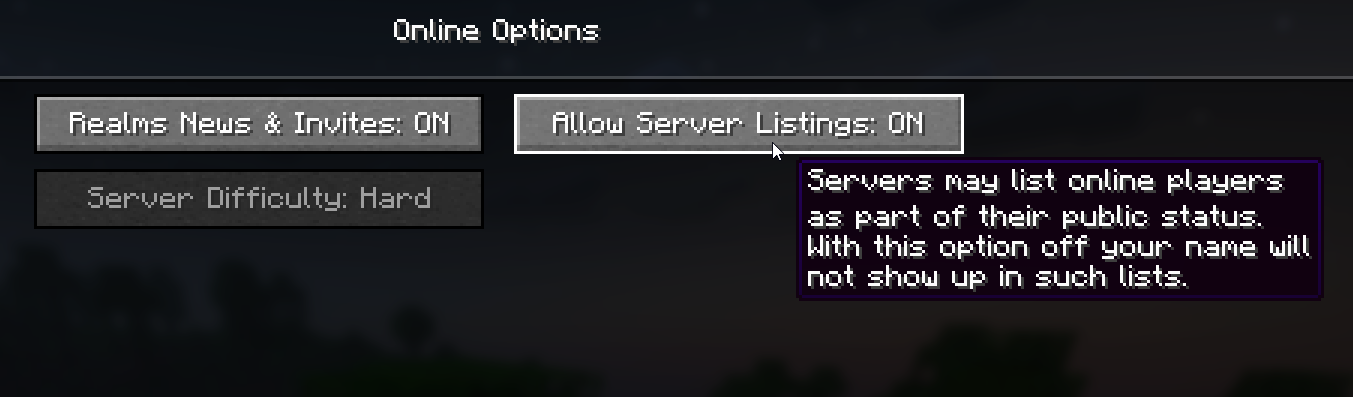
This issue depends on whether the player whose name is ‘Anonymous Player’ has disabled the Allow Server Listing option in their online game settings. To ensure that their correct name is being displayed in the Player Manager -tab, please ask them to do the following:
How to Fix Anonymous Player Issue
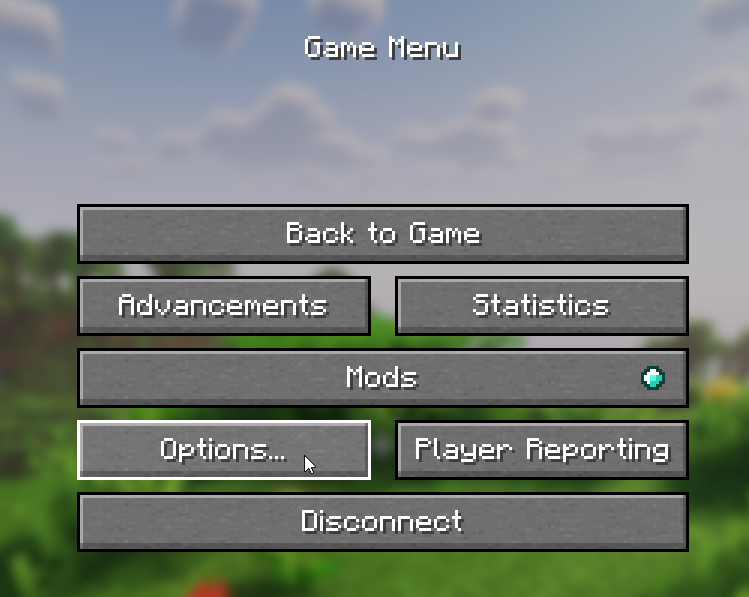
- Open Minecraft and go into Options tab.
- After that, click on the Online tab.
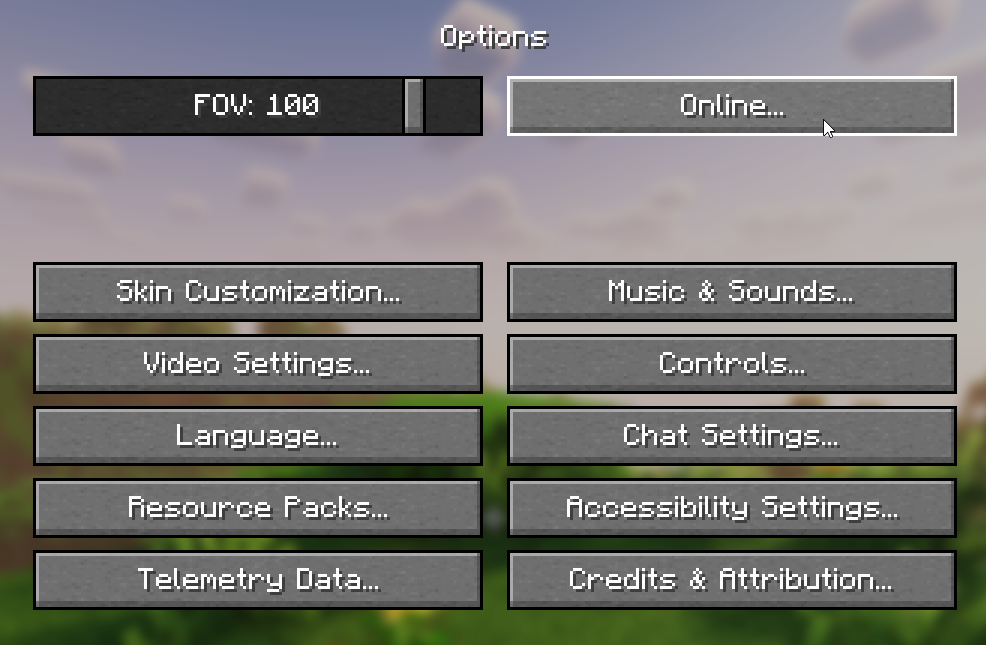
- From here, ensure that you have the Allow Server Listings turned ON. If this option is turned OFF, that user will be displayed as ‘Anonymous Player’.