



If you'd like to see skins on a cracked server, you need to have Paper or Spigot version installed instead of Vanilla Minecraft. This is due to the server requiring a third-party plugin such as SkinsRestorer to be installed on the server to show skins.
How to Enable Skins?
- Head over to the Game Panel and stop your server.
- Download the SkinsRestorer plugin/mod on your computer and after it has installed, navigate to the
pluginsfolder (ormodsfolder if your server is modded) in the Files tab of the game panel. Upload the downloaded file there.
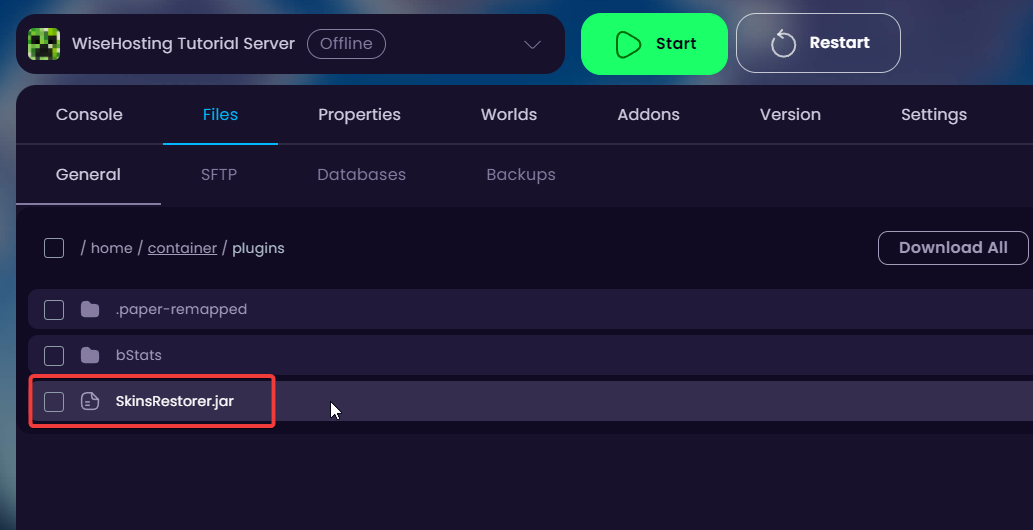
- Done! You can now start the server and the skins will appear.


