



The Locator Bar was released in the 1.21.6: Chase The Skies update and can be disabled using built-in Vanilla gamerules. To manage the gamerules in your server, you must have OP permissions.
How To Enable/Disable the Locator Bar?
- Head over to your server and make sure you have OP permissions.
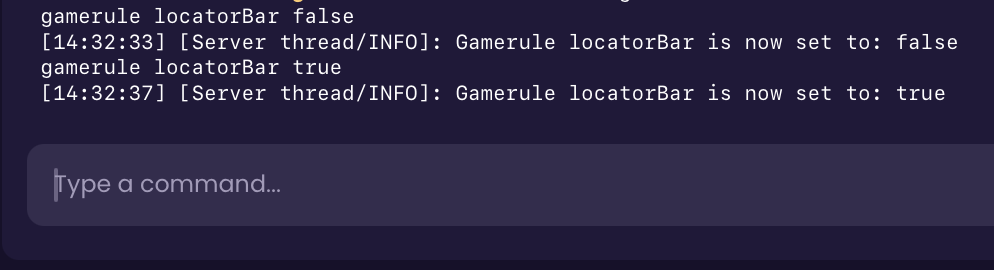
- Run the command
/gamerule locatorBar trueto turn it on, orfalseto turn it off.
⚠️
IMPORTANT: Gamerule names were fully renamed in version 1.21.11. If your server is running 1.21.11 or later, you must use the new
1.21.11 and above:
1.21.10 and below:
locator_bar gamerule instead of locatorBar.1.21.11 and above:
/gamerule locator_bar true1.21.10 and below:
/gamerule locatorBar trueHow To Change Player Colors on the Locator Bar?
If you have OP permissions, you’re able to change player colors using the following command:
/waypoint modify <player> color <color>
How Does the Locator Bar Work?
If the Locator Bar is enabled on the server, players are still able to hide themselves from it using the following methods:
- Sneaking/Crouching
- Wearing a Carved Pumpkin or a Mob Head
- Using the Potion of Invisibility
- Going into Spectator Mode


