

How To Enable/Disable Hardcore Mode?
- Head over to the Game Panel and stop your server.
- Navigate to the Files tab and go into your active world’s folder. From here, download the
level.datfile.
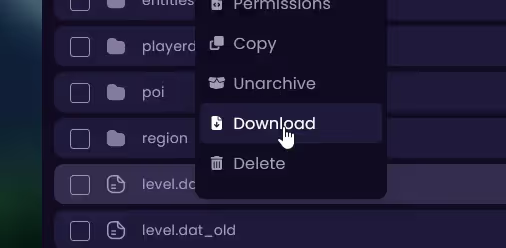
- Once downloaded, delete the
level.datandlevel.dat_oldfiles from there entirely. - Navigate to the Tools tab and open the NBT Editor from here. Upload your downloaded
level.datfile. - Search for the
hardcoreoption and to enable it, change its value from0to1. If you would like to disable it, switch it from1to0.
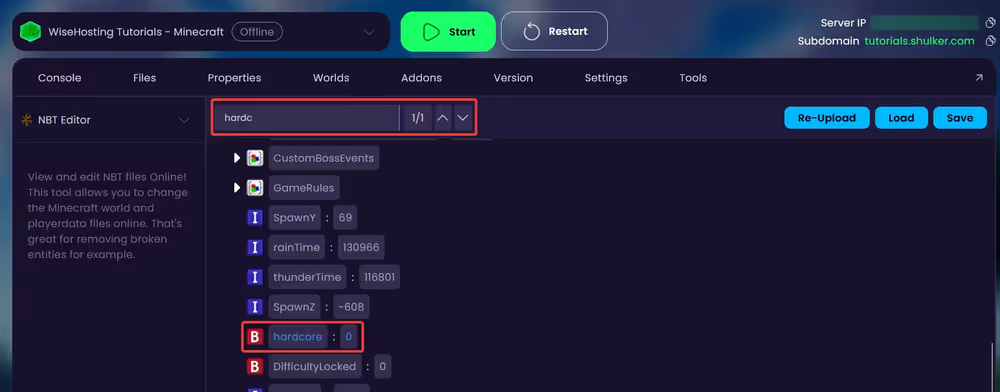
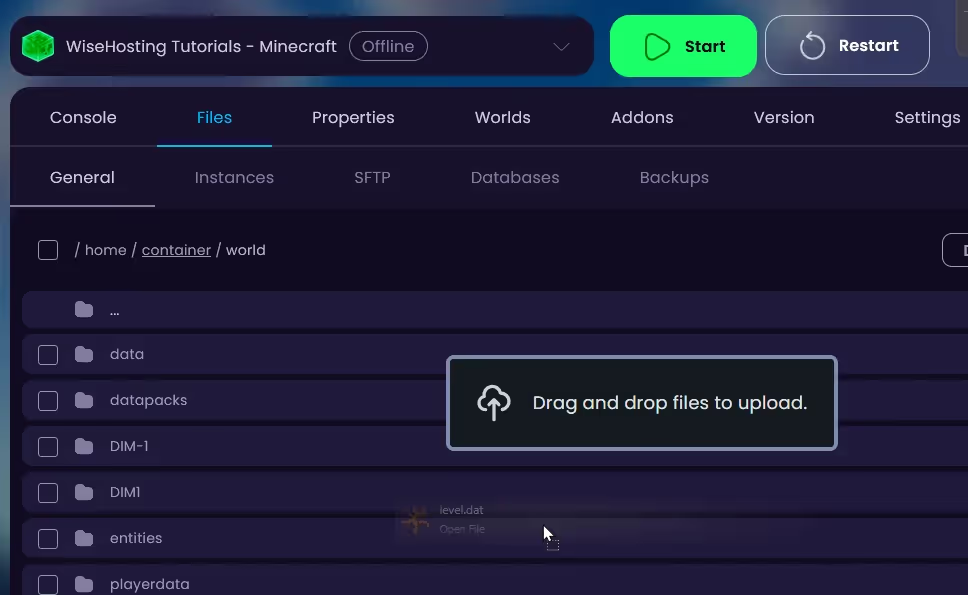
- After that, click on the Save button to save this file. After that, navigate back to the Files tab and into your active world’s folder. Upload the new saved
level.datfile here.
- Start your server and your server will be on hardcore!


