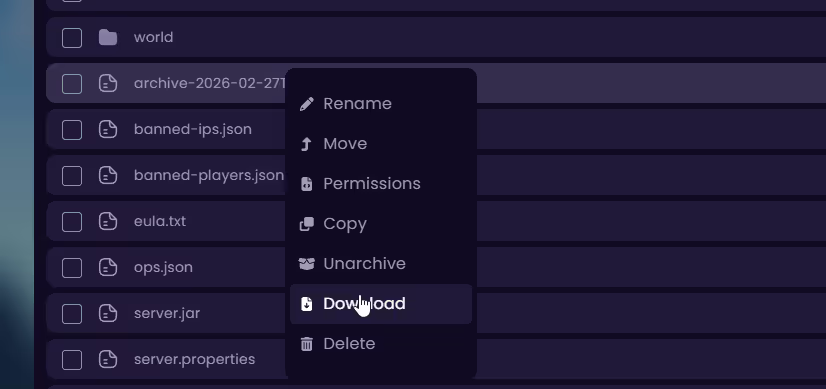
Downloading your entire server creates a full backup on your computer for safekeeping or migration, or if you want to cancel your server for a while and want to start it back up later, this guide will help you do that.
⚠️
WARNING: Always stop your server before downloading to avoid file corruption or incomplete archives.
Method 1: Downloading All Files
- Head to the Game Panel and stop your server.
- Navigate to the Files tab.
- Select all of the files and Archive them.
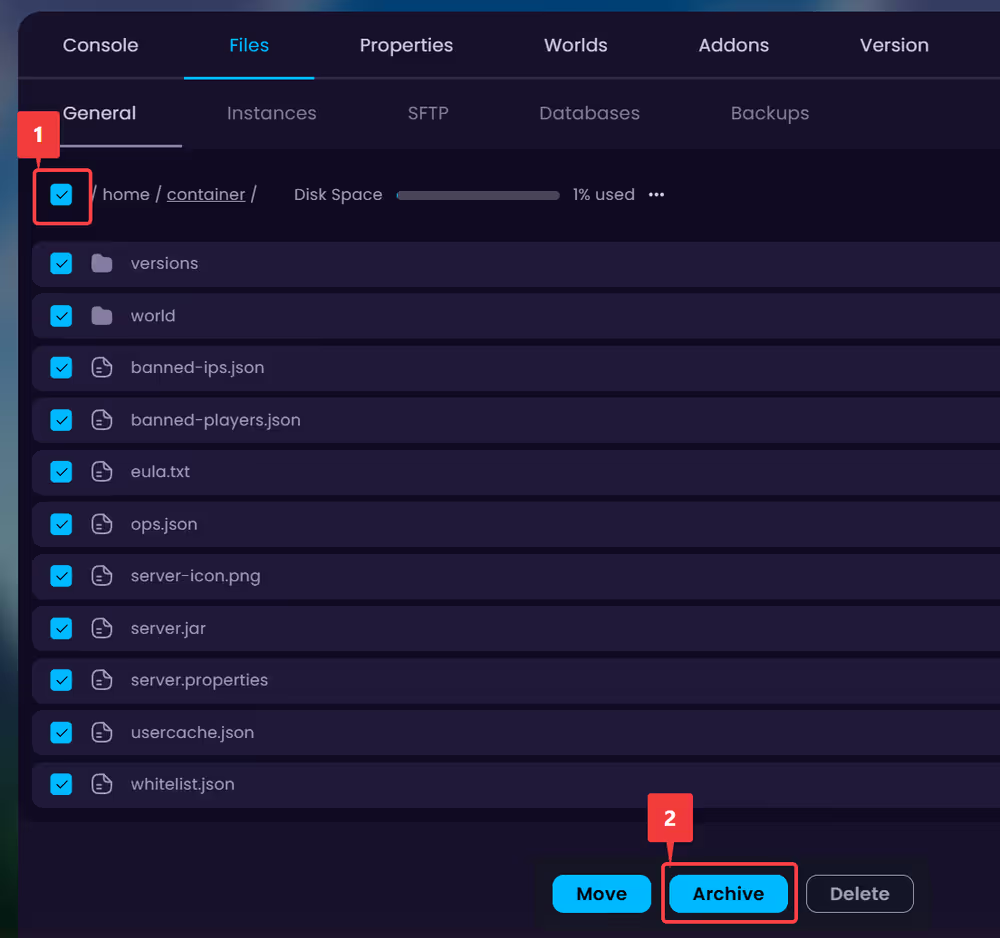
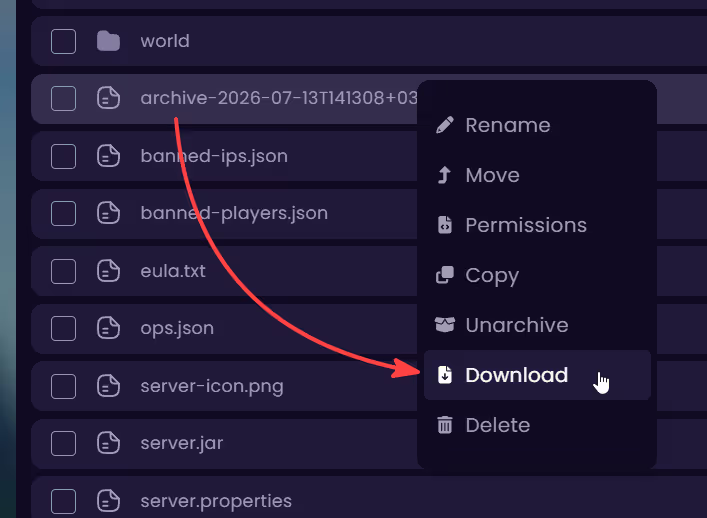
- Wait for the archive to finish, right-click on the archive and Download it.
Method 2: Selective Download
👉
NOTE: The archive may take time to generate depending on your server size. Extract it with tools like 7-Zip on your computer.
- Head to the Game Panel and stop your server.
- Navigate to the Files tab.
- Tick the checkbox next to the files and folders you would like to save.
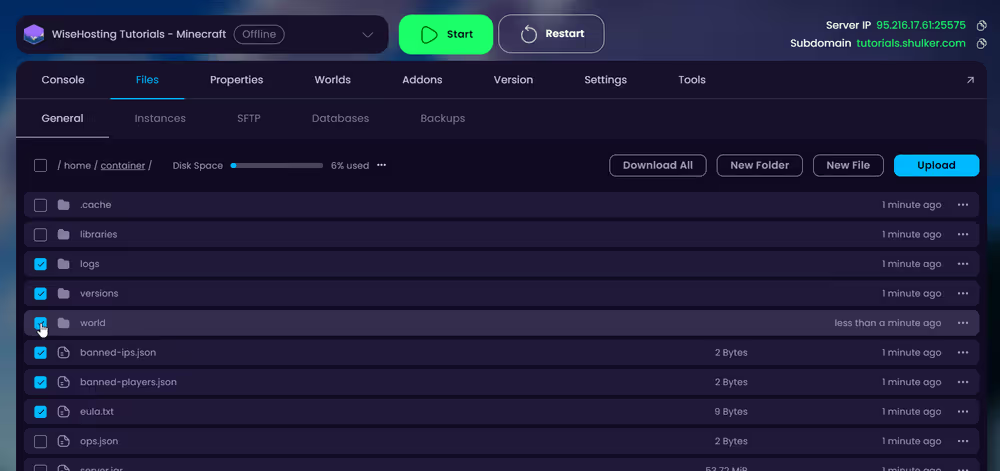
- Click Archive at the bottom of the screen.

- Wait for the archive to generate (named like
archive-....tar.gz). - Right-click the new archive file and select Download.