

If your server is only running on Vanilla Minecraft, you can disable player reporting by turning off the enforce-secure-profile option in the Properties tab.
If your server is running on Forge, Fabric, NeoForge, Paper or Spigot, refer to the guides below.
How to Disable Player Reporting (Forge/Fabric/NeoForge)?
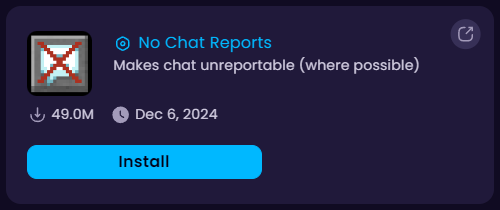
In this guide we’ll be using the No Chat Reports -mod.
- Head over to the Game Panel and close your server.
- Navigate to the Addons → Mods tab and search for “no chat reports”. Install the compatible version of the mod to your server.
- Navigate to the Properties tab and disable the
enforce-secure-profileoption. This only applies if your server is running on version 1.19.1 or later. - Done! You can now start your server.
How to Disable Player Reporting (Paper/Spigot)?
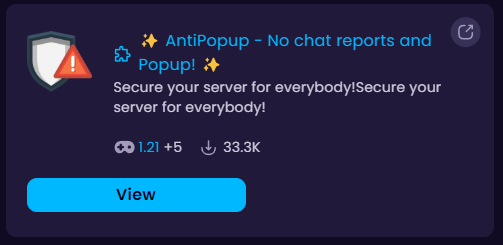
In this guide we’ll be using the AntiPopup -plugin.
- Head over to the Game Panel and close your server.
- Navigate to the Addons → Plugins tab and search for “antipopup”. Install the compatible version of the plugin to your server.
- Navigate to the Properties tab and disable the
enforce-secure-profileoption. This only applies if your server is running on version 1.19.1 or later. - Done! You can now start your server.


