

It is not possible to convert an existing world to become flat. You’re only able to create a brand new world which is flat.
How To Create a Flat World?
- Head over to the Game Panel and stop your server.
- Navigate to the World tab and click on the Create New World button.
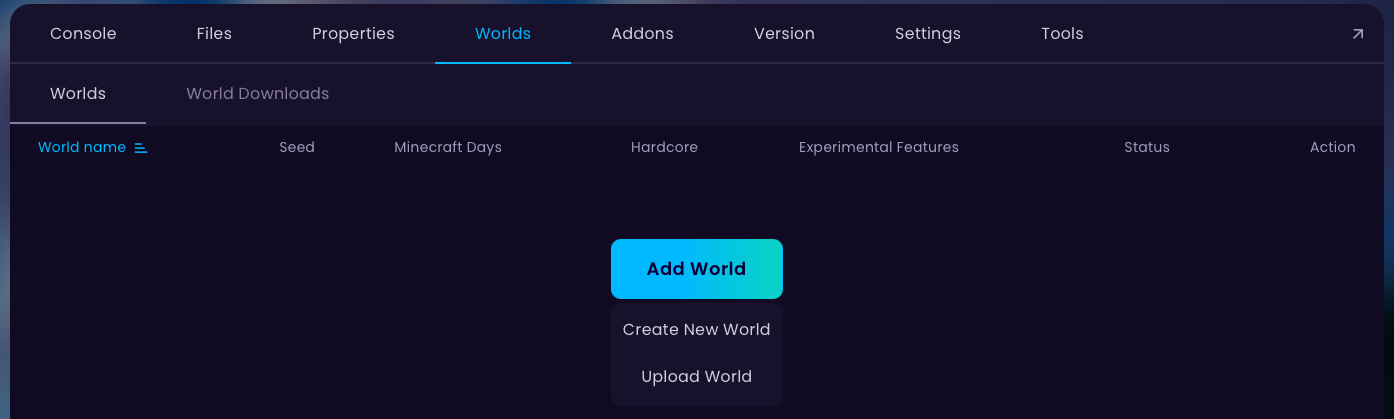
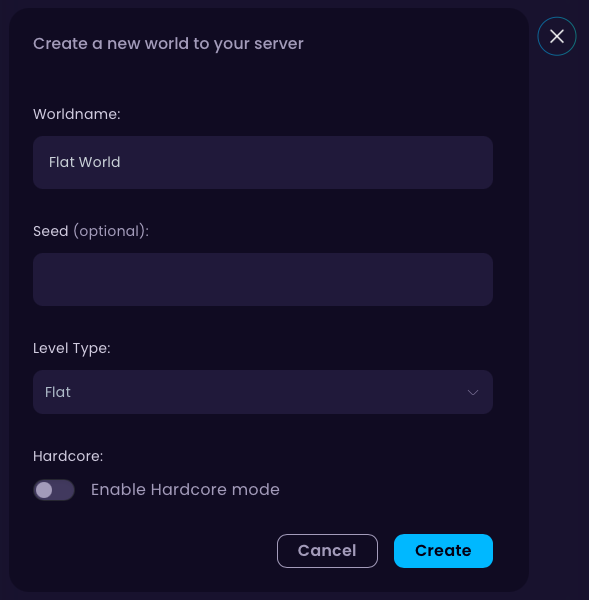
- Name your world anything you want and change the
level-typetoFlat. After that, click on the Create button.
- Done! You can now start your server to generate the flat world.


