



You are only able to change the server’s port, not the IP itself (the numbers before the :port). If you’d like to get your own custom IP, you can purchase the Dedicated IP addon for your server.
How To Change Your Server’s IP?
- Head over to the Game Panel and make sure that your server is not running.
- Navigate to the Settings → Network tab and create a brand new port by clicking on the Create Allocation button.
- Change the new port you just generated as the new primary port.
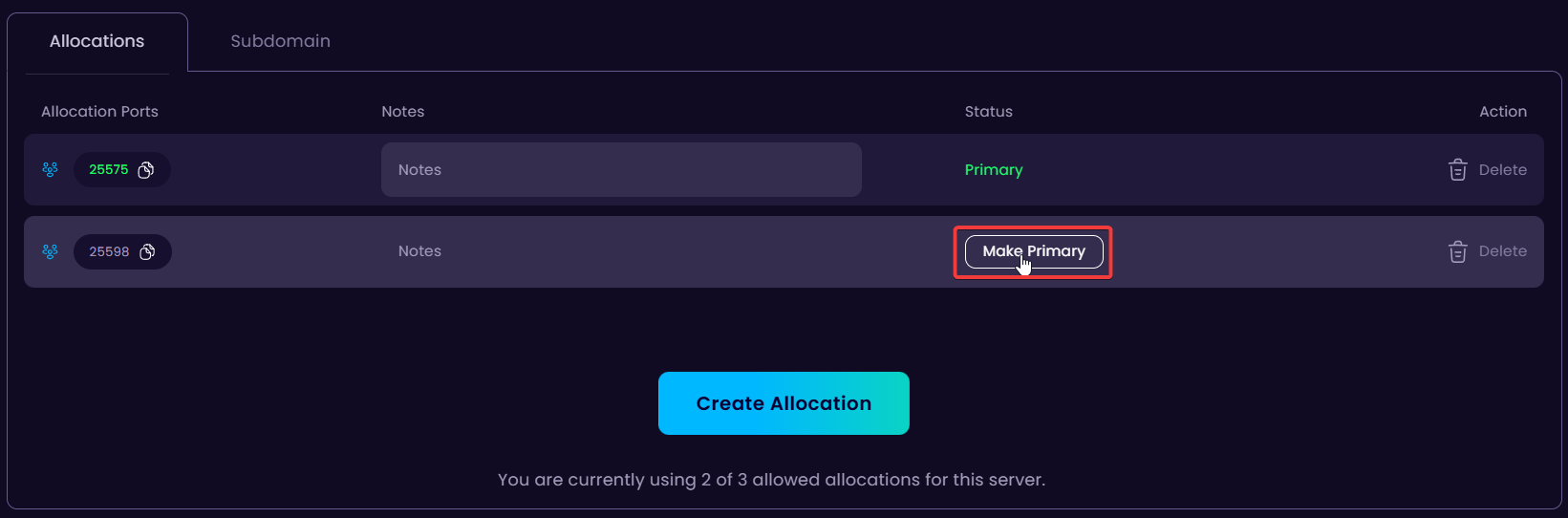
- If you want, you can delete the old port. After that, start your server and use the new IP to connect to it.


