

In the ever-evolving realm of Minecraft modding, Forge stands as the backbone, powering a multitude of diverse mods. With each Forge update, bug fixes and improvements are introduced, but therein lies a crucial factor - Forge build versions and mod compatibility.
💡
If your world is important to you, we strongly advise caution when considering a version downgrade. It's recommended to create a backup of your world before attempting any version changes, allowing you to restore it in case of unexpected issues.
- Head over to the Game Panel and make sure your server is not running.
- Navigate to the Settings → Startup tab.
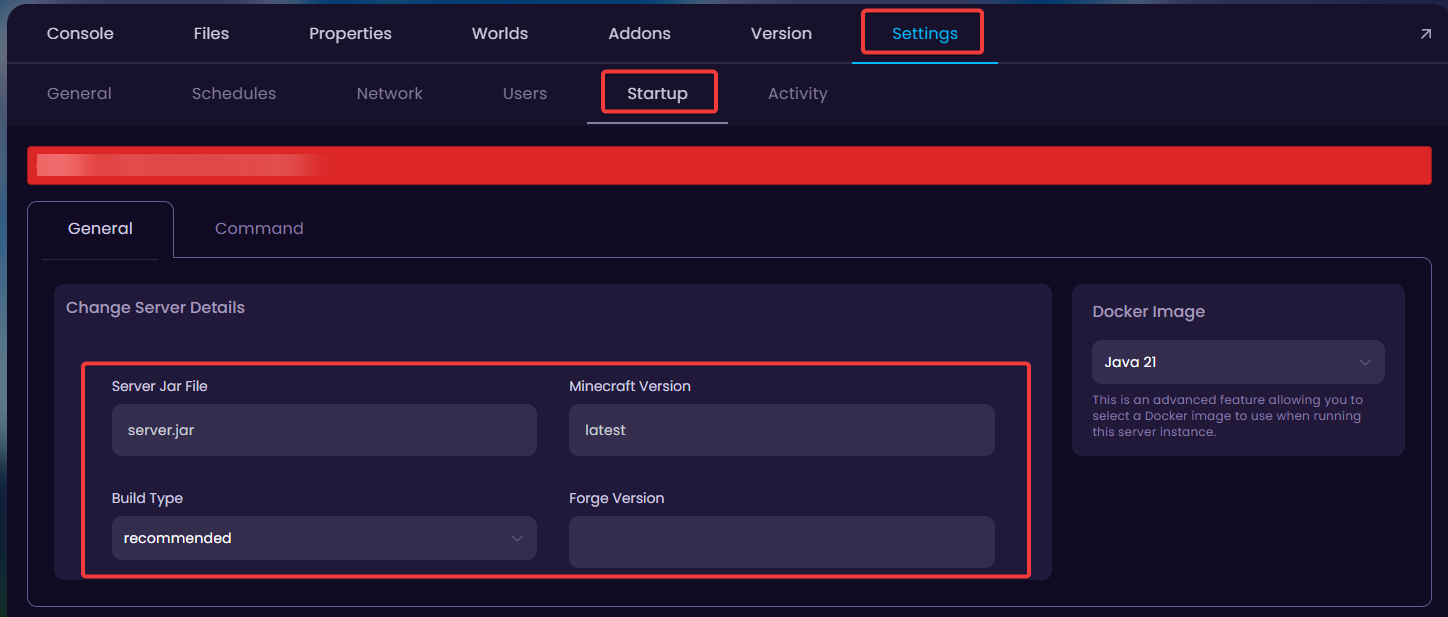
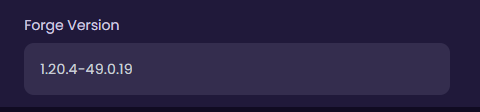
- To change the Forge version, insert the desired version to the Forge Version box.
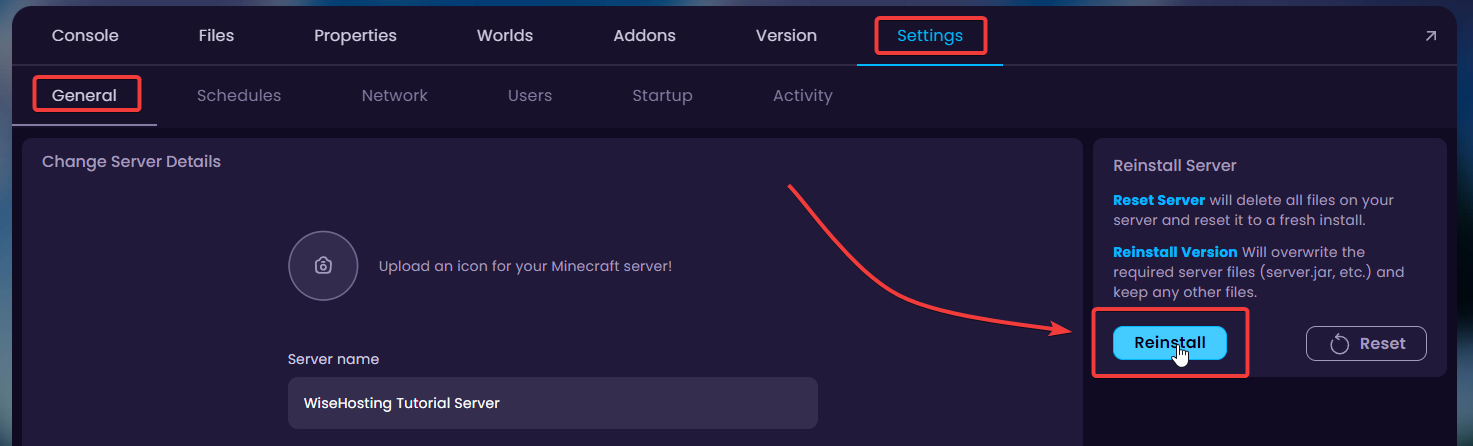
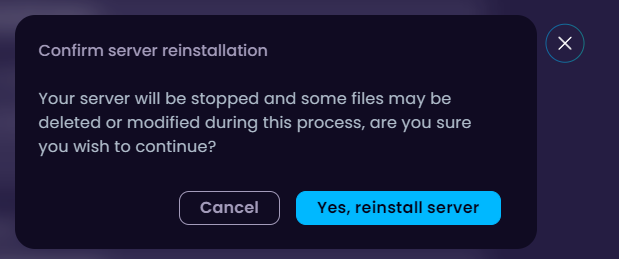
- To install the inserted version, go back to the Settings tab and click on the Reinstall button to reinstall the server with that specific forge version.
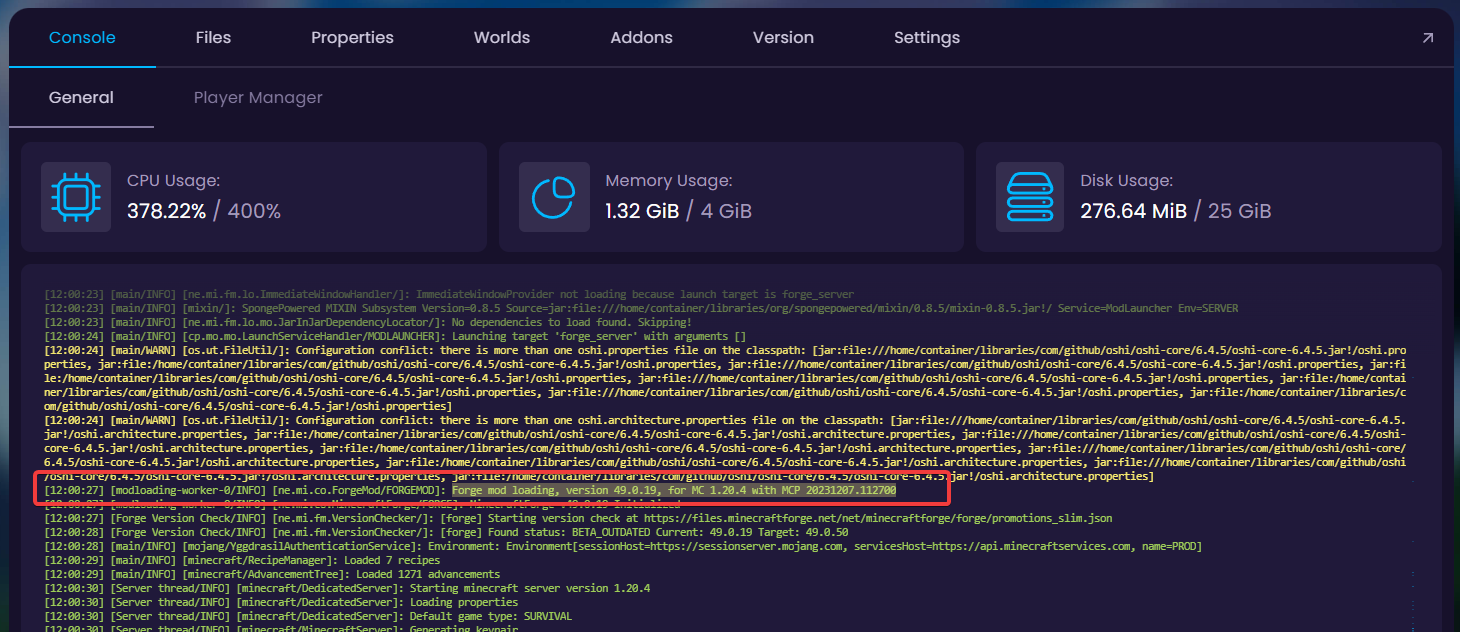
- Check your console to see if the server starts up with the new Forge Build successfully without errors.
🧑💻
If you still require assistance, please get in touch with our support team by opening a ticket or joining our community Discord server.


