NEW! Minecraft Seeds is still in beta
Background image of the page

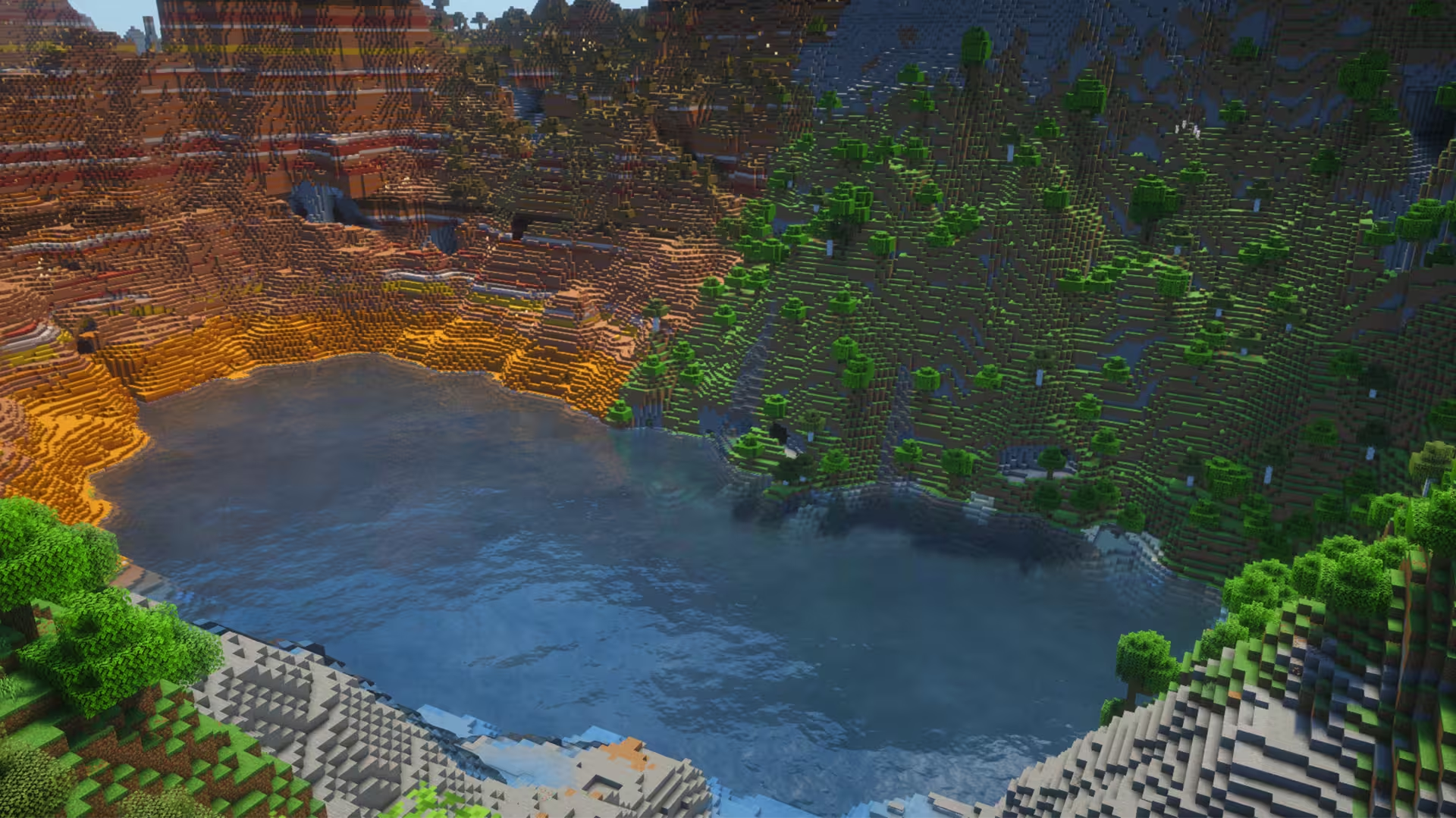
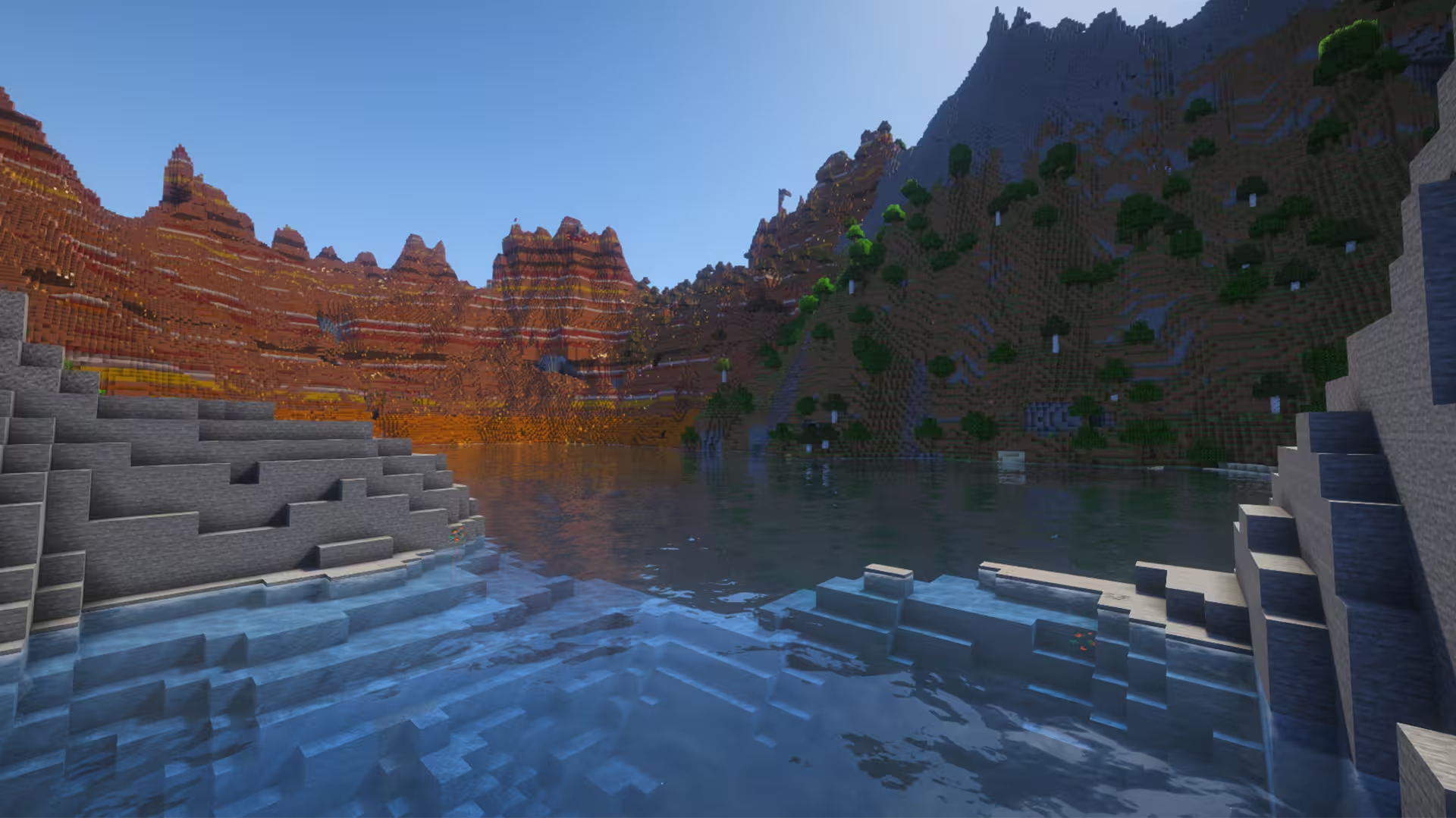
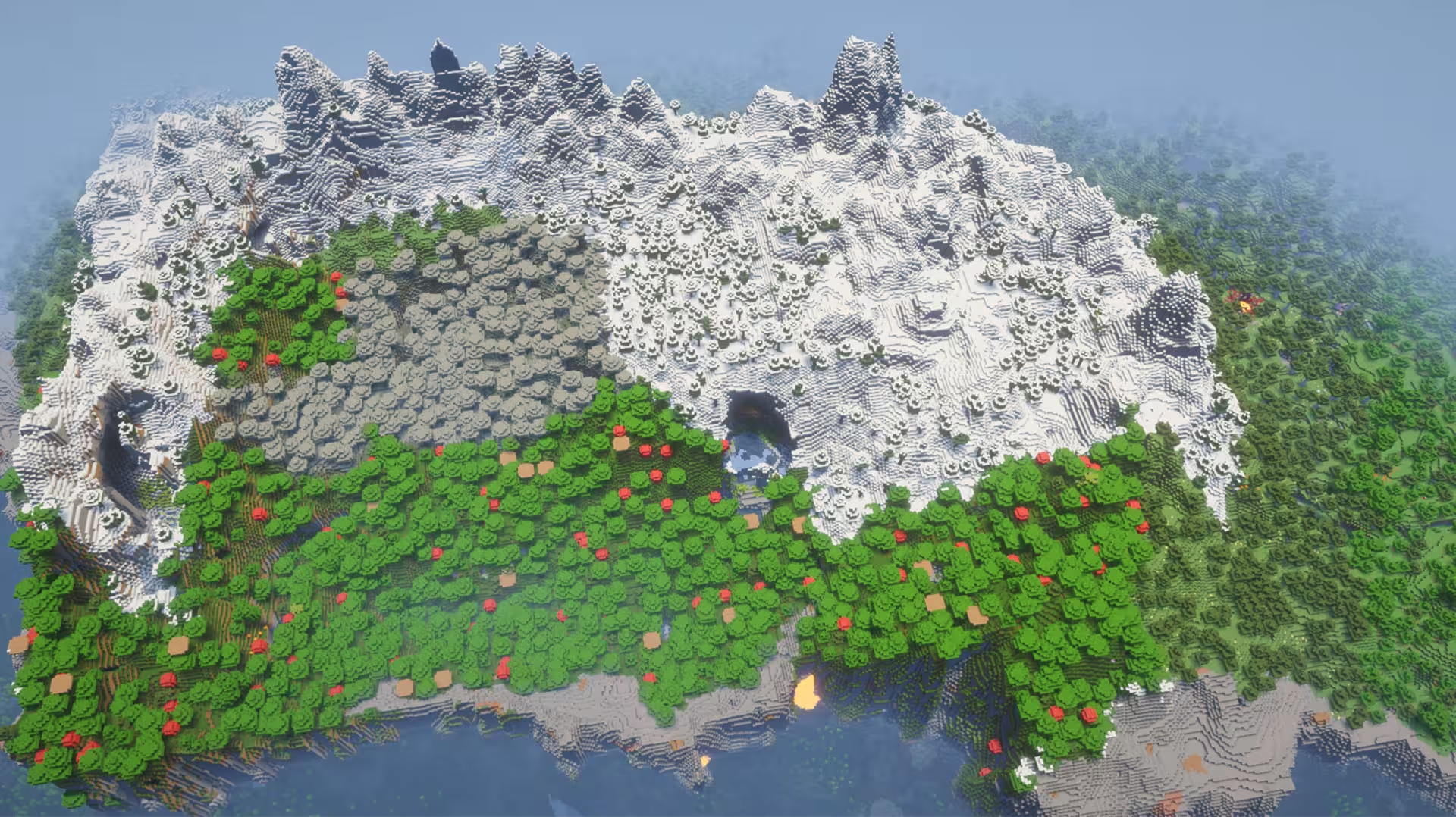
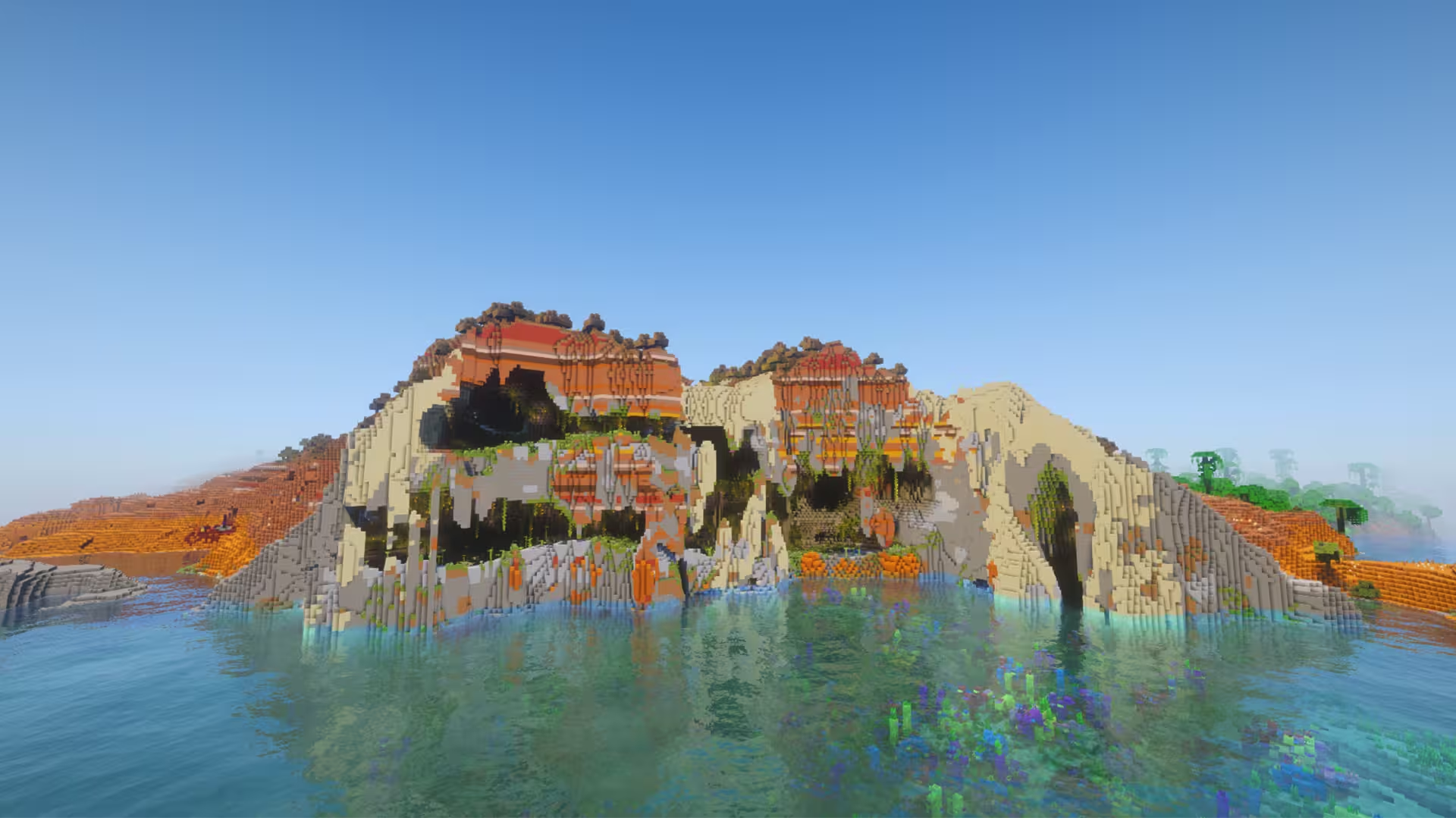
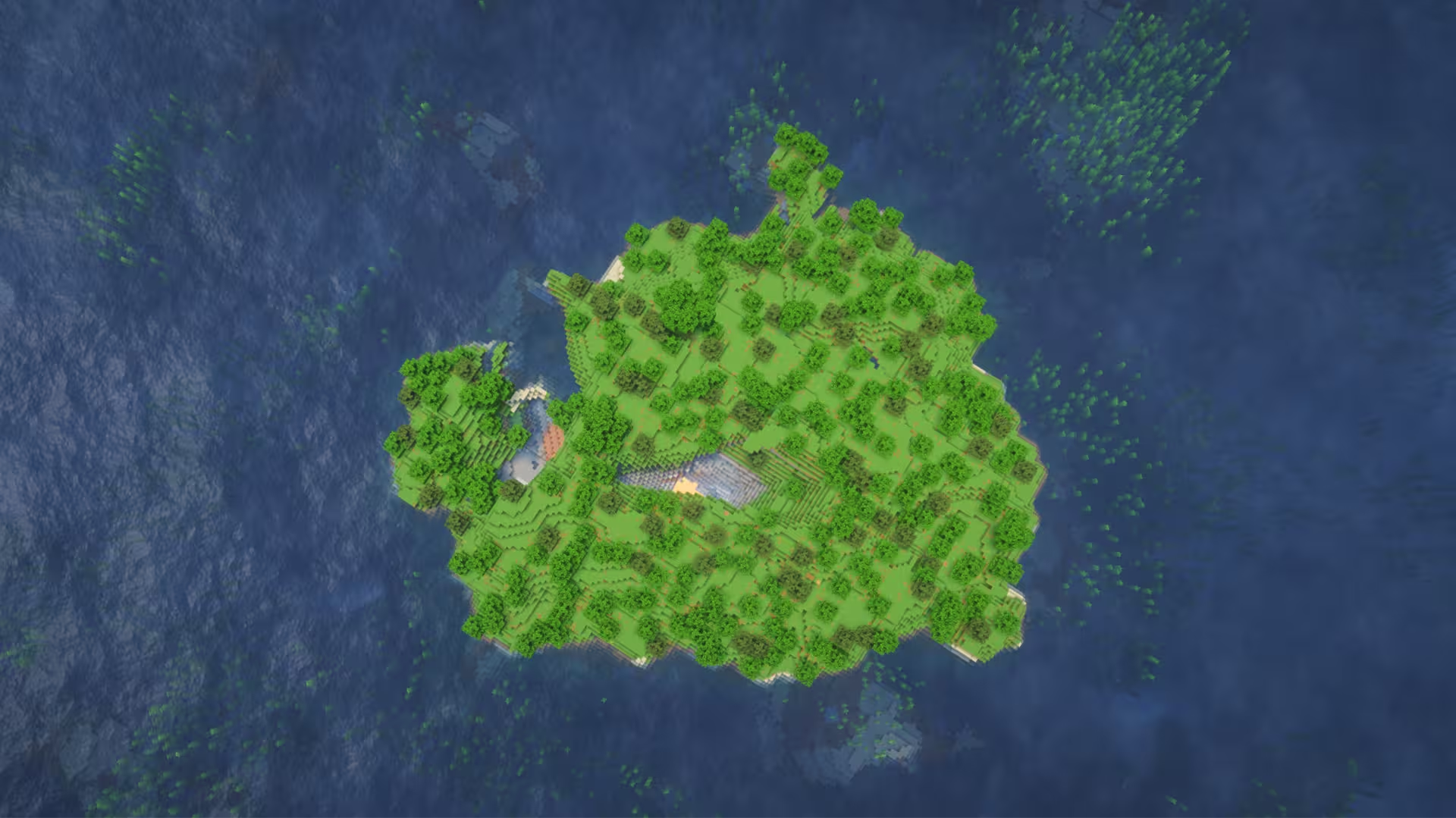
Split badlands forest crater
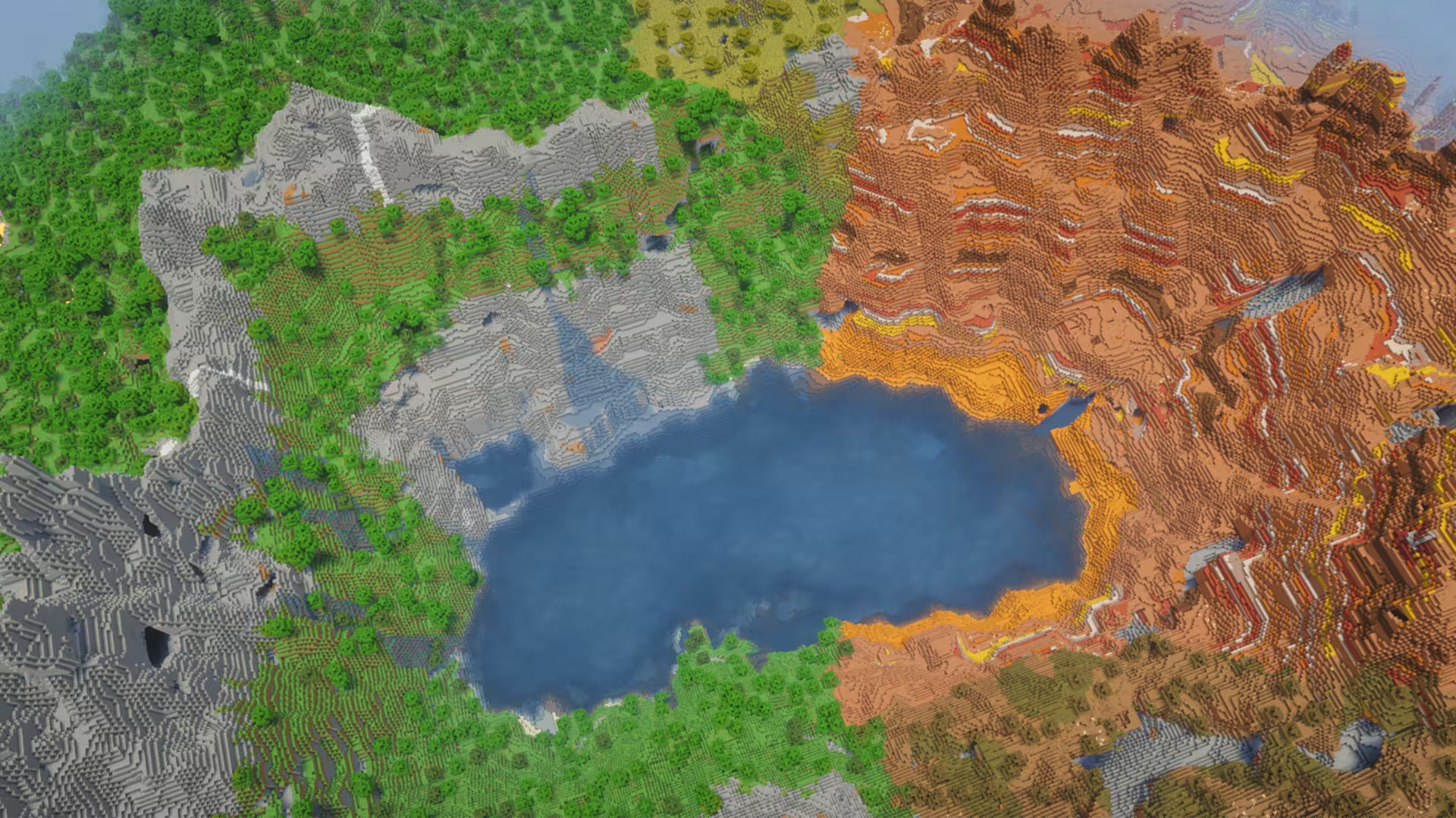
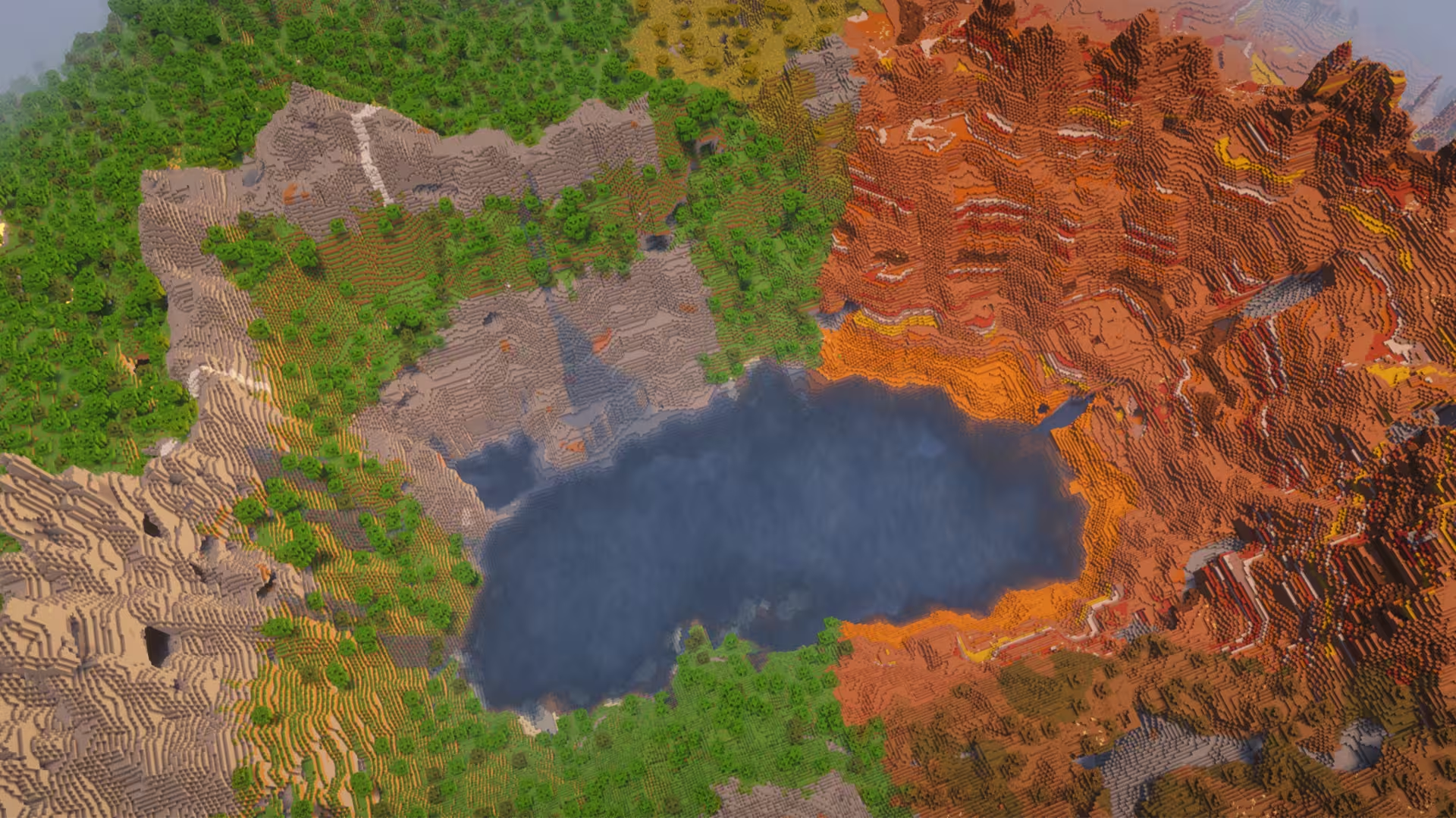
image of a Minecraft seed with a split badlands forest crater image of a Minecraft seed with a split badlands forest crater image of a Minecraft seed with a split badlands forest crater image of a Minecraft seed with a split badlands forest crater image of a Minecraft seed with a split badlands forest crater image of a Minecraft seed with a split badlands forest crater

Seed Information

Seed
100000188977598850
Location
24, 99, 77
Compatible Versions
Minecraft Java 1.21 - 1.21.11
Works with: 1.21, 1.21.1, 1.21.2, 1.21.3, 1.21.4, 1.21.5, 1.21.6, 1.21.7, 1.21.8, 1.21.9, 1.21.10, 1.21.11
Renee
Posted by Renee
Contributor

Description

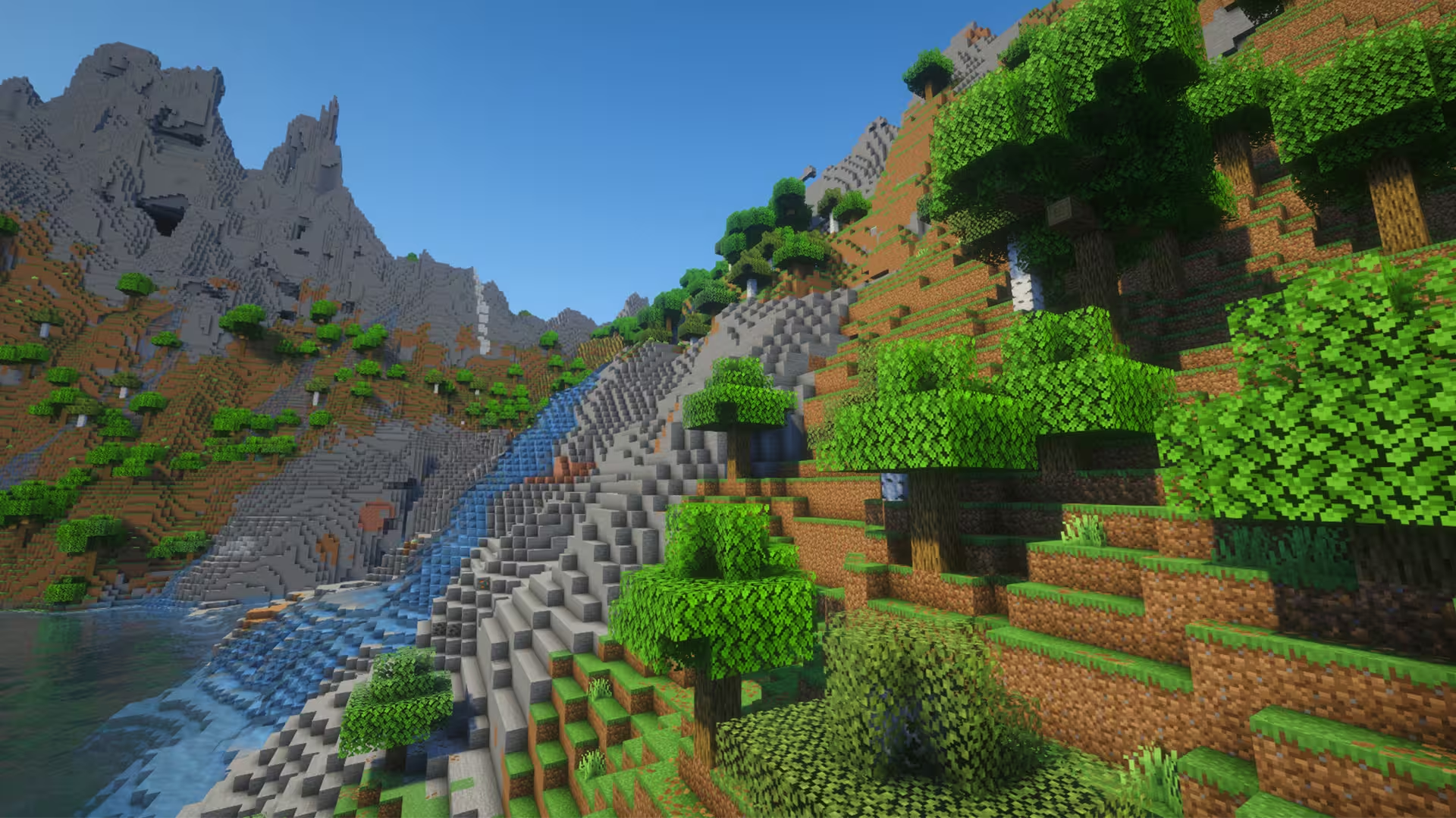
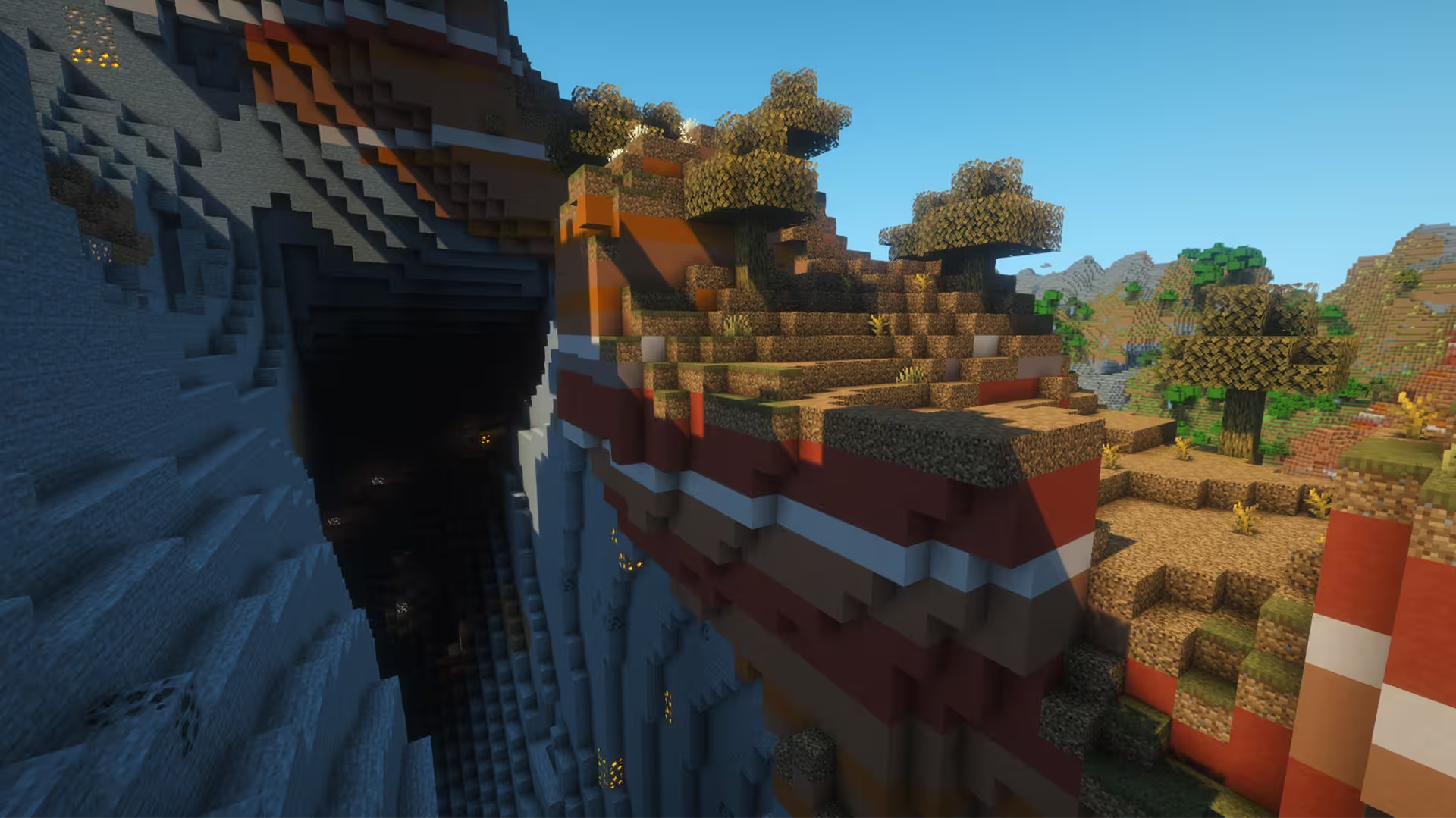
Entering this Minecraft seed, you’re faced with a cave. However, as you turn around, you’ll see a huge lake crater surrounded by the Badlands and Forest biomes. What makes this spawn area interesting is how both biomes split around the lake, giving you the best of both worlds in terms of biomes. There are even some Stony Peaks in the higher areas of the Forest with a lot of cave openings that lead to a ton of resources.

While you might have an interesting starting area, be mindful, however, that you won’t find many structures right off the bat except for a couple of Ancient Cities. There are around three within your spawn area. As you explore outside the crater, though, you’ll see villages in the Savanna areas mainly. There’s even a Stronghold in the far northeast. In general, this Minecraft seed’s world generation offers a lot of variety in terms of biomes. You have the Badlands, Dark Forests, Plains, and a Mangrove Swamp within 1000 blocks from your spawn point. Besides the cool landscape, you’re equipped with a lot of different biomes to get a kickstart in-game.

Tags

Nearby Locations

Village #1 (Savanna)

Around 500 blocks from the spawn area.

Coordinates: X: 128, Y: 93, Z: -496

Village #2 (Savanna)

East of the previous village.

Coordinates: X: 608, Y: 69, Z: -400

Village #3 (Plains)

Beside a Jungle biome.

Coordinates: X: 252, Y: 72, Z: -882

Village #4 (Desert)

South of the spawn point.

Coordinates: X: 304, Y: 70, Z: 720

Ancient City #1

On the Wooded Badlands.

Coordinates: X: 56, Y: -51, Z: 184

Ancient City #2

On the Stony Peaks.

Coordinates: X: -216, Y: -51, Z: 104

Ancient City #3

Opposite end of the previous Ancient City, still on the Stony Peaks.

Coordinates: X: 8, Y: -51, Z: -168

Stronghold

Within a forest.

Coordinates: X: 1528, Y: 66, Z: -1115

Frequently Asked Questions

A seed is just a number or text string that Minecraft uses to generate your world. When you create a world and type something into the “Seed” box (like `12345` or `MyLittleWorld`), the game turns that into a big number. That number is the recipe the game uses to place: biomes, structures (villages, temples, strongholds) and terrain (mountains, oceans, caves). So if you are using the same seed + same version + same edition (Java/Bedrock) = same world layout. Change anything in the seed and you’ll get a different world.
Since 1.18+ Java and Bedrock use more similar terrain generation, so the overall shape of the world can look similar for the same seed: similar mountain ranges, big oceans, etc. but structures and details like villages or ruined portals often don’t line up exactly between Java and Bedrock. Older versions (pre-1.18) are even more different.
No. Seeds are very version-sensitive because Mojang keeps changing world generation. Big updates like 1.13, 1.16, and 1.18 massively changed world gen and 1.20+ keeps tweaking structures and biomes. A 1.16 seed will still load in 1.20, but the world won’t match: biomes can shift, structures move, and if you had a village at spawn that might disappear. The seed number is still valid, but the layout isn’t guaranteed to look the same. As a rule of thumb, always use the same edition and version the seed was shared for if you want your world to look like the screenshots.
A 1.21.1 seed used in 1.21.2 will generate the same world as long as you’re on the same edition. Mojang usually keeps world generation identical across small patch versions.
You can see your seed by opening the world, press T and type `/seed` in the chat (cheats must be enabled), then press ENTER. On Java, if cheats are off, you can temporarily enable them via “Open to LAN → Allow Cheats → Start LAN World” and then run `/seed` . On **Bedrock**, you can find the seed from the world settings: Advanced page or on the Game page. On multiplayer servers, you’ll only see the seed if the server lets you: some allow `/seed` for all players, some only for admins, and many block it entirely

Similar Seeds You Might Like

PLAY THIS SEED WITH FRIENDS!

Start your Minecraft Server today and get 20% OFF with code SAVE20

  • Specialized in Minecraft
  • Setup takes 67 seconds
  • 24/7 uptime