
Azalea Woodland Mansion
Seed information
- Seed
-
6726509936435638690 - Location
-
14, 63, 9 - Compatible versions
- Minecraft Java • 26.1.2


Description
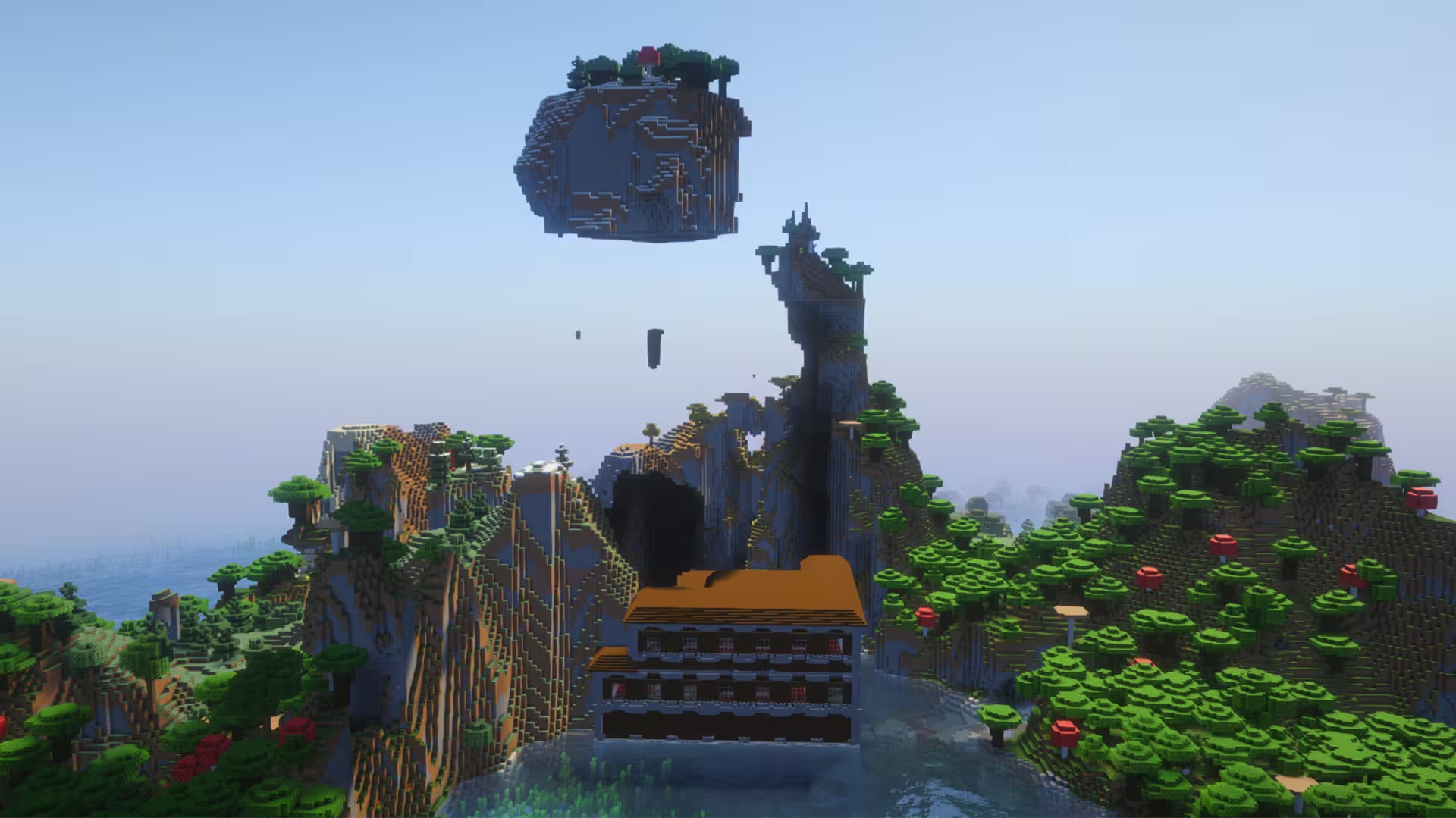
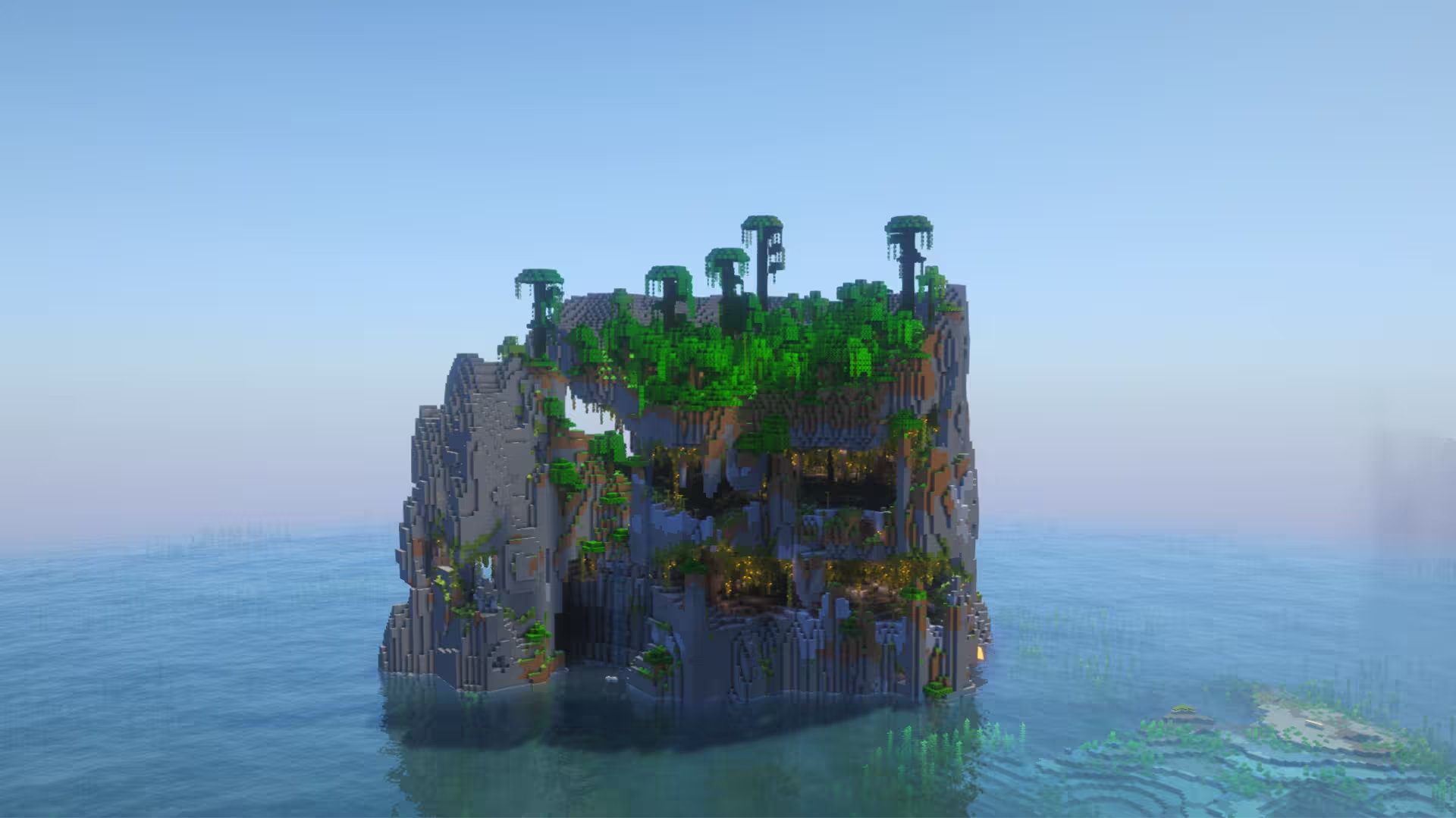
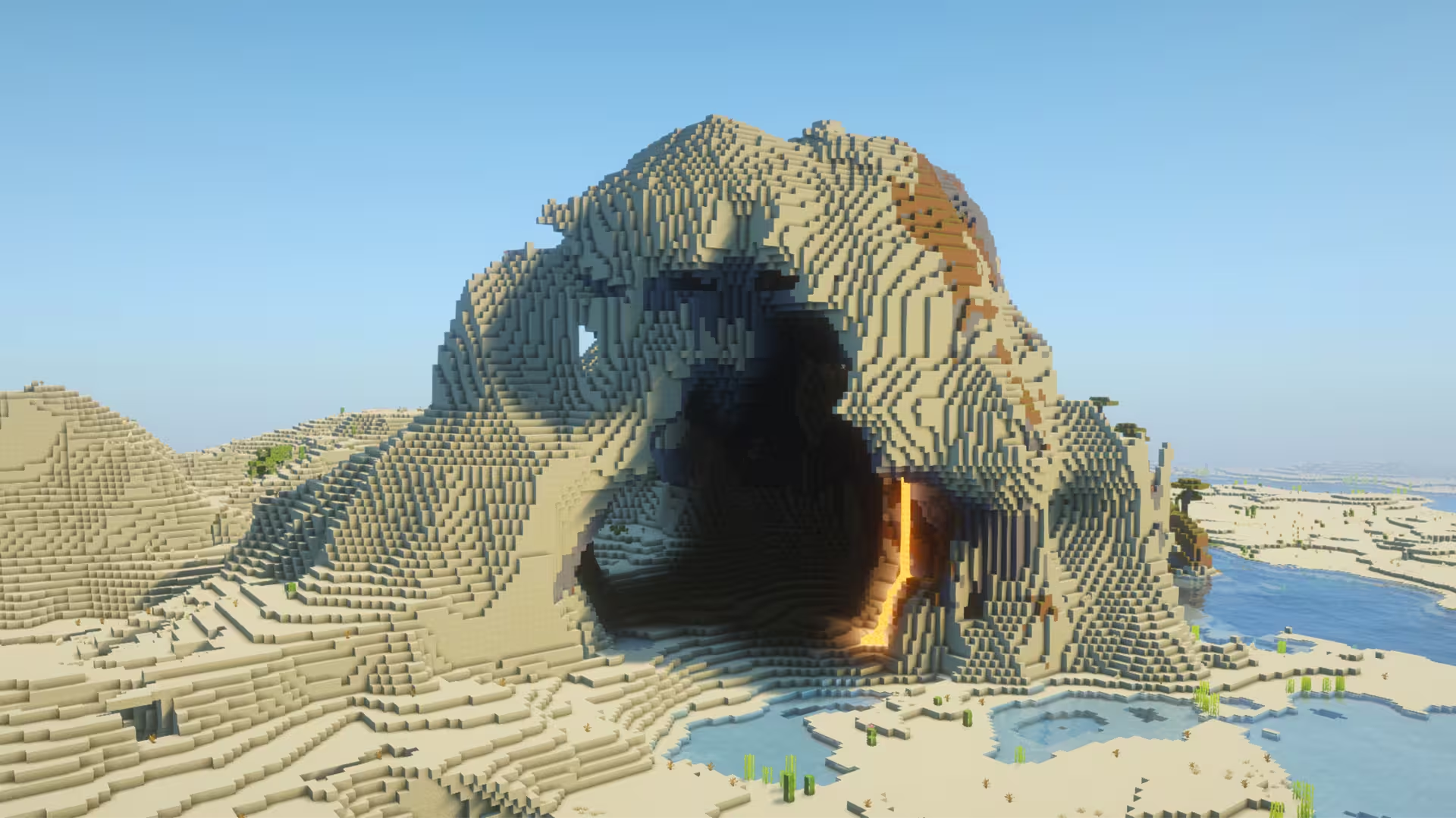
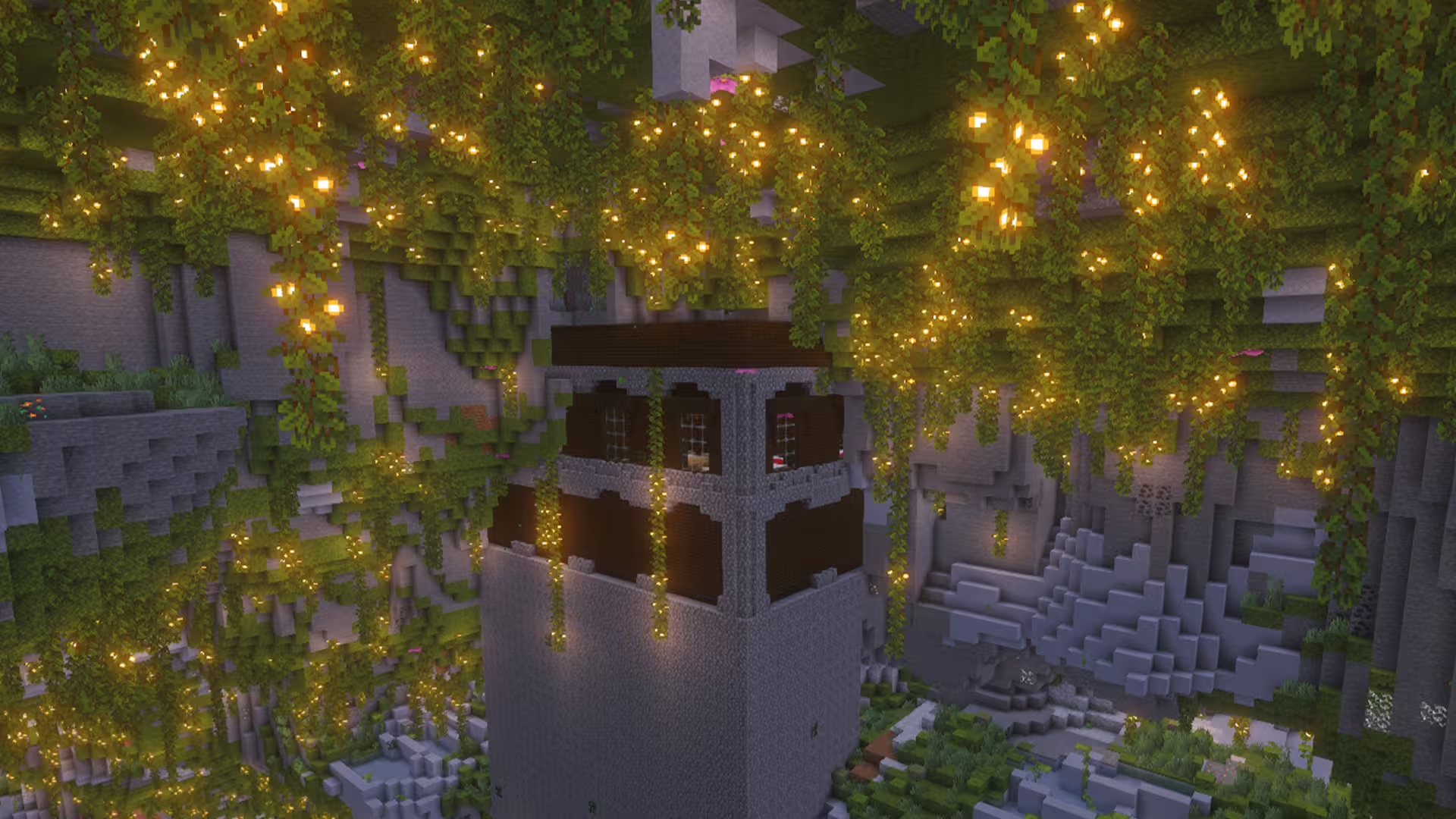
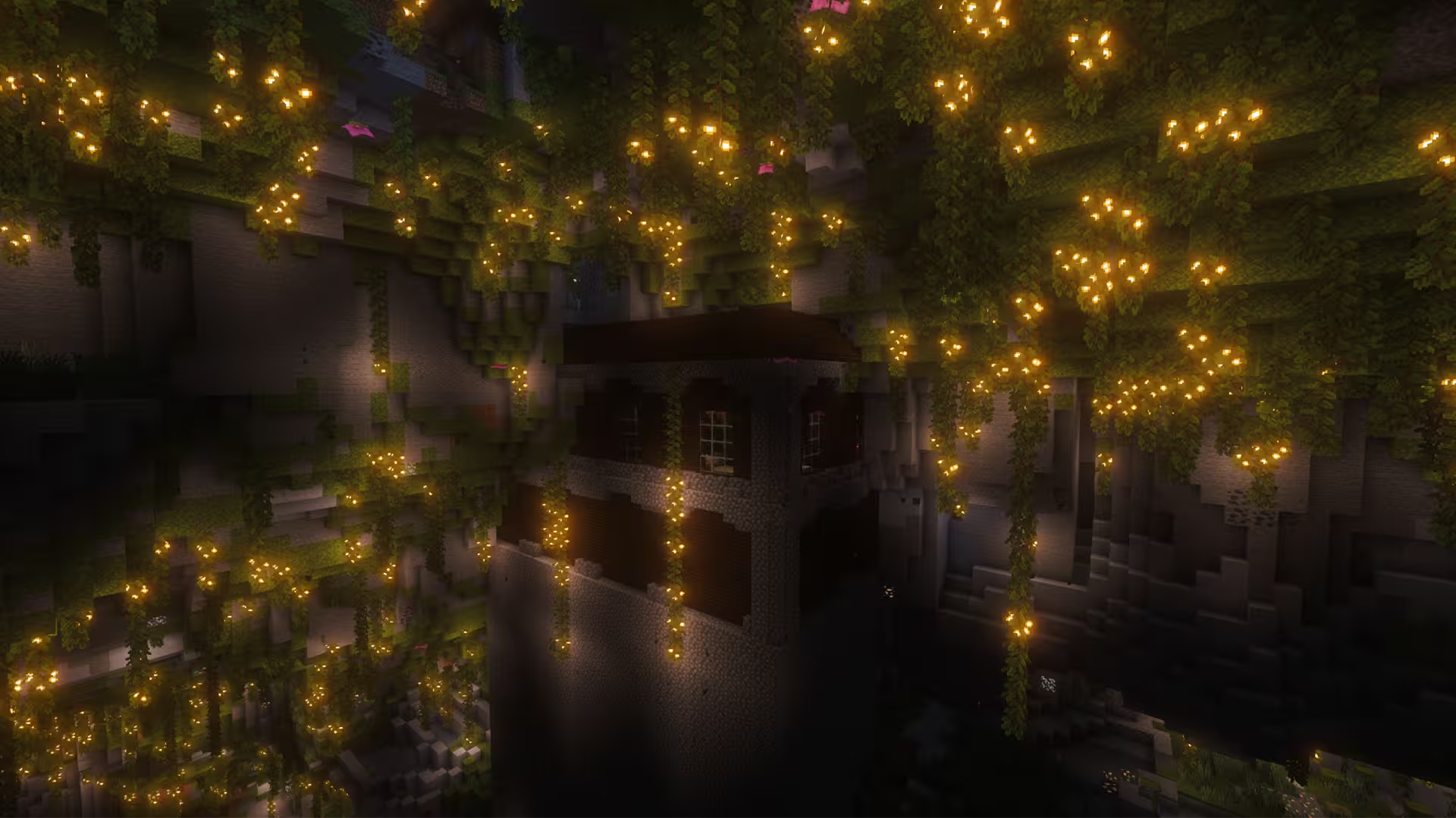
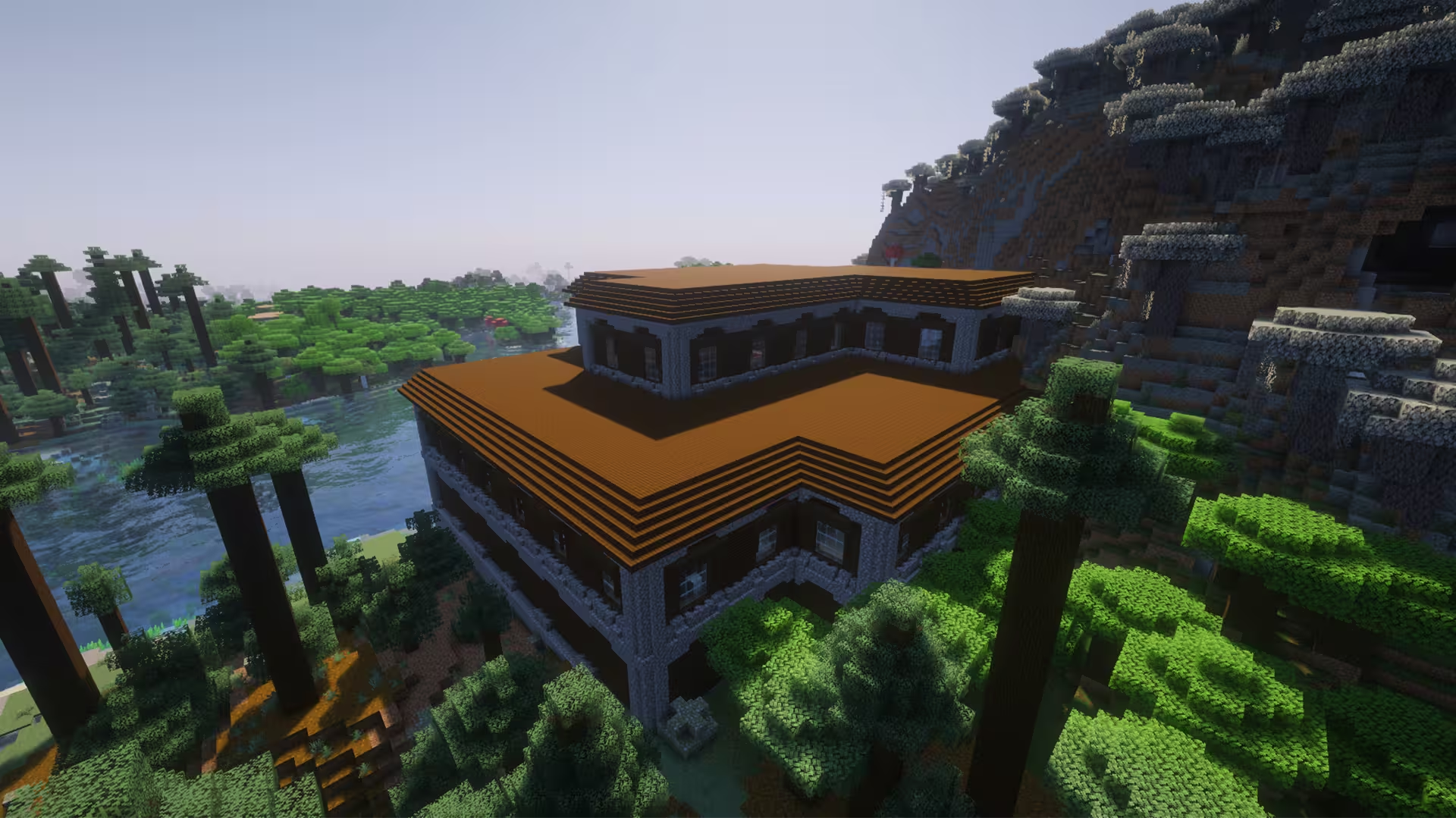
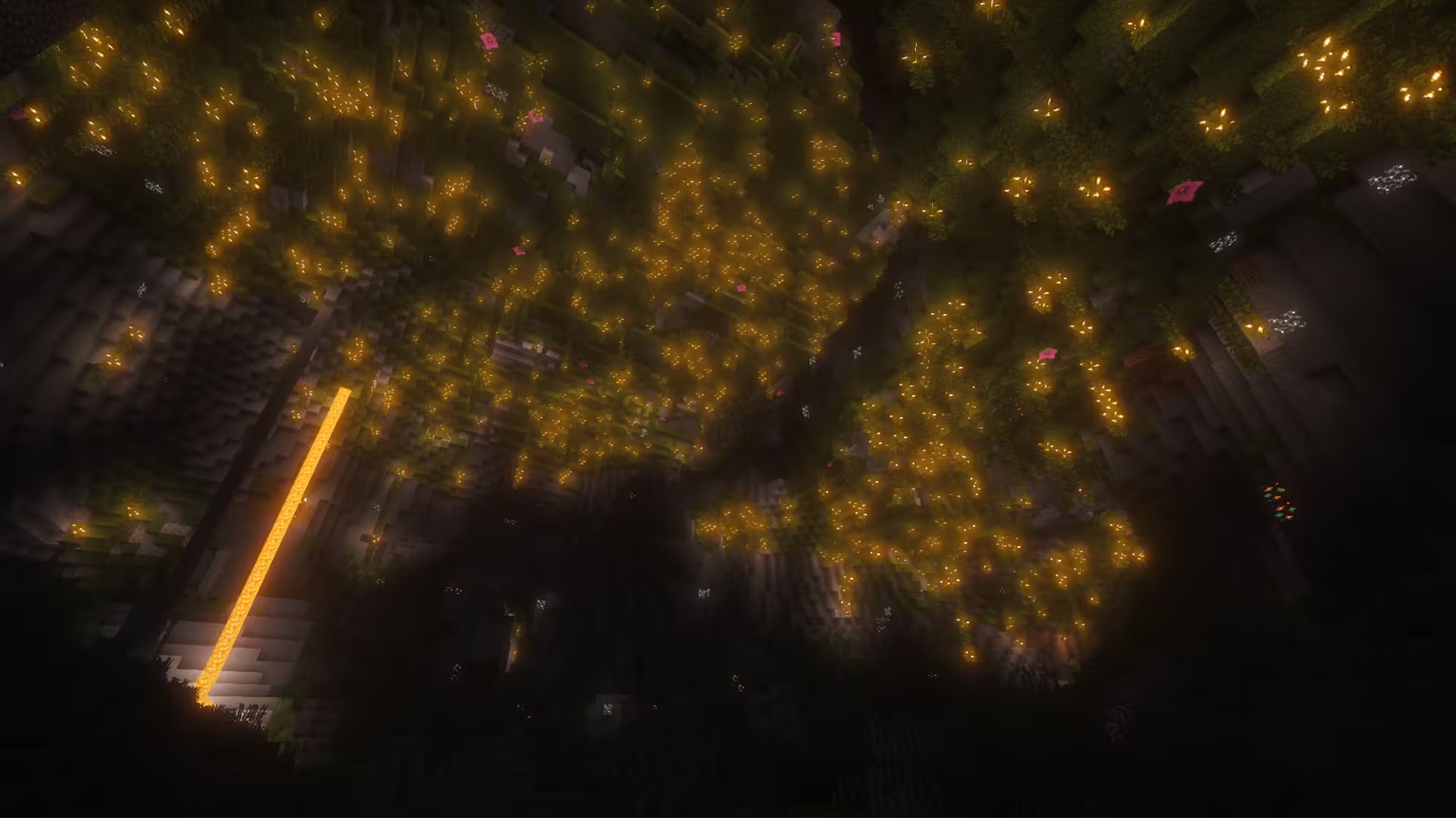
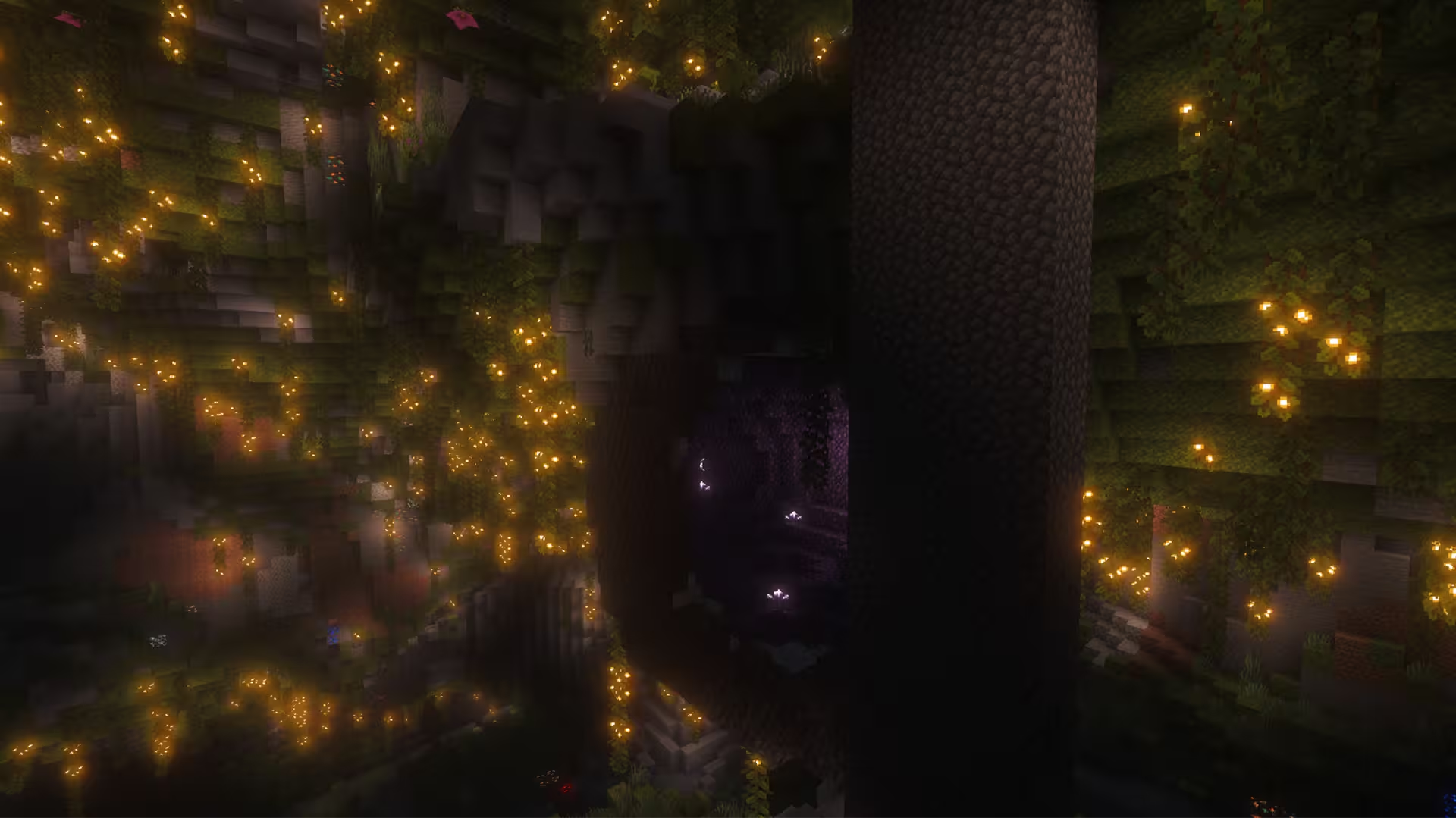
If you enjoy exploring Minecraft's underground landscapes, this seed offers an exciting combination of natural beauty and adventure. Its main attraction is a gigantic lush cave accompanied by a Woodland Mansion, creating a unique setting that almost feels like an Azalea Woodland Mansion. This massive lush cave is easily the highlight of this seed, with its greenery, hanging vines, glow berries, and moss-covered surfaces bringing life to the underground landscape. The cave's enormous size also makes it an excellent place to gather resources, explore hidden passages, and discover what lies beneath the surface. You might even encounter a few axolotls swimming around its pools of water.Additionally, the combination of a lush cave and a Woodland Mansion opens up plenty of creative possibilities. You could turn the cave into an underground village, build wooden walkways across its open spaces, or create a hidden sanctuary surrounded by greenery. More ambitious players could even renovate the mansion into a grand survival base after clearing out its hostile inhabitants. With enough creativity, you could even connect the mansion to the cave through a series of tunnels and pathways, creating an expansive base that stretches between the surface and underground.
This seed is especially appealing to players who want a little variety in their survival adventures. One moment, you could be peacefully gathering materials among the cave's vegetation, and the next, preparing to raid a mansion filled with enemies. In terms of other structures found in this seed, you can find multiple villages several hundred blocks away from the spawn point. These settlements provide convenient opportunities to trade with villagers, collect supplies, and establish additional bases as you explore the surrounding terrain.Aside from that, you can find an Ancient City within 1,500 blocks, offering another exciting challenge for players brave enough to venture into the Deep Dark. Just make sure you're properly equipped before heading down, especially with the possibility of encountering the Warden. With its impressive underground scenery, dangerous structures, and countless opportunities for exploration, this Minecraft seed offers a memorable setting for your next long-term survival world.
Tags
Nearby locations
Azalea Woodland Mansion
Just over 200 blocks from spawn within a forest.
                                                        X: 265, Y: 76, Z:
                                                        605
Plains Village #1
                                                        X: -144, Y: 66, Z:
                                                        -784
Plains Village #2
                                                        X: 224, Y: 90, Z:
                                                        -768
Snow Village
                                                        X: 736, Y: 63, Z:
                                                        -784
Taiga Village
                                                        X: -896, Y: 101, Z:
                                                        -704
Ancient City
                                                        X: -1512, Y: -51, Z:
                                                        -216
Frequently asked questions
A seed is just a number or text string that Minecraft uses to generate your world. When you create a world and type something into the “Seed” box (like `12345` or `MyLittleWorld`), the game turns that into a big number. That number is the recipe the game uses to place: biomes, structures (villages, temples, strongholds) and terrain (mountains, oceans, caves). So if you are using the same seed + same version + same edition (Java/Bedrock) = same world layout. Change anything in the seed and you’ll get a different world.
Since 1.18+ Java and Bedrock use more similar terrain generation, so the overall shape of the world can look similar for the same seed: similar mountain ranges, big oceans, etc. but structures and details like villages or ruined portals often don’t line up exactly between Java and Bedrock. Older versions (pre-1.18) are even more different.
No. Seeds are very version-sensitive because Mojang keeps changing world generation. Big updates like 1.13, 1.16, and 1.18 massively changed world gen and 1.20+ keeps tweaking structures and biomes. A 1.16 seed will still load in 1.20, but the world won’t match: biomes can shift, structures move, and if you had a village at spawn that might disappear. The seed number is still valid, but the layout isn’t guaranteed to look the same. As a rule of thumb, always use the same edition and version the seed was shared for if you want your world to look like the screenshots.
A 1.21.1 seed used in 26.1 will generate the same world as long as you’re on the same edition. Mojang usually keeps world generation identical across small patch versions.
You can see your seed by opening the world, press T and type `/seed` in the chat (cheats must be enabled), then press ENTER. On Java, if cheats are off, you can temporarily enable them via “Open to LAN → Allow Cheats → Start LAN World” and then run `/seed` . On **Bedrock**, you can find the seed from the world settings: Advanced page or on the Game page. On multiplayer servers, you’ll only see the seed if the server lets you: some allow `/seed` for all players, some only for admins, and many block it entirely But to find new interesting seeds, people use scripts that check for certain world formations in millions of random seeds, and interesting ones are highlighted and checked.