

Some jar uploads may require support operator's attention. If this tutorial is not working for you, please open a support ticket.
If you're trying to install a version that is not listed in the Version tab, this guide is for you. Some less-known server jars may not work as expected due to the way it is developed - if this is the case, please contact the jar's author.
How To Upload Custom Jar?
In this guide we will be installing the Arclight Jar which allows both mods and plugins to be installed on your server at the same time.
- Head over to the Game Panel and stop your server.
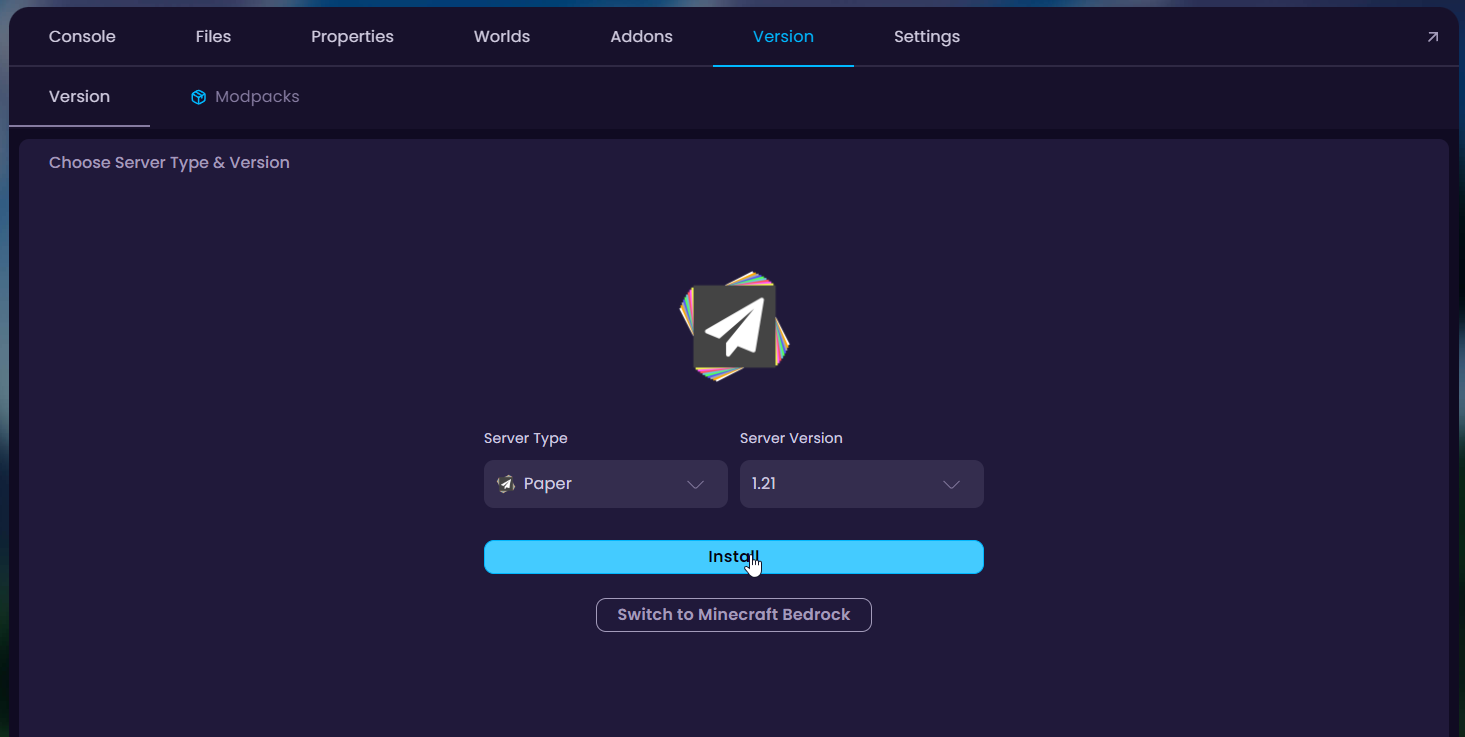
- Navigate to the Version tab and install any version of Paper on the server and wait for the download to finish.
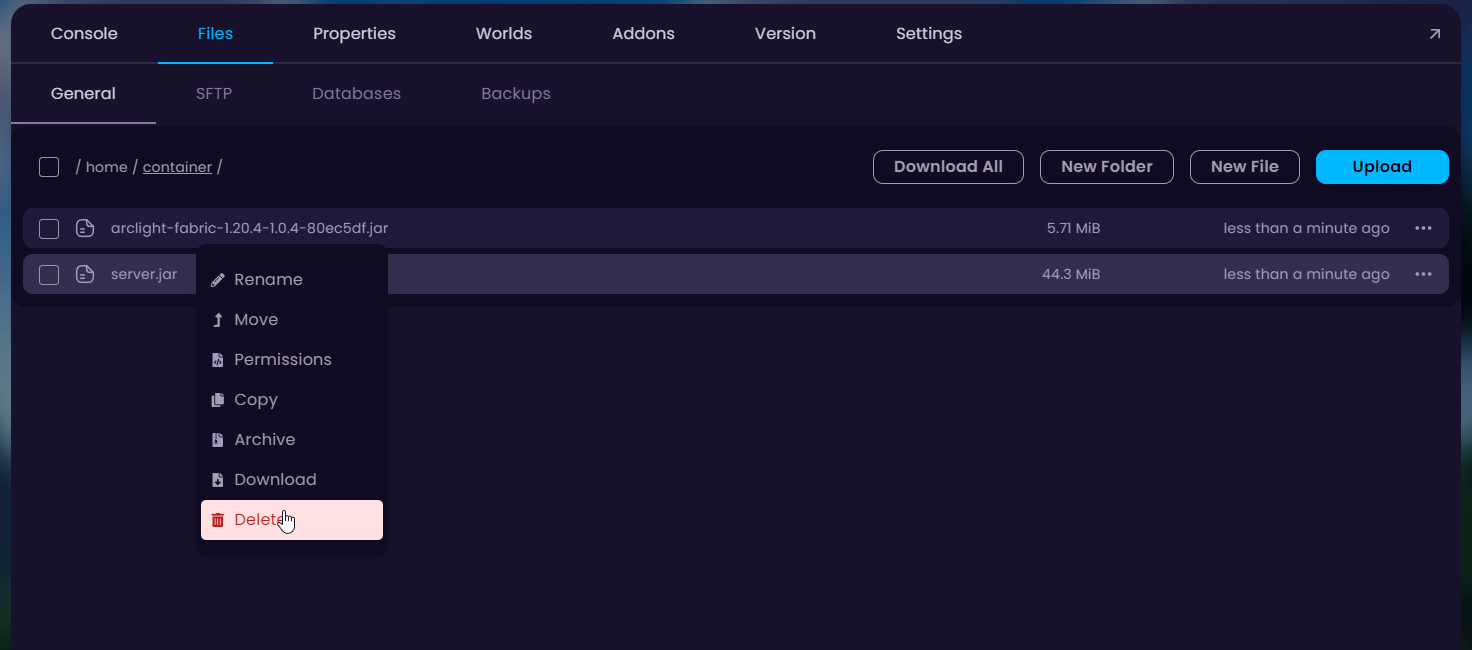
- Navigate to the Files tab and upload the jar of your choice and delete the generated
server.jarfile from there.
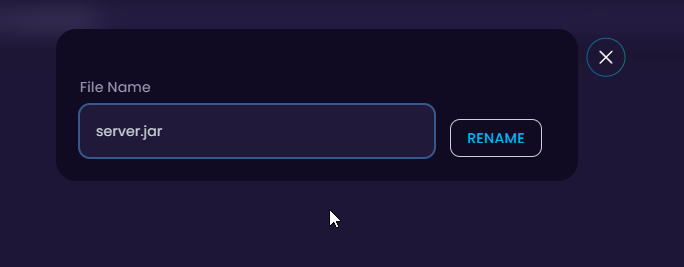
- Download your desired Arclight game version from GitHub, upload it to your server and change the name of the jar file you uploaded to
server.jar.
- Done! You can now start the server with your custom jar.


