

Modpacks bundle together a curated set of mods and config files to create a unique gameplay experience. Unlike plugins, modpacks require both the server and all players to be running the same mods and game version.
This guide covers how to install a modpack using the built-in Modpacks browser, and how to upload a custom pack manually if it is not available in the Game Panel.
⚠️
IMPORTANT: Modpacks require a Forge, Fabric, or NeoForge server. Make sure your server type matches the modpack loader before proceeding.
Step 1: Set Your Server Type and Version
- Head over to the Game Panel and stop your server.
- Navigate to Version.
- Select the server loader that matches your modpack (e.g., Forge, Fabric, or NeoForge).
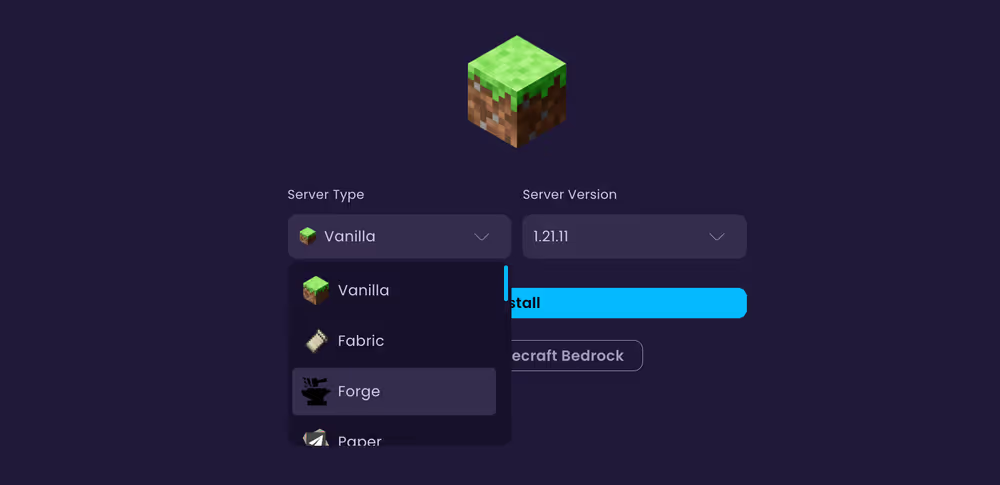
- Select the correct game version and click Install.
⚠️
IMPORTANT: The server loader and game version must exactly match the modpack requirements. Check the modpack's documentation to confirm these details before installing.
Step 2: Upload the Modpack Files
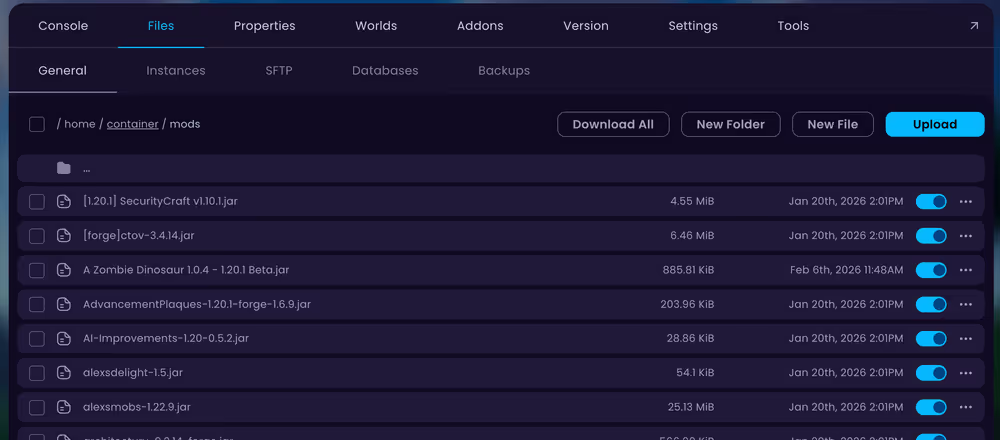
- Navigate to Files.
- Open the
modsfolder. Create it if it does not already exist. - Upload all
.jarmod files from your modpack into themodsfolder. Please note to not upload any client-side mods to the server.
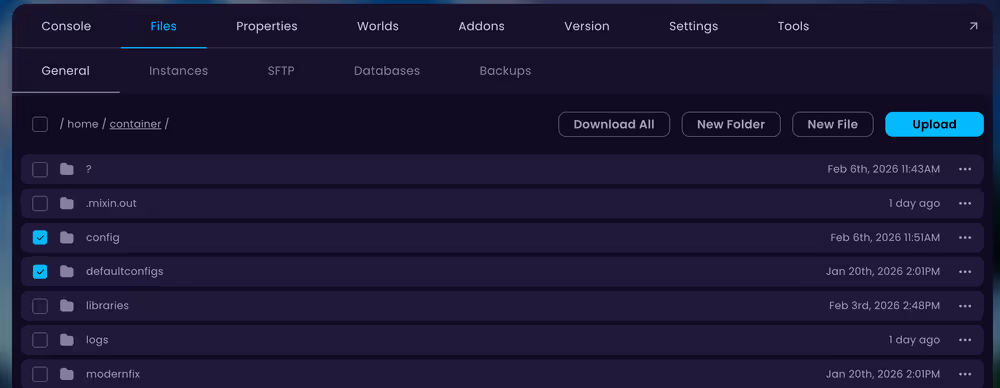
- Return to the main directory and upload any
configand/ordefaultconfigsfolder contents from your modpack.
💡
TIP: For large modpacks with many files, connecting via Files → SFTP is faster than uploading through the browser.
Step 3: Start and Verify
- Navigate to Console and start your server.
- Watch the console output to ensure the server is booting up correctly.
- Confirm all mods loaded correctly once the server is fully online.
👉
NOTE: Some modpacks require additional configuration after the first launch. Check the config folder and the modpack's documentation for any required post-install changes.


