Running out of disk space is a common issue many server owners face. In this guide, we will be showcasing various ways to free up disk space, whether you're running Vanilla, Paper, or a modpack.
How to Free Up Disk Space?
1. Trimming Unused Chunks From Your World
For most servers, the world itself is by far the largest folder on disk. Every time a player explores new terrain, the server generates and saves chunks permanently, even if nobody ever returns to that area. Over time this creates huge amounts of "dead" terrain that still takes up space.
The best modern way to reclaim this space is to trim chunks that have barely been visited. A free tool called MCASelector can open your world files and select chunks based on their InhabitedTime value (how long players have actually spent in them), then delete everything below a threshold.
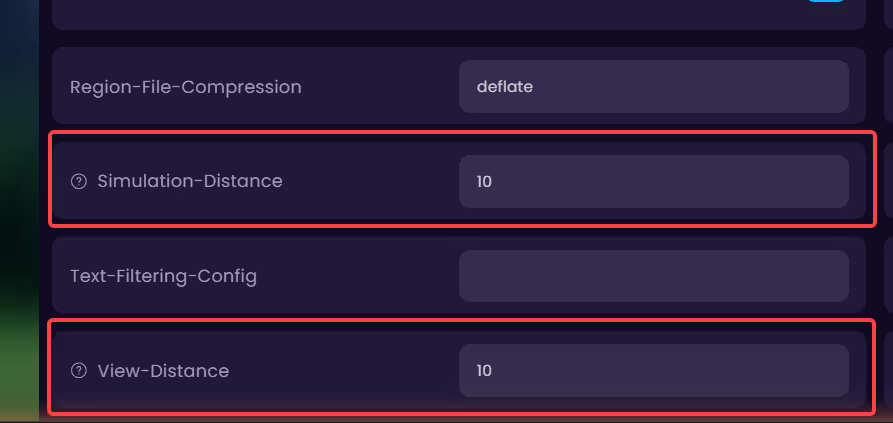
2. Reducing View and Simulation Distance
The higher your view-distance and simulation-distance values in server.properties, the more chunks the server loads and saves around each player, which makes your world grow faster on disk. Lowering these (for example to 8 or 10) reduces how much new terrain gets generated and can also improve performance.
3. Enabling Region File Compression
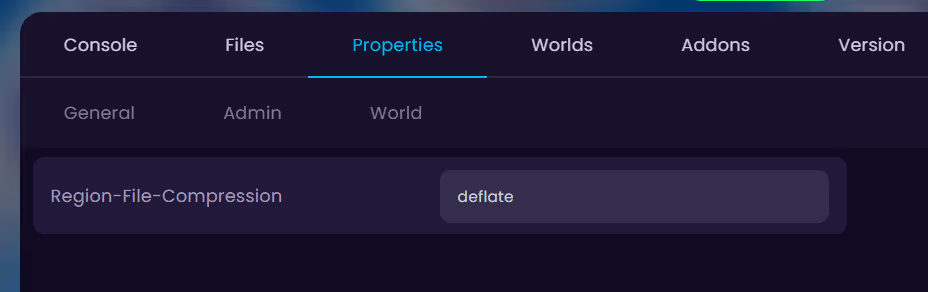
On newer Minecraft versions, you can change how chunk data is compressed on disk using the region-file-compression setting in server.properties. The options are deflate (the default), lz4, or none.
4. Optimizing or Deleting Map Rendering Data
If you have installed map rendering tools like BlueMap or Dynmap, they are most likely using a lot of disk space, since they store a rendered image tile for large parts of your world.
For BlueMap, you can remove a map's rendered data with the command /bluemap storages <storage> delete <map>, or by deleting the folder at bluemap/web/maps/.
For Dynmap, rendered tiles live in plugins/dynmap/web/tiles/. Lowering render quality/resolution or limiting the rendered area in the config will keep this from growing so large again.
5. Deleting Server Logs
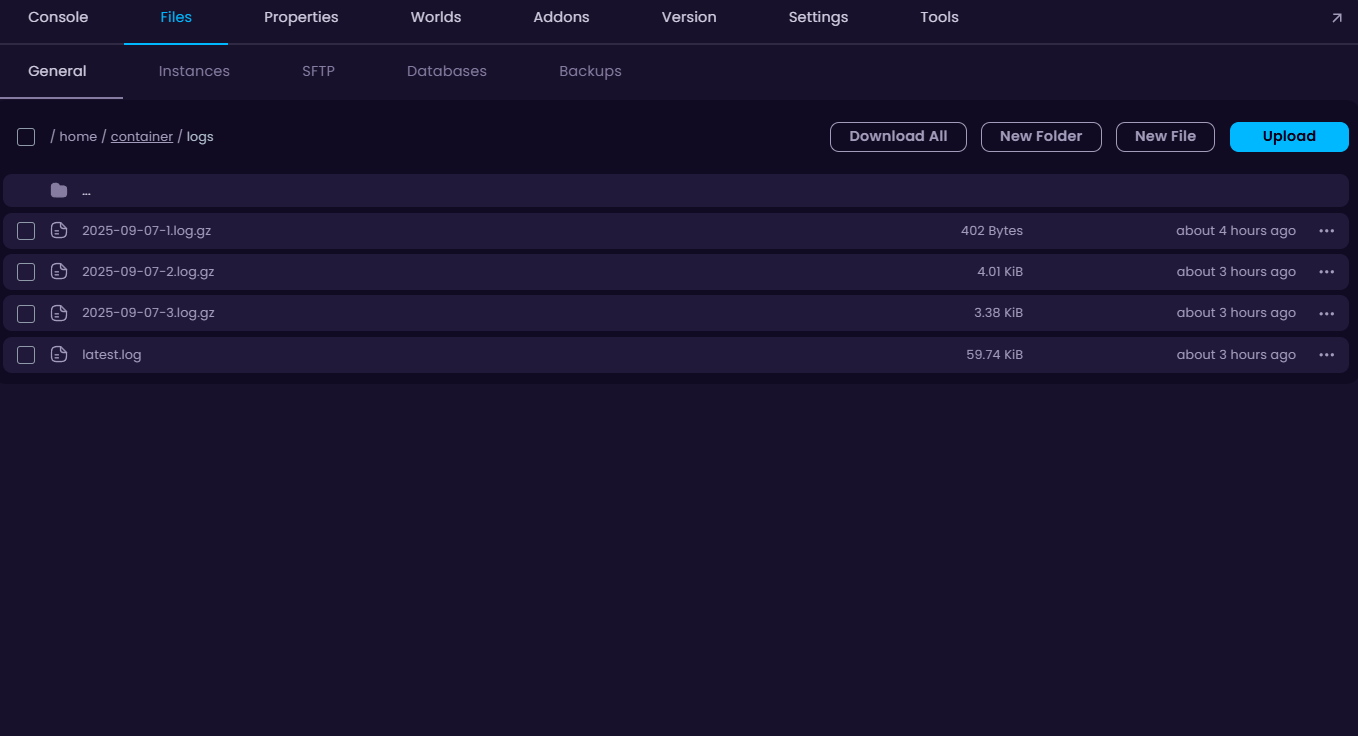
If you’ve had your server for a while, you’ve most likely generated a bunch of log files throughout the way. A new log file is generated each time your server boots up — these files can be found in the logs folder.
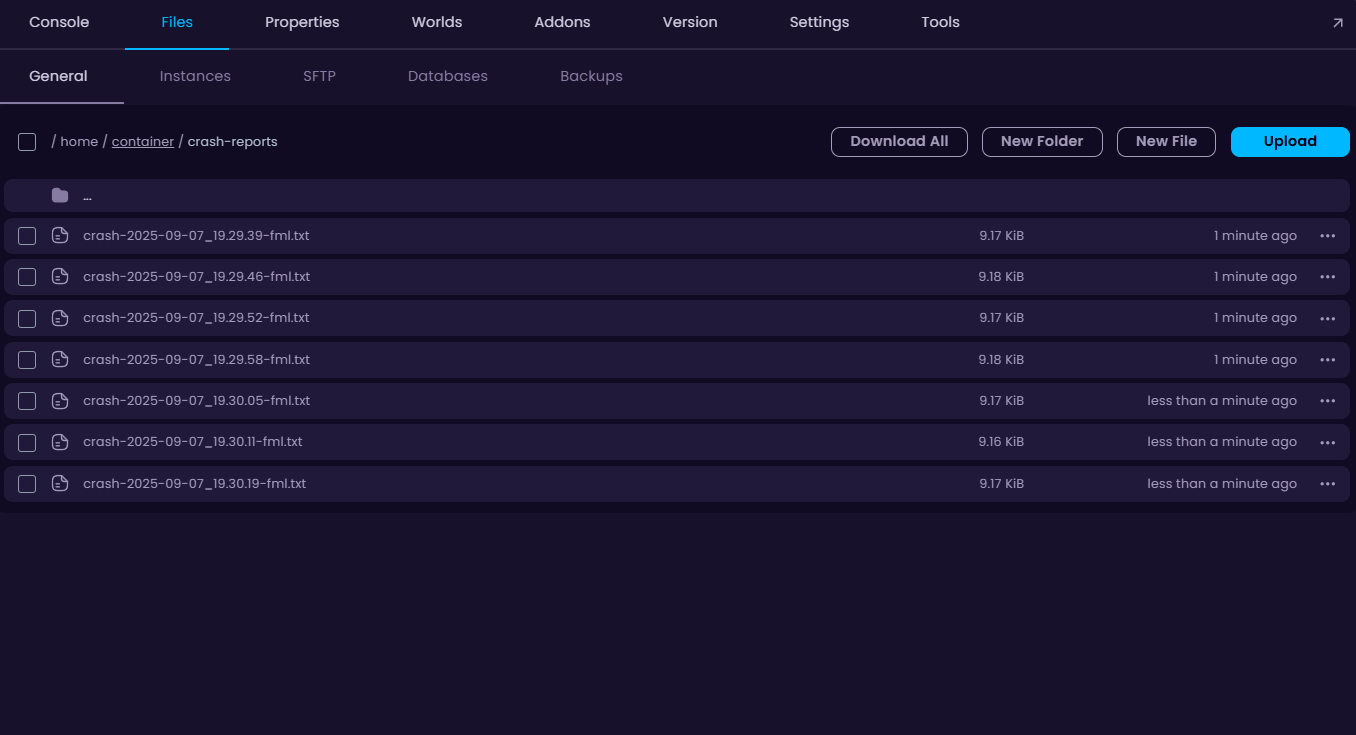
6. Deleting Crash Reports
If your server crashes frequently, crash reports can quickly pile up and consume a lot of disk space. While a few of crash reports may not seem like a problem, dozens or even hundreds can cause your server to use a large amount of storage.
7. Setting Schedules
If deleting logs and other stuff is a bothersome chore, then you can set a schedule to automatically delete any logs, crash reports, and other files that are automatically generated overtime.

8. Deleting Unused Worlds
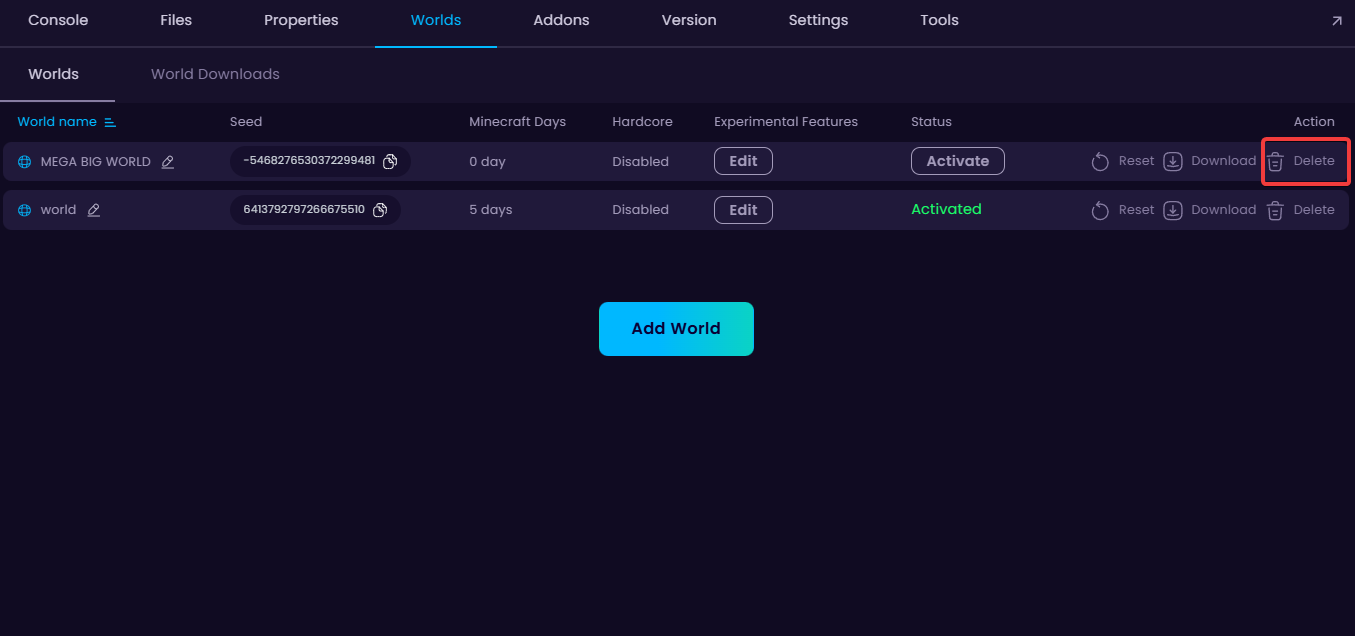
We take daily backups of our client servers, so we’re able to restore a specific world from a backup when needed.
9. Deleting Backups
If you’ve installed a plugin/mod that handles backups on your server (like FTBBackups) by taking advantage of your server’s disk space, it’s possible that the mod has multiple backups taken of your server resulting in a high storage consumption.
These backups are usually stored in the plugin/mod’s folder that is located in the plugins or mods folder. Delete these to free up some disk space.
10. Enabling JVM flags (Versions 1.12 and below)
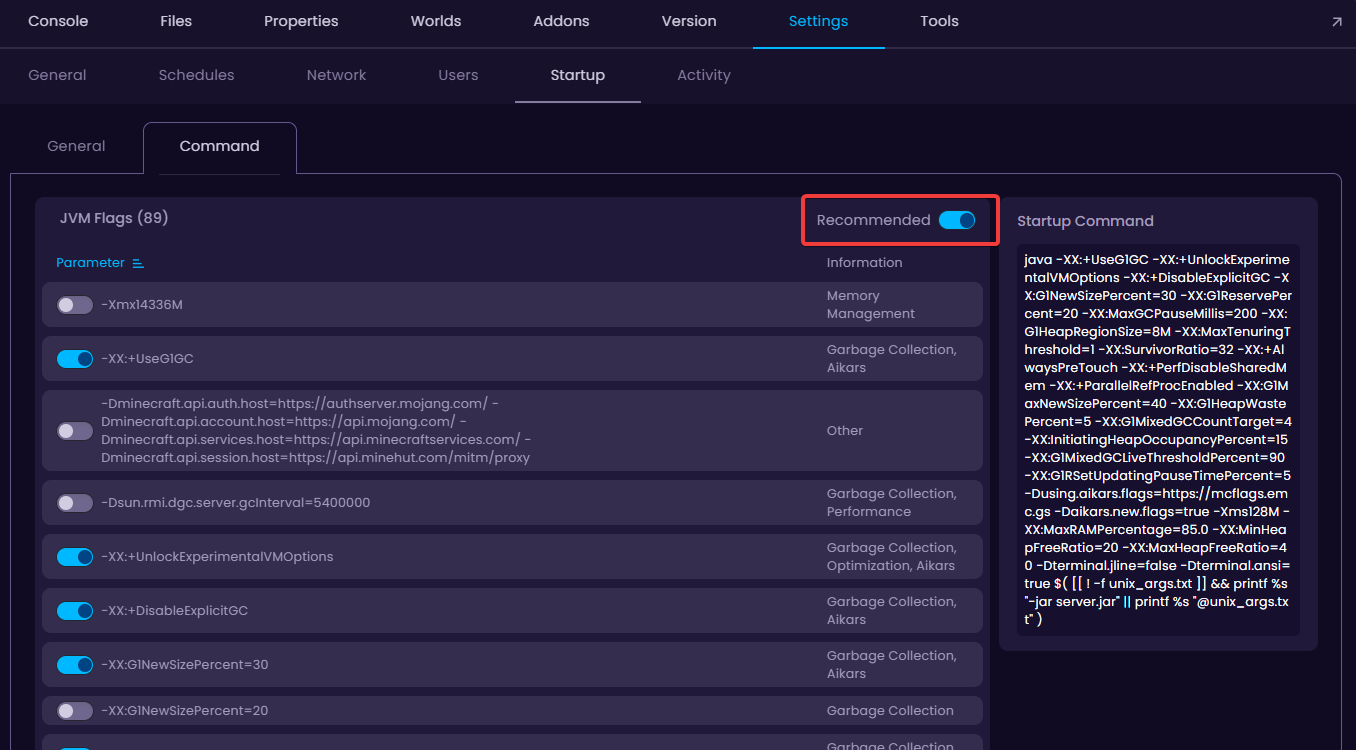
Enabling JVM flags can help with garbage collection, as a result, freeing up some disk space.