



Since you cannot install all kinds of mods on servers, turning it into a serverpack is required before uploading them to a server. In this guide, we'll be going over how to turn your regular modpack into a serverpack.
👉
Check out our another guide on the basics of modded servers for more information on how modded servers work.
Converting a Modpack into a Serverpack
In this guide we will be using a software called ServerPackCreator which disables any client-side mods in the modpack for us, essentially transferring it into a serverpack.
💡
You can download the ServerPackCreator from here: https://serverpackcreator.de/
Please note that the ServerPackCreator isn’t 100% perfect and may only disable some of the client-side mods, not all.
Please note that the ServerPackCreator isn’t 100% perfect and may only disable some of the client-side mods, not all.
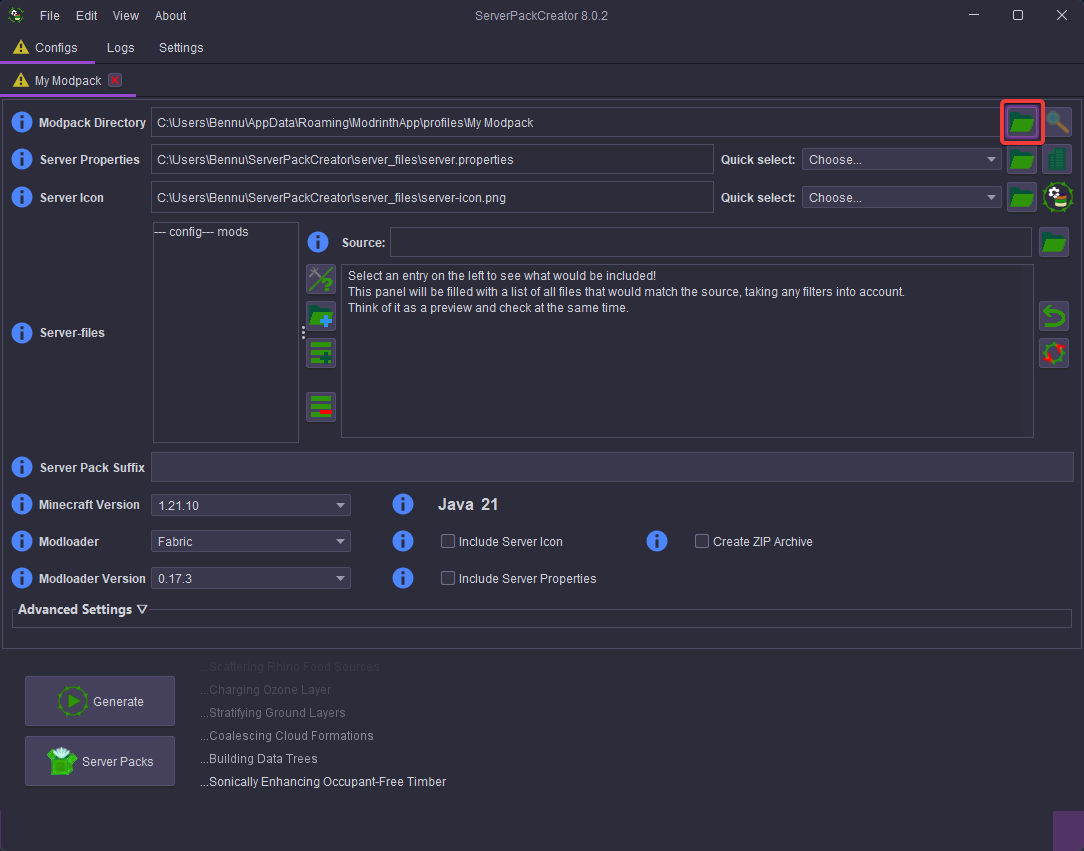
- Once you have installed the ServerPackCreator, open it and change the Modpack Directory to the modpack’s file that you want to turn into a serverpack.
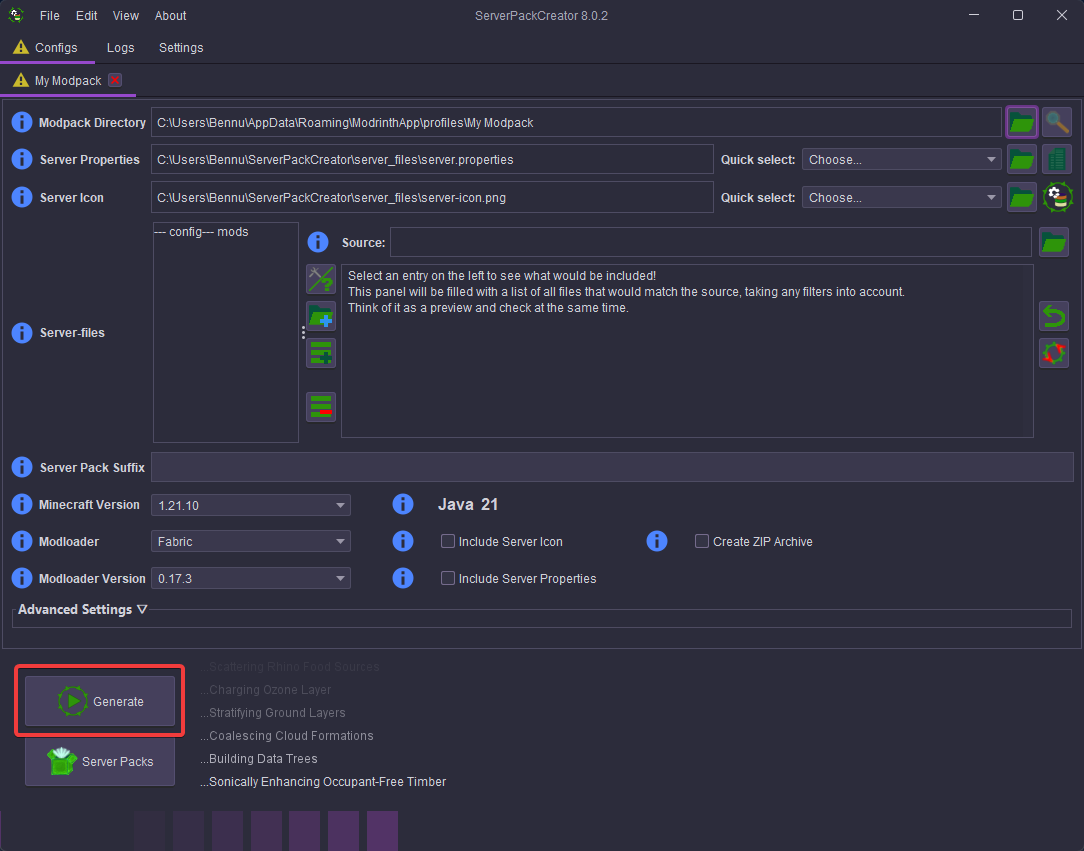
- Once selected, click on Generate to turn the modpack into a serverpack.
- Once generated, open the newly generated serverpack file. After that, you can move the newly generated modpack files onto your server.
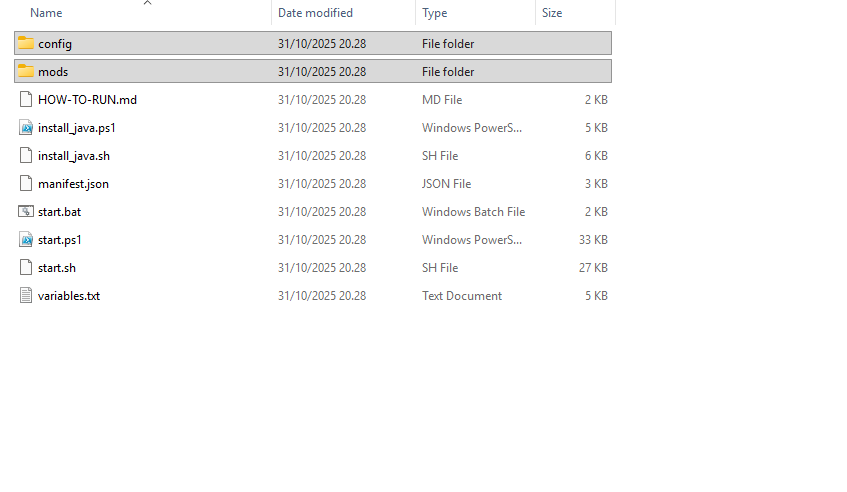
The number of files in a modpack can vary depending on its contents. For example, if your modpack includes resource packs, it will also contain a resourcepack folder.


