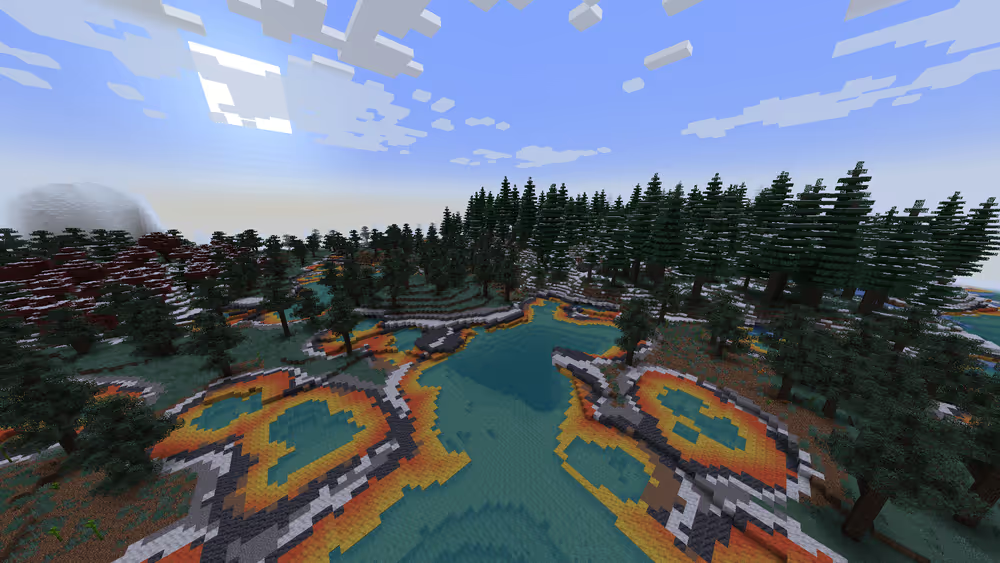

Fabric is a lightweight mod loader that focuses on fast updates and high performance. It enables players to install and run mods on both client-side and server-side with minimal performance overhead.
How Does Fabric Work?
Just like other mod loaders, such as Forge, Fabric as a mod loader basically takes the mods you've installed and "wakes them up" to work when Minecraft is running.
Fabric's ecosystem includes two parts. One part is the Fabric Loader, which acts as the backbone of most mods developed and used on Fabric. Then there's the Fabric API, a library of functions that Fabric mods rely on to help themselves run smoothly.
Why is Fabric Important?
Fabric has become a critical tool in the Minecraft hosting ecosystem for three reasons:
- Performance efficiency: Fabric uses fewer system resources than alternative mod loaders, allowing servers to support more mods with less RAM and CPU usage.
- Rapid update cycle: Fabric typically updates within hours of new Minecraft releases, minimizing downtime for modded servers during version transitions.
- Developer flexibility: The modular API structure allows mod developers to create lighter, more compatible mods, reducing server crashes and mod conflicts.
For server hosts, Fabric means lower hardware requirements and faster version migration, both factors that directly impact hosting costs and player retention.
What's the difference between Fabric and Forge?
If you've heard of Fabric, then you've probably also heard of Forge. Both are some of the most popular server types and mod loaders for Minecraft Java
| Category | Fabric | Forge |
|---|---|---|
| Performance | Supports many optimisation mods | Not as optimisation-focused |
| Mod Ecosystem | Lightweight and performance mods | Massive content-heavy mods |
| Update Speed | Updates very quickly | Slower updates |
What Can You Do with Fabric Mods?
Minecraft Fabric mods come in a wide variety. Some mods can add subtle adjustments to major performance enhancements. Then you also have content mods that are made to run with little to no issues:
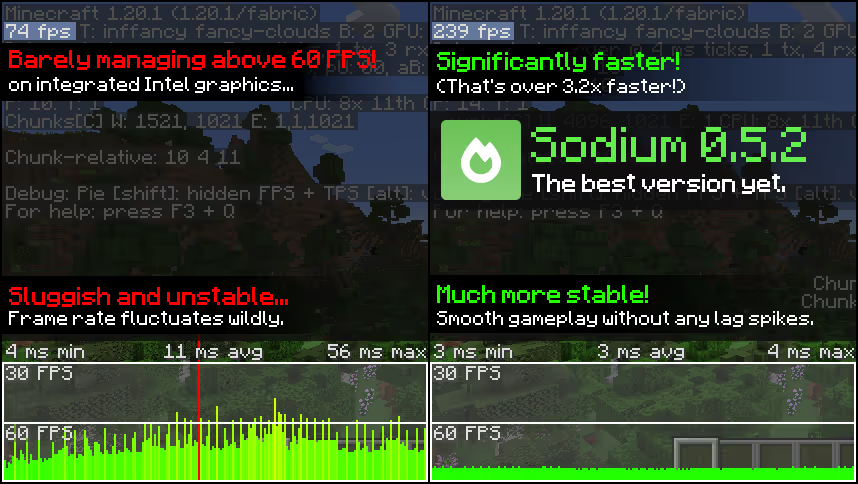
Performance Mods
These boost FPS, reduce lag, and optimize the game engine. A popular example regularly mentioned is Sodium for rendering and Lithium for overall optimization.
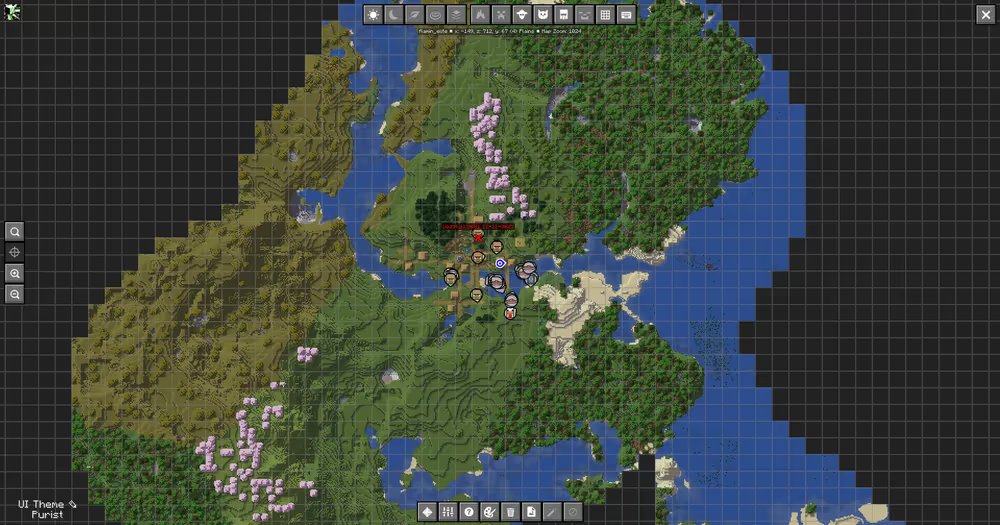
Quality of Life Mods
Improve everyday gameplay without changing Minecraft's core experience. These include better HUDs, zoom features, minimaps, inventory tweaks, and small interface upgrades. Mods like InventoryHUD+, Mouse Tweaks, and Explorer's Compass, are a few examples of iconic Quality of Life mods you should check out.
Additional Content Mods
Add extra biomes, mobs, items, or gameplay features while maintaining a seamlessly running Fabric server. There are mods like Biomes O' Plenty, Farmer's Delight Refabricated, and Deeper and Darker, which expand Minecraft's world without changing too much of the game.